66টি সোশ্যাল নেটওয়ার্কে RSS: Facebook, Instagram, X, LinkedIn, Telegram এবং আরও অনেক কিছু ব্লগ অ্যাফিলিয়েট যোগাযোগ
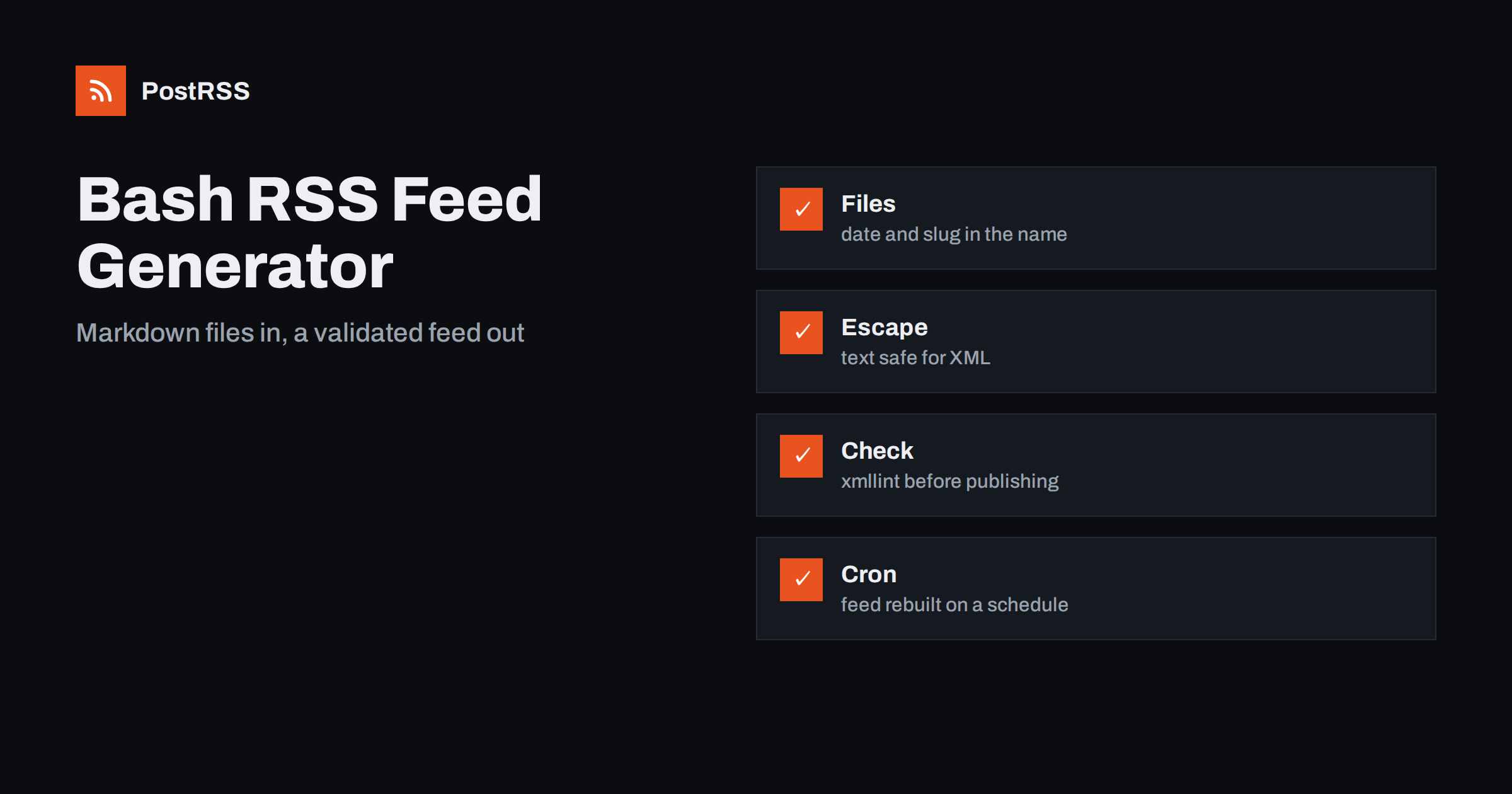
Short answer: You can build an RSS feed with a plain Bash script. Keep each post as a Markdown file with a few front matter lines, read the newest files in a loop, escape the text, write absolute links and RFC 822 dates in UTC, save the result to a temporary file and move it into place, then check it with xmllint. Run the script from cron or from your deployment, publish the file on any static host and give its address to an auto-poster, so that every new post is shared on your social networks.
Not every site runs a framework. Some are a folder of Markdown files turned into pages by a small script, some are generated by a deployment pipeline and some are hand-built pages on a cheap host. Those sites have no feed, and installing a large tool to produce one feels like overkill. A shell script is enough, because a feed is only text with a fixed structure. The challenge is not the loop but the details around it: characters that break XML, dates in the wrong format, links that are not absolute and a half-written file that a reader fetches at the wrong moment. This guide builds a complete script, explains each choice and ends with a test routine.
The script reads one file per post from a folder. Put the publication date in the file name, so that a simple reverse sort gives the newest posts first, and add three lines of front matter at the top of the file.
posts/2026-10-31-spring-opening-hours.md

title: Spring Opening Hours
date: 2026-10-31 08:00
summary: Our new opening hours start on Monday.
---
The body of the post starts here.
The slug is the part of the file name after the date, and it becomes the permanent address of the post. Choose it once and never rename the file, because a renamed file means a new address, and an auto-poster that stores addresses will treat it as a new post. Keep the title and the summary on one line each, so that the script can read them with a simple pattern.
Text from files can contain ampersands, angle brackets and quotation marks, and any of them can break an XML document. The first function of the script escapes a value using parameter expansion, which needs no external program.
AMP="&""amp;"
LT="&""lt;"
GT="&""gt;"
QUOT="&""quot;"

esc() {
  local s="${1}"
  s="${s//&/"${AMP}"}"
  s="${s//</"${LT}"}"
  s="${s//>/"${GT}"}"
  s="${s//\"/"${QUOT}"}"
  printf '%s' "${s}"
}
The ampersand must be replaced first, because the other replacements add ampersands of their own. The replacement values are kept in quoted variables so that the shell treats the ampersand as plain text; some versions of the shell give the character a special meaning in a replacement. Test the function with a title that contains all four characters before you trust it.
The script collects the newest twenty files, reads the fields of each and prints the XML. Setting strict options at the top makes it stop on an error instead of writing half a feed.
#!/usr/bin/env bash
set -euo pipefail
export LC_ALL=C

SITE="https://example.com"
OUT="public/feed.xml"
TMP="$(mktemp)"

rfc822() {
  date -u -d "${1}" '+%a, %d %b %Y %H:%M:%S GMT'
}

field() {
  sed -n "s/^${1}: //p" "${2}" | head -n 1
}

newest_file="$(ls -r posts/*.md | head -n 1)"
newest_date="$(field date "${newest_file}")"

{
  echo '<?xml version="1.0" encoding="UTF-8"?>'
  echo '<rss version="2.0"><channel>'
  echo '<title>Example Journal</title>'
  echo "<link>${SITE}</link>"
  echo '<description>News and guides from Example Journal.</description>'
  echo "<lastBuildDate>$(rfc822 "${newest_date}")</lastBuildDate>"

  for file in $(ls -r posts/*.md | head -n 20); do
    name="$(basename "${file}" .md)"
    slug="${name:11}"
    url="${SITE}/blog/${slug}/"
    echo '<item>'
    echo "<title>$(esc "$(field title "${file}")")</title>"
    echo "<link>$(esc "${url}")</link>"
    echo "<guid isPermaLink=\"true\">$(esc "${url}")</guid>"
    echo "<pubDate>$(rfc822 "$(field date "${file}")")</pubDate>"
    echo "<description>$(esc "$(field summary "${file}")")</description>"
    echo '</item>'
  done

  echo '</channel></rss>'
} > "${TMP}"

xmllint --noout "${TMP}"
chmod 644 "${TMP}"
mv "${TMP}" "${OUT}"
Several details are deliberate. The shell starts with strict settings, so that a missing file or a failed command stops the script. The locale is fixed, because the month and day names must be in English whatever the language of the server. The channel date comes from the newest post and not from the clock, so the file does not change when nothing was published. The identifier of each item is its permanent address. The address is built from a fixed constant, so every link is absolute. And the file is first written to a temporary location, checked and then moved, so a reader never sees a half-written feed.
| Feed element | Source in the script | Rule |
|---|---|---|
| Title | title line of the file | Plain text, escaped |
| Link and identifier | SITE and file name | Absolute, https, never changes |
| Publication date | date line, converted to UTC | In the past, never the current time |
| Description | summary line | One or two complete sentences |
| Channel date | Newest post | Changes only when a post is added |
| Output file | Temporary file, then moved | Never half written |
The identifier deserves the most attention. If someone renames a file to fix a typo, the address changes and the post may be shared twice. The causes and cures are covered in why a feed auto-posts the same article twice. A similar approach with a different language is described in the guide to a static feed from a cron script.
Shell scripts are portable only if you are careful. The date command is the main trap: the options shown here work with the GNU version found on most Linux servers, while the version on macOS and some minimal systems uses different flags. If you run the script on more than one system, install the GNU tools or move the date conversion into a small helper. Another trap is the file list: a loop over the output of a listing breaks when a file name contains a space, so keep names simple, with lowercase letters, digits and hyphens. A third is the encoding of the files; save everything as UTF-8 and keep the locale of the script fixed.
Auto-posters build the best social posts from a feed that gives them a short summary and a picture. Add one more line to the front matter for the address of an image, and let the script print it as an enclosure with an absolute address, a type and a length. Without a length, some readers ignore the image. If you publish different kinds of posts, add a category line and print it as a category element, so that an auto-poster can send news to one channel and tutorials to another. Keep both lines optional in the script: a missing image should produce a feed item without an enclosure, not an error that stops the whole run. See why special characters and emoji break feeds for the encoding problems that appear when text comes from many different editors.
The script above publishes every file in the folder, including files with a date in the future. That is a problem, because an auto-poster will share an item the moment it appears. Add a check to the loop that compares the date of the file with the current time, and skips the file if it is later, or keep unfinished posts in a separate folder that the script never reads. If you import old posts, keep their original dates, because a feed full of items with today’s date makes an auto-poster share your whole archive in one afternoon. For the effect of old dates see the guide to feed order and backdated posts.
The script can run whenever the content changes. In a deployment pipeline, add it as one step before the files are copied to the server. On a server without a pipeline, use cron to run it every ten minutes, so that a new file appears in the feed shortly after you save it.
*/10 * * * * cd /var/www/site && ./make-feed.shBecause the script writes through a temporary file and checks the result with xmllint first, a mistake in a post leaves the previous feed in place instead of publishing a broken one. Send the error output to a log file, and look at it when a new post fails to appear.
Run the script, look at the result and then request the live address from outside.
./make-feed.sh
head -20 public/feed.xml
xmllint --noout public/feed.xml
curl -I https://example.com/feed.xmlA longer routine is in the feed validation guide, and a shorter one in debugging a feed with curl.
PostRSS has been publishing RSS and Atom feeds to social networks since 2014. Paste the address of your feed, connect your accounts and choose how each post is built from the title, the description or the page title. PostRSS checks the feed as often as every minute and shares each new entry, with its image and link, to the channels you choose among 66 supported networks, messengers, team chats and blogs, including LinkedIn, X, Bluesky, Mastodon and Telegram. Keyword filters, UTM parameters and posting windows let you tune each channel. See the PostRSS features page and the plan limits on the pricing page. More developer guides are under the Technical Guide tag.
A feed built with Bash is a small, dependable tool when it respects the details: Markdown files with stable names and clear front matter, escaped text, absolute links, dates in UTC with English names, strict shell settings and a temporary file that is validated before it replaces the live one. Run it from cron or from your deployment, test the live address and then connect it to an auto-poster. After that, every post you save reaches your readers and your social channels without anyone copying links by hand.
For a small site with a folder of files, yes. The format is simple text, and a script can run anywhere. For large sites or complex content, a library in a general-purpose language is easier to maintain.
Use the date command with the UTC option and a format that gives the abbreviated day, the day, the abbreviated month, the year, the time and the letters GMT. Fix the locale so that the names are in English.
Run xmllint on the temporary file before moving it into place, then paste the live address into a feed validator. A failed check should stop the script.
So that a reader or an auto-poster never fetches a half-written file. The final move is a single step, and a failed check leaves the old feed untouched.
Yes. PostRSS reads any valid RSS or Atom address that is reachable without a login. Paste the address, connect your channels and new posts are shared as soon as they appear.
What changed in the networks, what broke, and how to fix it before it costs you reach.
PostRSS-এর পেছনের টিম Internet Solutions-এর তৈরি। প্রতিটি পণ্য নিজের মতো করে আপনার সময় বাঁচায়।
 English
 Lietuviškai
 Deutsch
 Français
 Русский
 Español
 Polski
 Italiano
 Українська
 Čeština
 Português
 日本語
日本語 Latviešu valoda
 Eesti
Eesti Magyar
 Bahasa Indonesia
 Türkçe
 हिन्दी
 Ελληνικά
 العربية
 ไทย
ไทย Tiếng Việt
 Română
 Bahasa Melayu
 বাংলা
বাংলা