66টি সোশ্যাল নেটওয়ার্কে RSS: Facebook, Instagram, X, LinkedIn, Telegram এবং আরও অনেক কিছু ব্লগ অ্যাফিলিয়েট যোগাযোগ
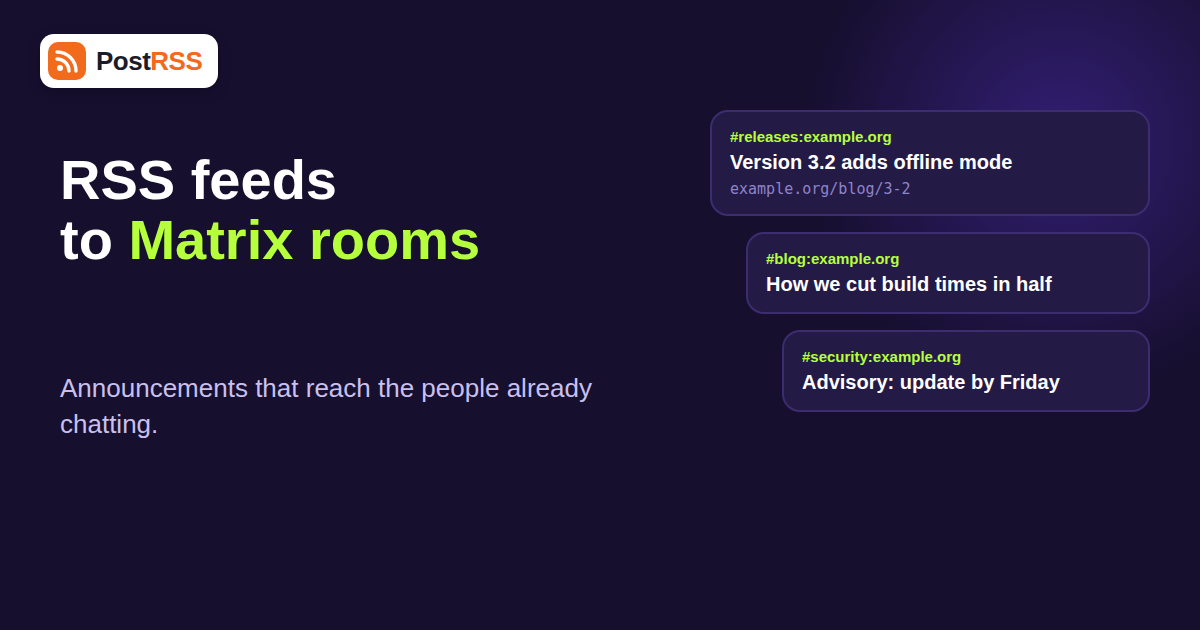
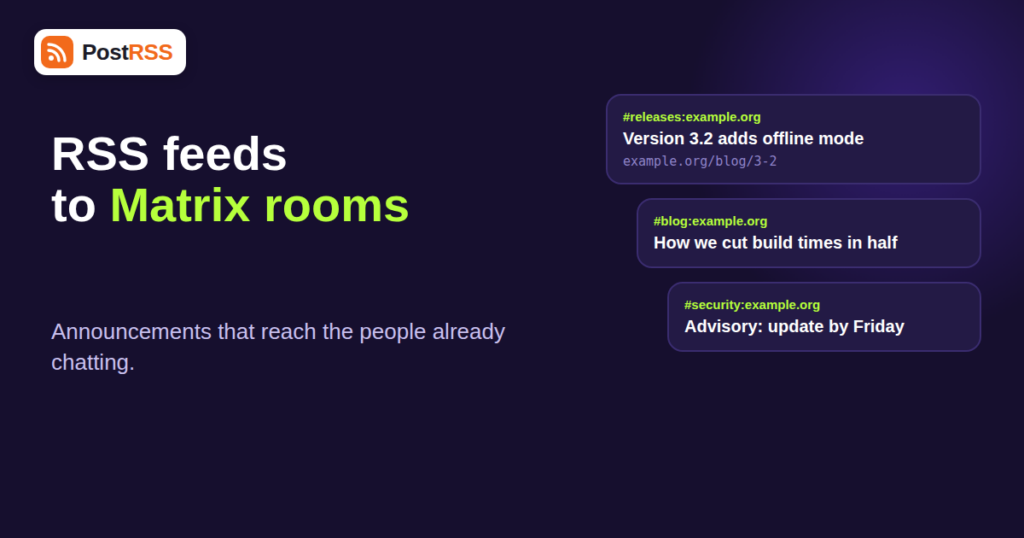
If your community lives on an open chat protocol rather than a social network, your announcements should live there too. Sending RSS feeds to Matrix rooms means that every time your blog, changelog or newsroom publishes something, the people in your room see it without anyone copying and pasting a link. PostRSS supports Matrix rooms as one of its 16 networks, and this guide explains what that means in practice: how Matrix rooms work, what you need to set up, how to design rooms that people actually keep, and where the limits are.
It is part of a wider set of guides on RSS auto-posting. If you have not connected a feed yet, start with the PostRSS homepage and come back once you have a feed URL.
Matrix is an open standard for chat. Instead of one company running one giant service, many independent servers, called homeservers, talk to each other using the same protocol. You pick a client such as Element, sign in to an account on some homeserver, and join conversations called rooms. A room can be public, invite-only, encrypted or not, and it can contain a few people or tens of thousands. Rooms are identified by an internal ID and usually by a readable alias such as #announcements:example.org.
The protocol is popular with open source projects, privacy-minded communities, universities, public sector teams and organisations that want to host their own chat. The Matrix documentation explains the specification and the client ecosystem in detail. For our purposes, three facts matter:
Matrix rooms are part of the Ultimate lineup. Ultimate costs $40 per month and includes 125,000 posts per month, 50 targets and 5,000 posts per target, plus phone support. It adds X, Telegram channels, Threads, Bluesky, Mastodon, Matrix rooms, Webhook, Instapaper and Reddit (Reddit is temporarily unavailable at the moment). Enterprise, from $100 per month, has the same network list and adds a one-minute feed check instead of the five-minute check used on every other plan. An annual subscription is 20% cheaper on any paid plan.
The cheaper plans do not include Matrix. Start at $5 per month covers a Facebook Page only, Professional at $10 adds VKontakte, Pinterest, Discord and Tumblr, and Professional Plus at $20 adds LinkedIn. If you only need chat-style destinations, compare with Telegram, which sits on the same Ultimate tier; our note on how to auto-post RSS to Telegram shows what that side looks like. The current limits are always on the pricing page, and the supported networks page lists every network and its plan.
Preparation takes ten minutes and prevents most problems.
The technical connection is easy. The design of the room decides whether people stay. A room that receives twenty automated messages a day and has no human conversation quickly gets muted or left.
Create one room for automated posts and another for discussion. People who want the feed join the first one; people who want to talk join the second. In Matrix you can group rooms in a Space, which gives newcomers one place to find both.
One feed per room keeps the purpose obvious. A developer community might have #releases for the changelog feed, #blog for editorial posts and #security for advisories. Trying to funnel three feeds into one room recreates the noise you were trying to avoid.
Chat is a fast medium. A single post every day or two feels like news; ten in an hour feels like spam. If your site occasionally publishes in bulk, read our guide to RSS auto-posting bursts and stagger publication at the source.
In a chat window, a message is often just a title and a link. Titles like “Update” or “Newsletter 47” tell readers nothing. Descriptive titles that state the news, such as “Version 3.2 adds offline mode”, work far better, and they work on every other network too.
| Community | Feed | Room design |
|---|---|---|
| Open source project | Release notes or changelog feed | #releases read-only, #help for questions |
| University department | News and events feed | Announcement room per course or program |
| Local newsroom or blog | Site feed by category | One room per beat, such as local politics or sport |
| Privacy or self-hosting community | Security advisories feed | #advisories with moderators watching |
| Company running its own homeserver | Internal blog or status feed | Team spaces with one announcements room each |
| Hobby or gaming group | Patch notes and event pages | Read-only news room plus a chat room |
Automated announcements are easy to switch on and easy to forget, so give the room a simple scorecard. Matrix does not hand you a marketing dashboard, but you can still learn a lot from a few observations each month.
Many Matrix communities run their own homeserver precisely because they care about control. Treat the publishing account like any other integration credential. Use a long, unique password or access token, store it in a password manager, and never share it in a chat. Limit the account’s power levels so it can post in the announcement room and nothing else: no inviting, no kicking, no changing room settings. If you rotate credentials, update the connection in your PostRSS account straight afterwards and publish a test item to confirm that posting still works.
Finally, remember that a public room is public. Anything your feed publishes there may be archived by other servers, indexed by directory services and quoted elsewhere. Do not send private or embargoed feeds to a public room, and if you must, use an invite-only room with a small, vetted membership.
Teams often ask whether Matrix is better than Discord, Telegram or Slack for feed announcements. The honest answer is that it depends on where your audience already is. Matrix wins when the audience values open standards, self-hosting or federation. Discord and Telegram win on sheer audience size. Slack and Teams are internal tools. Our other guides cover them, including the article on RSS feeds to Slack and Discord for team notifications.
A practical approach is to keep your primary announcement destination where most readers are and add Matrix as a second, lower-effort channel for the community that cares about it. Because one feed can reach several targets, this costs nothing extra in effort, although each post to each target counts toward your monthly allowance.
Check the boring things first. Is the publishing account a member of the room, and may it send messages? Is the room address correct? Is the feed producing new items at all? A feed that has not changed produces no posts. Remember that PostRSS checks feeds every five minutes (every minute on Enterprise), so allow a few minutes after publishing.
Clients decide how to render link previews, and some homeservers fetch them while others do not. If previews matter, make sure the page has proper Open Graph tags, as described in our article on why auto-posted links show the wrong image.
Feeds with wrong character encoding produce garbled titles everywhere, including Matrix. See our guide to RSS feed encoding issues for the fix.
Filter the feed before it reaches the room. Category or tag feeds let you send only relevant items, and the walkthrough on filtering by category shows how.
Open communities care about who speaks in their name. Decide up front who holds the publishing account credentials, how they are rotated, and what happens when a maintainer leaves. Write the answers in your community handbook. If the account is ever compromised, the damage is limited when the account has permission only in the announcement room and nowhere else.
Also consider moderation. Automated messages come from your feed, so anything that appears in the feed appears in the room. If your feed includes user-submitted content, review it or exclude it. For a wider look at growing an engaged audience without automation fatigue, browse the community growth archive.
Yes. Matrix rooms are one of the 16 supported networks and are included in the Ultimate plan ($40 per month) and in Enterprise.
No. Professional ($10 per month) adds VKontakte, Pinterest, Discord and Tumblr. Matrix rooms need Ultimate or Enterprise.
Every 5 minutes on all plans except Enterprise, which checks every minute.
For public announcement feeds an unencrypted room is simpler and works well. Automated posting into encrypted rooms requires the publishing account to manage encryption keys, which adds complexity.
Yes. A feed can feed several targets. Each post to each target counts toward your monthly and per-target allowance.
Pick a focused feed, such as releases, security advisories or one editorial category, so the room stays readable and people do not mute it.
The Free plan posts to a Facebook Page only, so it cannot test Matrix. You can validate your feed on the Free plan first, then upgrade when you are ready to add a room.
Sending RSS feeds to Matrix rooms is a small setup with an outsized effect on communities that live on open chat: your news reaches people where they already talk, without anyone doing manual work. You need the Ultimate plan or above, a dedicated publishing account, a read-only announcement room and a focused feed. Keep announcements separate from discussion, write titles that stand alone and review the cadence after two weeks. Do that and the room becomes a channel people value rather than one they mute. When you are ready, connect your feed at PostRSS and add your first room.
What changed in the networks, what broke, and how to fix it before it costs you reach.
 English
 Lietuviškai
 Deutsch
 Français
 Русский
 Español
 Polski
 Italiano
 Українська
 Čeština
 Português
 日本語
日本語 Latviešu valoda
 Eesti
Eesti Magyar
 Bahasa Indonesia
 Türkçe
 हिन्दी
 Ελληνικά
 العربية
 ไทย
ไทย Tiếng Việt
 Română
 Bahasa Melayu
 বাংলা
বাংলা