66টি সোশ্যাল নেটওয়ার্কে RSS: Facebook, Instagram, X, LinkedIn, Telegram এবং আরও অনেক কিছু ব্লগ অ্যাফিলিয়েট যোগাযোগ
Short answer: The warning means your RSS feed does not state its own address. Declare the Atom namespace on the <rss> element with xmlns:atom="http://www.w3.org/2005/Atom", then add <atom:link href="https://example.com/feed/" rel="self" type="application/rss+xml" /> inside <channel>, using the exact public URL of the feed. The feed is valid without it, but the self link helps feed readers, WebSub hubs and aggregators identify the canonical feed address.
When you run an RSS 2.0 feed through the W3C Feed Validation Service, you may see a message like “This feed is valid, but interoperability with the widest range of feed readers could be improved by implementing the following recommendations”, followed by “Missing atom:link with rel=”self””.
Two details in that message matter. First, the feed is valid. Nothing is broken, and most feed readers and auto-posting tools will read it without complaint. Second, it is a recommendation about interoperability, which means some clients and services work better when the feed identifies itself. It is one of the most common recommendations on RSS feeds generated by hand-written templates, older plugins and custom code.
The validator often lists it next to other recommendations, such as missing GUIDs, relative URLs in descriptions or dates in the wrong format. Those are separate issues. Fix them one at a time and validate again after each change, so you know which edit removed which message.
Atom feeds show a similar message when they lack a <link rel="self"> element. In Atom the element is native and needs no extra namespace, because the self link is part of the format itself.
A self link is a pointer from the feed document to its own canonical URL. It answers a question the XML otherwise cannot answer: “Where does this document live?”
That sounds redundant, since a client that fetched the feed already knows the URL it requested. In practice the requested URL and the canonical URL often differ:
http to https or from an old domain to a new one;/feed/, /feed, /?feed=rss2 এবং /rss.xml;The Atom specification, RFC 4287, says an Atom feed should contain one link with the relation “self”. RSS 2.0 predates that idea, so RSS feeds borrow the element from the Atom namespace. That is why the RSS version is written as atom:link rather than plain link: the RSS <link> element already exists and points to the website, not to the feed.
WebSub, formerly PubSubHubbub, lets a feed notify subscribers in real time through a hub instead of waiting to be polled. A feed advertises its hub with a rel="hub" link and its topic URL with a rel="self" link. The self URL is what subscribers register with the hub, so a missing or wrong self link can make push notifications fail silently while ordinary polling keeps working. If you use WebSub, the self link is not optional in practice.
A related detail: the hub and self links should both be present in the feed that subscribers actually fetch. If a CDN serves an older cached copy of the feed without those links, or a proxy rewrites the document, the hub may never receive valid subscriptions. After enabling WebSub, fetch the public feed from outside your network and confirm that both links are there, pointing to the right addresses.
Some readers use the self link to recognise that two addresses are the same feed, which reduces duplicate subscriptions. Others may use it to update a subscription after a feed has moved. Behaviour varies between clients, so treat these as benefits of a correct self link rather than guarantees.
Services that collect feeds, including podcast directories, often store the canonical feed address. A self link that points to the right URL helps them keep the correct one, especially after a domain change or a move to a new hosting provider.
Tools that watch a feed and act on new items, such as social auto-posters, chat notifiers and uptime monitors, mostly rely on the URL you entered and on each item’s GUID and link. A self link rarely changes how they behave day to day. Where it helps is in the edge cases: diagnosing why the same feed appears under two addresses, confirming which address is canonical after a migration, and making sure a push-based setup and a polling-based setup refer to the same feed. It is part of keeping a feed tidy rather than a switch that makes posting work.
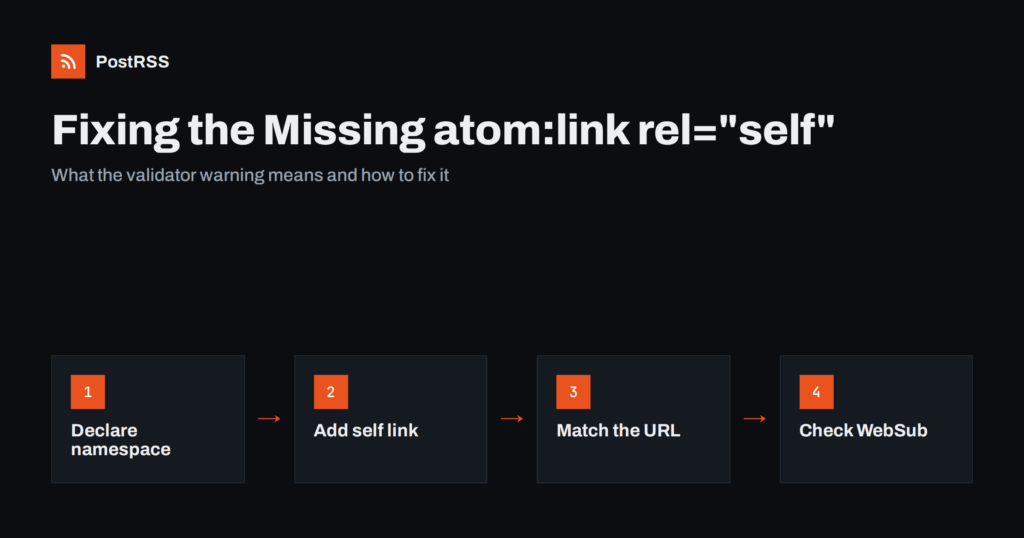
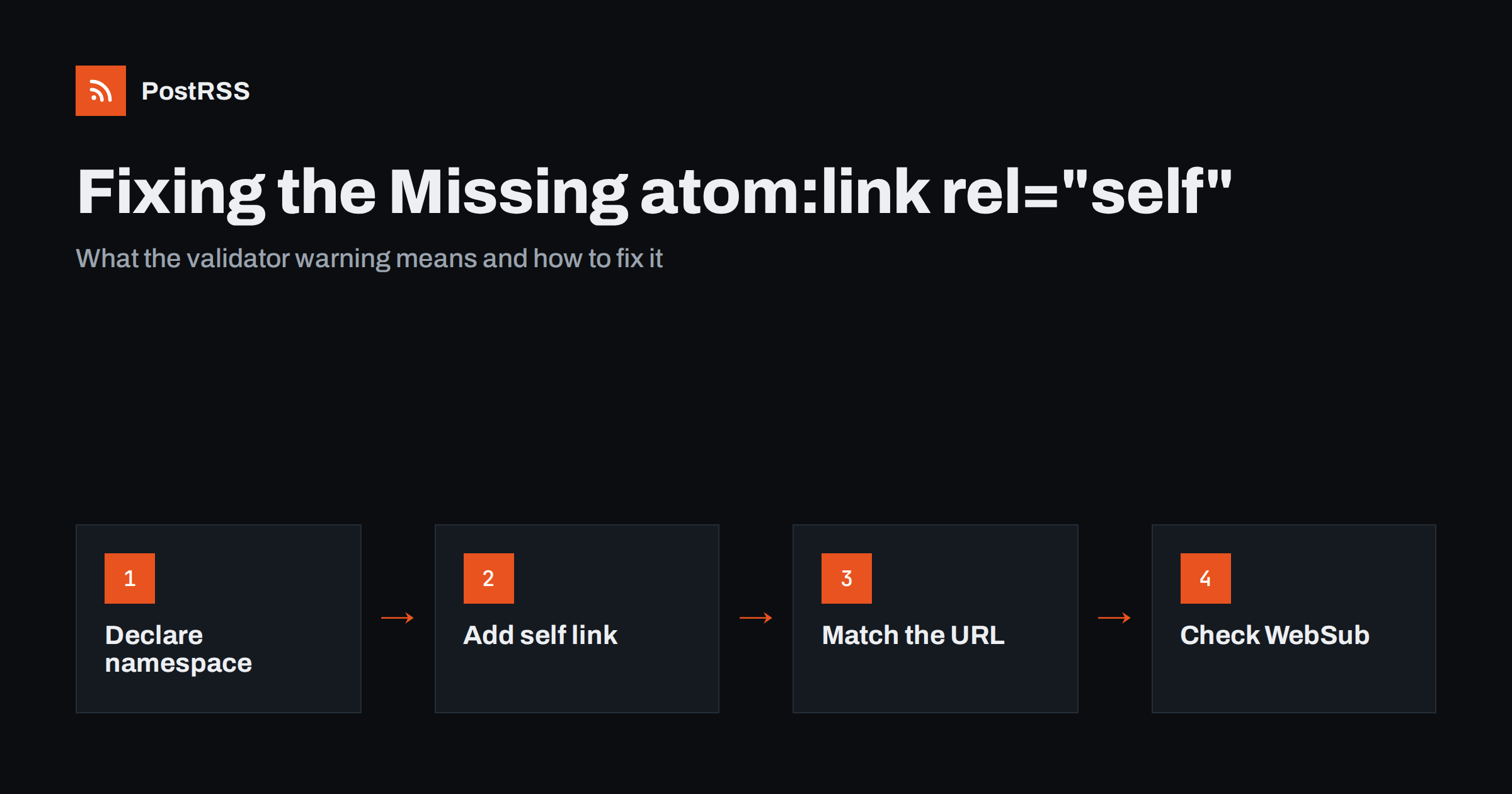
The fix has two parts, and both are required.
<rss version="2.0" xmlns:atom="http://www.w3.org/2005/Atom"><link> element:<channel>
<title>Example Blog</title>
<link>https://example.com/</link>
<atom:link href="https://example.com/feed/" rel="self" type="application/rss+xml" />
<description>Notes on small-business marketing</description>
...
</channel>The attributes each have a job:
self.application/rss+xml for RSS 2.0.If the root element already declares other namespaces, such as content, dc অথবা media, simply add the Atom declaration alongside them. The order of namespace declarations does not matter.
In Atom the self link is a normal link element inside <feed>:
<feed xmlns="http://www.w3.org/2005/Atom">
  <title>Example Blog</title>
  <link href="https://example.com/" />
  <link href="https://example.com/feed/atom/" rel="self" type="application/atom+xml" />
  ...
</feed>
Note the difference from RSS: the website link has no rel attribute, which in Atom means the default relation “alternate”, while the feed’s own URL uses rel="self" and the Atom media type.
Adding the self link carelessly can make things worse than leaving it out. These are the problems validators and clients report most often.
atom:link without xmlns:atom on the root makes the document invalid XML because the prefix is unbound. Strict parsers reject the whole feed. This is far more serious than the original warning.href with the URL it fetched. A mismatch between http এবং https, www and non-www, or with and without a trailing slash triggers this message. Make the self URL match the public canonical address, and redirect other variants to it./feed/ is not a usable canonical address. Always use the absolute form.<link> element.text/html or leaving a copy-pasted Atom type on an RSS feed is a small error, but it is easy to fix while you are there.WordPress includes the Atom namespace and an atom:link rel="self" element in its RSS 2.0 feed by default. The address is built from the current request, so it usually matches the URL that was fetched. Mismatch warnings on WordPress typically come from a reverse proxy or CDN that passes a different host or scheme to the server, or from a site whose address settings still use http after a move to https. Fix the site address or the proxy headers rather than editing the feed template.
Many generators include a self link in their default feed templates, but custom templates often do not. If you wrote your own RSS template, add the namespace and the element, and build the href from the configured site URL plus the feed path, not from a relative path.
If a feed is generated by application code, check which feed library you use. Many libraries accept a feed URL option and write the self link for you when it is set, and silently omit it when it is not. Setting that option from the same configuration value that defines your public base URL keeps the self link correct across development, staging and production. Avoid building it from the incoming request host, because staging servers and internal health checks would then publish their own addresses as canonical.
If you publish the feed through a proxy or a different public address, the self link should point to the address you want subscribers to use. When you move a feed, update the self link together with the redirects, so that clients that rely on it pick up the new canonical URL.
atom:link element are present exactly once.www. Redirects should lead to the canonical address given in the self link.PostRSS reads RSS 2.0 and Atom feeds and checks them every 5 minutes on all plans, or every minute on Enterprise plans. A feed does not need an atom:link rel="self" element to be used as a source, but a clean, valid feed with a stable canonical address is easier to keep working over time, especially when you change domains, move to HTTPS or put the site behind a CDN. Once your feed validates, you can connect it to any of the 66 supported networks and choose how each item is formatted. The features page lists the supported sources and options.
“Missing atom:link with rel=self” is a recommendation, not an error, but it is worth fixing. Declare the Atom namespace, add a single self link with the absolute canonical feed URL and the right type, and make sure every other address for the feed redirects to that URL. Avoid the traps that turn a harmless warning into a real error, above all an undeclared namespace, and your feed will be easier for readers, hubs and automation tools to identify for years.
No. The validator still reports the feed as valid and shows the missing self link as a recommendation. Most readers and tools work without it, but adding it improves interoperability.
RSS 2.0 has no native self link element, so feeds borrow link from the Atom namespace. Without the xmlns:atom declaration on the rss element, the atom prefix is undefined and the document is no longer valid XML.
The URL in the self link differs from the address the validator fetched. Common causes are http versus https, www versus no www, or a missing trailing slash. Use the canonical public URL and redirect the other variants to it.
Yes, the default RSS 2.0 feed includes it. If you see a mismatch warning, check the site address settings and any proxy or CDN in front of the site.
In practice, yes. WebSub uses the self link as the topic URL that subscribers register with the hub, alongside the hub link. A missing or wrong self link can stop push notifications from working.
What changed in the networks, what broke, and how to fix it before it costs you reach.
PostRSS-এর পেছনের টিম Internet Solutions-এর তৈরি। প্রতিটি পণ্য নিজের মতো করে আপনার সময় বাঁচায়।
 English
 Lietuviškai
 Deutsch
 Français
 Русский
 Español
 Polski
 Italiano
 Українська
 Čeština
 Português
 日本語
日本語 Latviešu valoda
 Eesti
Eesti Magyar
 Bahasa Indonesia
 Türkçe
 हिन्दी
 Ελληνικά
 العربية
 ไทย
ไทย Tiếng Việt
 Română
 Bahasa Melayu
 বাংলা
বাংলা