A surprising number of auto-posting problems — missing images, dropped items, garbled titles — trace back to a feed that’s technically broken in a way nobody noticed until it started causing trouble. Before you spend time troubleshooting an RSS auto-posting setup itself, it’s worth ruling out the feed as the source of the problem, and that’s exactly what a feed validator is for. Here are ten tools and methods actually worth using to check a feed before or during troubleshooting an auto-posting issue, ranging from formal spec validators to the simplest possible real-world test of all.
RSS and Atom are XML formats under the hood, and XML parsers are strict by design: a single unescaped ampersand, an unclosed tag, or a missing namespace declaration can make an entire feed technically invalid, even if it still looks perfectly fine when rendered in a browser, which tends to be far more forgiving about sloppy markup than a dedicated, spec-compliant parser ever is. Auto-posting tools rely on strict, predictable parsing to reliably catch every single new item as it appears, so a feed that’s “mostly fine” but technically invalid in some small way can produce exactly the kind of intermittent, hard-to-diagnose symptoms — a post here and there quietly going missing, one item’s image failing to show up for no obvious reason — that so often get mistakenly blamed on the auto-posting tool itself rather than on the feed feeding it.
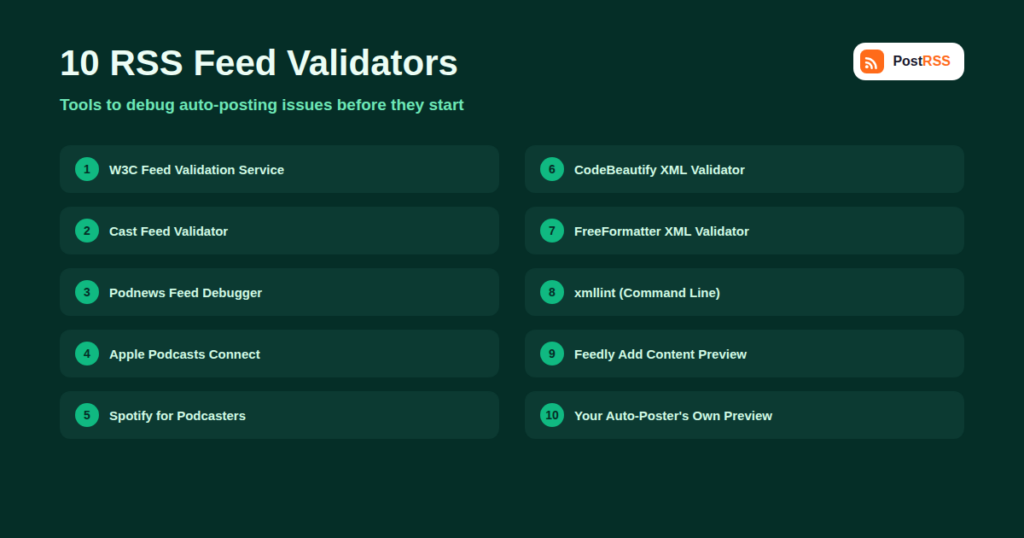
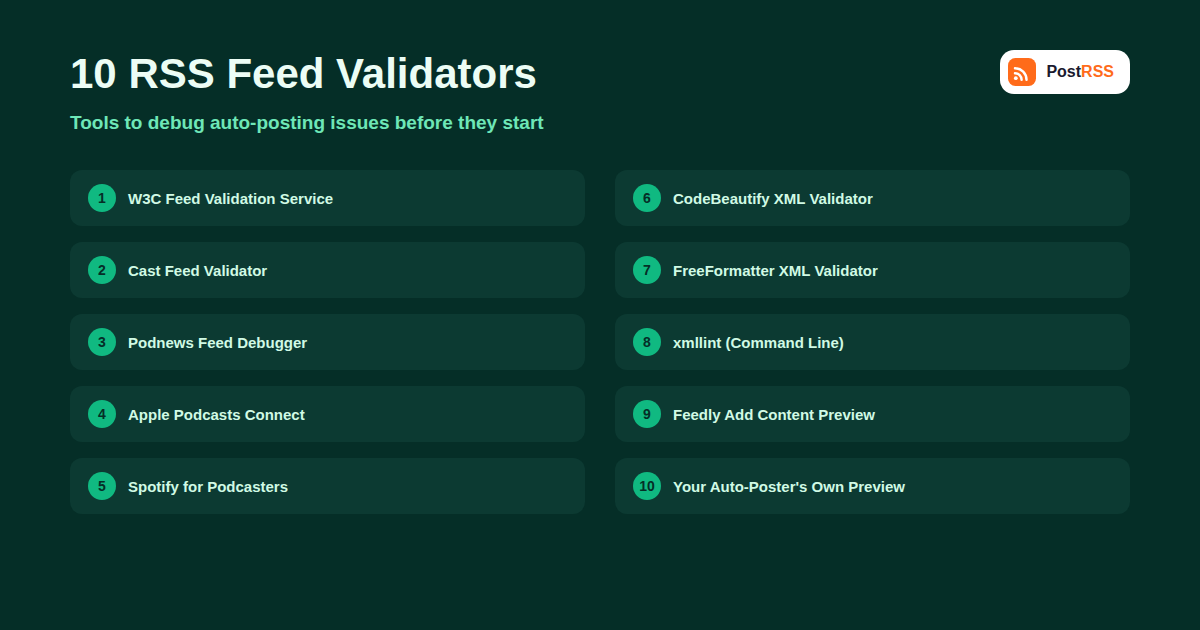
| Tool | Best For | What It Checks |
|---|---|---|
| W3C Feed Validation Service | General RSS and Atom validation | Spec compliance, malformed XML, missing required elements |
| Cast Feed Validator | Podcast feeds specifically | iTunes namespace tags, enclosure formatting, podcast-specific requirements |
| Podnews Podcast Feed Debugger | Deeper podcast feed diagnostics | Common podcast host misconfigurations and namespace issues |
| Apple Podcasts Connect feed check | Confirming a podcast feed meets Apple’s requirements | Apple-specific validation at submission time |
| Spotify for Podcasters feed check | Confirming Spotify-side ingestion | Platform-specific parsing and ingestion errors |
| CodeBeautify XML Validator | Quick, generic XML well-formedness checks | Basic syntax errors: unclosed tags, encoding issues |
| FreeFormatter Online XML Validator | A second opinion on XML syntax | Cross-checks results against a different parser implementation |
| xmllint (command line) | Developers comfortable with a terminal | Fast, scriptable, precise line-and-column error reporting |
| Feedly’s “Add Content” preview | Real-world reader compatibility | How a major, widely used feed reader actually parses your feed |
| Your auto-posting tool’s own feed preview | The most directly relevant test | Exactly what the tool you’re actually using will extract from each item |
This remains the closest thing to an authoritative reference validator for RSS and Atom, checking your feed against the formal specification and flagging both errors (which can break parsing) and warnings (which are often best-practice suggestions rather than hard failures). It’s the right first stop for a general health check on any feed.
Podcast feeds carry extra namespace requirements that a general RSS validator won’t check in detail — Cast Feed Validator specifically checks iTunes and podcast-namespace tags, enclosure formatting, and other podcast-specific requirements that directories like Apple Podcasts and Spotify actually enforce.
A more diagnostic-focused tool aimed specifically at the kinds of misconfigurations that come from popular podcast hosting platforms, useful as a second check alongside Cast Feed Validator when a podcast feed is producing unexpected auto-posting behavior.
If your podcast is already listed on either platform, their own submission and management dashboards include feed health checks that reflect exactly how that specific platform is currently parsing your feed — genuinely useful because it tests against the real, live ingestion pipeline rather than a general-purpose reference implementation.
Since RSS is XML underneath, a generic XML validator can catch basic well-formedness problems quickly, especially useful as a fast sanity check before digging into RSS-specific validation. Running a feed through two different generic validators occasionally surfaces an issue one tool’s parser is more lenient about than another’s.
For anyone comfortable with a command line, xmllint --noout yourfeed.xml gives immediate, precise error messages with exact line and column numbers, and it’s scriptable — useful if you want to build feed validation into an automated build or deployment process rather than checking manually every time.
Pasting your feed URL into Feedly’s “Add Content” search shows you exactly how one of the most widely used RSS readers parses and displays your feed, including which image and excerpt it picks up — a good real-world sanity check distinct from a strict spec-compliance validator.
Ultimately, the most directly relevant test is whatever preview or test-connection feature your actual auto-posting tool offers when you add a feed. A feed can pass every generic validator and still behave unexpectedly in a specific tool if that tool has its own particular parsing quirks or fallback logic — so always finish by checking the real destination, not just a generic reference validator.
Most validators distinguish between errors, which typically indicate a real parsing problem that can cause auto-posting tools to skip content or misread fields, and warnings, which usually flag deviations from best practice that most parsers handle gracefully anyway (a missing but recommended element, for example). Don’t panic over a long list of warnings — focus first on errors, since those are the ones most likely to actually explain a real-world auto-posting problem you’re troubleshooting.
It’s worth building feed validation into your setup process, not just your troubleshooting process. Before connecting a brand-new feed to an auto-posting tool for the first time — whether it’s your own blog’s feed after a platform migration, a client’s feed you’re setting up on their behalf, or a third-party feed you plan to aggregate — running it through at least a general validator takes a couple of minutes and can save hours of confused troubleshooting later. This is especially worth doing after any of these common changes: switching CMS platforms, installing or removing an SEO or feed-related plugin, migrating domains, or changing how images are embedded in your content. Each of these is a common, real-world trigger for a feed quietly becoming invalid or malformed without anyone noticing until an auto-posting tool starts behaving oddly weeks later.
For sites publishing frequently, a periodic validation check — monthly or quarterly, depending on how often your feed’s underlying generation logic changes — is a cheap form of insurance against the kind of silent degradation that’s easy to miss day to day. A feed doesn’t need to become completely broken to cause problems; a single bad character in one post’s title, introduced by a copy-paste from a word processor with smart quotes, can be enough to trip up strict parsing for that one item while leaving the rest of the feed working fine, making the issue easy to overlook entirely unless you’re specifically looking for it with a proper validation pass. Treating feed validation as a standing item in a broader content or technical SEO checklist, rather than something you only think about when auto-posting visibly breaks, catches these smaller issues before they compound.
No — validation is most useful when something’s already going wrong, or after making structural changes to how your feed is generated (switching plugins, migrating platforms, or changing your CMS’s feed template).
At that point the issue is more likely in the auto-posting tool’s specific configuration (which feed items it’s set to include, filtering rules, or connection settings) than in the feed itself, so check your tool’s dashboard and settings next.
Not necessarily — many warnings reflect optional best practices rather than hard requirements. Fix warnings when they’re quick and low-risk to address, but don’t treat every single warning as equally urgent compared to an actual, parsing-breaking error.
Yes — a feed can be perfectly valid XML while still, for example, using inconsistent GUIDs, missing images, or unusually formatted dates that specific auto-posting tools handle differently from one another. Validity and “works well with a given piece of automation software” are related concepts, but they are not the same thing, and it’s worth keeping that distinction in mind when a validator gives a feed a clean bill of health but something still isn’t behaving the way you expect once it’s actually connected.
The core idea is the same, but the specific required and optional elements differ between the two formats, so make sure whichever validator you’re using actually supports the format your feed uses rather than assuming an RSS-focused tool covers Atom equally well.
Yes, especially before relying on a third-party feed for RSS-based automation — validating it first can save you from troubleshooting what turns out to be someone else’s feed problem rather than an issue with your own setup.
Paste the feed URL into the W3C Feed Validation Service — it’s free, requires no signup, and gives a clear pass/fail result with specific line-level errors within seconds, making it the right default for a quick first check before reaching for a more specialized tool.
Most general validators check that image-related tags are structurally correct (proper URLs, valid Media RSS syntax) but don’t verify that the image file itself loads successfully or meets a specific platform’s size requirements. For that, checking your auto-posting tool’s own preview against the actual destination platform’s requirements is more useful than a generic feed validator.
When auto-posted content looks wrong, is missing, or behaves unpredictably, checking the underlying feed with a dedicated validator is one of the fastest ways to rule out — or confirm — the actual source of the problem before assuming the auto-posting tool itself is at fault. Running through a general validator, a format-specific check if relevant, and finally your actual auto-posting tool’s own preview covers the most likely causes with a minimum of guesswork, and turns a vague “something’s broken” into a specific, fixable line item in minutes rather than hours of trial and error.
What changed in the networks, what broke, and how to fix it before it costs you reach.