من RSS إلى 66 شبكة تواصل اجتماعي: Facebook، وInstagram، وX، وLinkedIn، وTelegram، والمزيد المدونة برنامج التسويق بالعمولة اتصل بنا
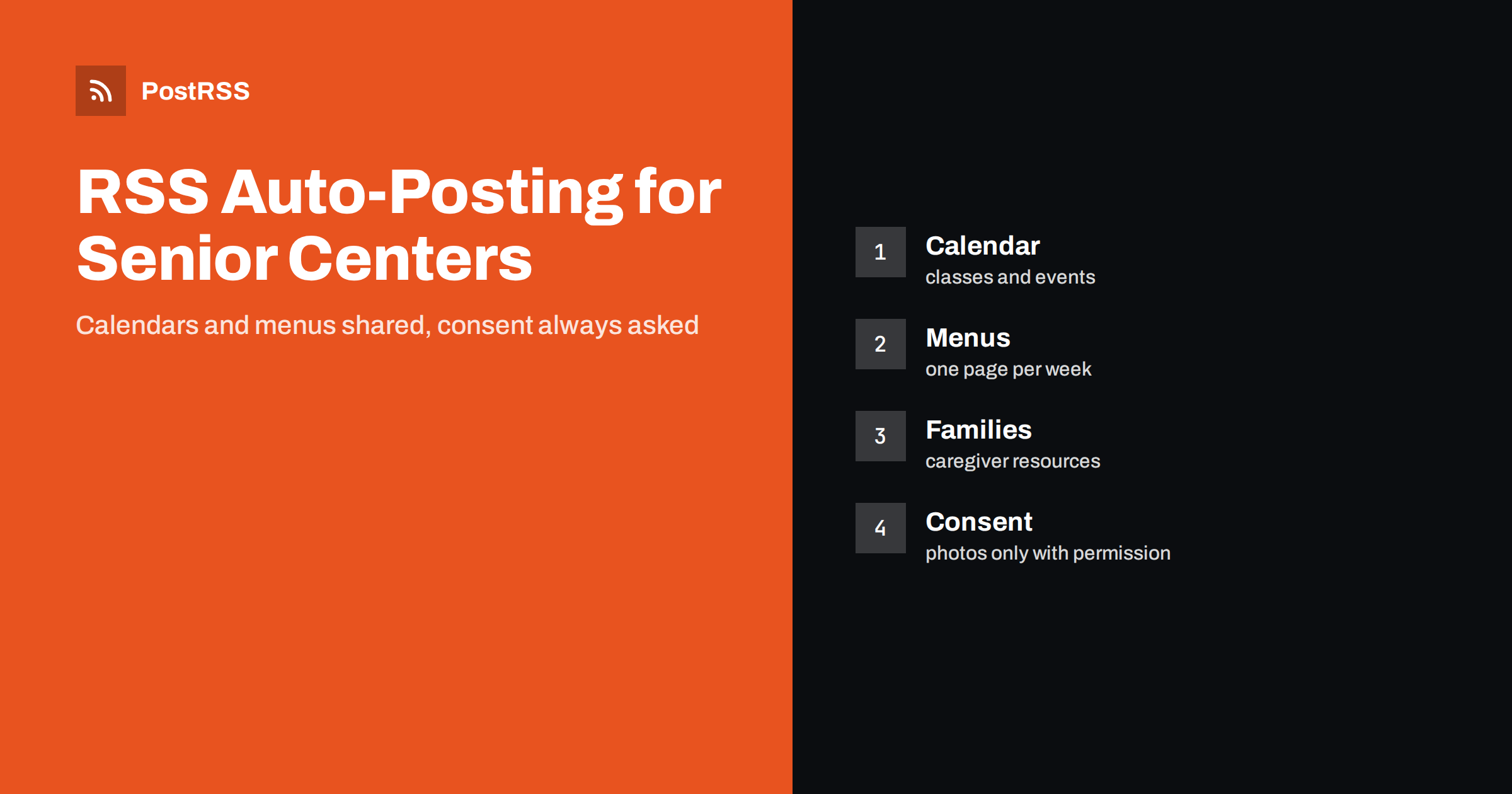
Short answer: RSS auto-posting lets senior centers and adult day programs share activity calendars, weekly menus, class announcements, trip notices and caregiver resources on social media automatically. Publish each item as a page on your website, let an auto-poster read the RSS feed, and every new page appears on your Facebook Page, Telegram channel and other networks with its link and image. Older adults and their families see what is happening this week without anyone retyping it, while participant photographs, health details and urgent closures stay under careful human control.
A senior center is one of the busiest places in a community and one of the hardest to promote. The staff organise exercise classes, lunches, tax help, card games, day trips and transport, and often a small team does all of it. The weekly newsletter is printed, the notice board is updated by hand and the Facebook Page is remembered on Friday afternoon. Meanwhile there is a second audience that most centers underserve: adult children, often living far away, who search for a safe and friendly place for a parent. Both audiences can be reached with the same pages, and automation spares your team from copying them to every channel. This guide explains what to publish, how to connect your website to an auto-poster and which limits protect the people you serve.
The advice fits many kinds of organisation that serve older adults:
Each has a calendar of recurring events and a website, a page on a town site or a simple blog where they are listed. That page can become the single source for every other channel.
Most of what a center does can be turned into a short page:
Each can be a short page on your website. When the page is published, the feed announces it. You write it once, and the automation spreads it. A page also appears in search results when an adult child searches for senior programs in your town, which a social post alone cannot do.
Many senior programs publish through a system that already creates feeds:
/feed/ and one for every category, such as /category/events/feed/. If you are unsure of the address, see how to find your WordPress feed link.Use categories to separate topics: weekly calendar, menus, trips, caregiver resources and news. Each category has its own feed, and each feed can go to the channel where it works best; menus and calendars to the Facebook Page, caregiver resources to a separate channel for families, hiring pages to LinkedIn. Routing by category is explained in category filtering for auto-posting.
| Content | Automate? | Notes |
|---|---|---|
| Weekly calendar and class pages | Yes | Short pages with the day, time, place and contact |
| Menus | Yes | One page per week, with a reservation note |
| Trips and special events | Yes | Include the sign-up deadline and accessibility details |
| Caregiver resources | Yes | Link to official sources and keep them current |
| Photographs of participants | Only with written consent | Take extra care with people who have memory loss |
| Closures, weather and emergencies | Not alone | Phone, text and the notice on the door must come first |
A simple rule: if it is general information that helps many people and sits on a finished page of your website, automate it. If it concerns one person, one health matter or a sudden change that people must hear immediately, it needs a human channel.
Pictures make a senior center feel alive, but the people in them deserve careful treatment. Ask for written consent before publishing a photograph of a participant, explain where it will appear and keep a record. For adult day programs, where some participants may not be able to give consent themselves, rely on the person with legal authority and be more cautious, or choose pictures that show hands, activities and rooms instead of faces. Never publish a name beside a photograph unless the person has clearly agreed. Never mention a diagnosis, a care need or a family situation. Remove a picture quickly when someone asks. These points are general guidance, not legal advice. Follow your own policies and the rules of your funders and regulators.
Your audience includes people in their eighties and their children in their fifties, and both read on a phone or a tablet. Use plain words, short sentences and a clear structure. Put the day, the time and the place at the top of every event page, in that order, and spell out the day and the month instead of using numbers alone. State the cost, or say the program is free, and say whether registration is needed. Mention accessibility: step-free entrance, seating, hearing loops and transport. Use a large, high-contrast image with real people and activities. A page that answers who, what, when, where and how much without scrolling is a page that people share.
Feeds are excellent for information that is planned, and unsuitable for information that is urgent. If a storm closes the center or a bus is cancelled, do not rely on an automated post. People who are most affected may not use social media, and a message that arrives hours late can do harm. Keep a phone tree, a text message service and a notice on the door as the primary methods, and use the website as a backup. You can still publish a closure page that the feed shares, but treat it as an extra, not as the notice itself.
Most of the center’s week repeats. The Tuesday exercise class, the Thursday lunch and the monthly caregiver circle do not change from one week to the next, so a page for each can stay stable while the details change. Give every recurring program a permanent page with the description, the usual day and time, the room and the contact, and add a short dated note when something differs, such as a guest speaker or a holiday break. A permanent page is the one that search engines and families find, and a dated note is what the feed announces. This keeps your website tidy, saves your team from rewriting the same text and makes sure that nobody arrives on the wrong day.
Most senior centers do best with a Facebook Page and a printed or emailed newsletter that uses the same pages. Two active channels beat five forgotten ones.
/feed/, and check that it lists recent items.PostRSS has been automating RSS posting since 2014. It checks your website feeds as often as every minute and publishes each new page, with its real image and link, to the channels you connect, from Facebook Pages and Telegram to LinkedIn, Bluesky, Mastodon and many more among its 66 supported networks. You can choose how each post is built, filter items by keywords, add UTM parameters and post only within chosen hours or at exact times in your time zone. See the PostRSS features page for everything it does and the pricing page for plan limits. More ideas for community organisations are under the Local Business tag.
A senior center has a full calendar and a small team, and two audiences to reach: older adults and their families. RSS auto-posting shares each new calendar page, menu and trip notice automatically on your Facebook Page and other channels. Give every event a complete page with the day, time, place, cost and contact, ask for consent before publishing a photograph, keep language plain, treat urgent notices as a job for phones and people, route content by category and let your staff spend their time with members.
Yes. If your website or town page has an events or news section, its RSS feed can be connected to an auto-poster that shares each new page on your Facebook Page and other channels. Closures and emergencies should also be communicated by phone and text.
Activity calendars, menus, trip notices, caregiver resources and hiring pages. Be especially careful with photographs, and never share health details or the names of participants without clear permission.
Only with written consent from the person or the person with legal authority. Pictures of activities, hands and rooms are a safe alternative to faces.
Not on its own. Use a phone tree, text messages and a notice on the door as the main method, and publish a page as a backup that the feed can share.
Yes. PostRSS reads any valid RSS or Atom address that is reachable without a login. Paste the address, connect your channels and new pages are shared as soon as they appear.
What changed in the networks, what broke, and how to fix it before it costs you reach.
من تطوير Internet Solutions، الفريق الذي يقف وراء PostRSS. كل منتج يوفّر وقتك بطريقته الخاصة.
 English
 Lietuviškai
 Deutsch
 Français
 Русский
 Español
 Polski
 Italiano
 Українська
 Čeština
 Português
 日本語
日本語 Latviešu valoda
 Eesti
Eesti Magyar
 Bahasa Indonesia
 Türkçe
 हिन्दी
 Ελληνικά
 العربية
 ไทย
ไทย Tiếng Việt
 Română
 Bahasa Melayu
 বাংলা
বাংলা