من RSS إلى 66 شبكة تواصل اجتماعي: Facebook، وInstagram، وX، وLinkedIn، وTelegram، والمزيد المدونة برنامج التسويق بالعمولة اتصل بنا
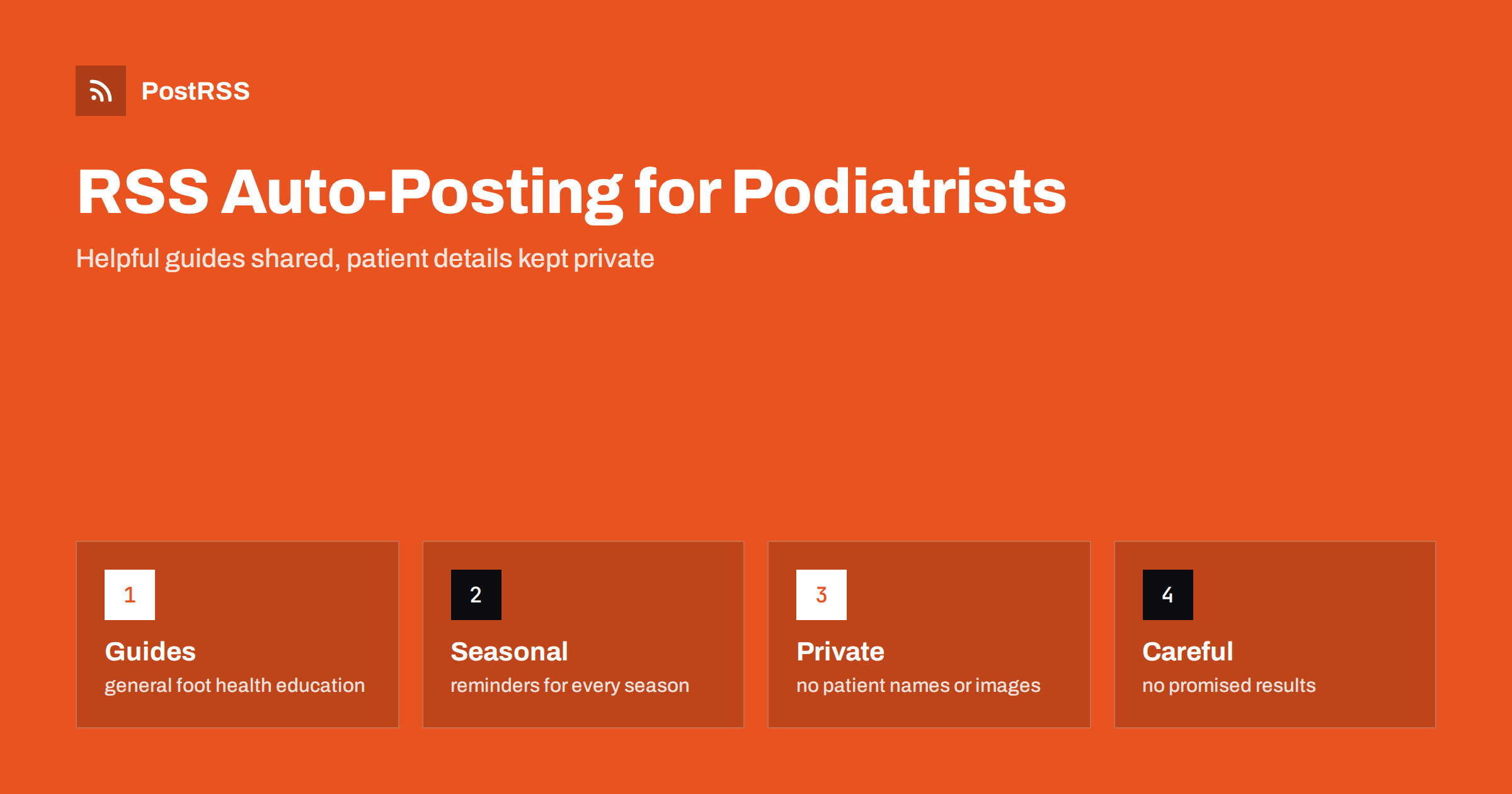
Short answer: RSS auto-posting lets podiatrists and foot care clinics share patient education pages, seasonal foot health reminders, service descriptions, clinic news and appointment information on social media automatically. Publish each item as a page on your clinic website, let an auto-poster read the feed, and every new page appears on your Facebook Page, LinkedIn page and other networks with its image and link. Local patients find clear, general information and an easy way to book, while patient names, photographs of real cases, treatment results and individual advice stay out of every automated post.
People often ignore their feet until something hurts. They then search for answers late in the evening: why a heel aches in the morning, how to choose running shoes, what to do about an ingrown nail, how to care for feet with diabetes. Clinics that answer these questions with clear, calm pages earn trust long before a first appointment. A podiatry practice also has steady news to share: new opening hours, a new clinician, a footwear clinic for children, a gait analysis day or a reminder before the walking season. A feed turns each page into a post as soon as it is published, so the habit of sharing runs without daily effort. This guide explains what a foot care clinic can publish, how to organize the feed, and where to be especially careful, because health content is regulated and patient information is private.
The advice fits many kinds of practices that look after feet and lower limbs:
Each has a different audience, but the clinic website is the natural source for every other channel.
Most of the useful content is general education that can be written once and used for years:
Each page appears on your website, where a person who searches for help can find it. The feed then announces it automatically, and a short post reaches the people who follow the clinic.
Most clinic websites already use a system that creates feeds:
/feed/ and one for every category, such as /category/patient-guides/feed/. If you are unsure of the address, see how to find your WordPress feed link.Use categories to separate topics and audiences: patient guides, sports and running, children, diabetes care, clinic news and events. Each category has its own feed, and each feed can go where it works best: running content to a sports audience, general guides to a Facebook Page, clinician news to LinkedIn. Routing by category is explained in category filtering for auto-posting.
| Content | Automate? | Notes |
|---|---|---|
| Service descriptions and visit guides | Yes | Plain steps and honest limits |
| General foot health education | Yes | Marked as general information |
| Seasonal reminders | Yes | Practical and calm |
| Clinic news and opening hours | Yes | Keep dates accurate |
| Patient photographs and case stories | No | Confidential, even when names are removed |
| Individual advice and treatment outcomes | No | Needs a consultation |
A simple rule: if it helps many people look after their feet, automate it. If it concerns one patient, one image or one treatment result, it belongs in the consulting room.
Health information is among the most sensitive data a business holds, and privacy law in many countries treats it with special care. Never publish a patient’s name, a photograph of a foot that could identify someone, the date of an appointment or a story that someone could recognize. Remember that comments and direct messages under a post may also contain private details, so tell followers that clinical questions should be asked by phone or in a booking form and not in public comments. Keep the patient record system, the booking calendar and any shared folders of images completely separate from the website feed. Review the rules that apply to you with your professional body or adviser, because they differ by country and by profession, and write down a short internal policy that every member of staff can follow.
Professional bodies and advertising regulators usually restrict how clinics may describe treatments. Avoid promises such as cure, guaranteed relief or results in a fixed number of days. Do not compare yourself with other clinics in ways that cannot be proved, and do not use before and after pictures unless the rules in your country allow it and the patient has given informed written consent. Describe what you do and what a visit involves, and say clearly that individual results vary and that the content is general information. When a page covers a condition, finish with a sentence that tells readers to seek a professional assessment if they have pain, wounds, color changes or numbness, and to seek urgent help for signs of infection, especially for people with diabetes. Link to reliable public health sources for statistics, and name the date. A modest, careful page attracts patients who want real care and protects the practice.
Many readers arrive because something hurts or because they are afraid of a complication. A clear, kind and practical tone works better than urgency. Use plain language and short paragraphs, explain unfamiliar words and give one useful idea per page: how to check feet each evening, what a good shoe fit looks like, when to book an appointment. Add photographs of the clinic, the treatment room and the team so that a first visit feels familiar. Mention accessibility, parking and public transport, which matter to older patients. A feed of such pages becomes a library that reassures people before they pick up the phone.
Foot health has a clear yearly rhythm. Spring brings running and walking events, summer brings sandals and blisters, the start of the school year brings children’s shoes and sports clubs, and winter brings dry skin and cold feet. Plan pages a little ahead of each wave and use the scheduling features of your website to prepare them in advance. Choose posting hours in the time zone of your patients, with evenings and weekends in mind, and avoid posting in the middle of clinic hours when staff cannot respond to messages.
Many new patients delay booking because they do not know what to expect. A page that walks through a first visit removes that worry and is shared again and again. Describe how to book, what to bring, such as current footwear, a list of medicines and any referral letter, how long the appointment lasts and who the patient will meet. Explain how the clinic helps people with limited mobility, how interpreters or companions can be arranged and how payment and insurance forms are handled. Photographs of the entrance, the waiting area and the treatment room make the place familiar. Keep the page up to date, because a wrong address or an outdated phone number does more harm than having no page. When the page changes, the feed can announce the update so that regular followers see it as well.
Most clinics do best with a Facebook Page and LinkedIn, plus the website and a booking page that works. Two active channels beat five forgotten ones.
/feed/, and check that it lists recent pages with their images.PostRSS has been automating RSS posting since 2014. It checks your website feeds as often as every minute and publishes each new page, with its real image and link, to the channels you connect, from Facebook Pages and LinkedIn to Bluesky, Telegram and many more among its 66 supported networks. You can choose how each post is built, filter items by keywords, add UTM parameters and post only within chosen hours or at exact times in your time zone. See the PostRSS features page for everything it does and the pricing page for plan limits. More ideas for local businesses are under the Local Business tag.
A foot care clinic sells comfort, mobility and reassurance. RSS auto-posting shares every patient guide, seasonal reminder, service page and piece of clinic news automatically, as soon as it is published on your website. Write for readers who are worried, keep every claim general and careful, never publish patient details, send clinical questions to private channels, track the results with UTM parameters and let your hours go to patients and not to the keyboard.
Yes. If your website has a news or patient guides section, its RSS feed can be connected to an auto-poster that shares each new page on Facebook, LinkedIn and other channels. Patient details must stay out of automated posts.
General education, service descriptions, seasonal reminders, clinician introductions and news about opening hours. Do not publish patient photographs or case stories.
Only if the rules for your profession and country allow it and the patient has given informed written consent. Many clinics avoid them and describe the service instead.
Reply that clinical questions need a consultation and point to your phone number or booking form. Never give individual advice in a public thread.
Yes. PostRSS reads any valid RSS or Atom address that is reachable without a login. Paste the address, connect your channels and new pages are shared as soon as they appear.
What changed in the networks, what broke, and how to fix it before it costs you reach.
من تطوير Internet Solutions، الفريق الذي يقف وراء PostRSS. كل منتج يوفّر وقتك بطريقته الخاصة.
 English
 Lietuviškai
 Deutsch
 Français
 Русский
 Español
 Polski
 Italiano
 Українська
 Čeština
 Português
 日本語
 Latviešu valoda
 Eesti
 Magyar
 Bahasa Indonesia
 Türkçe
 हिन्दी
 Ελληνικά
 العربية
 ไทย
 Tiếng Việt
 Română
 Bahasa Melayu
 বাংলা