من RSS إلى 66 شبكة تواصل اجتماعي: Facebook، وInstagram، وX، وLinkedIn، وTelegram، والمزيد المدونة برنامج التسويق بالعمولة اتصل بنا
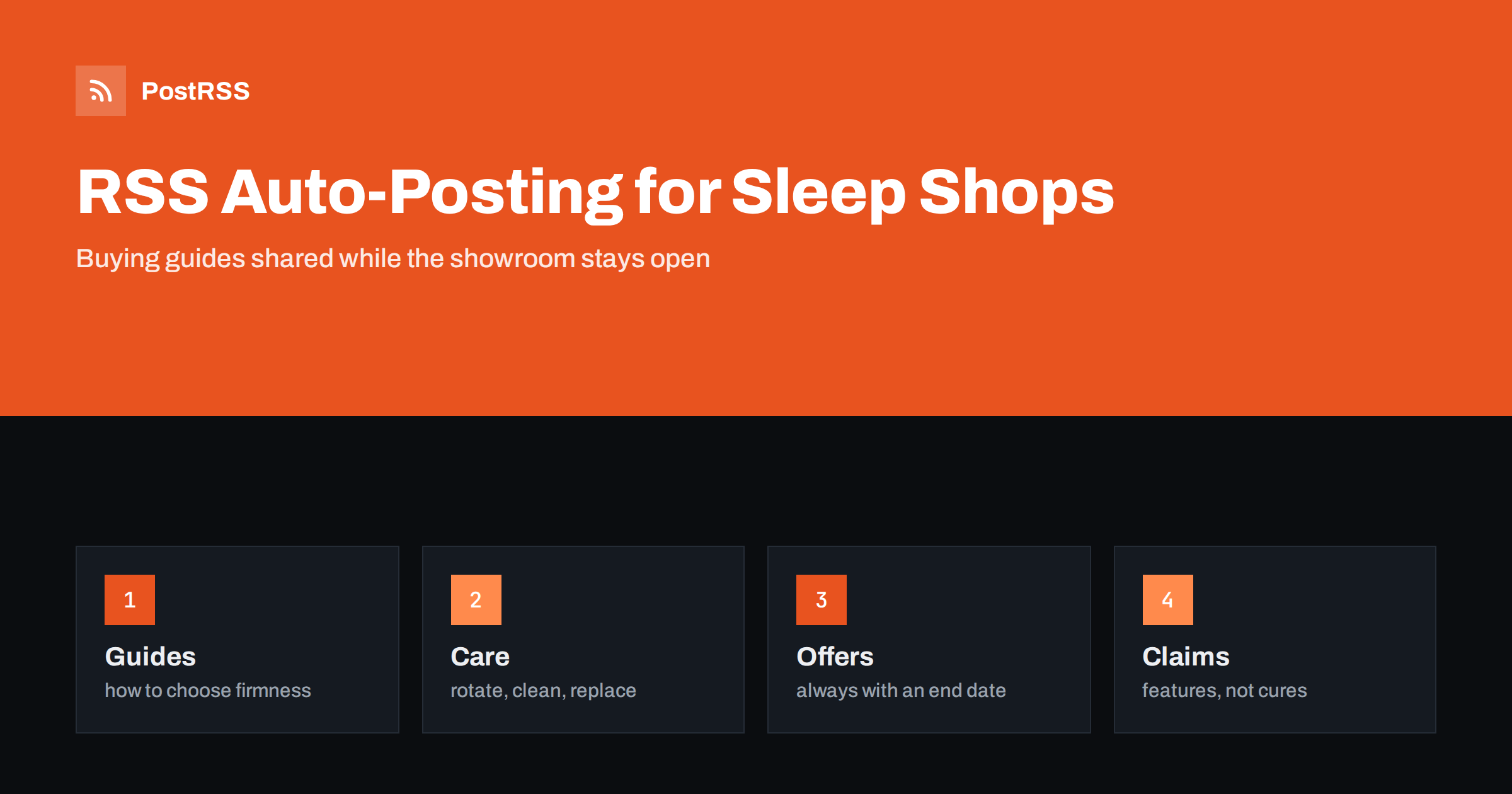
Short answer: RSS auto-posting lets mattress and sleep shops share buying guides, care advice, new arrivals and sale announcements on social media automatically. Publish each guide or offer as a page on your website, let an auto-poster read the RSS feed, and every new page appears on your Facebook Page, Pinterest boards, LinkedIn and other networks with its link and image. Shoppers who research a purchase that lasts for years find your advice first, while health promises, invented reviews and out-of-date offers stay out of your posts.
A mattress is one of the few products that people buy rarely, think about for weeks and cannot judge from a picture. Shoppers read guides, compare firmness, ask friends and visit a shop to lie down. That makes content unusually valuable for a sleep store: the shop that explains how to choose wins trust before the customer walks in. The difficulty is time. Sales staff are on the floor, the owner is buying stock and the website blog is last on the list. Automation closes the gap. You publish a page once, and the feed carries it to every network where your future customers spend time. This guide explains what to share, how to connect your site and where care is needed in a category that attracts strict rules about claims.
The advice fits many kinds of sleep retailer:
Each has a long list of questions from customers and a website where the answers can live. The blog or guides section of that website is the source for everything else.
A mattress store knows how to turn a confusing choice into a simple one, and that is the content customers want:
Each can be a short page on your own website. When the page is published, the feed announces it. A page also appears in search results when someone types a question such as how to choose a mattress for a bad sleeper in your town, which a social post cannot do. The guide stays useful for years, and every time the feed shares it again in a seasonal cycle it reaches a new audience.
Most shop websites run on a system that publishes feeds without extra work:
/feed/ and one for every category, such as /category/buying-guides/feed/. If you are unsure of the address, see how to find your WordPress feed link.Use categories to separate topics: buying guides, care advice, new arrivals, sales and company news. Each category has its own feed, and each feed can go to the channel where it works best; guides to Pinterest and Facebook, sale notices to the Facebook Page, hiring pages to LinkedIn. Routing by category is explained in category filtering for auto-posting.
| Content | Automate? | Notes |
|---|---|---|
| Buying and care guides | Yes | Evergreen pages that keep answering the same questions |
| New arrivals and brand pages | Yes | One page per range, with real photographs |
| Sale announcements | Yes, with an end date | Close or update the page when the offer ends |
| Hiring pages | Yes | One page per role, closed when filled |
| Customer reviews and photographs | Only with permission | Never invent or edit a review |
| Medical or pain-relief promises | Never | Describe features, not cures |
A simple rule: if the content helps many shoppers and sits on a finished page of your website, automate it. If it makes a promise you cannot prove or concerns one customer, keep it out.
Sleep products attract regulators and consumer groups, because people want to believe that the right bed will fix their pain, their snoring or their tiredness. Describe what a product is made of, how it feels and who it suits, and avoid saying that it treats, cures or prevents a condition. Words such as orthopaedic, therapeutic or clinically proven need evidence and often a specific meaning in law, so use them only when you can show where they come from. When you refer to a test or a certification, name the standard, say what it covers and link to the source. Customers who have a medical condition should be told to ask their own doctor. A cautious tone is a strength in this category; readers learn to trust shops that explain rather than promise.
Sale pages are the most perishable content on a shop website. A page that announces an event for last weekend and is still shared this week does damage. Give every offer page a clear start and end, write the end date in the text, and update or unpublish the page when the event is over. Avoid vague claims such as the lowest price anywhere unless you can prove it, and state any conditions in plain words: which products are included, whether other offers can be combined and where the full terms are. Many countries have strict rules about crossed-out prices and reference prices, so follow your local guidance. If you sell online, keep the text of the page and the prices in the store in step, because an auto-poster shares exactly what the page says.
The pages that bring shoppers to a sleep store are rarely about the store. They answer a question that people type into a search box while they compare options. Start with the ten questions your sales staff hear most often: how firm should my mattress be, how long should one last, do I need a new base, how do I choose for two people with different needs, how do I look after it, what happens if I do not like it. Write one page for each, with a short answer at the top, the reasoning in plain words and a link to the products that fit. Use your own photographs from the showroom rather than stock pictures. Shoppers can tell, and a picture of your real floor tells them where to go.
Demand for beds follows a rhythm that you can write for in advance. Students need furniture before the autumn term, families move house in the summer, and many people think about their sleep when the clocks change or a heatwave arrives. Plan a small calendar of pages: a guide for dorm and student rooms in late summer, a guide to bedding and temperature for hot and cold nights, a gift guide before the holidays and a care checklist for spring. Write them weeks ahead, schedule them on your website and let the feed share each one when the season begins. A steady rhythm of useful pages also gives your sale announcements a context, so that offers feel like part of a conversation and not like constant advertising.
Most sleep shops do best with a Facebook Page and Pinterest. Two active channels beat five forgotten ones.
/feed/, and check that it lists recent items.PostRSS has been automating RSS posting since 2014. It checks your website feeds as often as every minute and publishes each new guide, arrival and announcement, with its real image and link, to the channels you connect, from Facebook Pages and Pinterest boards to LinkedIn, Telegram, Bluesky, Mastodon and many more among its 66 supported networks. You can choose how each post is built, filter items by keywords, add UTM parameters and post only within chosen hours or at exact times in your time zone. See the PostRSS features page for everything it does and the pricing page for plan limits. More ideas for retailers are under the Local Business tag.
A mattress is a considered purchase, and shoppers reward the store that explains the choice. RSS auto-posting shares each new guide, arrival and offer automatically on your Facebook Page, Pinterest boards and other channels. Answer the ten questions customers ask most, use your own photographs, describe products without health promises, give every sale a visible end date, never invent a review, route content by category and let your staff spend their time on the floor.
Yes. If your website has a blog or guides section, its RSS feed can be connected to an auto-poster that shares each new page on your Facebook Page, Pinterest boards, LinkedIn and other channels. Offers should always carry an end date.
Buying and care guides, pages for each range, new arrivals, showroom events and hiring notices. Buying guides tend to perform best because shoppers research before they visit.
Be very careful. Health claims need evidence and are regulated in many countries. Describe the materials, the feel and who the product suits, and suggest that people with a medical condition ask their own doctor.
Give every offer its own page with the end date in the text, and update or unpublish the page when the event ends. The feed then stops announcing it and visitors do not find old terms.
Yes. PostRSS reads any valid RSS or Atom address that is reachable without a login. Paste the address, connect your channels and new pages are shared as soon as they appear.
What changed in the networks, what broke, and how to fix it before it costs you reach.
من تطوير Internet Solutions، الفريق الذي يقف وراء PostRSS. كل منتج يوفّر وقتك بطريقته الخاصة.
 English
 Lietuviškai
 Deutsch
 Français
 Русский
 Español
 Polski
 Italiano
 Українська
 Čeština
 Português
 日本語
日本語 Latviešu valoda
 Eesti
Eesti Magyar
 Bahasa Indonesia
 Türkçe
 हिन्दी
 Ελληνικά
 العربية
 ไทย
ไทย Tiếng Việt
 Română
 Bahasa Melayu
 বাংলা
বাংলা