من RSS إلى 66 شبكة تواصل اجتماعي: Facebook، وInstagram، وX، وLinkedIn، وTelegram، والمزيد المدونة برنامج التسويق بالعمولة اتصل بنا
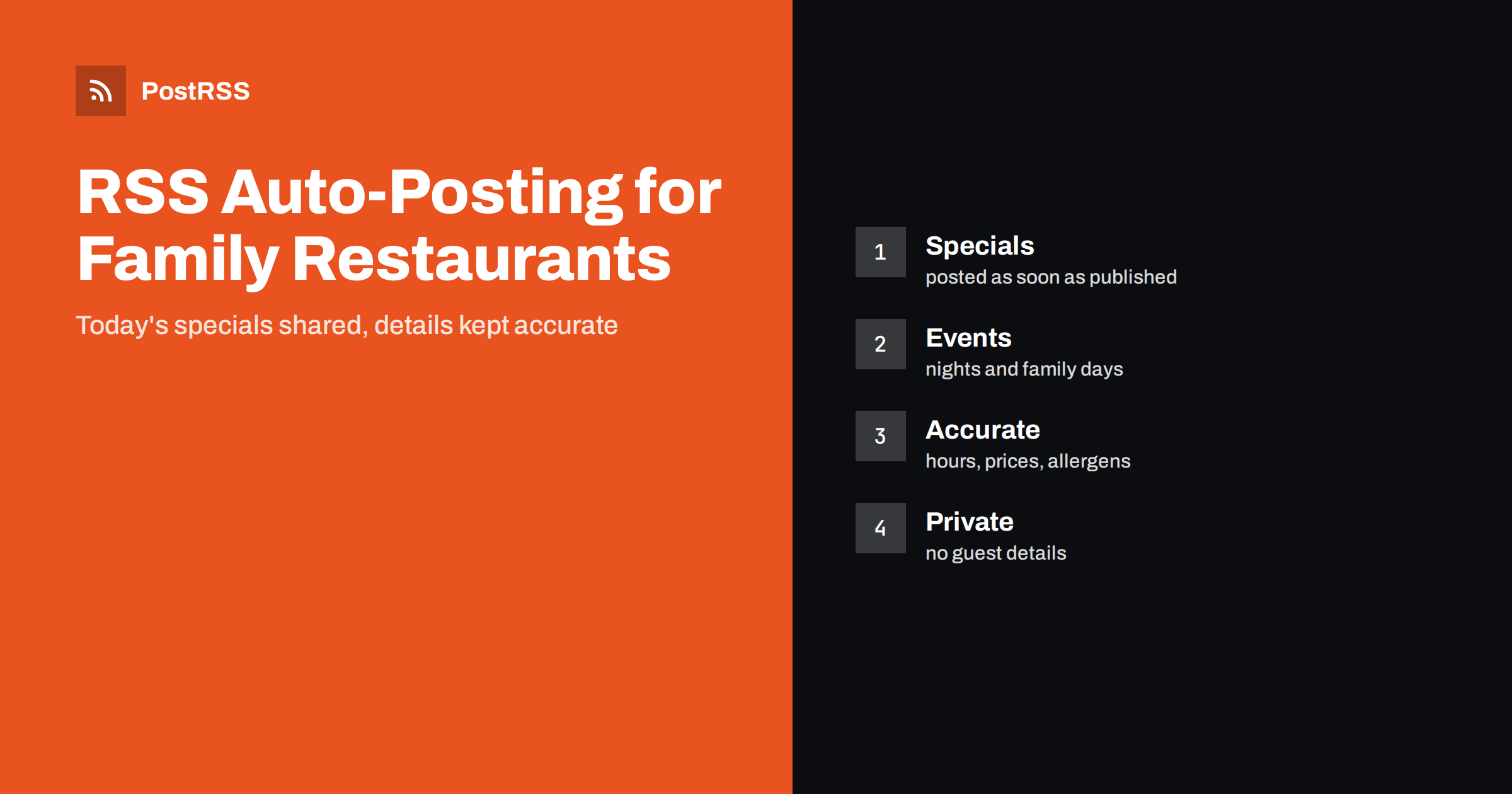
Short answer: RSS auto-posting lets family restaurants and diners share daily specials, seasonal menus, event nights, opening hours and kitchen stories on social media automatically. Publish each item as a page on your restaurant website, let an auto-poster read the feed, and every new page appears on your Facebook Page, Telegram channel and other networks with its photo and link. Regulars and newcomers see what is cooking today, while allergen details, prices and hours stay accurate because the website remains the single source of truth.
A family restaurant lives on repeat visits. People come back because they know the soup of the day is good, because the Friday fish is a tradition, because the owner remembers their children. The challenge is that the same people cannot remember what is on this week unless someone tells them, and the person who cooks, serves and pays the suppliers rarely has time to write a post at four in the afternoon. A feed solves this. When a new page is published on the website, such as the weekly specials or an announcement of a live music night, the auto-poster picks it up and sends a post with its photo and link. This guide explains what a diner or family restaurant can publish, how to keep the information correct, how to handle allergens and reviews, and how to connect everything in an afternoon.
The advice fits many kinds of independent places to eat:
Each has a different rhythm, but the website is the natural source for every channel.
Most useful content is short and visual, and it can be prepared in a few minutes:
Each page appears on your website, where a person who searches for a place to eat can find it. The feed then announces it automatically, and a post reaches the people who follow you.
Most restaurant websites already use a system that creates feeds:
/feed/ and one for every category, such as /category/weekly-specials/feed/. If you are unsure of the address, see how to find your WordPress feed link.Use categories to separate topics: specials, events, news and opening hours. Each category has its own feed, and each feed can go where it works best: specials to a Facebook Page and a Telegram channel, event announcements to every channel. Routing by category is explained in category filtering for auto-posting.
| Content | Automate? | Notes |
|---|---|---|
| Specials and seasonal menus | Yes | Photograph and date on every page |
| Event and booking announcements | Yes | Date, time and how to reserve |
| Opening hours and closures | Yes | Keep the page current |
| Kitchen and team stories | Yes | With the person’s consent |
| Customer names and booking details | No | Private |
| Photographs of identifiable guests | No | Needs permission |
A simple rule: if it tells many people what is on offer, automate it. If it concerns one booking, one guest or one complaint, it needs a private reply.
The most common complaint about restaurant social media is a post that says one thing while the kitchen does another. A special that sold out at one o’clock should not still be advertised at six. Make the website page the single place where the information is changed, and let the feed carry that change. If a dish is removed, edit or unpublish the page and avoid reusing old posts. Put the date on each special so the reader knows which day it applies to. Be careful with prices: they change with suppliers, taxes and seasons, and an outdated price in an automated post can lead to an argument at the table. If you do show a price, show it on the page and keep it current, or describe the offer without a price and let the menu page carry the numbers.
Allergens are a safety matter, and the rules about declaring them differ between countries. Do not use an automated post to make claims such as gluten free or nut free unless your kitchen can really guarantee them and the rules allow you to say it. A safer approach is to name the main ingredients, state which of the recognized allergens a dish contains according to your recipes, and tell guests to ask a member of staff about their needs before ordering. Add a standing line to the template of your specials pages. Update the information whenever a recipe or a supplier changes. If you cannot keep it accurate, leave allergen details out of social posts and point to the menu page or to the staff instead.
The picture does most of the work. Photograph dishes by a window in natural light, from slightly above, on a clean plate and with the food looking the way it will look when served. Avoid heavy filters. Make the featured image of each page large and sharp, because that is the picture an auto-poster will use. Include the dining room, the counter and the team from time to time, because a family restaurant is also a place and a welcome. Never publish a picture of a guest, especially a child, without permission from the parent.
Automation handles outgoing posts, but people will answer them. Decide who reads the comments and when. Thank people for kind words, answer questions about hours and booking quickly and invite anyone with a complaint to contact the restaurant privately. Do not argue in public. Never copy a customer’s review into a post without permission, and never invent reviews. A calm, polite and prompt reply to a problem shows future guests what kind of place you run.
Guests decide at predictable moments: late morning for lunch, mid afternoon for dinner and Thursday or Friday for the weekend. Schedule the daily special to appear before the lunch decision, the weekend specials on Thursday and event announcements a week or two ahead, with a reminder on the day. Prepare pages in advance using the scheduling features of your website, so the feed announces them when they go live. Choose posting hours in the time zone of the restaurant, and avoid posting in the middle of a service when no one can answer questions.
Regular guests are the foundation of a family restaurant, and social media works best when it feels like a conversation among neighbors. Use the feed for the information that everyone needs, and add a personal touch by hand when it matters: a thank-you after a busy weekend, a photograph of the staff on the anniversary of the restaurant, a welcome to a new cook. Encourage guests to tag the restaurant and share photographs, and always ask before reposting a picture of a person. Offer something that rewards followers without complicated rules, such as an early look at the seasonal menu or a reminder of the quiz night. Mention community work, local suppliers and school events, because people like to support places that belong to the town. The feed keeps the basics running, and your own voice gives it warmth.
Holidays are the busiest and the most demanding days of the year. Publish the holiday menu and booking details several weeks ahead, repeat the reminder as the date approaches and publish the final opening hours a few days before. Prepare pages for closures, such as a winter break or a kitchen refit, and schedule them so the announcement is posted before guests arrive at a locked door. After the season, publish a short thank-you page. Because pages are prepared in advance and scheduled in the website, the feed announces each of them at the right time without extra work during the rush.
Most restaurants do best with a Facebook Page and one more channel, plus the website and a reservation page that works. Two active channels beat five forgotten ones.
/feed/, and check that it lists recent pages with their photographs.PostRSS has been automating RSS posting since 2014. It checks your website feeds as often as every minute and publishes each new page, with its real image and link, to the channels you connect, from Facebook Pages to Bluesky, Mastodon, Telegram and many more among its 66 supported networks. You can choose how each post is built, filter items by keywords, add UTM parameters and post only within chosen hours or at exact times in your time zone. See the PostRSS features page for everything it does and the pricing page for plan limits. More ideas for local businesses are under the Local Business tag.
A family restaurant sells a welcome as much as a meal. RSS auto-posting shares every special, seasonal menu, event and change of hours automatically, as soon as it is published on your website. Keep the page as the single source of truth, state allergens carefully and let staff answer individual needs, use sharp photographs, reply to comments politely, track the results with UTM parameters and let your hours go to the kitchen and the dining room and not to the keyboard.
Yes. If your website has a specials or news section, its RSS feed can be connected to an auto-poster that shares each new page on Facebook, Telegram and other channels with its photograph.
Make the website page the only place where specials are edited, and unpublish or update it when the dish is gone. Put the date on every special.
Only if the information is accurate and kept up to date. Name the main ingredients and ask guests to speak to staff about their needs before ordering.
A Facebook Page reaches local families. A Telegram channel suits regulars who want the daily special. Start with two channels and add others later.
Yes. PostRSS reads any valid RSS or Atom address that is reachable without a login. Paste the address, connect your channels and new pages are shared as soon as they appear.
What changed in the networks, what broke, and how to fix it before it costs you reach.
من تطوير Internet Solutions، الفريق الذي يقف وراء PostRSS. كل منتج يوفّر وقتك بطريقته الخاصة.
 English
 Lietuviškai
 Deutsch
 Français
 Русский
 Español
 Polski
 Italiano
 Українська
 Čeština
 Português
 日本語
 Latviešu valoda
 Eesti
 Magyar
 Bahasa Indonesia
 Türkçe
 हिन्दी
 Ελληνικά
 العربية
 ไทย
 Tiếng Việt
 Română
 Bahasa Melayu
 বাংলা