من RSS إلى 66 شبكة تواصل اجتماعي: Facebook، وInstagram، وX، وLinkedIn، وTelegram، والمزيد المدونة برنامج التسويق بالعمولة اتصل بنا
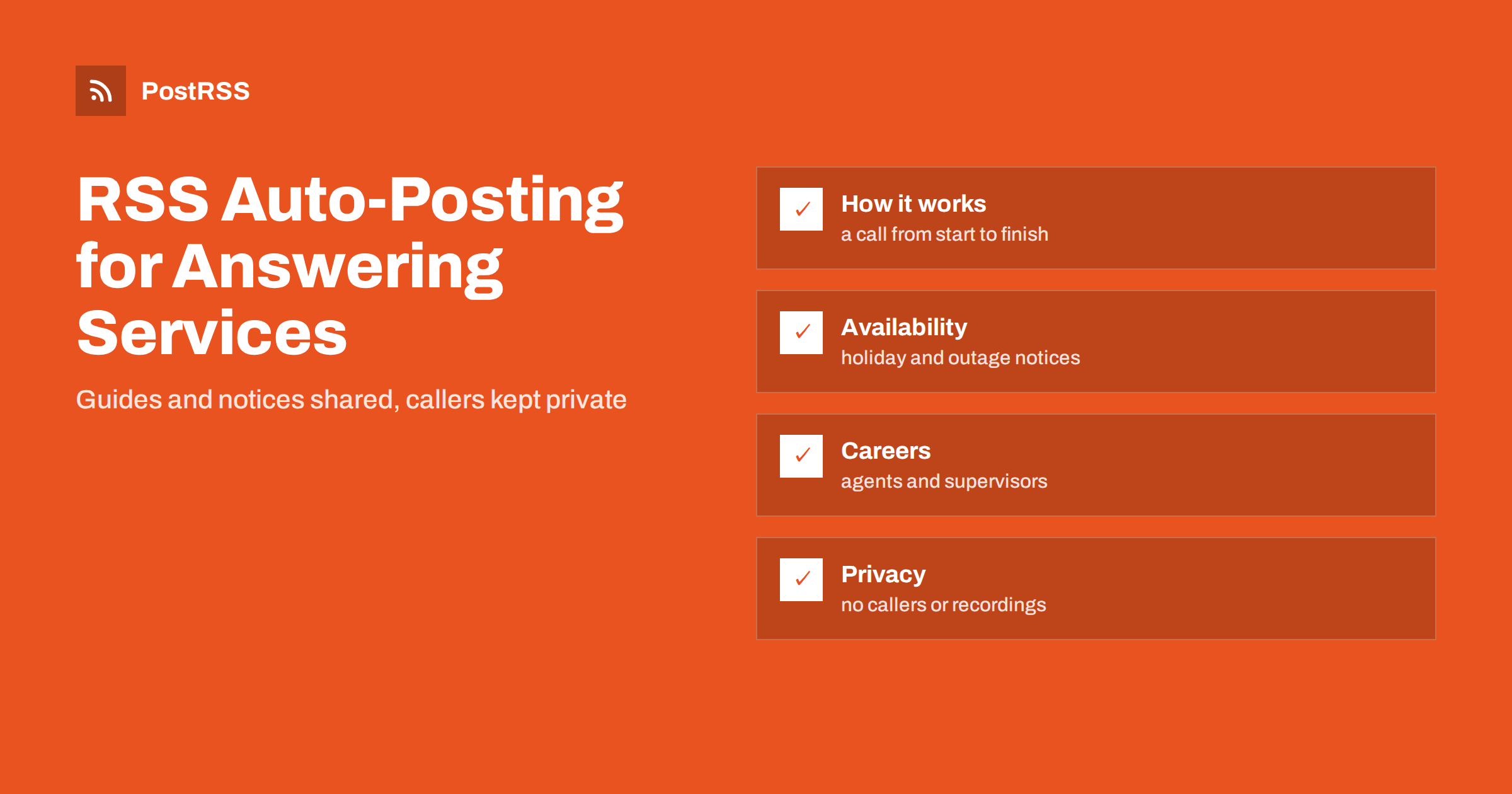
Short answer: RSS auto-posting lets answering services and small call centers share explainers about how call handling works, industry guides, availability and holiday notices, hiring news and technology updates on social media automatically. Publish each item as a page on your company website, let an auto-poster read the feed, and every new page appears on your LinkedIn page, Facebook Page, Telegram channel and other networks with its link and image. Business owners see how you could take calls for them and recruits see that you are hiring, while caller details, recordings, client names and call content stay out of every automated post.
Small businesses lose customers every day because nobody answered the phone. A plumber is under a sink, a clinic receptionist is with a patient, a lawyer is in court and a shop owner is serving a queue. A call that goes unanswered often goes to a competitor. Answering services and small call centers exist to solve exactly that, and they sell something that is hard to see: a calm voice, a script followed correctly and a message delivered promptly. Prospective clients want to understand how it works before they trust their customers to strangers. They ask how calls are forwarded, what the agent says, how messages reach them, what happens at night and during holidays and how private the information stays. At the same time, these companies need a steady flow of agents, schedulers and supervisors. A feed turns each new page into a post as soon as it is published. This guide explains what to publish, how to connect it and where to be careful, because your work is built on the confidentiality of conversations.
The advice fits many kinds of businesses that handle calls and messages for others:
Each has services, a team that works in shifts and clients whose own customers must be treated well. The company website is the natural source for every other channel.
Most of the useful content can be turned into a short page:
Each page appears on your website, where a person who searches for call handling can find it. The feed then announces it automatically, and a short post about a new guide reaches the people who follow your company.
Most companies already use a system that creates feeds:
/feed/ and one for every category, such as /category/guides/feed/. If you are unsure of the address, see how to find your WordPress feed link.Use categories to separate audiences: how it works, industry guides, availability, technology, careers and news. Each category has its own feed, and each feed can go where it works best: industry guides to LinkedIn and to a Facebook Page, availability notices to a channel that clients follow, recruitment to LinkedIn and local job groups. Routing by category is explained in category filtering for auto-posting.
| Content | Automate? | Notes |
|---|---|---|
| Service pages and how-it-works guides | Yes | Plain words, honest limits |
| Industry guides and script advice | Yes | Written for the buyer |
| Availability and holiday notices | Yes | Keep them current |
| Recruitment pages | Yes | Duties, shifts and how to apply |
| Client names and contract terms | No | Confidential unless the client agrees |
| Caller details, recordings and call content | No | Never, in any form |
A simple rule: if it helps many businesses understand call handling, automate it. If it concerns one client, one caller or one call, it stays inside the service.
An answering service is trusted with the words of people who are often in a hurry, in pain or in trouble: a patient asking for an appointment, a homeowner with a flooded basement, a person calling a lawyer about a sensitive matter. Their details and the reasons for their calls are not material for stories, even with names removed. Never publish call examples taken from real calls, never use real recordings or transcripts in training pages and never describe a recognisable situation. If you need examples for a guide, invent them and make clear that they are invented. Pay attention to screenshots, too: a picture of your dashboard can show phone numbers and names. Check every image before you publish it. Rules about the recording of calls and the protection of personal data differ between countries and industries, so describe your practice accurately and link to your privacy policy instead of summarising the law.
The most common promises in this field are that every call is answered immediately, that service never stops and that agents are experts in your business. Those claims are risky, because systems fail, lines are busy and agents learn a client’s business over time. Describe what you actually do: the typical answer time you aim for, how you handle peaks, what happens during a network outage and how you tell clients when something goes wrong. Be exact about what agents can and cannot do, such as taking a message, booking a slot in a calendar you can see or transferring an emergency call to a number the client supplied. Do not claim that agents give legal, medical or financial advice. Say so clearly when a service is not designed for life-threatening emergencies and tell callers to contact the emergency number of their country. A modest and accurate page prevents disappointment and protects the company.
Clients trust a service when they can imagine the people behind it. A page about the team, the training process and the standards that agents follow humanises the company. Take care with the safety of staff, who talk to strangers all day and sometimes to angry or abusive callers. Do not publish full names, photographs or schedules without the agreement of each person, and never show the location or the layout of the workplace in a way that creates a risk. Use first names or roles if people agree. Describe training in concrete terms: how long it lasts, what is practised and how quality is reviewed, without giving away anything that clients consider confidential. Recruitment pages can speak honestly about shift patterns, breaks, support for difficult calls and chances for growth, which is a strong draw for candidates.
Demand for call handling follows the rhythm of the businesses you serve. Trades are busiest in the months of storms and heating failures, clinics around flu season and holidays, accountants in tax periods and retailers before big sales. Plan pages a little ahead of each wave: a guide to holiday cover in autumn, an after-hours checklist before winter, a new year review of call scripts in December. Use the scheduling features of your website to prepare the pages in advance, and let the feed announce them when they go live. A short availability notice before a public holiday is useful to existing clients and shows reliability to prospects. Remove or mark old notices as finished.
Most companies do best with LinkedIn and one more channel, plus the website and a phone number that, of course, is answered. Two active channels beat five forgotten ones.
/feed/, and check that it lists recent pages.PostRSS has been automating RSS posting since 2014. It checks your website feeds as often as every minute and publishes each new page, with its real image and link, to the channels you connect, from LinkedIn pages and Facebook Pages to Bluesky, Mastodon, Telegram and many more among its 66 supported networks. You can choose how each post is built, filter items by keywords, add UTM parameters and post only within chosen hours or at exact times in your time zone. See the PostRSS features page for everything it does and the pricing page for plan limits. More ideas for service businesses are under the Professional Services tag.
An answering service sells reliability and discretion. RSS auto-posting shares every how-it-works guide, industry page, availability notice, technology explainer and job opening automatically, as soon as it is published on your website. Write each page for a busy owner who is wondering whether to trust strangers with their customers, keep callers, recordings and client names out of every post, invent examples instead of using real calls, describe availability honestly, protect your staff and let your agents spend their time on the phones and not at the keyboard.
Yes. If your company has a website with a guides or news section, its RSS feed can be connected to an auto-poster that shares each new page on LinkedIn, Facebook and other channels. Caller and client details must stay out of automated posts.
Service explanations, how-it-works guides, industry guides for buyers, availability and holiday notices, technology explainers and recruitment pages. Never publish real calls, recordings or client names without agreement.
It is safer not to. Invent examples and state clearly that they are invented, because even a call with names removed can identify a person or a situation.
Publish a short page in an availability category, route it to the channel that clients follow, contact affected clients directly and mark the page as finished when service returns to normal.
Yes. PostRSS reads any valid RSS or Atom address that is reachable without a login. Paste the address, connect your channels and new pages are shared as soon as they appear.
What changed in the networks, what broke, and how to fix it before it costs you reach.
من تطوير Internet Solutions، الفريق الذي يقف وراء PostRSS. كل منتج يوفّر وقتك بطريقته الخاصة.
 English
 Lietuviškai
 Deutsch
 Français
 Русский
 Español
 Polski
 Italiano
 Українська
 Čeština
 Português
 日本語
 Latviešu valoda
 Eesti
 Magyar
 Bahasa Indonesia
 Türkçe
 हिन्दी
 Ελληνικά
 العربية
 ไทย
 Tiếng Việt
 Română
 Bahasa Melayu
 বাংলা