من RSS إلى 66 شبكة تواصل اجتماعي: Facebook، وInstagram، وX، وLinkedIn، وTelegram، والمزيد المدونة برنامج التسويق بالعمولة اتصل بنا
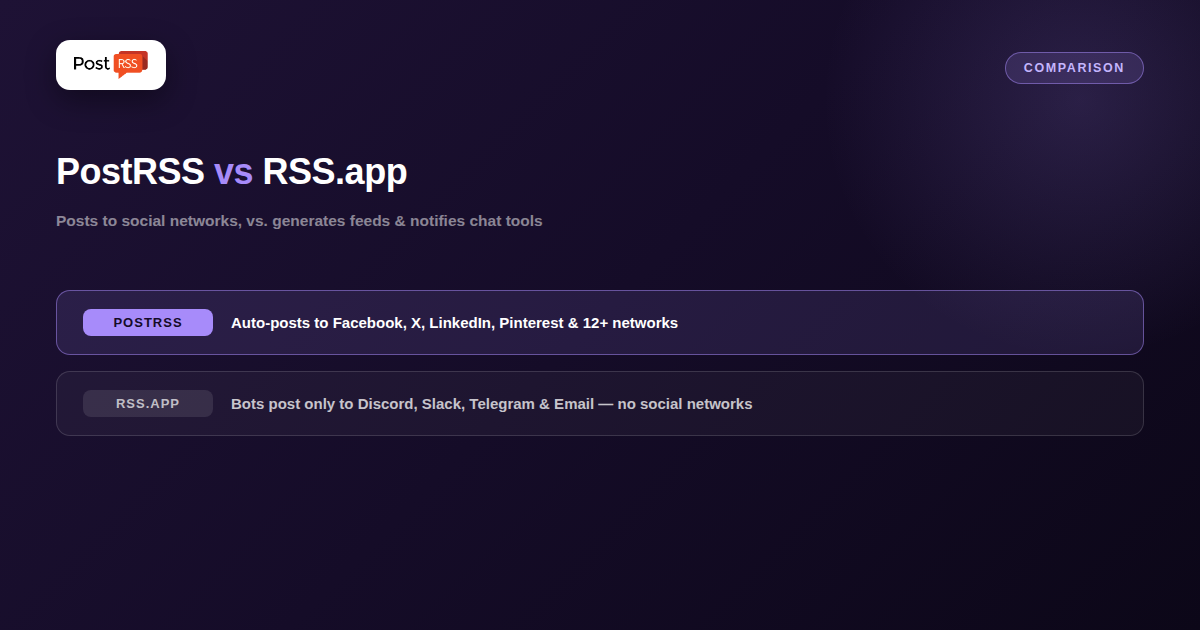
RSS.app shows up in “RSS auto-posting” searches because it does two real things well: turning almost any website into an RSS feed, and pushing new items from a feed into chat tools. What it doesn’t do is post to the social networks most people mean when they say “auto-posting” — that’s a genuinely different product, and worth knowing before you sign up expecting one and getting the other.
RSS.app’s core product is a no-code RSS feed generator — point it at a website (even one without a native feed) and it produces one, pulling from sources like Twitter/X, Instagram, YouTube, TikTok, Reddit, Facebook, and Google News as inputs. Its “Bots” feature then pushes new feed items out — but only to Discord, Slack, Telegram, and Email, refreshed as fast as every 15 minutes on premium plans. Notice what’s not on that destination list: Facebook Pages, X/Twitter, LinkedIn, Pinterest, VK, Instagram, or any other social network you’d actually publish to.
PostRSS starts from the opposite end: you already have (or can easily generate) an RSS feed, and PostRSS posts its new items directly to actual social networks — Facebook Pages, X/Twitter, LinkedIn, Pinterest, VKontakte, Threads, Bluesky, Reddit, Telegram, Tumblr, Mastodon, and more — on a schedule you control. It doesn’t generate feeds from other sites, and it isn’t a chat-notification bot; it’s built specifically to get your content in front of your social audiences, automatically.
| RSS.app | PostRSS | |
|---|---|---|
| Core product | No-code RSS feed generator + chat-notification bots | RSS-to-social auto-poster |
| Posts to social networks? | No — social platforms are input sources only | Yes, that’s the entire product |
| Bot destinations | Discord, Slack, Telegram, Email | Facebook, X, LinkedIn, Pinterest, VK, Threads, Bluesky, Reddit, Telegram, Tumblr, Mastodon + |
| Refresh speed | Every 15 minutes on premium plans | Frequency you set per source, down to minutes |
| Starting price | Free plan, paid from ~$8.32/month | $5/month |
| Networks reachable from one feed | Varies by plan — check their current list | 66 networks incl. Fediverse, Asian and team-chat platforms |
If your problem is “this website has no RSS feed and I need one, then I want to see updates in my team’s Discord or Slack,” RSS.app’s generator-plus-bots combo is built exactly for that. If your problem is “I already publish content and I need it to show up automatically on Facebook, X, LinkedIn, Pinterest, or another social network,” RSS.app’s Bots won’t get you there at all — that’s not a destination they support. PostRSS is built specifically for that second job.
Because the two products sit at different ends of the pipeline, some publishers use them side by side. A feed generator produces an RSS feed for a source that has none, and that generated feed is then added to PostRSS as an ordinary source. PostRSS does not need to know where a feed came from: any valid RSS 2.0 or Atom feed works, whether your CMS publishes it natively or a generator creates it. If your own site already has a feed, which is true for WordPress, Blogger, Shopify, Ghost, Wix, Squarespace and most other platforms, you can skip the generator step entirely.
Getting a feed is only half the job; turning each item into a good social post is the other half. For every target, PostRSS lets you set:
If part of your need is chat notifications, PostRSS reaches those as well: Telegram channels, Discord, Matrix rooms and team chats such as Google Chat, Mattermost, Rocket.Chat, Zulip, Webex and Zoom Team Chat, plus webhooks for Slack, Microsoft Teams, Zapier, Make and n8n. That means one PostRSS source can update your Facebook Page, your LinkedIn page and your team’s chat from the same feed, each target with its own settings. Which networks are available depends on the plan; the features page lists all 66 by type and the pricing page shows which plan includes which.
The answers usually make the choice obvious, and in some setups they point to using a generator for the input and PostRSS for the output.
No — RSS.app’s Bots feature only pushes to Discord, Slack, Telegram, and Email. Social networks appear in RSS.app as feed sources you can pull from, not as destinations you can post to.
Not in the sense most people search for — it’s primarily a tool for generating RSS feeds from websites and notifying chat channels, not for distributing content to social media audiences.
Generating a working RSS feed from a site that doesn’t have one, and getting instant chat notifications (Discord, Slack, Telegram) or email digests when that feed updates.
PostRSS focuses on taking an existing feed — yours or a source you follow — and posting its items to social networks automatically; it isn’t a feed-generation tool for sites that lack RSS entirely.
RSS.app and PostRSS solve adjacent but different problems: RSS.app turns websites into feeds and notifies chat tools when they update; PostRSS takes a feed and posts its content to social networks automatically. If “auto-posting” means Facebook, X, LinkedIn, Pinterest, or similar, RSS.app’s Bots simply don’t reach those destinations — PostRSS is built specifically for that job.
What changed in the networks, what broke, and how to fix it before it costs you reach.
من تطوير Internet Solutions، الفريق الذي يقف وراء PostRSS. كل منتج يوفّر وقتك بطريقته الخاصة.
 English
 Lietuviškai
 Deutsch
 Français
 Русский
 Español
 Polski
 Italiano
 Українська
 Čeština
 Português
 日本語
 Latviešu valoda
 Eesti
 Magyar
 Bahasa Indonesia
 Türkçe
 हिन्दी
 Ελληνικά
 العربية
 ไทย
 Tiếng Việt
 Română
 Bahasa Melayu
 বাংলা