من RSS إلى 66 شبكة تواصل اجتماعي: Facebook، وInstagram، وX، وLinkedIn، وTelegram، والمزيد المدونة برنامج التسويق بالعمولة اتصل بنا
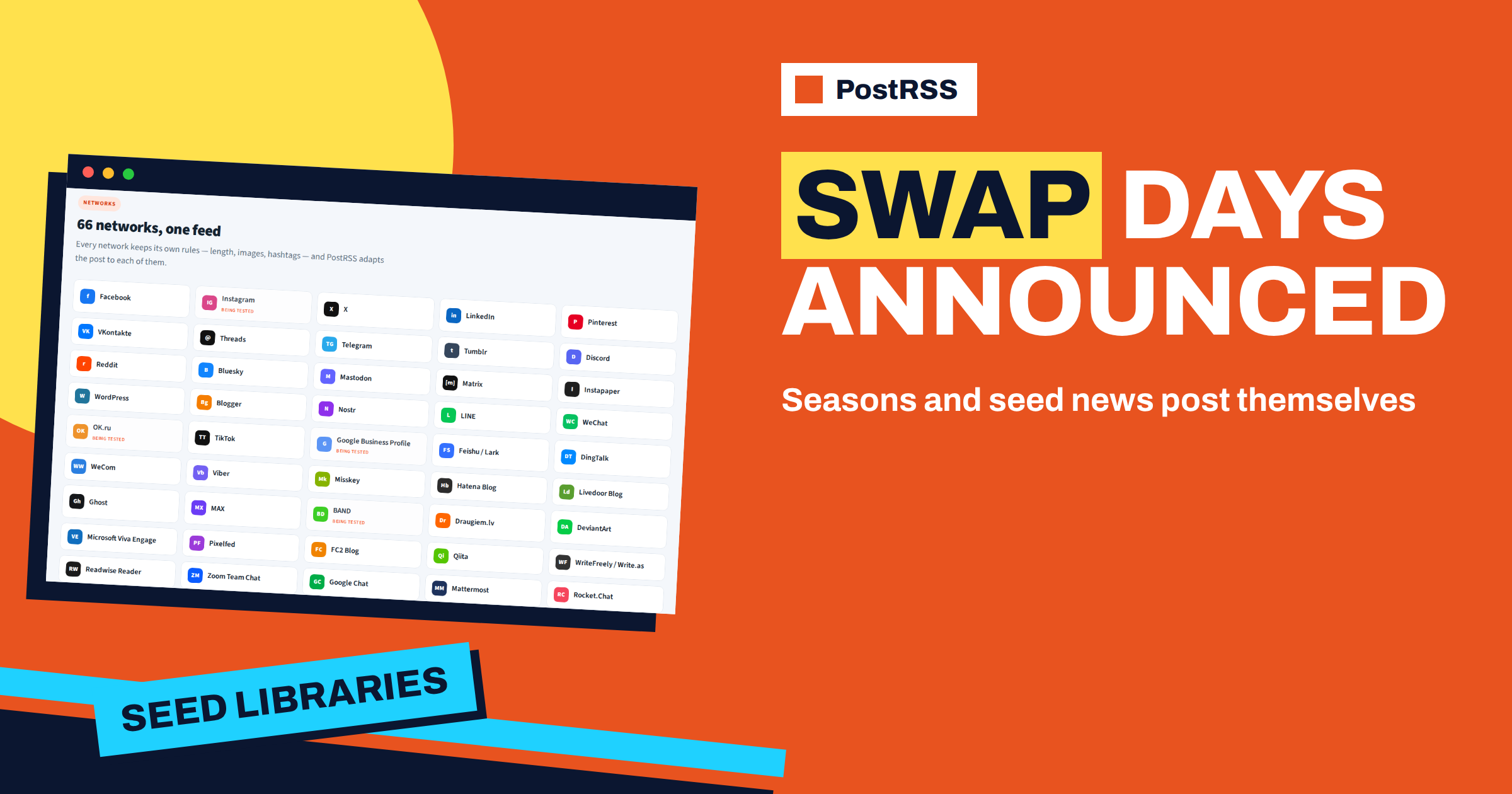
Short answer: a seed library or a plant swap group can use PostRSS to turn the entries of its website into posts on a Facebook Page, a Telegram channel, Pinterest boards and Bluesky. Publish swap days, sowing tips for each month, new seed arrivals, workshops and volunteer calls as separate entries with categories, connect the feed and use exact times so that each notice appears when gardeners are planning. The volunteers write the entries once, and the channels stay active through the seasons without extra evenings of posting.
Seed libraries and plant swaps are gentle, generous projects. Gardeners borrow seeds in spring, grow them, save the best and bring some back in autumn. Swap days fill a hall with cuttings, seedlings and stories. The projects depend on timing: a notice about tomato seeds is useful in February, not in June, and a swap that nobody hears about is a quiet hall. They also depend on volunteers, who spend their time sorting packets, labelling envelopes and talking to visitors, not tending social accounts. A simple website with a news page, connected to PostRSS, lets the group write each notice once and have it appear on the networks where gardeners look. This guide shows how to set it up with the options that PostRSS offers today.
Gardening has a built-in editorial calendar. The seasons tell you what to publish: ordering and sorting in winter, sowing indoors in early spring, the swap day when seedlings are ready, planting out after the frosts, seed saving in late summer, the autumn return of seeds and the planning of next year. A group that writes one entry for each step has a year of content already. Pick a day for the planning, write the main entries of the next quarter and set the dates. The feed will do the rest.
Give every entry a category for its kind and another for the plant group, such as vegetables, herbs, flowers or trees. Categories travel in the feed, and PostRSS can use them for keyword filters and for hashtags on networks where hashtags make sense.
The group needs a web page with a news section, which many libraries and community centres already offer. If the site runs on WordPress, the official PostRSS plugin can build a feed for chosen categories and create the target for you, and the integrations page shows how to find the feed address on other platforms. Each entry needs a title, a short text, a link and a picture. Pictures of seed packets, seedlings in trays and gardeners at the swap table make the best covers, because they show the friendliness of the project.
The pricing page shows which networks each plan includes. The Free plan has one target, so a group that wants a Page, a Telegram channel and a Pinterest board together needs a plan with at least three targets.
The first lines of the entry become the post. PostRSS can build the post from the item title, the item description, the page title or your own fixed text, in nine combinations. A clear title carries the news: Spring seed swap, Saturday 10:00 to 13:00, bring seeds, seedlings or just yourself. A fixed label such as Seed library at the start of every post makes the series recognisable. In the first lines say who is welcome, what to bring and whether it is free. People hesitate to join a swap when they think they have nothing to offer, so say that beginners are welcome, and that taking is allowed even if you bring nothing this time.
A swap day needs notices at the right moments: a save-the-date a month ahead, the details two weeks ahead, a reminder in the final week and a note on the morning. PostRSS lets you post at exact times on chosen days in your time zone, and it also offers posting windows, both on paid plans. For a monthly sowing note, one entry on the first Saturday of each month works well. Because PostRSS posts each feed item once, write each reminder as its own entry. The article on exact times, windows and intervals describes the options.
A source can have an include filter, an exclude filter or both. Filters search the title, the description and the categories, ignore capital letters and match parts of words, and an exclude word always wins over an include word. Items that a filter removes are not posted and do not count against your monthly allowance.
A typical split: the Page receives swap days, the sowing notes and the volunteer calls. The Telegram channel receives events and volunteer calls. Pinterest receives the sowing notes and the seed saving guides, since those are pictures people keep. Bluesky receives seasonal tips. The guide to include and exclude keyword filters explains the matching rules.
Seed sharing has local rules. Some places regulate the sale and exchange of seeds, and almost everywhere it is wise to avoid spreading invasive plants and plant diseases. A seed library usually asks donors to label packets with the variety, the year and the place, and to share only seed from healthy plants. Put the rules on the website and link to them from swap day entries. Say clearly which plants are not accepted. PostRSS posts what the entry says, so the care is in the writing, and a link to the rules answers many questions in advance.
The monthly note on what to sow now is the most useful content of the year, and it has a long life. Keep it short: three or four plants, one tip for each and a picture. Write for your own climate and name the region, because advice for a mild coast is wrong for a cold valley. Give the dates as ranges. Gardeners save good notes, and the evergreen ones keep bringing people to the library year after year, especially on Pinterest, where pins live for months.
On networks where hashtags make sense, PostRSS can add your own fixed hashtags and can turn the categories of the item into hashtags. For a group, the name of the library, the town and a general gardening tag are enough, and the categories add the plant group. On Facebook and LinkedIn at most five hashtags in total are used, with yours first. Hashtags are not added on chat tools such as Discord. The article on automatic, custom and random hashtags explains the options.
A group with a few years of history has photographs and stories that show what a swap feels like. When you open a new channel, it starts empty. Set a start date for a source and turn on catch-up, and PostRSS also posts older items that were never published. Keep the limit per update low, so that the archive appears slowly, and choose the evergreen entries, such as guides and sowing notes, for the catch-up. The guide to catching up older feed items describes the setting.
| Target | Filter | Timing | Purpose |
|---|---|---|---|
| Facebook Page | Swap days, sowing notes, calls | Weekday mornings | Neighbours |
| قناة Telegram | Events and volunteer calls | Morning of the event | Volunteers and regulars |
| لوحة Pinterest | Sowing notes, seed saving guides | Steady daytime window | Ideas and traffic |
| Bluesky account | Seasonal tips | Daytime window | Gardening community |
In January the coordinator writes the entries for the spring: the save-the-date for the swap, three sowing notes and a call for volunteers. In February the Page posts the first sowing note, and the Pinterest board starts to show the guides. In March the details of the swap day go out, and a reminder follows in the final week. On the morning of the swap the Telegram channel repeats the time and place. Afterwards the coordinator posts photographs and a thank-you. The group wrote eight short entries and spent no time on posting.
Many seed libraries live inside public libraries, schools and community centres, and the partners have channels of their own. A single public feed makes cooperation easy: the library can share the swap day post, the school can reuse the sowing notes in its newsletter and a local garden centre can link to the guides. Credit partners in the entries and thank them after events. Consistent titles and categories help others recognise and reuse your content, and every share brings new gardeners to the next swap day without any extra work from your volunteers.
A seed library thrives when it feels easy. Explain in one short, evergreen entry how borrowing and returning works: how many packets a person may take, how to record the variety and what to do if a crop fails. Link to it from the profile of every channel, and mention it in the swap day posts. People who understand the rules in thirty seconds are more likely to take part. Because the same feed supplies every channel, improving this one entry improves the experience for every newcomer at once.
For a seed library or a plant swap group, PostRSS turns the gardening calendar into a steady voice: swap days, sowing notes and seed news are written once and reach neighbours and growers on the networks they use. Use categories and filters to route each entry, exact times to match the season and the reports to check that everything went out. The options are on the features page, and the plans are on the pricing page.
Yes. Write the swap day as a feed entry, and PostRSS posts it once to every target joined to the source. Exact times on paid plans let you choose the day and hour.
Yes. Create a source for the Pinterest target with an include filter for the sowing notes category. Pinterest boards are available from the Professional plan.
No. PostRSS posts to Facebook Pages only, because Meta closed the interface for groups in 2024.
No. PostRSS posts each feed item once. Write a new entry for each swap, for example from last year’s template.
The Free plan lets you test one target. For a Page, a Telegram channel and Pinterest together you need at least three targets, which starts with Professional.
What changed in the networks, what broke, and how to fix it before it costs you reach.
من تطوير Internet Solutions، الفريق الذي يقف وراء PostRSS. كل منتج يوفّر وقتك بطريقته الخاصة.
 English
 Lietuviškai
 Deutsch
 Français
 Русский
 Español
 Polski
 Italiano
 Українська
 Čeština
 Português
 日本語
 Latviešu valoda
 Eesti
 Magyar
 Bahasa Indonesia
 Türkçe
 हिन्दी
 Ελληνικά
 العربية
 ไทย
 Tiếng Việt
 Română
 Bahasa Melayu
 বাংলা