من RSS إلى 66 شبكة تواصل اجتماعي: Facebook، وInstagram، وX، وLinkedIn، وTelegram، والمزيد المدونة برنامج التسويق بالعمولة اتصل بنا
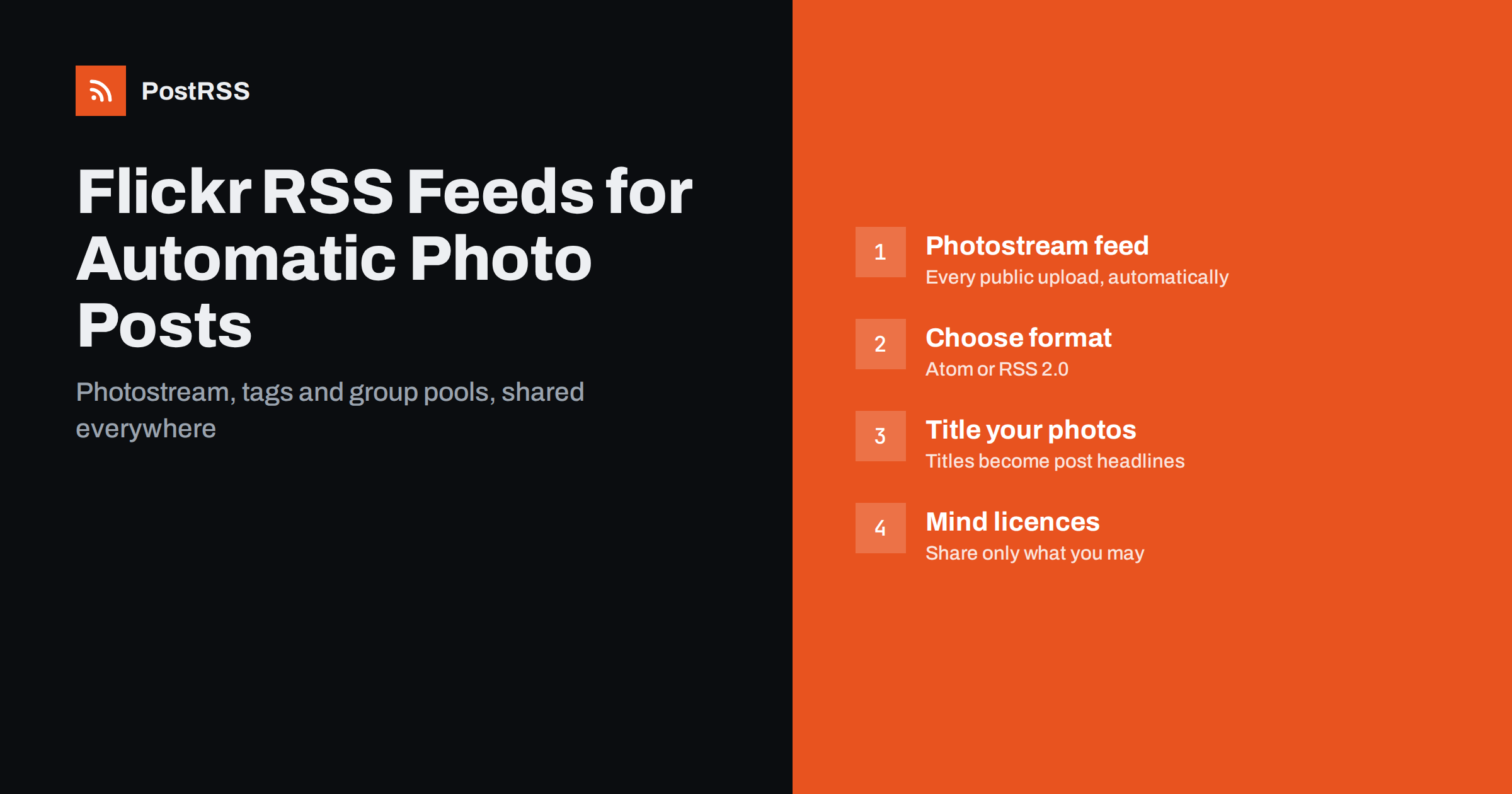
Short answer: Flickr provides public feeds for every photostream, as well as for tags and group pools. Your photostream feed lives at flickr.com/services/feeds/photos_public.gne with your user ID in the id parameter, and adding format=rss_200 returns RSS 2.0 instead of the default Atom. Connect that feed to an RSS auto-posting tool and each new public photo you upload is shared to your social networks and channels automatically, with its title, link and image.
Flickr has been around since the early days of photo sharing, and it has kept something many newer platforms dropped: open, public feeds. For photographers, that makes it an unusually good hub. You upload once to Flickr, where photos are stored at high resolution with titles, tags, descriptions and licences, and the feed tells other tools that something new has arrived.
The alternative is familiar to anyone who shares photography online: export a copy, open each app, write a caption, add hashtags, post, and repeat for the next network. That is fine for one photo a month and exhausting for a photographer who uploads a set from every shoot. A feed turns Flickr into the source of truth and lets the distribution happen by itself.
There is a quality argument too. Flickr keeps your originals, your metadata and your licence information together. Social networks compress images and strip much of that context. Treating Flickr as the archive and social networks as the announcement layer means your best version always lives in one place, and every post points back to it.
Feeds are useful for more than individual photographers:
Flickr’s feed service offers several feeds. The ones most useful for auto-posting are these:
tags parameter returns recent public photos with specific tags. Combined with your user ID, it gives you a feed of only your photos with a given tag.Each feed can be requested in several formats through the format parameter. Atom is the default. rss_200 returns RSS 2.0 with enclosures and Media RSS elements, which many tools handle well. The official Flickr public feed documentation lists the parameters and formats.
The feed needs your numeric user ID, often called an NSID, which looks like 12345678@N00. It is not the same as your custom profile address.
photos_public.gne. The link contains your user ID.https://www.flickr.com/services/feeds/photos_public.gne?id=12345678@N00&format=rss_200, with your own ID in place of the example.For a tag feed, add &tags=yourtag to the same URL. For a group, use the group pool endpoint with the group’s ID, which you can find in the same way on the group’s page source.
Understanding the item structure helps you predict what your social posts will look like.
media:content element pointing to an image file, plus a thumbnail. The size may be smaller than your original upload.The single most effective improvement most photographers can make is to give every public photo a real title before or right after uploading. “Morning fog over Lake Bled” is a social post. “IMG_4821” is not.
Because the feed reflects exactly what is on Flickr, a little discipline at upload time pays off everywhere else.
Not every network suits photography equally, and link-based posts behave differently from native image posts.
Think about the destination of the link as well. Linking to the Flickr photo page sends viewers to Flickr, where they can see the full-size image and your other work. If you run your own portfolio website, you may prefer to publish selected photos there and share that feed instead, so that visitors land on your domain.
Feeds make it technically easy to auto-post anyone’s public photos, for example from a tag or a group pool. That does not make it legal or polite. Photos on Flickr remain the property of their creators unless a licence says otherwise.
Creative Commons licences differ in what they allow. Some permit any use with attribution, others forbid commercial use or modifications. A business account that shares photos to promote its services is usually a commercial context, so read the specific licence before automating anything that includes other people’s images.
When in doubt, restrict the feed to your own user ID and share other people’s work manually, with permission and credit.
Most problems with Flickr feeds come down to a handful of causes. Work through them in order before assuming the feed itself is broken.
If everything looks right in a browser but the auto-poster still sees nothing, paste the exact feed URL into a feed validator. It shows what a machine receives, which is sometimes different from what you see when logged in.
PostRSS accepts any RSS or Atom feed, including Flickr photostream, tag and group pool feeds, and checks it every 5 minutes on all plans, or every minute on Enterprise plans. Each new photo is published with its title, text, link and image to the targets you connect, from 66 supported networks such as Pinterest boards, Pixelfed, Mastodon, Bluesky, Tumblr, Facebook Pages, Telegram and Discord. PostRSS takes the picture from the feed item or from the page’s Open Graph tags, can turn item categories and tags into hashtags, and lets you set the maximum number of posts per update so that a large upload does not flood your followers. Plan limits and the networks included in each plan are on the pricing page.
Flickr’s public feeds turn your photostream into a distribution hub. Find your user ID, request the RSS 2.0 format, give your photos real titles and descriptions, keep private work private and limit bulk uploads. Then connect the feed to the networks where your audience looks at photography, and every public upload reaches them without a single extra export or copy-and-paste.
Yes. Flickr’s feed service provides public feeds for user photostreams, tags and group pools. The default format is Atom, and adding format=rss_200 returns RSS 2.0.
The feed uses each photo’s title on Flickr, and untitled uploads often keep the camera file name. Add real titles, which you can do in bulk with Flickr’s editing tools, and new feed items will carry them.
No. Public feeds include only photos that are visible to everyone. Photos set to private or friends-and-family only are not included.
Technically yes, using the group pool feed. Make sure the group rules allow it and that each photographer is credited, because the photos belong to the members who added them.
Upload only your selects as public and keep the rest private, or limit the number of posts your auto-posting tool publishes per update. Spreading public uploads over several days also helps.
What changed in the networks, what broke, and how to fix it before it costs you reach.
من تطوير Internet Solutions، الفريق الذي يقف وراء PostRSS. كل منتج يوفّر وقتك بطريقته الخاصة.
 English
 Lietuviškai
 Deutsch
 Français
 Русский
 Español
 Polski
 Italiano
 Українська
 Čeština
 Português
 日本語
日本語 Latviešu valoda
 Eesti
Eesti Magyar
 Bahasa Indonesia
 Türkçe
 हिन्दी
 Ελληνικά
 العربية
 ไทย
ไทย Tiếng Việt
 Română
 Bahasa Melayu
 বাংলা
বাংলা