من RSS إلى 66 شبكة تواصل اجتماعي: Facebook، وInstagram، وX، وLinkedIn، وTelegram، والمزيد المدونة برنامج التسويق بالعمولة اتصل بنا
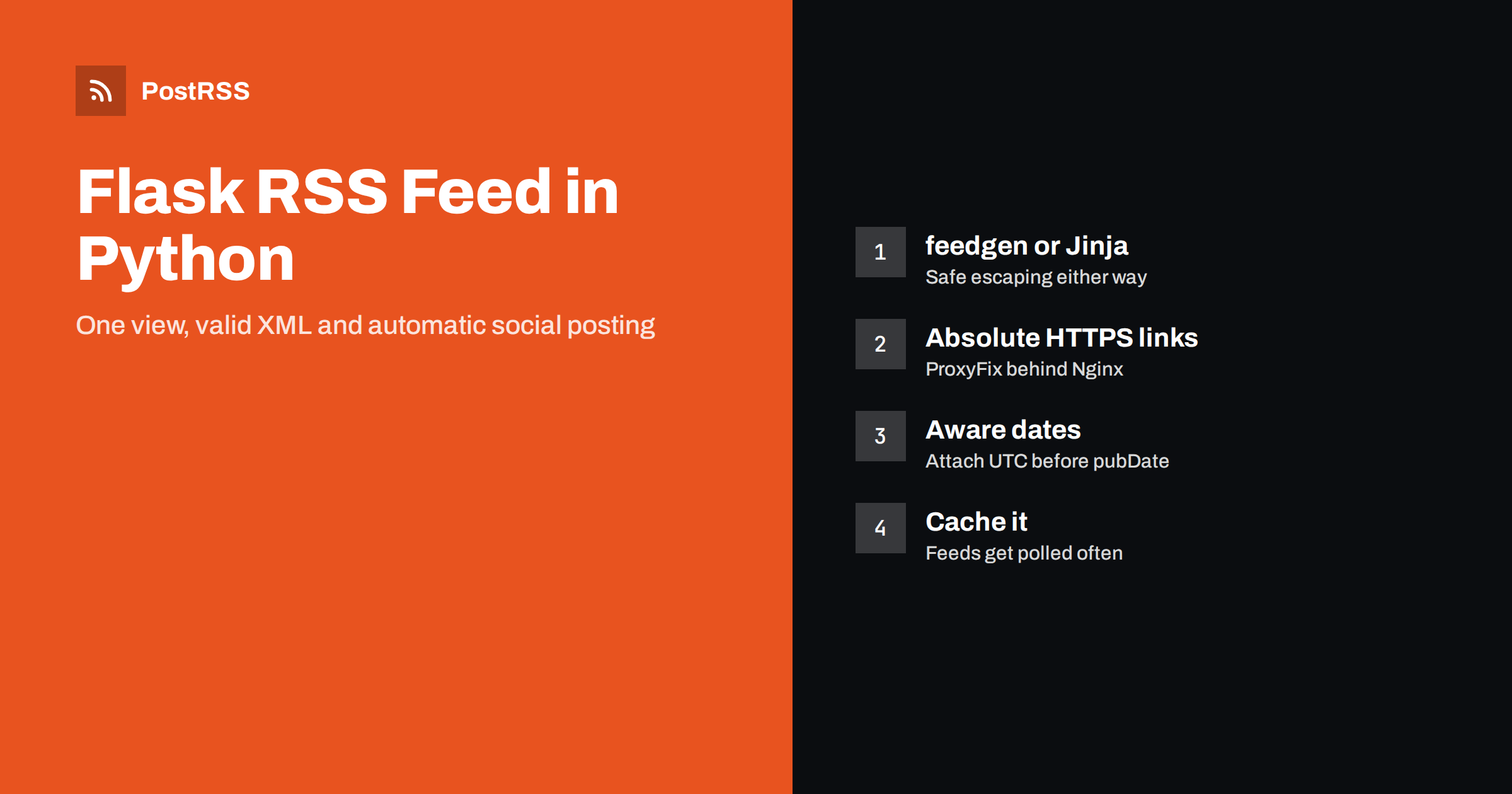
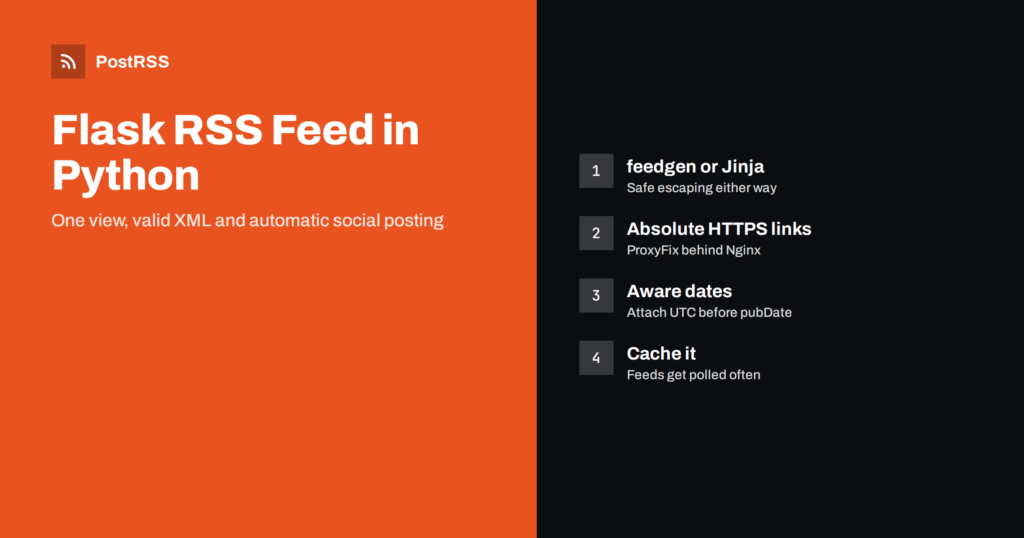
Short answer: Flask has no built-in RSS support, but a feed is one small view. Query your latest published posts, build the XML with the feedgen library or a Jinja template, use absolute URLs from url_for(..., _external=True), set timezone-aware dates and return the response with the application/rss+xml type. Validate it once and any RSS auto-poster can share every new article automatically.
Flask is a favourite for small Python sites, internal tools, documentation portals and blogs that grew out of a side project. Because Flask is deliberately minimal, it leaves features such as feeds to you. That is not a problem: an RSS feed is just another route that returns XML instead of HTML. This guide shows a reliable way to build one in Flask, the details that most often break feeds in Python apps, and how to use the feed to automate social sharing.
Before writing code, it helps to be clear about the job. A good feed:
Everything else, such as images, categories and full content, is optional but useful. Social posting tools in particular benefit from a featured image and a clean summary for each item.
The feedgen package generates RSS 2.0 and Atom from Python objects and takes care of XML escaping, which is where hand-written feeds usually fail. Install it with:
pip install feedgenA minimal Flask view looks like this. It assumes a Post model with title, slug, summary, published_at و is_published fields; adapt the query to your own data layer:
from datetime import timezone
from flask import Flask, Response, url_for
from feedgen.feed import FeedGenerator

app = Flask(__name__)

@app.route('/rss.xml')
def rss_feed():
    posts = (Post.query
             .filter_by(is_published=True)
             .order_by(Post.published_at.desc())
             .limit(30).all())

    fg = FeedGenerator()
    fg.title('Example Blog')
    fg.link(href=url_for('index', _external=True), rel='alternate')
    fg.description('New articles from Example')
    fg.language('en')

    for p in posts:
        url = url_for('post_detail', slug=p.slug, _external=True)
        fe = fg.add_entry(order='append')
        fe.title(p.title)
        fe.link(href=url)
        fe.guid(url, permalink=True)
        fe.description(p.summary)
        fe.pubDate(p.published_at.replace(tzinfo=timezone.utc))

    return Response(fg.rss_str(pretty=True),
                    mimetype='application/rss+xml')
Two lines deserve attention. First, add_entry places new entries at the top by default; because the query already returns the newest post first, order='append' keeps that order. Second, feedgen expects timezone-aware datetimes. If your database stores naive UTC values, attach the UTC timezone as shown, otherwise the library raises an error.
If you prefer not to add a dependency, you can render the XML with Flask’s own templating. Jinja escapes values automatically in templates with an .xml extension, which protects titles that contain ampersands or angle brackets.
<?xml version="1.0" encoding="UTF-8"?>
<rss version="2.0">
<channel>
  <title>Example Blog</title>
  <link>{{ url_for('index', _external=True) }}</link>
  <description>New articles from Example</description>
  {% for p in posts %}
  <item>
    <title>{{ p.title }}</title>
    <link>{{ url_for('post_detail', slug=p.slug, _external=True) }}</link>
    <guid isPermaLink="true">{{ url_for('post_detail', slug=p.slug, _external=True) }}</guid>
    <pubDate>{{ p.published_at | rfc822 }}</pubDate>
    <description>{{ p.summary }}</description>
  </item>
  {% endfor %}
</channel>
</rss>
The rfc822 filter above is not built in; register it yourself with email.utils.format_datetime, which produces the date format RSS requires. The template approach gives you full control, but you also own every detail of the format. For most projects, feedgen is the safer default; the template is a good fit when you need unusual elements or want zero extra packages.
The most common Flask feed bug is not in the XML at all. It is a link that starts with http://127.0.0.1:8000 أو http:// instead of your public https:// domain. This happens because url_for(..., _external=True) builds URLs from the incoming request, and behind a reverse proxy such as Nginx the app may see an internal address.
ProxyFix middleware reads the X-Forwarded-Proto و X-Forwarded-Host headers set by your proxy, so generated URLs match what visitors see. Configure it to trust only as many proxies as you actually have.PREFERRED_URL_SCHEME = 'https' helps when URLs are built outside a request, for example in a background job or a static export.http:// و localhost. Neither should appear.Relative links are a related problem: they work on your pages but break inside feeds, as explained in our article on relative URLs and broken links in RSS feeds.
Richer items produce better social posts. Consider these additions once the basic feed works:
feedgen, fe.enclosure(url, length, 'image/jpeg') attaches an image. Use an absolute URL to a reasonably sized picture. Many auto-posting tools use it as the post image.fe.category(term='Tutorials') adds categories that some tools convert into hashtags or use for filtering.og:title, og:description و og:image. Tools that find no image in the feed often fall back to these.<link rel="alternate" type="application/rss+xml" title="Example Blog" href="https://example.com/rss.xml"> to your base template so browsers and tools can find the feed from any page.For other feed elements, the RSS 2.0 specification is short and readable, and it is the best reference when a validator message is unclear.
One site-wide feed is enough to start, but separate feeds become valuable as the site grows. A reader who only cares about tutorials does not want release notes, and an auto-posting set-up often sends different topics to different channels. In Flask, a category feed is the same view with one extra URL parameter:
@app.route('/category/<slug>/rss.xml')
def category_feed(slug):
    category = Category.query.filter_by(slug=slug).first_or_404()
    posts = (Post.query
             .filter_by(is_published=True, category_id=category.id)
             .order_by(Post.published_at.desc())
             .limit(30).all())
    return build_feed(posts, title=f'Example Blog: {category.name}')
Move the shared feed-building code into a helper such as build_feed so the main feed and every category feed produce identical structure. A few rules keep multiple feeds manageable:
rel="alternate" link next to the site-wide one.Write a small test for the feed as well. A pytest case that requests /rss.xml with Flask’s test client, checks the status code and content type, and parses the response with xml.etree.ElementTree will catch most regressions before they reach production. It takes a few minutes to write and protects every tool that depends on the feed.
A feed is requested far more often than most pages. Feed readers, aggregators and auto-posting services poll it on a schedule, sometimes every few minutes. A view that runs a heavy query on every request can become a noticeable load.
response.add_etag() and answer 304 Not Modified with response.make_conditional(request), which saves bandwidth for well-behaved clients.Before connecting the feed to automation, run a few quick checks:
curl -I https://example.com/rss.xml. Expect HTTP 200, an RSS or XML content type and no redirects.| Problem | Typical cause in Flask | Fix |
|---|---|---|
| Links use http or an internal host | Proxy headers ignored | Add ProxyFix and set the preferred scheme |
| ValueError about datetime | Naive datetimes passed to feedgen | Attach a timezone, usually UTC |
| Oldest post appears first | Default prepend order in feedgen | Use order=’append’ with a newest-first query |
| Broken characters | Manual string building without escaping | Use feedgen or an autoescaped .xml template |
| Same post shared twice | GUID changes after an edit | Use the permanent URL as the GUID |
| Drafts visible | Query lacks a published filter | Filter on status and publication date |
If you still see duplicates, our guide on duplicate GUID fixes explains how tools decide what is new.
With a valid feed in place, sharing new articles no longer depends on someone remembering to post. Add the feed URL to an auto-posting tool, connect the social accounts and channels you use, choose how posts are built from the title and description, and decide on posting hours. The tool checks the feed regularly and posts each new item once.
Developer blogs often split their content: tutorials to a professional network, release notes to a team chat or a Discord server, and everything to Mastodon or Bluesky. Separate feeds per category make that easy. More setups like this are collected under technical guides and the broader خلاصة RSS topic.
PostRSS reads any RSS or Atom feed, including one served by a Flask view, and publishes each new item to the networks you connect. It checks feeds every 5 minutes on all plans and every minute on Enterprise plans, takes the image from the feed item or the page’s Open Graph tags, and offers keyword filters, hashtags from item categories and UTM parameters. Developers can also use the PostRSS REST API v1 and outgoing webhooks. See the features page for the full network list and the pricing page for what each plan includes.
A Flask RSS feed takes one view and a few careful details: absolute HTTPS links, timezone-aware dates, stable GUIDs, the right content type and a sensible cache. Build it with feedgen or an autoescaped template, validate it, add the discovery tag, and your Python site gains a feed that readers, newsletters and auto-posting tools can rely on. Add category feeds and a small automated test as the site grows, and the feed will keep working quietly in the background for years while every new article reaches your audience without manual sharing.
No. Flask keeps its core small, so you add a feed yourself as a normal route that returns XML. Libraries such as feedgen make this short and safe.
Use feedgen for most projects because it handles escaping and date formats. A Jinja template is fine when you want no extra dependency or need custom elements, as long as autoescaping is on.
Flask builds external URLs from the request it receives. Behind a reverse proxy, add Werkzeug’s ProxyFix so the app sees the original scheme and host.
It varies, but feed readers and auto-posting services often check every few minutes to every hour. Caching the feed for a short time keeps the load low.
Yes. Once the feed is public and valid, an RSS auto-posting service can watch it and publish each new post to the social networks and channels you connect.
What changed in the networks, what broke, and how to fix it before it costs you reach.
من تطوير Internet Solutions، الفريق الذي يقف وراء PostRSS. كل منتج يوفّر وقتك بطريقته الخاصة.
 English
 Lietuviškai
 Deutsch
 Français
 Русский
 Español
 Polski
 Italiano
 Українська
 Čeština
 Português
 日本語
日本語 Latviešu valoda
 Eesti
Eesti Magyar
 Bahasa Indonesia
 Türkçe
 हिन्दी
 Ελληνικά
 العربية
 ไทย
ไทย Tiếng Việt
 Română
 Bahasa Melayu
 বাংলা
বাংলা