من RSS إلى 66 شبكة تواصل اجتماعي: Facebook، وInstagram، وX، وLinkedIn، وTelegram، والمزيد المدونة برنامج التسويق بالعمولة اتصل بنا
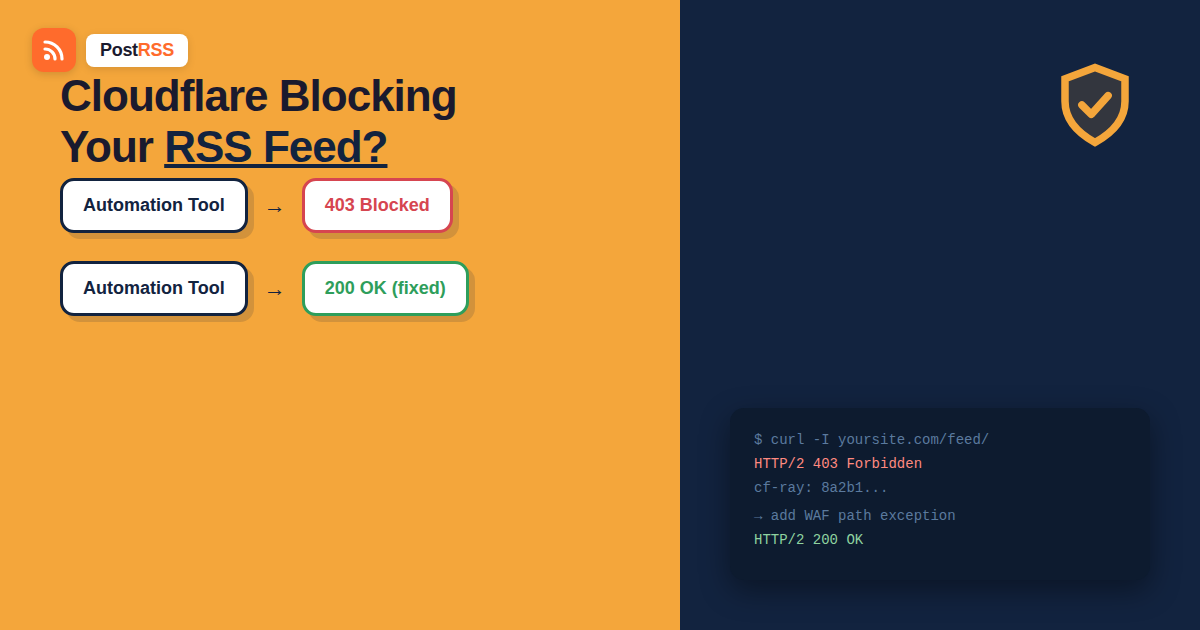
Your RSS feed loads perfectly when you paste it into a browser. It validates fine in a feed validator. But your auto-posting tool keeps reporting a fetch failure, a 403, or worse, silence with no new posts and no obvious error. If your site sits behind Cloudflare — and a huge share of the web does — this is almost always a bot-protection setting doing exactly what it was configured to do: blocking traffic that doesn’t look like a human browser. The problem is that an خلاصة RSS fetcher isn’t a human browser, and Cloudflare’s default settings don’t always know the difference between a malicious scraper and the automation tool you deliberately set up.
Cloudflare sits in front of your site as a reverse proxy, inspecting every request before it reaches your server. Its bot-management features — Bot Fight Mode, Super Bot Fight Mode, and the broader Web Application Firewall (WAF) — are designed to stop credential-stuffing bots, content scrapers, and DDoS traffic. To do that, they look at signals like the User-Agent header, request rate, TLS fingerprint, and whether the client executes JavaScript. A polling RSS reader fails several of these checks by design: it identifies itself with a plain User-Agent string, it doesn’t run a JavaScript challenge, and it hits the same URL on a fixed schedule — which, from a naive bot filter’s perspective, looks suspiciously like a scraper.
None of this means your automation tool is doing anything wrong. Reading a public RSS feed on a schedule is exactly what RSS was built for. It just means Cloudflare’s default “guess whether this is a bot” heuristics weren’t tuned with feed fetchers in mind, and by default they often get caught in the same net as actual abusive traffic.
A few symptoms point specifically at Cloudflare rather than a broken feed or a problem with your automation tool:
cf-ray ID and server: cloudflare — confirming the response came from Cloudflare’s edge, not your origin server.From a terminal, compare two requests to your feed URL:
curl -I https://yoursite.com/feed/ — a bare request with curl’s default User-Agent, which many bot filters treat with suspicion.curl -I -A "Mozilla/5.0 (Windows NT 10.0; Win64; x64) AppleWebKit/537.36" https://yoursite.com/feed/ — the same request with a browser-like User-Agent.If the first returns a 403/503 and the second returns a clean 200, you’ve confirmed the block is happening based on how the request identifies itself — which is precisely the pattern Cloudflare’s bot rules produce, and it tells you the fix belongs in your Cloudflare dashboard, not in your feed’s XML.
| Cloudflare feature | How it affects RSS fetchers | Recommended fix |
|---|---|---|
| Bot Fight Mode / Super Bot Fight Mode | Challenges or blocks non-browser User-Agents automatically | Add a Configuration Rule or exception scoping the feed path out of bot checks |
| Security Level (per-zone or per-rule) | Higher levels challenge more aggressively based on IP reputation | Set a rule dropping Security Level to “Essentially Off” for the feed URL pattern only |
| WAF Managed Rules | Generic rulesets can flag scripted, non-browser clients as suspicious | Create a WAF exception (skip rule) scoped narrowly to your feed path |
| Rate Limiting Rules | Frequent polling on a fixed interval can trip volumetric thresholds | Exclude the feed path from the rate-limiting rule, or raise its threshold |
| Verified Bots allowlist | Only recognizes bots Cloudflare has pre-vetted (major search engines, etc.) | Not usable for third-party auto-posting tools; use a path-based rule instead |
URI Path equals /feed/ (or whatever your feed’s actual path is — check for trailing slashes and case sensitivity).On Cloudflare’s free plan, older accounts may still use legacy Page Rules instead of Configuration Rules; the same principle applies — match the feed URL and set Security Level to “Essentially Off” for that pattern only.
Many site owners are on managed WordPress hosting where Cloudflare sits in front of the site but is configured by the host, not by you directly. In that case:
Cloudflare’s Custom Rules and WAF Managed Rules evaluate in a specific order, and a broad blocking rule positioned above your new exception can override it even though the exception rule exists and is enabled. This trips people up constantly: they create a “Skip” rule for the feed path, test it, still see a 403, and assume the fix didn’t work — when really, a Managed Ruleset or a Bot Fight Mode check further up the evaluation chain fired first and never let the request reach the exception rule at all.
If Cloudflare or an intermediate cache previously stored a challenge page as the “response” for your feed URL, your automation tool may keep receiving that stale cached challenge even after you fix the underlying rule. After deploying a fix, purge the cache for the specific feed URL (or purge everything, on smaller sites) and re-run the curl diagnostic before concluding the fix didn’t work.
Cloudflare’s dashboard shows each DNS record with either an orange cloud (proxied, meaning Cloudflare’s security features apply) or a grey cloud (DNS-only, meaning traffic goes straight to your server and none of this applies). If your feed subdomain or path is served from a DNS-only record, Cloudflare’s WAF and Bot Fight Mode aren’t involved at all, and the block is happening somewhere else — most likely at your origin server’s own firewall — which means the fixes in this guide won’t apply until you look at that layer instead.
The same failure pattern — feed works in a browser, fails for automation — shows up behind other reverse proxies too, with the fix conceptually identical even though the dashboard looks different:
In every case, the diagnostic step is the same as the curl comparison above: confirm the block correlates with how the request identifies itself, then find that specific product’s equivalent of a scoped exception rule.
Bot-protection settings tend to get tightened over time, often after an unrelated spam or scraping incident, without anyone remembering that a legitimate security rule change can quietly break RSS automation months later. A short standing checklist helps:
Browsers pass Cloudflare’s bot checks by executing JavaScript and presenting browser-like fingerprints; an automated feed fetcher typically does neither, so it gets challenged or blocked even though it’s requesting the exact same URL.
Yes, but it also removes bot protection everywhere else on your site, which usually isn’t worth the tradeoff. A path-scoped exception rule for just the feed URL is the safer fix.
Open your feed URL in a browser and copy the path exactly as it appears in the address bar, including trailing slashes — Cloudflare rule matching is typically case- and slash-sensitive.
Yes if the tool publishes a stable, documented outbound IP range; otherwise a path-based rule is more reliable since it doesn’t depend on IPs that can change without notice.
Usually not directly; you’ll need to ask support to add the exception, but naming the exact symptom and feed path speeds up the request considerably.
Related but distinct — a 429 usually points at a rate-limiting rule rather than bot detection specifically, and the fix is to exclude the feed path from that rate limit or raise its threshold rather than adjusting bot-fight settings.
Possibly — if the server response header doesn’t say “cloudflare” and there’s no cf-ray ID, the block is likely happening at your origin server’s firewall (ModSecurity, Fail2Ban, or a hosting-level rule) instead, which needs a different fix on that layer.
Check rule order first — a broader block or challenge rule positioned above your exception can win the match before Cloudflare ever evaluates the exception, and purge the cache in case a stale challenge page got cached as the response before the fix went live.
Usually not — major search engines are typically covered by Cloudflare’s Verified Bots allowlist automatically, which is precisely the category third-party auto-posting tools don’t qualify for, since Verified Bots is limited to a pre-approved list Cloudflare maintains itself.
A feed that loads fine in a browser but fails for automation almost always comes down to Cloudflare (or a similar WAF) treating a non-browser request as suspicious by default. The fix isn’t to disable your site’s security — it’s to scope a narrow exception around your feed’s specific URL path so automated fetchers can read it while everything else stays protected. Run the curl diagnostic to confirm Cloudflare is involved, add a path-based Skip rule, and your feed will start reaching your auto-posting setup reliably again.
What changed in the networks, what broke, and how to fix it before it costs you reach.
من تطوير Internet Solutions، الفريق الذي يقف وراء PostRSS. كل منتج يوفّر وقتك بطريقته الخاصة.
 English
 Lietuviškai
 Deutsch
 Français
 Русский
 Español
 Polski
 Italiano
 Українська
 Čeština
 Português
 日本語
日本語 Latviešu valoda
 Eesti
Eesti Magyar
 Bahasa Indonesia
 Türkçe
 हिन्दी
 Ελληνικά
 العربية
 ไทย
ไทย Tiếng Việt
 Română
 Bahasa Melayu
 বাংলা
বাংলা