من RSS إلى 66 شبكة تواصل اجتماعي: Facebook، وInstagram، وX، وLinkedIn، وTelegram، والمزيد المدونة برنامج التسويق بالعمولة اتصل بنا
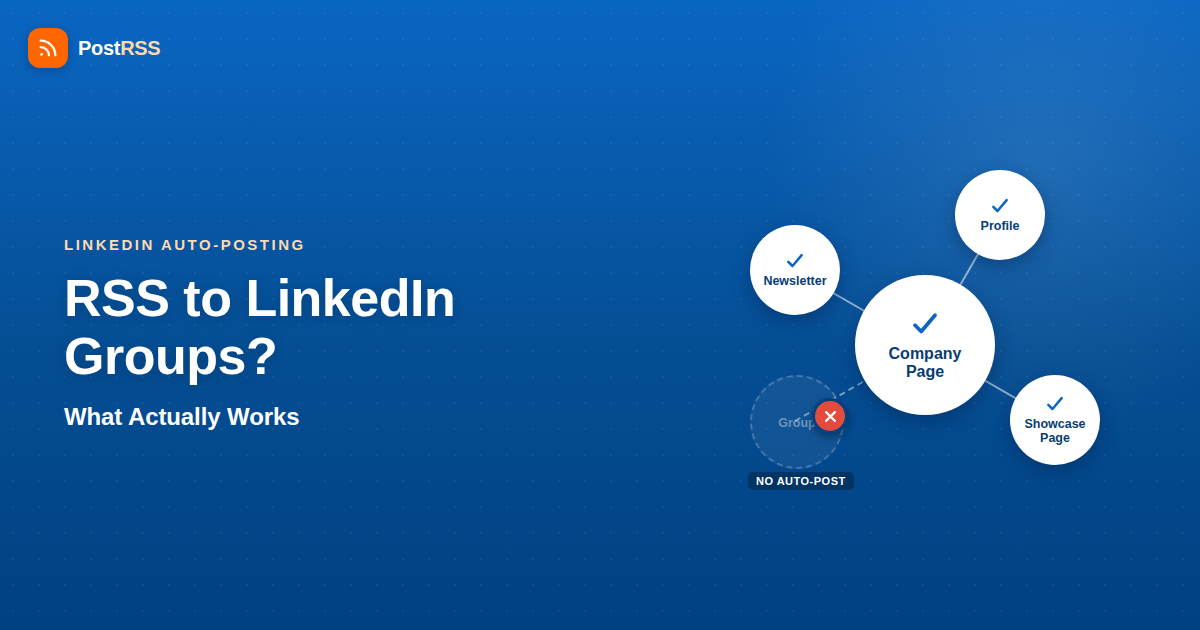
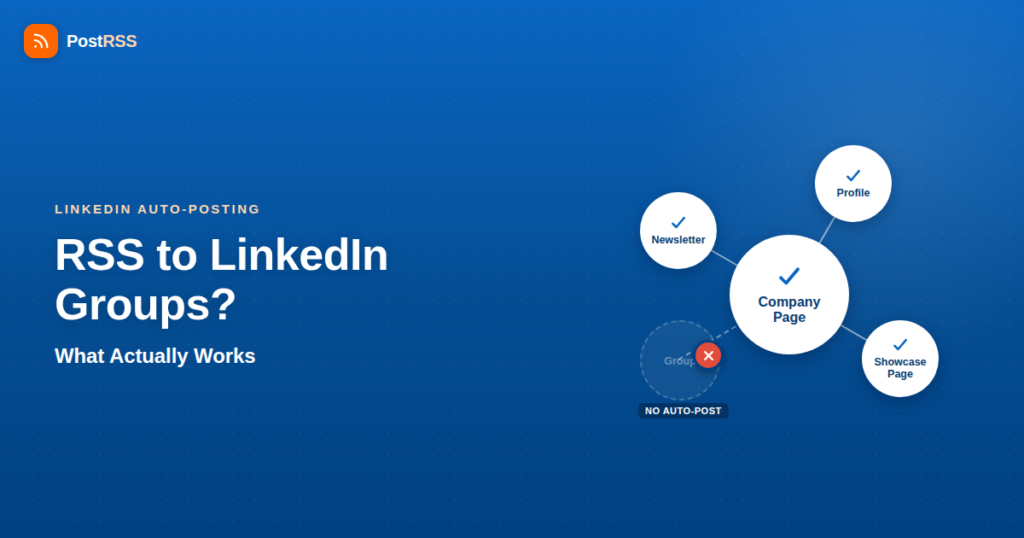
Yes, with PostRSS. If you run a LinkedIn Group and you’re hoping to point an RSS feed at it the same way you’d point one at a Company Page or a personal profile, PostRSS can do exactly that: from the Professional plan ($10/month) you connect a personal profile, a Company Page or a Group, each with its own authorization step through LinkedIn’s official login flow, and new feed items are posted there automatically. Most other automation tools do not offer Group posting, so check before you rely on one.
That matters if you’ve built an engaged Group around your niche and you want your blog’s new posts to show up there automatically the way they show up in your other channels. So let’s go through what happened to Group posting access in the wider tool market, why LinkedIn treats Groups so differently from Pages, and how to combine automated posting with the curation a Group needs.
LinkedIn used to have a Groups API. Early in the platform’s developer history, third-party apps could read group content and, for a period, post into groups programmatically. That access didn’t survive LinkedIn’s broader API lockdown. Starting around 2015 and accelerating through 2018–2019, LinkedIn progressively deprecated and then shut off group-related endpoints for the general developer ecosystem as part of a wider effort to control what third-party apps could do on the platform — the same wave of restrictions that also tightened profile-sharing permissions and killed off a lot of the loosely-governed “connect your LinkedIn and post anything” tools that existed in the platform’s earlier, more open years.
Today, LinkedIn’s developer platform is organized around a small number of API products, each requiring its own application and approval: the Marketing Developer Platform (organization/Company Page posting, ads), Sign In with LinkedIn, and the Community Management API (which covers organization-level posting and some profile-sharing use cases for approved partners). None of these products include a public, general-access scope for posting into a Group. If you browse LinkedIn’s current API documentation looking for a “groups.write” or equivalent permission, you won’t find one available to typical third-party integrations — it isn’t a matter of digging deeper or requesting a higher tier; the surface simply isn’t there for the vast majority of developers, which is why Group posting is rare among automation tools. PostRSS is one of the exceptions.
This is worth being blunt about because plenty of marketing content on the internet still describes “LinkedIn Group automation” in vague terms, so it pays to check how a tool actually connects. Some tools that claim to auto-post into LinkedIn Groups are using a workaround that violates LinkedIn’s Terms of Service (browser automation that simulates a logged-in human clicking “Post” — the kind of activity LinkedIn actively detects and suspends accounts over), or are quietly describing something else, like posting from your profile with a link that happens to reference a group. PostRSS connects each Group through LinkedIn’s official login flow, the same way it connects profiles and Company Pages.
It helps to understand the “why,” because it explains why Group posting is rare among automation tools. A few things distinguish Groups from Pages in LinkedIn’s eyes:
None of this is a rumor or a guess about LinkedIn’s motivations — it’s the pattern visible in what LinkedIn has shipped (and not shipped) in its developer documentation over the past several years. The practical upshot for anyone running an RSS-to-social workflow is that LinkedIn Groups remain the one major destination on the platform that most automation tools cannot reach — regardless of how good the tool otherwise is at everything else. PostRSS is an exception: it posts to Groups from the Professional plan ($10/month).
Here’s the comparison that matters when you’re deciding where to point your RSS feed on LinkedIn:
| Destination | API auto-posting support | Typical audience | Best use case |
|---|---|---|---|
| Personal Profile | Supported through approved apps that the profile owner authorizes; PostRSS supports it from the Professional plan, many general-purpose RSS tools do not, and LinkedIn restricts high-frequency automated posting from individual accounts. | Your direct connections and followers | Personal thought leadership, occasional shares — not high-frequency automated feeds |
| Company Page | Yes, reliably. This is the LinkedIn destination with the most widely available third-party API support (organization posting under the Marketing/Community Management APIs), which is why it’s the standard target for RSS-based tools. | Followers of the brand/organization page | Automated blog-to-LinkedIn distribution, consistent brand publishing, B2B content marketing |
| Group | Rare. Most third-party tools cannot post into a Group; PostRSS can, from the Professional plan, with the Group connected through LinkedIn’s official login flow. Avoid tools that rely on ToS-violating browser automation. | Group members only (visibility gated by group settings) | Curated discussion; automate selectively, for example with a category or keyword-filtered feed |
The pattern is consistent with the rest of the platform’s API design: LinkedIn built durable, supported automation for the destination that serves its advertiser and brand-publishing business (Company Pages), gave partial and more restricted support to personal profiles, and kept Group posting far more restricted, which is why few tools offer it.
If you administer or actively post in a LinkedIn Group, the simplest option is to connect the Group to PostRSS (Professional plan and up) and send it a filtered feed — only one category, or only items that match your keywords — so automation keeps it active without flooding it. Beyond that, here’s what’s available to you, roughly in order of how sustainable each option is:
Because Groups are meant to be curated conversation spaces, manual posting isn’t just a compliant option — for many Groups it’s arguably the right one. A human skimming your RSS feed and choosing which items are genuinely relevant to that specific community, then adding a line of context before posting, will get better engagement than a firehose of every blog post you publish. If your Group is small enough that this is a five-minute weekly task, it’s worth just doing it by hand.
This is the most practical hybrid workflow, and it’s what most B2B teams actually end up doing. Set up LinkedIn Company Pages automation so every new blog or feed item goes out to your Page automatically and consistently. Then, for the subset of posts that are actually relevant to your Group’s specific audience, an admin manually shares that Page post (or its link) into the Group with a sentence of framing. You get consistent automated distribution on the Page, and considered, non-spammy participation in the Group — without posting every feed item into the Group.
Alongside any posts into the Group, you can also flip the funnel: use your automated Company Page and profile posts to promote the Group itself. A recurring post inviting engaged readers to join the discussion in your Group turns your existing automation into a Group-growth channel.
For active Groups, a designated moderator checking the feed source once or twice a week and posting the two or three items genuinely worth a member’s time keeps the Group from feeling both empty and spammy — the two failure modes of Group content strategy. This is manual work, but it’s bounded and predictable, unlike trying to hack together a Selenium script to fake automated posting (which risks the LinkedIn account itself, not just the automation).
Some tools market themselves as able to “auto-post to LinkedIn Groups” by running a headless browser that logs into a real LinkedIn account and simulates clicking through the UI. This isn’t API access — it’s automating a human session, which LinkedIn’s Terms of Service prohibit and which LinkedIn’s abuse-detection systems are specifically built to catch. The risk isn’t hypothetical: accounts running this kind of automation get rate-limited, flagged, or suspended, which is a much worse outcome than simply not automating Group posts at all. If a tool claims Group auto-posting, check that it connects through LinkedIn’s official login flow, as PostRSS does, rather than through a logged-in browser session. There is a fuller setup walkthrough on our RSS to LinkedIn page.
It’s worth being equally clear about where LinkedIn automation does work well, since that’s most of what a tool like PostRSS is actually used for on this platform. LinkedIn automation through an RSS-based tool is genuinely solid for:
Personal profile posting sits in a middle zone: some approved integrations can post to an individual’s own profile with that person’s explicit authorization, but it’s a narrower, more tightly scoped permission than Page posting, and many general RSS-automation tools either don’t offer it at all or offer it in a limited form; PostRSS supports it from the Professional plan. If a platform advertises “auto-post to LinkedIn,” check specifically whether that means Company Pages, personal profiles, Groups or all three — the API realities behind each are different, and Group support in particular is rare.
Most teams that run both a Company Page and an active Group end up with some version of this setup:
This isn’t a workaround that pretends to be automation — it’s an honest division of labor: let software handle the Page, and for the Group choose between a person curating by hand and a narrower, filtered feed that PostRSS posts automatically.
Yes. PostRSS posts new RSS items into a LinkedIn Group you connect, from the Professional plan ($10/month), with the Group authorized through LinkedIn’s official login flow. Group posting is rare among other tools, and some that advertise it rely on unofficial browser automation that risks the connected LinkedIn account, so check how a tool connects before relying on it.
Yes, in its earlier, more open developer-platform era, LinkedIn’s Groups API allowed broader third-party access, including posting. That access was progressively deprecated as LinkedIn tightened its API surface starting around the mid-2010s, and it has not returned as general, open access for every developer.
Not one you can simply buy. Group posting is not part of the general, self-serve API access most developers get, which is why few tools offer it. You do not need your own developer access to use it: PostRSS handles the connection, and you authorize the Group through LinkedIn’s official login flow.
With PostRSS you can auto-post to both. If another tool offers only the Company Page, that is because Group posting needs separate support from the tool: admin access to a Group controls what you personally can do inside LinkedIn’s own interface, but it does not by itself give a third-party app a way to post there.
Yes. Tools that log into a real LinkedIn session and simulate UI clicks to post content violate LinkedIn’s Terms of Service around automated activity, and LinkedIn’s abuse detection is specifically tuned to catch this pattern. The realistic risk is account rate-limiting or suspension, which is a worse outcome for your presence on the platform than simply posting into the Group manually.
Usually not — the value of a Group was never really about volume of posts, it’s about concentrated, on-topic discussion among people who chose to join. A smaller number of manually curated, well-framed posts tends to outperform a high-frequency automated feed in a space designed for conversation. Treat automation as the tool for your Page’s reach, and the Group as the tool for depth with a smaller, more engaged audience.
Your LinkedIn Company Page first, and your personal profile or Group if you want those covered too — PostRSS supports all three from the Professional plan ($10/month). For a Group, consider a narrower feed (one category or a keyword filter) so it gets only the posts that suit that community.
If you came here hoping for a tool or a setting that auto-posts your RSS feed straight into a LinkedIn Group, PostRSS does it, from the Professional plan, through LinkedIn’s official login flow — something most automation tools do not offer. Groups are member-gated, moderator-curated conversation spaces by design, and LinkedIn’s developer platform reflects that by keeping Group posting far more restricted than Page posting.
Automated posting to a LinkedIn Company Page remains the backbone of an RSS-based LinkedIn setup. For Groups, the realistic path is a selective one: automate the Page, and either post a filtered feed into the Group with PostRSS or let a human briefly curate what makes it into the Group, framed for that specific audience rather than dumped in wholesale. Hand curation is a bit more manual work than a pure “connect and forget” automation, but it also produces better Group content — which, for a space that lives or dies on member trust, matters more than posting frequency ever will.
What changed in the networks, what broke, and how to fix it before it costs you reach.
من تطوير Internet Solutions، الفريق الذي يقف وراء PostRSS. كل منتج يوفّر وقتك بطريقته الخاصة.
 English
 Lietuviškai
 Deutsch
 Français
 Русский
 Español
 Polski
 Italiano
 Українська
 Čeština
 Português
 日本語
日本語 Latviešu valoda
 Eesti
Eesti Magyar
 Bahasa Indonesia
 Türkçe
 हिन्दी
 Ελληνικά
 العربية
 ไทย
ไทย Tiếng Việt
 Română
 Bahasa Melayu
 বাংলা
বাংলা