RSS у 66 соціальних мереж: Facebook, Instagram, X, LinkedIn, Telegram та інші Блог Партнерська програма Контакти
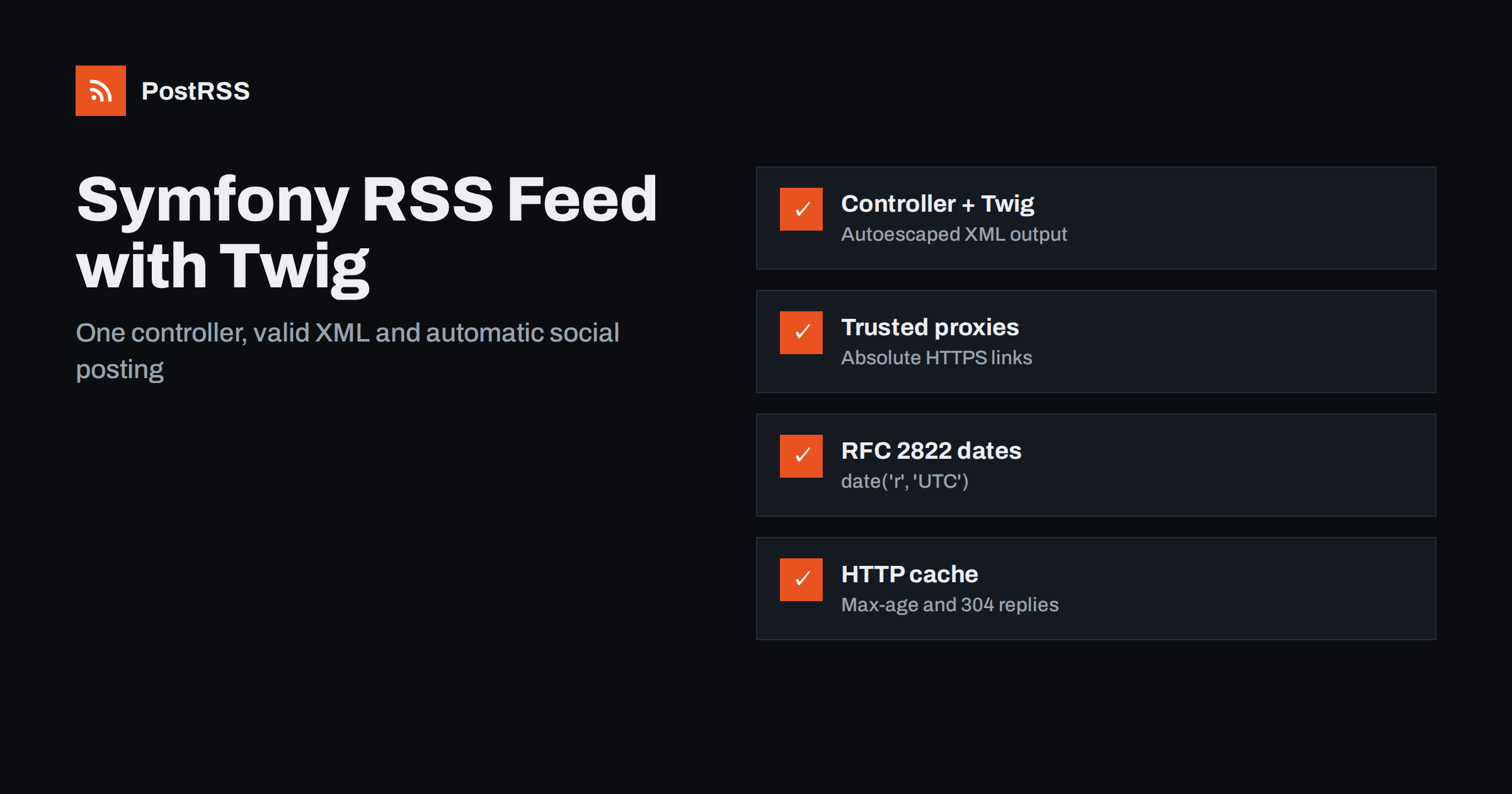
Short answer: Symfony has no ready-made RSS component, but a Symfony RSS feed is one controller and one Twig template. Load your latest published posts with Doctrine, render them in an rss.xml.twig template with absolute URLs from url() and RFC 822 dates, return the response with the application/rss+xml content type, and cache it for a few minutes. Validate it once and any RSS auto-poster can share every new article for you.
Symfony powers a large share of serious PHP applications: company websites, news portals, documentation hubs, e-commerce back offices and plenty of blogs built on top of a custom data model. Because the framework gives you building blocks rather than a finished CMS, a feed is something you add yourself. The good news is that Symfony already has everything you need: routing, Doctrine, Twig, HTTP caching and a test client. This guide shows a clean way to build the feed, the details that most often break feeds in Symfony projects, and how to use the feed to automate social sharing.
It helps to agree on the job before writing code. A feed that works well for readers and automation tools:
guid);Images, categories and full content are optional extras, but they make a real difference when the feed is used for social posting, because they decide what the post looks like. We will add them after the basic version works.
Start with a controller action. The example assumes a Doctrine entity Post with title, slug, summary, publishedAt та published fields, and a route named blog_show for the article page. Adjust the names to your own model.
namespace AppController;

use AppRepositoryPostRepository;
use SymfonyBundleFrameworkBundleControllerAbstractController;
use SymfonyComponentHttpFoundationResponse;
use SymfonyComponentRoutingAttributeRoute;

class FeedController extends AbstractController
{
    #[Route('/rss.xml', name: 'rss_feed', methods: ['GET'])]
    public function rss(PostRepository $posts): Response
    {
        $items = $posts->findBy(
            ['published' => true],
            ['publishedAt' => 'DESC'],
            30
        );

        $response = $this->render('feed/rss.xml.twig', [
            'posts' => $items,
        ]);
        $response->headers->set('Content-Type', 'application/rss+xml; charset=UTF-8');

        return $response;
    }
}
Two details matter here. The query filters on the published flag, so drafts never leak into the feed, and it sorts newest first with a hard limit. If your posts can be scheduled for a future date, add a condition on publishedAt <= now in a repository method as well; otherwise a post scheduled for next week appears in the feed today.
Create templates/feed/rss.xml.twig. Twig escapes output automatically, and with Symfony’s default settings the escaping strategy follows the template file name, so a title that contains an ampersand or angle brackets is written as valid XML instead of breaking the document.
<?xml version="1.0" encoding="UTF-8"?>
<rss version="2.0" xmlns:atom="http://www.w3.org/2005/Atom">
<channel>
  <title>Example Blog</title>
  <link>{{ url('homepage') }}</link>
  <description>New articles from Example</description>
  <language>en</language>
  <atom:link href="{{ url('rss_feed') }}" rel="self" type="application/rss+xml"/>
  {% for post in posts %}
  <item>
    <title>{{ post.title }}</title>
    <link>{{ url('blog_show', {slug: post.slug}) }}</link>
    <guid isPermaLink="true">{{ url('blog_show', {slug: post.slug}) }}</guid>
    <pubDate>{{ post.publishedAt|date('r', 'UTC') }}</pubDate>
    <description>{{ post.summary }}</description>
  </item>
  {% endfor %}
</channel>
</rss>
Notice three things. The url() function produces absolute URLs, while path() would produce relative ones that break inside feeds. The date('r', 'UTC') filter outputs the RFC 2822 style date that RSS expects, in a fixed timezone, which avoids surprises when the server and the database disagree about local time. And the XML declaration must be the very first line of the output, with no blank line or space before it, or strict parsers reject the whole document.
If a summary can contain HTML, decide deliberately how to handle it. You can strip tags with striptags for a clean plain-text description, or wrap prepared HTML in a CDATA section. Do not mark it raw without a CDATA wrapper: a single unescaped character then invalidates the feed. Our article on special characters and encoding problems in RSS feeds covers the typical symptoms.
The Twig approach gives you full control and needs no extra package. If you would rather not maintain the XML structure by hand, the laminas/laminas-feed package can write RSS and Atom from PHP objects: you create a feed writer, set the channel fields, add entries with links, dates and descriptions, and export the result as RSS. It handles escaping and date formatting for you and is a sensible choice when you need both RSS and Atom from the same data.
Whichever route you choose, keep the feed-building code in one place, for example a small FeedBuilder service. The main feed, category feeds and any test can then share exactly the same logic, and a later change to the item format happens in a single file.
The most common Symfony feed bug has nothing to do with XML. The links come out as http://localhost, http://127.0.0.1:8080 or plain http:// instead of your public HTTPS domain. Symfony builds absolute URLs from the current request, and behind Nginx, a load balancer or a container platform the application may see an internal address.
config/packages/framework.yaml, set trusted_proxies to the addresses of your proxy and trusted_headers to the forwarded headers it sends, such as x-forwarded-for, x-forwarded-proto та x-forwarded-host. Symfony then generates URLs with the scheme and host visitors actually use. The Symfony documentation on load balancers and reverse proxies explains the exact options for each setup.framework.router.default_uri to your public address so url() still produces correct links.http://, localhost and any internal hostname. None of them should appear.Relative links are the other half of this problem. They work on your HTML pages but break once an item is read elsewhere, as described in our guide to relative URLs and broken links in RSS feeds.
Richer items produce better social posts. Once the basic feed validates, consider these additions:
<enclosure url="..." length="..." type="image/jpeg"/> with an absolute URL to the featured image. If you use LiipImagineBundle, generate a mid-sized version so the file is not several megabytes. Many auto-posting tools use the enclosure as the post image.<category> element per tag lets tools turn categories into hashtags or filter items by topic.og:title, og:description та og:image. Tools that find no image in the feed often fall back to the page’s Open Graph image.base.html.twig, add <link rel="alternate" type="application/rss+xml" title="Example Blog" href="{{ url('rss_feed') }}"> so browsers, readers and tools can find the feed from any page.For the meaning of each element, the RSS 2.0 specification is short and readable, and it is the best reference when a validator warning is unclear.
A single site-wide feed is enough to start. As the site grows, separate feeds become valuable: a reader who follows tutorials may not want release notes, and an auto-posting setup often sends different topics to different channels. In Symfony this is one more route with a parameter:
#[Route('/category/{slug}/rss.xml', name: 'category_feed', methods: ['GET'])]
public function category(Category $category, PostRepository $posts): Response
{
    $items = $posts->findBy(
        ['published' => true, 'category' => $category],
        ['publishedAt' => 'DESC'],
        30
    );
    // render the same template with a category-specific channel title
}
Symfony resolves the Category entity from the slug and returns a 404 automatically when it does not exist, which is the behaviour you want: an empty but valid feed for a mistyped URL would hide the error. Keep the GUID of an article identical in every feed it appears in, give each feed a descriptive channel title, and add a discovery link on each category page.
A feed is requested far more often than most pages. Feed readers, aggregators and auto-posting services poll it on a schedule, sometimes every few minutes, around the clock. A controller that runs a heavy query on every hit becomes noticeable load.
$response->setPublic() та $response->setMaxAge(300) or the #[Cache] attribute. A reverse proxy or the Symfony HTTP cache can then answer most requests without touching PHP.Last-Modified to the date of the newest item with $response->setLastModified(), then return early when $response->isNotModified($request) is true. Well-behaved clients download the full feed only when there is something new.Caching interacts with auto-posting timing, so keep the lifetime short. Our explanation of why cached feeds make auto-posted content lag shows how the delays add up.
A small functional test protects every tool that depends on the feed. With Symfony’s WebTestCase, request /rss.xml, assert a successful response and the RSS content type, then parse the body with simplexml_load_string() and check that the first item has a title, an absolute link and a date. It takes a few minutes to write and catches most regressions, such as a template change that breaks the XML or a refactor that drops the published filter.
Before connecting the feed to automation, also run these manual checks on the live site:
curl -I https://example.com/rss.xml. Expect HTTP 200, an RSS or XML content type and no redirects.| Problem | Typical cause in Symfony | Fix |
|---|---|---|
| Links use http or an internal host | Trusted proxies not configured | Set trusted_proxies and trusted_headers |
| “XML declaration allowed only at start” | Blank line or BOM before the declaration | Start the template with the declaration; check included files |
| Feed downloads instead of displaying | Content type missing or wrong | Set application/rss+xml; charset=UTF-8 |
| Broken characters or invalid XML | Summary output with raw and no CDATA | Keep autoescaping or wrap HTML in CDATA |
| Same post shared twice | GUID changes when a slug is edited | Use a permanent URL or ID as the GUID |
| Scheduled posts visible early | Query ignores publishedAt | Filter on publishedAt <= now |
If a post is shared more than once, the guide on duplicate GUID fixes explains how auto-posting tools decide what is new.
With a valid feed in place, sharing new articles no longer depends on someone remembering to do it. Add the feed URL to an auto-posting service, connect the social accounts and channels you use, choose how each post is built from the title, description and link, and pick posting hours if you want them. The service checks the feed regularly and publishes each new item once.
Symfony sites often split their content: product news to a professional network, technical posts to Mastodon or Bluesky, release notes to a Telegram channel or a Discord server. Category feeds make that easy, because each target can follow exactly the feed that suits it. More setups like this are collected under technical guides and the broader RSS-стрічка topic.
PostRSS reads any RSS or Atom feed, including one served by a Symfony controller, and publishes each new item to the networks you connect. It checks feeds as often as every minute, takes the image from the feed item or the page’s Open Graph tags, and offers keyword filters, hashtags from item categories and UTM parameters. Developers can also use the PostRSS REST API v1 and outgoing webhooks, and PostRSS has been running since 2014. See the features page for the full list of 66 networks and the pricing page for what each plan includes.
A Symfony RSS feed takes one controller, one Twig template and a handful of careful details: absolute HTTPS links through trusted proxies, RFC 2822 dates in a fixed timezone, stable GUIDs, the right content type and a short HTTP cache. Add images and categories, put a discovery link in the base template, cover it with a functional test and validate it once. From then on the feed works quietly in the background, and every new article reaches readers, newsletters and your social channels without manual sharing.
No. Symfony does not ship a feed component, but a feed is simply a route that returns XML. A controller with a Twig template, or a library such as laminas-feed, is all you need.
Symfony builds absolute URLs from the incoming request. Behind a reverse proxy, configure trusted proxies and forwarded headers so the application sees the original scheme and host.
Use the date filter with the r format and a fixed timezone, for example UTC. It produces the RFC 2822 style date that RSS readers and auto-posting tools expect.
Feed readers and auto-posting services often check every few minutes to every hour. A public cache of a few minutes and Last-Modified support keep the load low.
Yes. Once the feed is public and valid, an RSS auto-posting service can watch it and publish each new article to the social networks and channels you connect.
What changed in the networks, what broke, and how to fix it before it costs you reach.
Створено Internet Solutions — командою PostRSS. Кожен продукт заощаджує ваш час по-своєму.
 English
 Lietuviškai
 Deutsch
 Français
 Русский
 Español
 Polski
 Italiano
 Українська
 Čeština
 Português
 日本語
日本語 Latviešu valoda
 Eesti
Eesti Magyar
 Bahasa Indonesia
 Türkçe
 हिन्दी
 Ελληνικά
 العربية
 ไทย
ไทย Tiếng Việt
 Română
 Bahasa Melayu
 বাংলা
বাংলা