RSS у 66 соціальних мереж: Facebook, Instagram, X, LinkedIn, Telegram та інші Блог Партнерська програма Контакти
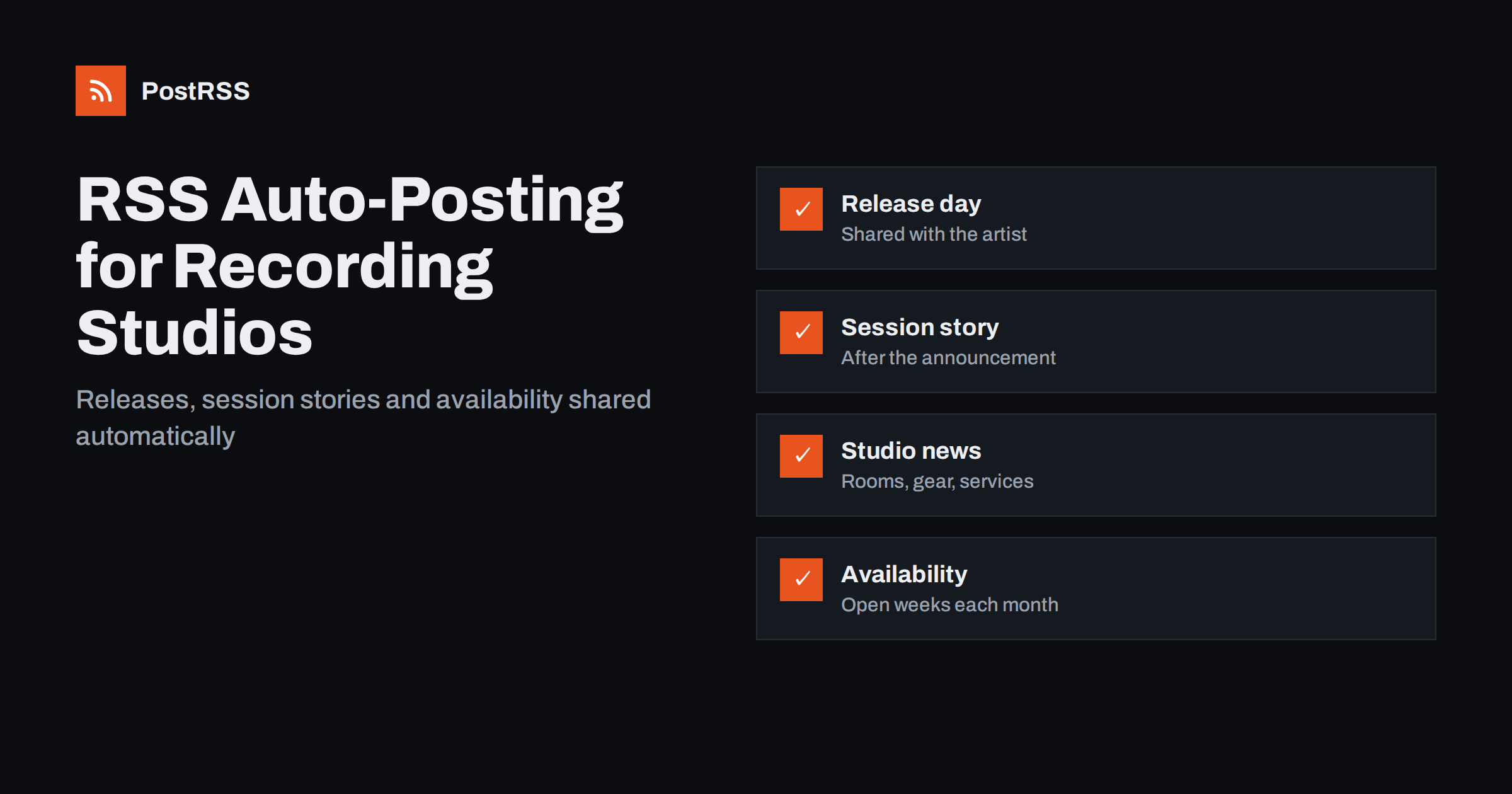
Short answer: RSS auto-posting lets recording studios, mixing and mastering engineers and music producers share session highlights, new releases they worked on, gear and room updates, availability and production tips on social media automatically. Publish each item as a page on your website, let an auto-poster read the RSS feed, and it appears on your Instagram, Facebook Page, X, LinkedIn and other channels with its link and image. Artists and labels see what came out of your rooms this month, while you stay behind the desk.
A studio sells trust and taste. Artists choose a room because of the records that were made there, the engineer who mixed a track they love and the feeling that their session will be handled with care. That reputation grows from the work, but only if people hear about it, and the people who could tell them are tracking drums until midnight. Posting by hand on four networks after every release is not realistic, and so studio pages go quiet for months between a burst of photographs. Because a website can hold a short page for every release, every session story and every piece of advice, automation can carry those pages to the networks without adding another task. This guide explains how to set it up and where confidentiality, credits and permission must stay in human hands.
A recording studio, a mix room or a freelance producer has a steady flow of things worth sharing:
Each of these can be a short page on your own website. When the page is published, the feed announces it. You write it once, in a place that you own, and the automation spreads it to the networks where artists, managers and labels spend time. Pages on your site also appear in search results when someone looks for a studio nearby or a mixing engineer for a style, which social posts alone do not achieve.
Most studio websites run on platforms that publish feeds without extra work:
/feed/ and a feed for every category, such as /category/releases/feed/. If you are unsure of the address, see how to find your WordPress feed link.Use categories to separate the audiences: releases, session stories, studio news, availability, tips and events. Each category has its own feed, and each feed can go to the channel where it works best; releases to Instagram and X, availability to the mailing-list channel, tips to LinkedIn and Bluesky. Routing by category is explained in category filtering for auto-posting.
| Content | Automate? | Notes |
|---|---|---|
| Release announcements | Yes | Publish on release day, with the artist’s agreement |
| Session stories | Yes | Only after the artist has announced the project |
| Gear, room and service updates | Yes | Evergreen pages that answer what clients ask |
| Availability and block rates | Yes | Keep prices on the page, not in scheduled posts |
| Unreleased music and client sessions | By hand | Never, unless the client asks and agrees in writing |
| Replies to booking enquiries | By hand | A person answers, quickly and with a quote |
A simple rule: if it is public information on a finished page of your website, automate it. If it concerns a client, an unreleased project or a negotiation, handle it personally.
The most valuable page a studio can publish is a release page: the artist, the title, the release date, what you did on it, who else was involved and where to listen. Write it before release day and schedule it to publish on the morning the record comes out, so the feed shares it while the artist and the label are posting too. Credit everyone accurately, in the roles agreed, and link the artist’s own pages. Over time these pages become a browsable discography that prospective clients read, and search engines connect your studio with the names and genres you have worked on. Ask the artist before publishing, and respect any embargo; a release that leaks from a studio page costs more than any post is worth.
Artists love to see how records are made, and session pages are the most shared content a studio produces: the microphone choice on a vocal, a drum room set-up, a vintage synth that found its way onto a chorus, the day the string section came in. Write them after the project is public, with the agreement of the artist, and keep anything confidential out. Studio news belongs on its own pages: a new console or converter, acoustic treatment, a second room, a mastering service, remote mixing with stem delivery, or an engineer joining the team. These pages answer the questions clients ask before booking and save you from repeating them by email. Do not oversell; describe the gear and the rooms exactly, because the people reading know the difference.
Many studios lose bookings because nobody knows a week opened up. Publish a short availability page each month, with open weeks and any block rates for albums, and let the feed share it. Keep exact prices on the page rather than in the social post, so you can change them without a wrong number circulating for weeks. Explain what a day includes: hours, engineer, assistant, instruments and backline, editing time. Describe deposit and cancellation terms exactly as written in your booking agreement. If you work remotely, say what formats you accept and how revisions work. A clear page reduces back-and-forth and brings better enquiries.
Rules about performer rights, recordings and advertising differ by country, so check what applies to you and keep written permissions on file. Accurate, modest statements protect the studio and the artists.
Keep file sizes reasonable so pages load quickly; see image optimization for RSS auto-posting. If a network shows the wrong picture, check the Open Graph tags of the page as described in why auto-posted links show the wrong image.
Most studios do best with Instagram and a Facebook Page, with X or Bluesky for release days. Add others only if you can keep them active.
/feed/, and check that it lists recent items.PostRSS has been automating RSS posting since 2014. It checks your website feeds as often as every minute and publishes each release page, session story and availability notice, with its real image and link, to the channels you connect, from Instagram and Facebook Pages to X, LinkedIn, Bluesky, Telegram and many more among its 66 supported networks. You can choose how each post is built, filter items by keywords, add UTM parameters and post only within chosen hours or at exact times in your time zone. See the PostRSS features page for everything it does and the pricing page for plan limits. More ideas for small businesses are under the Local Business tag.
Recording studios and producers are chosen for the records they have made, and those records only build a reputation if people hear about them. RSS auto-posting shares each release page, session story, studio update and availability notice automatically on Instagram, Facebook, X and your other channels, on time and with the right image, while you stay behind the desk. Give every release and every story its own page, publish only what artists have announced and agreed to, credit everyone exactly, keep prices on the page, route content by category and handle enquiries and confidential projects personally.
Yes. If your website has a news or releases section, its RSS feed can be connected to an auto-poster that shares each new page on Instagram, your Facebook Page, X and other channels. Booking enquiries and anything about unreleased projects should still be handled personally.
Releases you worked on, session stories published with the artist’s agreement, gear and room updates, availability and block rates, production tips and events. Each item should have its own page on your website so the feed can share it.
Only if the artist has announced the project and agreed to the post. Many contracts forbid studios from mentioning clients or unreleased titles, so wait for the public announcement and ask first.
Instagram reaches artists and producers who follow rooms and gear, a Facebook Page reaches local bands and organisers, and X or Bluesky suit release-day posts and industry news.
One page for each release, session story or studio update is enough. Schedule release pages for release day and publish an availability page each month so the feed keeps posting between projects.
What changed in the networks, what broke, and how to fix it before it costs you reach.
Створено Internet Solutions — командою PostRSS. Кожен продукт заощаджує ваш час по-своєму.
 English
 Lietuviškai
 Deutsch
 Français
 Русский
 Español
 Polski
 Italiano
 Українська
 Čeština
 Português
 日本語
日本語 Latviešu valoda
 Eesti
Eesti Magyar
 Bahasa Indonesia
 Türkçe
 हिन्दी
 Ελληνικά
 العربية
 ไทย
ไทย Tiếng Việt
 Română
 Bahasa Melayu
 বাংলা
বাংলা