RSS у 66 соціальних мереж: Facebook, Instagram, X, LinkedIn, Telegram та інші Блог Партнерська програма Контакти
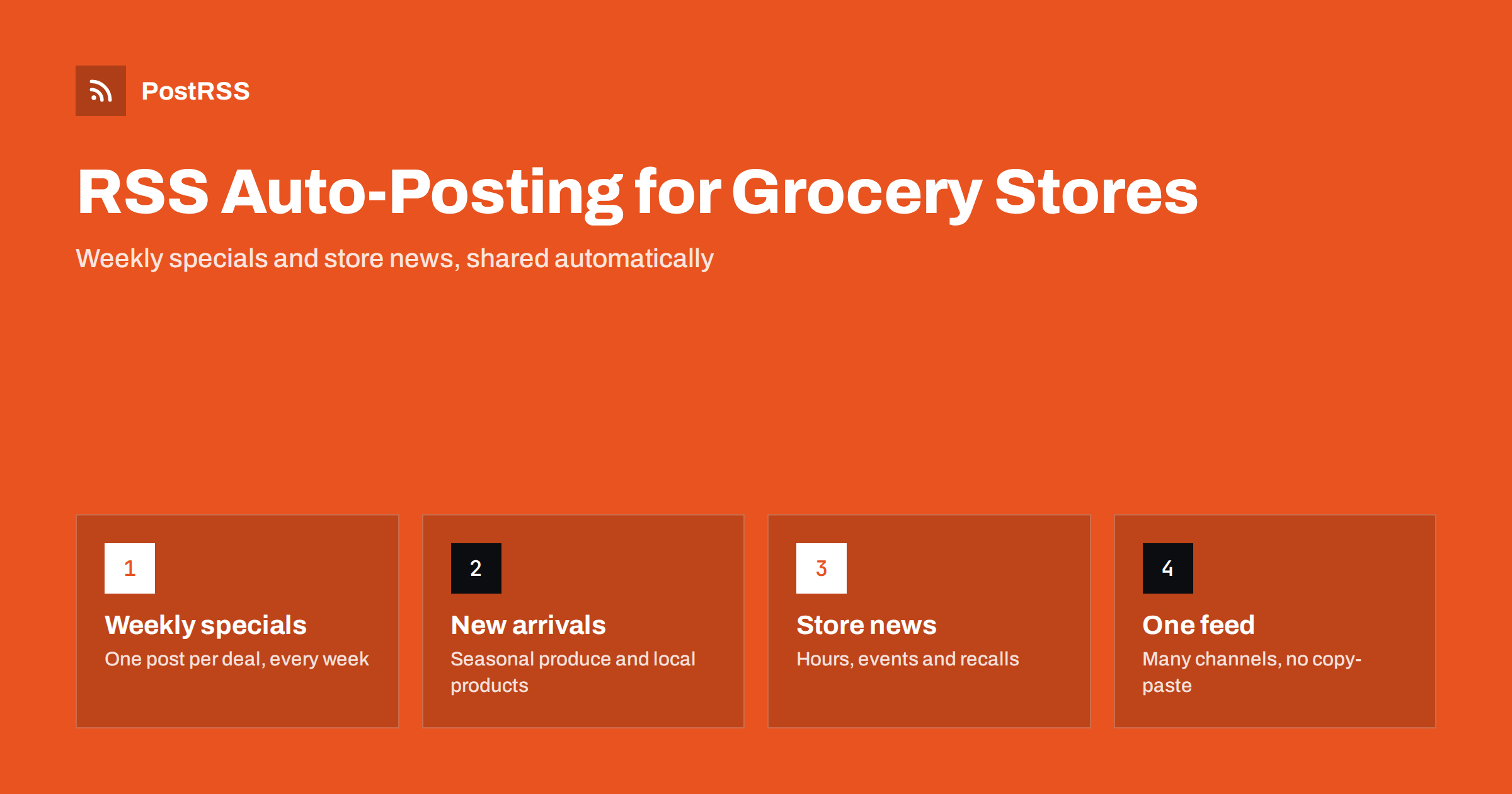
Short answer: A grocery store can publish its weekly specials, new arrivals and store announcements as short posts on its own website, and let an RSS auto-posting tool share each one to Facebook, X, Telegram and other channels within minutes. The website stays the single source of truth, shoppers see fresh deals where they already scroll, and staff stop copying the same text into five apps every Wednesday.
Most local businesses publish a few updates a month. A grocery store publishes a few updates a day, whether it plans to or not. There is the weekly ad, the bakery item that sold out, the strawberries that finally arrived from a local farm, the holiday opening hours, the tasting on Saturday and the product recall that needs to go out today rather than next week.
That volume is exactly where manual social posting breaks down. The person who runs the store’s Facebook Page is usually also ordering stock, scheduling cashiers or managing a department. When they get busy, the page goes quiet for two weeks and then posts five things at once. Shoppers learn that the page is not a reliable place to check for deals, and they stop checking.
RSS automation fixes the rhythm rather than the writing. You still decide what to say, but you say it once, in one place, and the distribution happens on its own. Because every grocery update is short, time-sensitive and link-friendly, it translates well into social posts without heavy editing.
An RSS feed is simply a machine-readable list of the newest items on a page of your website. Anything you publish as a post, a product or a news item can become a feed item. The trick is to publish updates in small, self-contained pieces instead of one giant page that you edit every week.
Many stores upload the weekly flyer as a single PDF. That is fine for people who want the whole flyer, but it makes a poor social post. Consider publishing the top five or ten deals as individual short posts as well, each with a product photo, the offer period and a link to the full flyer. Each deal becomes its own feed item and its own social post, and each one can be shared or commented on separately.
“First local asparagus of the season” or “Fresh sourdough from the new bakery partner” are the kind of posts shoppers actually engage with. They are easy to write, they change often and they give regular customers a reason to follow the page.
Holiday hours, parking lot works, a new self-checkout lane, a delivery area expansion or a job opening for weekend staff all belong in the same feed or in a separate news feed. These posts are less exciting but very useful, and they reduce the number of phone calls asking whether you are open on a public holiday.
If the store has a blog, recipes built around current specials are a natural fit. A post such as “Three dinners from this week’s chicken thigh deal” connects content to sales without feeling like an advert.
When a product recall affects items you sold, shoppers need to hear about it quickly. Publishing the notice on your site and letting the feed push it out means it reaches every connected channel at once, instead of only the one someone remembered to update.
You do not need a special grocery platform to get a feed. The feed comes from whatever runs your website.
/feed/, and each category has its own, such as /category/specials/feed/. A “Specials” category and a “Store news” category give you two clean feeds to route to different places.Whatever the source, check that each item has a title, a short description, a link and an image. If the image is missing from the feed, many tools fall back to the Open Graph image of the linked page, so make sure each post has a proper featured image set.
Automation copies what you give it. If the feed item is vague, every social post will be vague. A few habits make a large difference.
Be careful with prices in posts that will be shared for days. If a price might change mid-week, say “on offer this week” and let the linked page carry the exact number.
Grocery shoppers are local and broad in age, so the channel mix is usually simpler than for a fashion brand or a software company.
You do not have to use them all. Two or three channels that are updated every day are worth more than eight that go stale. If you have several stores, consider one feed per location or one category per location, so that a deal at one branch is not announced to customers of another.
Here is a routine that a small team can run in less than an hour a week once the setup is done.
Because the website itself schedules the posts, nobody has to be online at 7 a.m. to announce the weekend deals. If the store closes on certain days, a posting window can hold items back until opening hours, so a deal is never announced while the doors are locked.
PostRSS checks your RSS or Atom feed every 5 minutes on all plans, or every minute on Enterprise plans, and publishes each new item with its title, text, link and image to the networks you connect. It supports 66 networks, including Facebook Pages, X, Telegram, Viber, Threads, Bluesky, Mastodon, Pinterest and team chats such as Google Chat. Keyword filters let you include or exclude items by words in the title or description, so a “Specials” feed can skip anything marked as internal. Posting windows on paid plans keep posts inside store hours, a maximum number of posts per update prevents a flood when you publish many deals at once, and categories can become hashtags automatically. If you do not have a feed, a CSV upload is available from the Professional plan. You can compare plans on the pricing page or see every option on the features page.
Grocery stores already produce the kind of content social followers want: deals, fresh arrivals and practical store news. The problem is rarely ideas, it is the daily effort of posting everything everywhere. Publishing each update once on your own website and letting an RSS feed distribute it keeps every channel current, puts the offer in front of shoppers while it still matters, and frees staff to spend their time on the shop floor instead of in social media apps.
Yes. Any store with a website that has a blog, news or product section already has a feed or can get one easily. A single-location market can start with one Facebook Page and one feed and add channels later.
Both work, but individual deals usually get more attention on social networks. Publish the top offers as separate short posts with photos, and link each one to the full flyer for shoppers who want everything.
Always state the end date in the title or the first sentence of the post. Social networks keep old posts visible, so a clear date is the simplest protection against complaints at the checkout.
Yes, if the website separates them. Use one category or one feed per location and connect each feed only to that store’s pages and channels.
Most platforms, including WordPress, Shopify blogs, Squarespace and Wix, create feeds automatically for their blog sections. If the site truly has none, a spreadsheet of planned deals exported as CSV can act as the source instead.
What changed in the networks, what broke, and how to fix it before it costs you reach.
Створено Internet Solutions — командою PostRSS. Кожен продукт заощаджує ваш час по-своєму.
 English
 Lietuviškai
 Deutsch
 Français
 Русский
 Español
 Polski
 Italiano
 Українська
 Čeština
 Português
 日本語
日本語 Latviešu valoda
 Eesti
Eesti Magyar
 Bahasa Indonesia
 Türkçe
 हिन्दी
 Ελληνικά
 العربية
 ไทย
ไทย Tiếng Việt
 Română
 Bahasa Melayu
 বাংলা
বাংলা