RSS у 66 соціальних мереж: Facebook, Instagram, X, LinkedIn, Telegram та інші Блог Партнерська програма Контакти
Hospitals and multi-location health systems run a fundamentally different social media operation than a single dental office or family clinic. A regional health system might publish new content across a dozen department blogs, a newsroom, physician bios, service-line pages, and press releases — often from different teams, on different schedules, with strict compliance sign-off requirements before anything goes public. Getting all of that distributed consistently across Facebook, X, and LinkedIn without a dedicated social media team monitoring every department is one of the more genuinely hard healthcare marketing problems in a large organization.
This is a different challenge from a small clinic managing one Facebook page. Here’s how RSS-driven automation fits a hospital or health system’s structure specifically, where it saves the most time, and where compliance requirements change the setup compared to a typical business.
A solo practitioner’s office typically has one feed, one page, and one person approving content. A hospital system commonly has:
An automation setup that assumes “one feed, one page” — which works fine for most small businesses — breaks down quickly at this scale. The right model is closer to routing: each content source needs to reach the right subset of destination accounts, not a single blanket broadcast.
| Content Source | Typical Destination(s) | Why It’s Kept Separate |
|---|---|---|
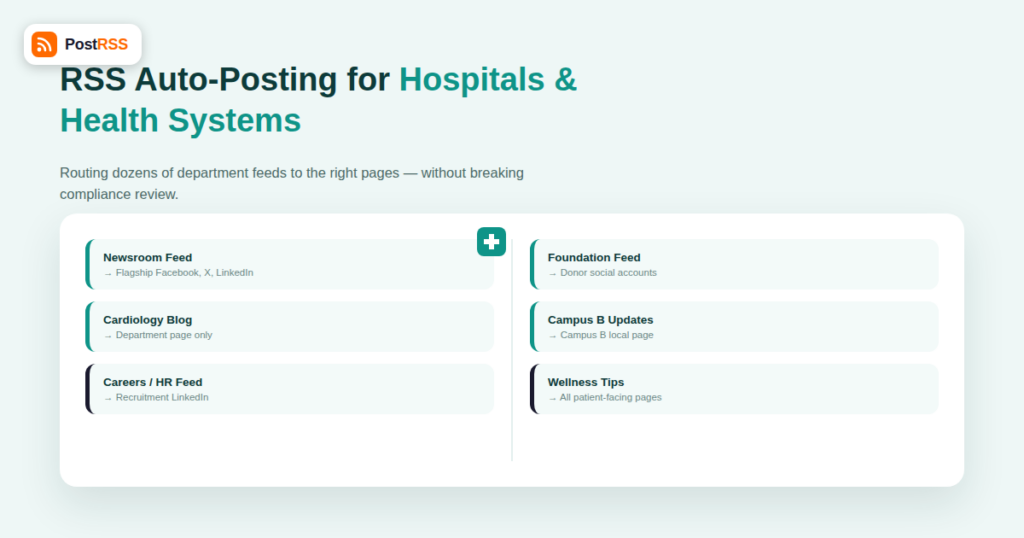
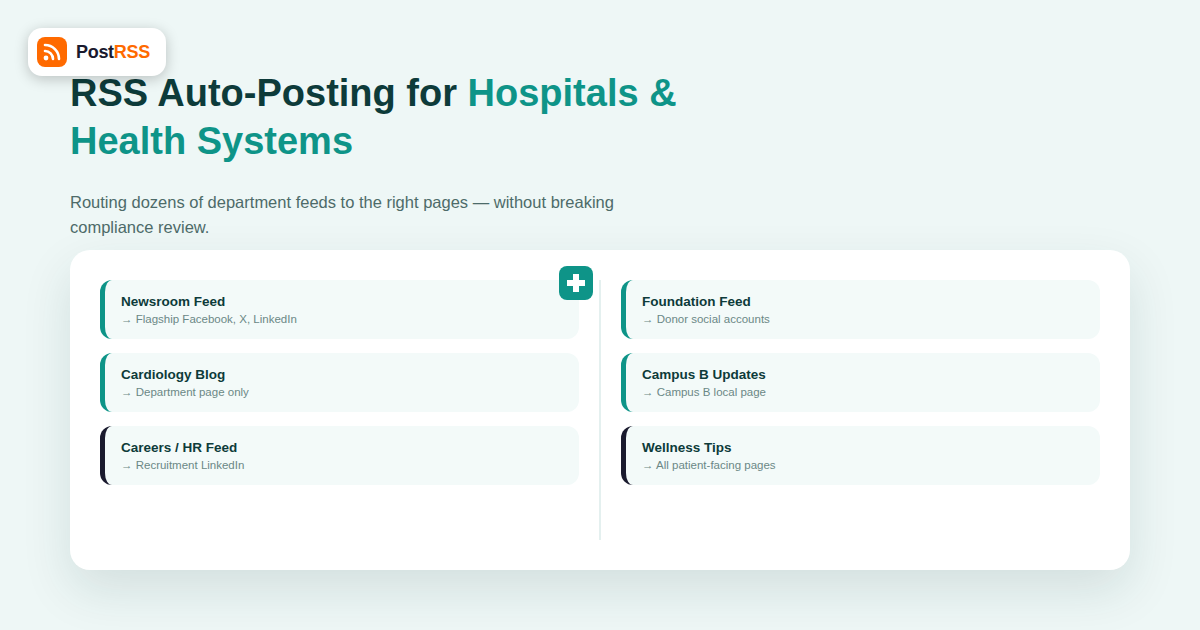
| Main hospital newsroom/press releases | Flagship Facebook Page, X, LinkedIn Company Page | System-wide news relevant to the broadest audience |
| Department blog (e.g., cardiology) | Department-specific page, if one exists; otherwise flagship page with category filtering | Keeps specialty content from crowding a general audience’s feed |
| Careers/HR feed | Dedicated careers LinkedIn/Facebook presence | Job-seeker audience is distinct from patient-facing audience |
| Foundation/fundraising feed | Foundation’s own social accounts | Donor communications are managed separately from clinical content, often by a different team |
| Individual physician or clinic location updates | Location-specific page, where one exists | Local relevance for patients searching by campus or neighborhood |
Setting up this kind of routing means connecting each RSS source to its own automation rule rather than a single feed-to-everywhere pipeline — a structure PostRSS supports by letting you configure independent feed-to-account mappings rather than forcing one feed into every connected account.
Unlike a restaurant posting a daily special the moment it’s written, hospital content often needs a review pass — legal, PR, or a compliance officer confirming a press release, clinical claim, or physician quote is accurate and appropriately worded — before it should reach the public. The practical solution isn’t to skip automation, it’s to move the review step earlier in the pipeline: content gets reviewed and approved *before* it’s published to the RSS-generating CMS (the hospital’s website or newsroom platform), and automation only takes over once that item is already live and public. This keeps the “instant distribution the moment it’s published” benefit of RSS automation while respecting the fact that “published” for a hospital already implies “already cleared.”
Health systems publish a wider range of content types than most industries, and not all of it belongs on every channel. Common categories to route deliberately rather than blanket-auto-post:
| Organization Type | Typical Weekly Content Items | Manual Posting Time Without Automation |
|---|---|---|
| Single clinic | 2-5 posts | 30-60 minutes/week |
| Multi-location practice group | 10-20 posts across locations | 2-4 hours/week |
| Regional hospital system | 30-60+ posts across departments, careers, foundation | 8-15+ hours/week, often split across multiple staff |
At the hospital-system scale, the time savings from automation compound: it’s not just faster posting, it’s eliminating the coordination overhead of multiple teams remembering to post their own content on their own schedule.
The lowest-risk way to introduce RSS automation into an existing hospital communications structure is to start with the lowest-sensitivity feed first — typically community health content or general newsroom press releases — prove the routing and timing work as expected over a few weeks, then expand to department-specific feeds once the marketing and compliance teams are comfortable with how the system behaves in practice. Trying to automate every feed and destination simultaneously on day one is where most large-organization rollouts run into unnecessary friction.
Because a health system’s social presence spans multiple accounts and content sources, a single “did the post go out” check per item isn’t enough to evaluate whether the setup is working. Track these at the system level, reviewed monthly rather than per post:
| Metric | What It Reveals |
|---|---|
| Publish-to-post latency, per feed | Whether any single department’s automation rule is lagging (often a sign of a feed caching or update issue upstream) |
| Post volume per destination account, month over month | Whether one page is being over- or under-served relative to its audience size |
| Manual-post rate (posts still going out by hand) | How much of the organization’s content still bypasses the automated pipeline, and why |
| Engagement by content category (news vs. wellness tips vs. careers) | Whether the routing plan matches what each audience segment actually responds to |
Reviewing this quarterly with both the marketing and compliance teams keeps the multi-site automation setup aligned as the organization adds new departments, campuses, or content sources over time, rather than letting the original configuration quietly go stale.
Health systems serving diverse communities often maintain Spanish-language or other translated content streams, sometimes as entirely separate feeds and sometimes as tagged categories within a single feed. Where translated content exists as its own RSS feed, route it to language-specific social accounts if the system maintains them, or to the same account with clear in-post language labeling if it doesn’t. For systems spanning multiple physical campuses in different cities, resist the temptation to merge all campus feeds into one automation rule — patients searching for care are typically looking for their specific campus or region, and campus-specific distribution keeps local relevance intact rather than diluting it into a single system-wide feed that isn’t locally useful to any one audience.
RSS automation tools only distribute what’s already been published to a public feed — they have no access to patient records or protected health information. The compliance responsibility is ensuring nothing PHI-adjacent gets published to the public-facing CMS in the first place, which is a content-review process, not something the distribution tool itself needs to police.
Set up separate automation rules per feed-to-destination pairing rather than one shared rule; this is a one-time configuration step per department, not an ongoing manual task.
Automation handles publishing, not retraction — if a post needs to come down, that’s a manual action on each platform, the same as it would be for a manually posted update. This is why the pre-publish review step matters more for hospitals than for lower-stakes industries.
Only where a physician maintains an actively updated bio page or blog and the health system wants that content distributed; for most systems, physician updates flow through department or service-line feeds rather than dozens of individual physician-level automations.
Yes — this is one of the more common and effective setups, routing a careers/HR feed to a dedicated recruitment-focused LinkedIn presence, kept entirely separate from patient-facing Facebook and Instagram content.
Initial setup for a single feed-to-destination pairing takes minutes; the timeline that actually varies is organizational — getting sign-off from compliance, marketing, and individual department stakeholders on the routing plan is usually the longer part of the rollout, not the technical configuration.
No — automation handles the distribution of already-approved content; it doesn’t replace the strategic work of a social media team (community management, responding to comments, paid campaigns, crisis communications). It removes the repetitive, error-prone manual posting task so that team can focus on those higher-value activities.
Most systems find it works best when a central marketing or digital operations team owns the underlying tool and the overall routing map, while individual department communications leads are given visibility into their own feed’s mapping and can request changes. This keeps configuration consistent without turning every department into its own IT bottleneck, and gives compliance a single point of contact when questions come up about how a specific piece of content reached a specific channel.
A handful of avoidable mistakes show up repeatedly when hospital marketing teams first set up feed-based automation:
Building a short internal document that lists every feed, its destination accounts, and who owns each mapping solves most of these problems before they happen, and takes far less time than untangling a misrouted post after the fact.
Hospitals and multi-location health systems need an RSS automation setup built around routing, not a single blanket broadcast — mapping each department’s or team’s feed to the specific destination accounts it belongs on, timing automation to start after compliance review rather than trying to replace it, and rolling out gradually starting with the lowest-sensitivity content. Done this way, RSS automation removes hours of repetitive manual posting work across a large organization while keeping the compliance and accuracy controls hospitals genuinely need intact.
What changed in the networks, what broke, and how to fix it before it costs you reach.
Створено Internet Solutions — командою PostRSS. Кожен продукт заощаджує ваш час по-своєму.
 English
 Lietuviškai
 Deutsch
 Français
 Русский
 Español
 Polski
 Italiano
 Українська
 Čeština
 Português
 日本語
日本語 Latviešu valoda
 Eesti
Eesti Magyar
 Bahasa Indonesia
 Türkçe
 हिन्दी
 Ελληνικά
 العربية
 ไทย
ไทย Tiếng Việt
 Română
 Bahasa Melayu
 বাংলা
বাংলা