RSS у 66 соціальних мереж: Facebook, Instagram, X, LinkedIn, Telegram та інші Блог Партнерська програма Контакти
Short answer: A catering company can publish its seasonal menus, event write-ups, booking reminders and kitchen stories on its own website, and let an RSS auto-posting tool share each new post to Facebook, LinkedIn, X, Pinterest, Telegram and other channels automatically. Event clients and planners see a busy, reliable caterer every time they check, and the team stops copying the same update into five apps. The work that remains is writing good posts with real photos and keeping menu prices and availability accurate on the linked page.
Catering is booked on trust, often months ahead. A couple planning a wedding, an office manager organising a year-end party or a charity arranging a gala dinner rarely tastes the food before signing. They look at the caterer’s website and social pages and ask themselves a simple question: does this company look active, organised and good at what it does?
Recent posts answer that question better than any sales pitch. A page that shows last weekend’s wedding buffet, a new autumn canapé menu and a note that December dates are filling up tells a prospective client that the business is working, busy and proud of its food. A page whose last post is a Christmas greeting from two years ago raises doubts, even if the kitchen is excellent.
Catering also has a long decision cycle with several people involved. The person who finds you may be an assistant, a wedding planner or a committee member, and they will share your page with others before anyone calls. Every one of those people checks your channels, and they may use different ones: the planner lives on Instagram and Pinterest, the corporate buyer on LinkedIn, the family group chat on Facebook or a messenger.
The problem is time. Catering teams work evenings and weekends, the busy season is intense, and social media is the first thing to slip. Publishing once on the website and letting the posts go out automatically removes the repetitive part of the job, so the little marketing time the team has goes into good photos and good writing.
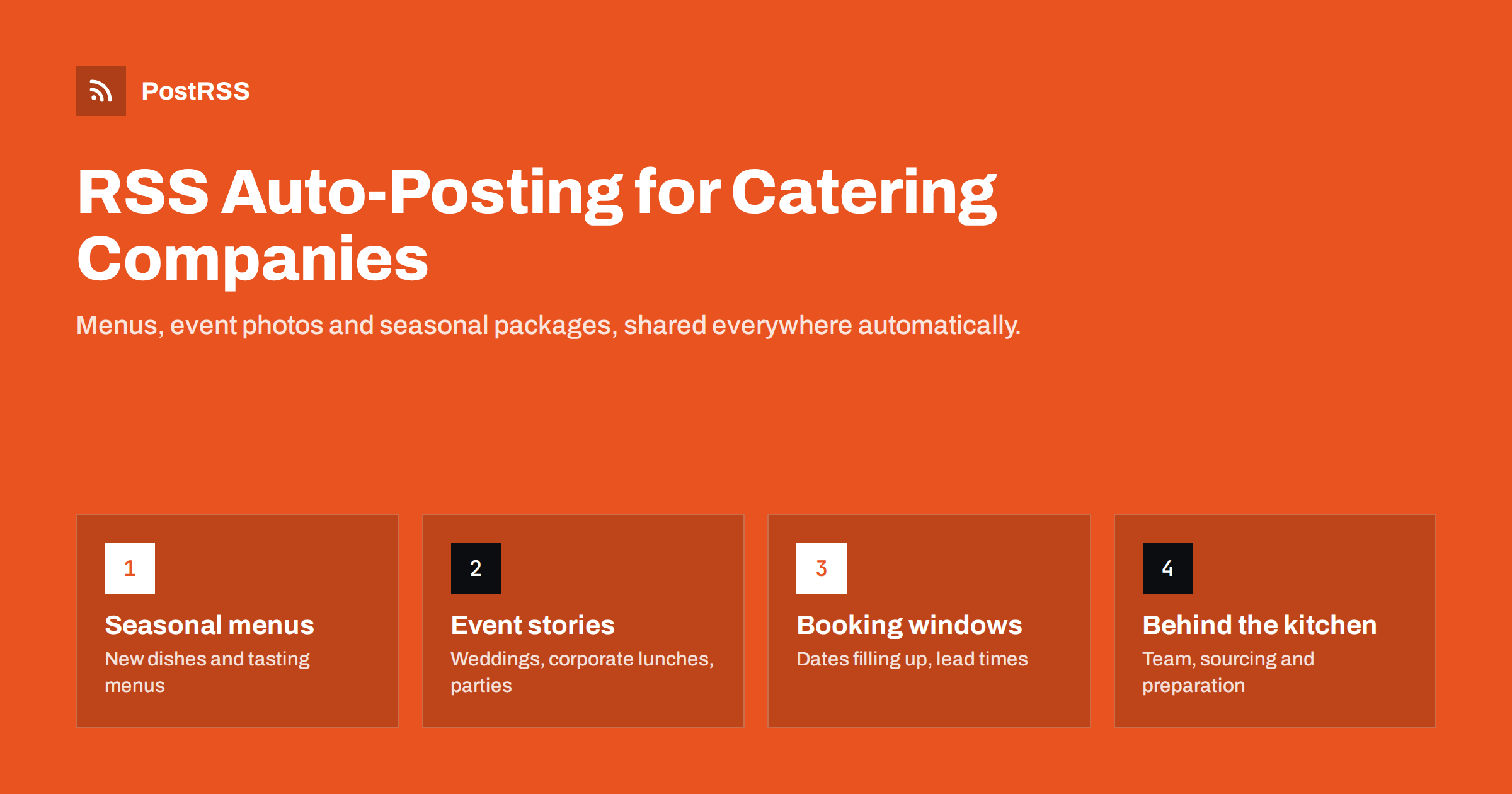
The best catering content is specific and visual. It shows real food at real events and gives planners the practical information they need. Useful post types include:
Each of these works well as a short website post with two or three good photos. The website version can hold the full detail, and the social post becomes a teaser that links back to it.
Many small caterers post directly on social networks and never on their own site. That feels faster, but it has real costs. Posts on social platforms are hard to find a few weeks later, they do not help your website appear in search results, and they belong to a platform whose reach and rules can change at any time.
When the website is the source, each update lives on a page you own. A planner who searches for “vegan wedding catering” plus your town can land on your menu post. Your menu pages, event write-ups and planning guides build up into a library that keeps working for years. Social channels then become the distribution layer: they point people to the website rather than replacing it.
Most website systems already produce an RSS feed for the news or blog section. WordPress, Squarespace, Wix, Webflow and most other builders do this by default, so the technical part is usually just finding the feed address. If your site has separate sections for menus and news, check whether each has its own feed, because that lets you send different content to different places.
The setup is straightforward and needs no code:
/feed/ або /rss. Opening it in a browser should show a page of structured text with your latest posts.The image matters a lot for food. An auto-posting tool normally takes the featured image from the feed item or from the page’s Open Graph tags. Set a strong featured image on every post, ideally a bright, close photo of the food rather than a wide shot of a dark venue, and check that your website outputs the right image in its social preview tags.
The text matters too. Because the social post is usually built from the title and the opening lines, write both with the social reader in mind. A strong opening for a catering post names the event type, the number of guests or the season, and the one detail that makes it interesting: “A plated five-course dinner for 80 guests in a restored mill, with a vegetarian menu that half the guests chose.” That sentence works on a website, in a Facebook preview and in a LinkedIn update without any editing. Avoid starting every post with the same greeting or the company name, because in a feed of automated posts the first words are all people see before they decide to scroll on.
Finally, test the whole chain once before relying on it. Publish a real post, wait for it to appear on each channel, and look at it on a phone: is the image cropped well, is the link correct, does the text read naturally? Fixing a template once saves you from repeating the same mistake on every future post.
Catering has predictable seasons, and good timing makes the same content work harder. A few patterns are common for many caterers:
With automation you can write several posts in a quiet week and publish them on the website over the following weeks. If your tool supports posting windows, you can also make sure posts go out when your audience is likely to be looking, for example during office hours for corporate clients rather than at midnight when the kitchen team finally has time to publish.
Different client groups use different channels, and one feed can reach all of them:
| Client group | Channels they often use | What to emphasise |
|---|---|---|
| Couples and wedding planners | Pinterest, Facebook, Instagram | Photos, tasting menus, styling, reviews on the linked page |
| Corporate buyers and office managers | LinkedIn, email, X | Reliability, delivery times, dietary options, invoicing |
| Private party hosts | Facebook, messengers | Packages, minimum guest numbers, how to order |
| Venues and event partners | LinkedIn, team chats, messengers | Availability, joint events, preferred supplier news |
You do not have to be everywhere. Two or three channels that your clients actually use, kept active by automation, are better than eight neglected ones. If you work with partner venues or planners, a shared Telegram or team chat channel can also be a simple way to keep them informed about new menus.
PostRSS is an RSS auto-posting service that has been running since 2014. It checks your website feed every 5 minutes (every minute on Enterprise plans) and publishes each new item, with its image and link, to the networks you connect. The features page currently lists 66 networks, including Facebook Pages, X, LinkedIn, Pinterest, Telegram, Viber, Threads, Bluesky and Mastodon, with Instagram listed as being tested.
Several features fit catering well. One feed can go to several targets, each with its own settings, so the same menu post can appear on your Facebook Page and your LinkedIn page with different wording. Keyword filters let you include or exclude items, so job adverts can stay off your wedding channels. Posting windows and exact times on paid plans help you reach corporate clients during working hours. UTM parameters show in your analytics which network brought enquiries. If you use WordPress, the official plugin can set up the feed for you. You can compare the options on the PostRSS pricing page.
Catering clients book on trust, and an active, specific online presence builds that trust before the first call. Publish menus, event stories, booking information and planning tips on your own website, give each post a strong food photo, and let RSS auto-posting carry every update to the channels your clients use. The kitchen keeps cooking, and your social pages keep showing that you are busy and good at it.
Yes. Most website builders already create an RSS feed for the blog or news section. You paste that address into the auto-posting tool, connect your social accounts and choose the post format, which usually takes less than an hour.
It depends on your clients. Wedding caterers often get attention on Pinterest, Facebook and Instagram, while corporate caterers usually find buyers on LinkedIn. Pick the two or three channels your clients actually use and keep them active.
Only with permission. Many caterers add a photo clause to their contract or ask the client after the event. Photos of the food and the setup without identifiable guests are usually the safest choice.
One or two good posts a week is a realistic rhythm for many small caterers. Consistency matters more than volume, and during quiet months you can write planning guides ahead and publish them over the following weeks.
Yes, if your tool supports filters or you use separate feeds. Put job adverts in their own category or feed, or use keyword filters, and connect them only to channels such as LinkedIn where they make sense.
What changed in the networks, what broke, and how to fix it before it costs you reach.
 English
 Lietuviškai
 Deutsch
 Français
 Русский
 Español
 Polski
 Italiano
 Українська
 Čeština
 Português
 日本語
日本語 Latviešu valoda
 Eesti
Eesti Magyar
 Bahasa Indonesia
 Türkçe
 हिन्दी
 Ελληνικά
 العربية
 ไทย
ไทย Tiếng Việt
 Română
 Bahasa Melayu
 বাংলা
বাংলা