RSS у 66 соціальних мереж: Facebook, Instagram, X, LinkedIn, Telegram та інші Блог Партнерська програма Контакти
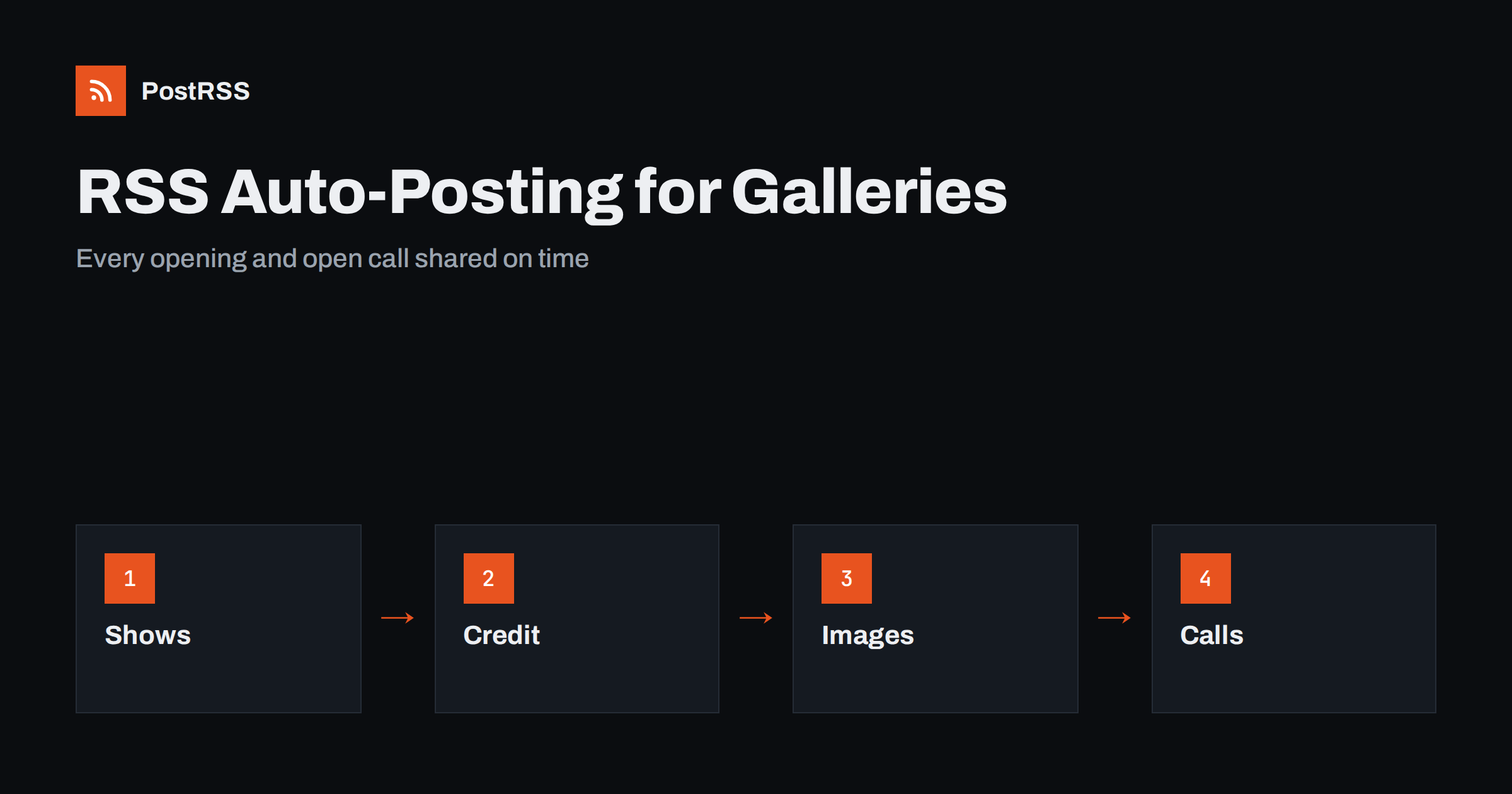
Short answer: RSS auto-posting lets art galleries and exhibition spaces announce openings, artist talks, new shows, workshops and open calls on social media automatically. Publish each item as a page on the gallery website, let an auto-poster read the feed, and every new page appears on your Facebook Page, Pinterest boards, Bluesky, Telegram channel and other networks with its image and link. Visitors learn what is on without a staff member retyping every notice, while artists keep control of how their work is shown, credited and described.
A gallery has a rhythm of announcements that never stops. A new show needs a preview, an opening evening, a reminder, a review of the first week and a note about the closing date. Between shows there are artist talks, school visits, workshops, publications and calls for submissions. The director, the curator or a part-time assistant usually writes these notices between installing works and answering visitors, and the social media posts are the first thing that slips when the schedule is full. The website is more reliable, because every exhibition has a page, and a feed turns that page into a post at the moment it is published. This guide explains what a gallery can publish, how to connect it and why credit and rights deserve extra attention.
The advice fits many kinds of art spaces:
Each has an exhibition calendar, people who run it and at least a simple website where shows are listed. That page becomes the source for every other channel.
Most of what a gallery communicates can be turned into a short page:
Each page is written once and appears on your website, where a visitor searching for what is on in your city can find it. The feed then announces it automatically.
Most galleries already use a system that creates feeds:
/feed/ and one for every category, such as /category/exhibitions/feed/. If you are unsure of the address, see how to find your WordPress feed link.Use categories to separate audiences: exhibitions, events, workshops, open calls and news. Each category has its own feed, and each feed can go where it works best: exhibitions to Facebook and Pinterest, open calls to LinkedIn and Bluesky, workshops to a local community channel. Routing by category is explained in category filtering for auto-posting.
| Content | Automate? | Notes |
|---|---|---|
| Exhibition and event announcements | Yes | Dates, hours and how to attend |
| Artist profiles and statements | Yes | Only with the artist’s approval |
| Open calls and workshop dates | Yes | Deadline and rules stated clearly |
| Images of works | Yes, with permission | Credit, title and year in the text |
| Prices and buyer details | No | Discuss privately with the client |
| Loan agreements and condition reports | No | Internal documents |
A simple rule: if it welcomes many people to see art, automate it. If it concerns one buyer, one lender or one private arrangement, it needs a person and a private channel.
The images are the heart of a gallery post, and they belong to someone. Artists and their estates usually keep the copyright to the works, and a gallery often has permission to reproduce them for promotion of a specific show, not for every purpose. Check what the agreement with each artist allows, and keep the answer next to the exhibition page. Write the credit in the text of every page: the name of the artist, the title of the work, the year and the medium, and the name of the photographer when it is different. Do not crop or alter a work in a way that changes its meaning, and do not add filters. If an artist asks to remove an image, remove it quickly and update the page. A gallery that treats credit seriously is trusted by artists, and artists share the posts with their own followers, which is the best reach a gallery can get.
An auto-poster uses the featured image of the page, so the choice of that image is part of the message. Pick one strong picture for each exhibition, in landscape or square format, at a size that is sharp on a large screen. Avoid a poster with tiny text, because the text will be unreadable in a feed, and write the dates in the post text instead. For a show with many works, publish a short series of pages, one for each artist or each room, so that each post has its own picture. How the image is chosen from your page is described in the guide to controlling the image. Describe each image in a few plain words in the alternative text, because visitors who use a screen reader want to know what the work shows, and it helps search engines too.
An opening is an event with a time, and a post that arrives after it is useless. Publish the page early, with the full details, and let the feed share it at once. Write the date and the time in the text, together with the day of the week, for example Thursday evening from six, so that a reader does not have to open the link to know when to come. Add a second page a few days before the event if you want a reminder, and a third one that thanks the visitors afterwards with pictures of the room, with the permission of anyone who is recognisable. If the feed publishes many items together, space the posts out with posting windows, so that a visitor sees one clear message at a time and not a wall of notices.
Many galleries also sell prints, books and editions. Treat each product as a short page on the website, with a clear picture, the dimensions, the edition size and a link to the shop, and share it like any other news. Do not publish prices of unique works in automated posts unless the gallery has decided to show them, because prices change and a visitor who sees an old figure feels misled. Update a page when a work is sold, and write that it is sold instead of deleting the post history. The same care applies to discounts and limited offers: write the end date on the page and unpublish the page when the offer ends, so that the feed does not keep promoting it.
Most galleries do best with two or three active channels, a mailing list and the website. Six forgotten channels are worse than two that are kept alive.
/feed/, and check that it lists recent pages with images.PostRSS has been automating RSS posting since 2014. It checks your website feeds as often as every minute and publishes each new page, with its real image and link, to the channels you connect, from Facebook Pages and Pinterest boards to LinkedIn, Bluesky, Mastodon and Telegram, among its 66 supported networks. You can choose how each post is built, filter items by keywords, add UTM parameters and post only within chosen hours or at exact times in your time zone. See the PostRSS features page for everything it does and the pricing page for plan limits. More ideas for neighbourhood businesses are under the Local Business tag.
A gallery lives on announcements and on trust. RSS auto-posting shares every exhibition, opening, talk, workshop and open call automatically, as soon as it is published on the gallery website. Write each page for a visitor who has never been to the space, credit every artist and every work, check the permission to show each image, keep prices and private arrangements out of public posts, close pages when shows end and let the team spend their energy on the art and the visitors, not on retyping notices.
Yes. If your gallery has a website with a news or exhibitions section, its RSS feed can be connected to an auto-poster that shares each new page on your Facebook Page, Pinterest boards and other channels.
The title, the dates, the opening hours, one strong image with a credit, a short statement and the way to attend. Put the key dates in the text, not only in a poster image.
Usually yes. Artists and estates normally keep the copyright, so check the agreement for each show and credit the artist, the title, the year and the medium.
It is safer to keep prices of unique works out of automated posts. Discuss them with the client, and link to a page that you keep up to date.
Yes. PostRSS reads any valid RSS or Atom address that is reachable without a login. Paste the address, connect your channels and new pages are shared as soon as they appear.
What changed in the networks, what broke, and how to fix it before it costs you reach.
Створено Internet Solutions — командою PostRSS. Кожен продукт заощаджує ваш час по-своєму.
 English
 Lietuviškai
 Deutsch
 Français
 Русский
 Español
 Polski
 Italiano
 Українська
 Čeština
 Português
 日本語
 Latviešu valoda
 Eesti
 Magyar
 Bahasa Indonesia
 Türkçe
 हिन्दी
 Ελληνικά
 العربية
 ไทย
 Tiếng Việt
 Română
 Bahasa Melayu
 বাংলা