RSS у 66 соціальних мереж: Facebook, Instagram, X, LinkedIn, Telegram та інші Блог Партнерська програма Контакти
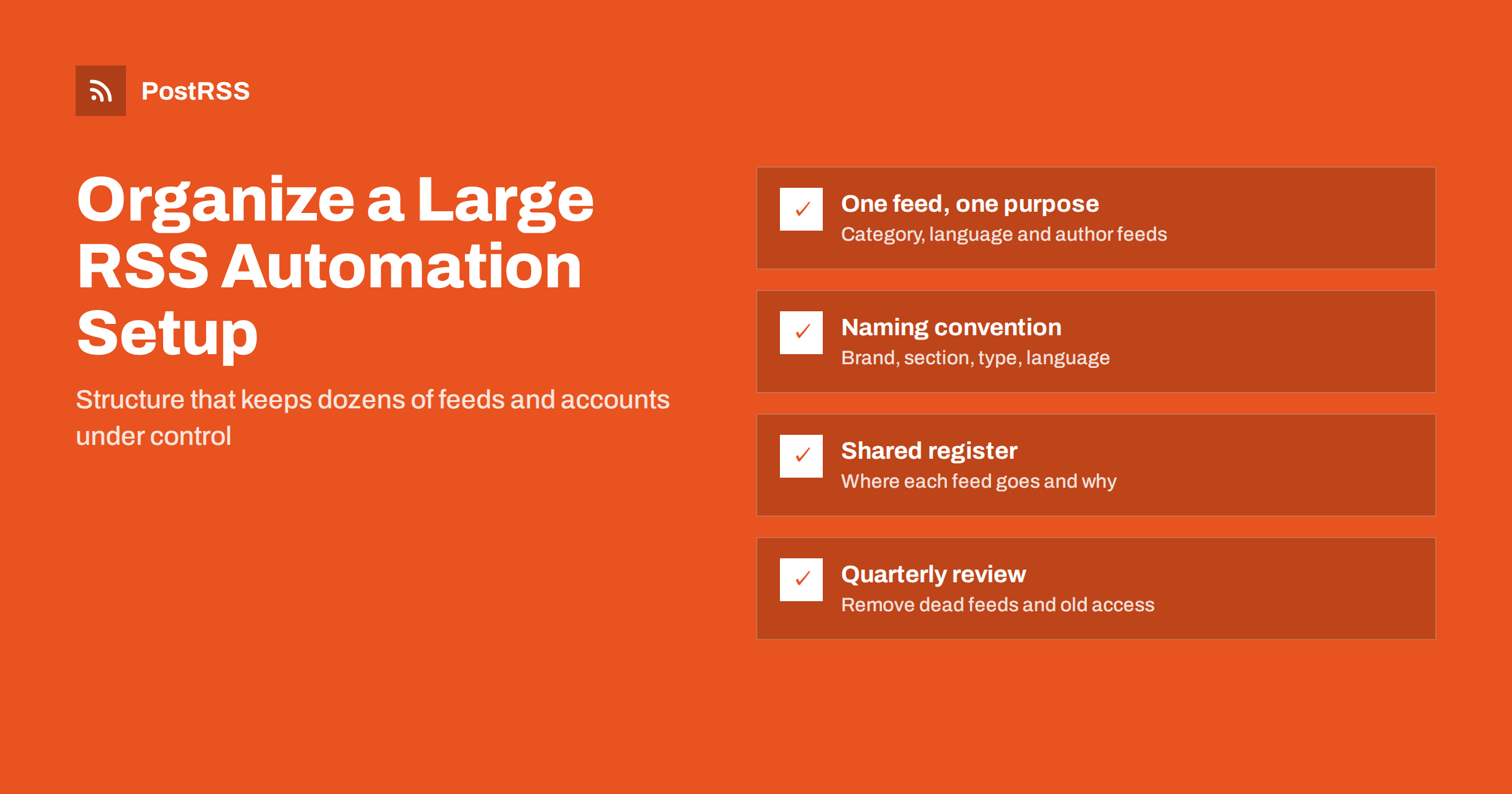
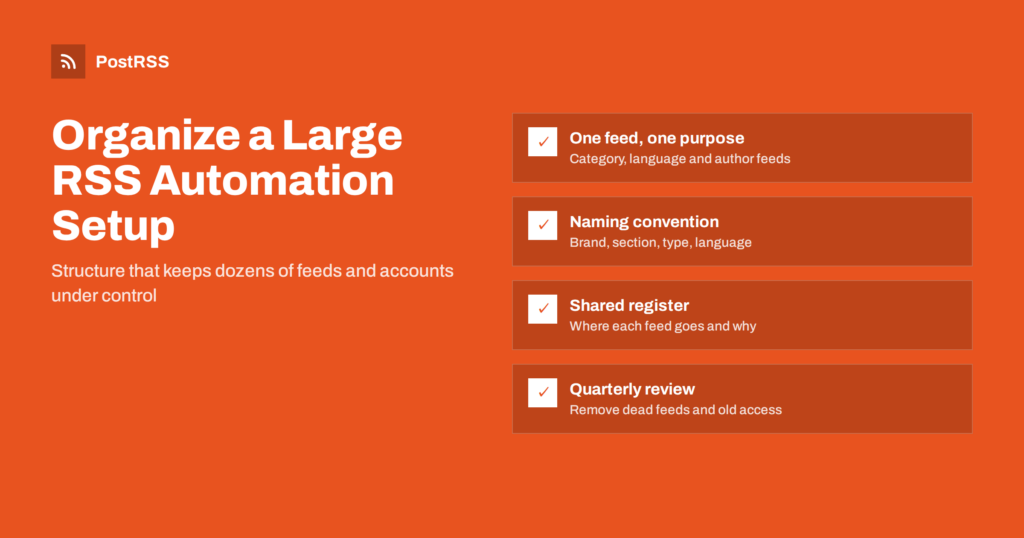
Short answer: A large RSS automation setup stays manageable when every feed has one clear purpose, every source and target follows a naming convention, and one shared register records which feed goes to which account, with what settings and who owns it. Use consistent UTM values, keep a short change log, export your feed list regularly and review the whole setup every quarter so dead feeds and forgotten accounts are removed.
An automation with one feed and two accounts needs no organisation. One with forty feeds, a hundred targets, several brands, languages or clients and a few people making changes is different. Problems that would be obvious in a small setup become invisible: a feed that stopped working months ago, a target that still posts to a page nobody manages, two feeds sending the same article to the same account, or a filter that no one remembers adding. This guide describes a practical structure for organising a large setup so that anyone on the team can understand it, change it safely and hand it over.
Most setups grow one connection at a time. You know it is time to organise when you notice any of these:
None of these is a technical failure. They are signs that the setup lives in people’s heads rather than in a shared structure.
The foundation of a clean setup is that each source has one clear job. Instead of connecting a site’s main feed everywhere and patching it with filters, use the feeds the site already offers:
When each feed has one purpose, the question which feed goes where almost answers itself, and filters become small safety nets rather than complex logic. If you need to merge sources instead, read how to combine multiple RSS feeds into one posting schedule.
Names are the cheapest and most effective organising tool. Choose one pattern and use it for every source and target, for example:
[Brand or client] - [Site or section] - [Feed type] - [Language]
Acme - Blog - Main - EN
Acme - Blog - Tutorials - EN
Acme - Shop - New products - DE
For targets, a similar pattern works:
[Brand or client] - [Network] - [Account type] - [Purpose]
Acme - LinkedIn - Company page - All articles
Acme - Telegram - Channel - Tutorials only
Keep the order of the parts fixed so that sorting by name groups related items together. Avoid personal names in source or target names, because people change roles. Put the person in the register instead.
The register is a single document or spreadsheet that describes the whole setup. It does not need to be elaborate, but it must be complete and shared. A practical set of columns:
| Column | Example | Why it matters |
|---|---|---|
| Source name | Acme – Blog – Tutorials – EN | Matches the name in the tool |
| Feed URL | example.com/category/tutorials/feed/ | Lets anyone check the feed directly |
| Цілі | LinkedIn page, Telegram channel | Shows where each item goes |
| Settings | Post format, filters, hashtags, window | Explains why posts look as they do |
| UTM campaign | acme-tutorials | Links reports to the source |
| Account owner | Marketing lead | Who authorised the connection |
| Last reviewed | Quarterly review date | Shows what is out of date |
Add one sentence of reasoning next to anything unusual, such as an exclude filter or a posting window that differs from the rest. Those notes are what save time when someone new takes over. Ownership of accounts is covered in social media account ownership and access.
In a large setup, analytics is the only way to see what each feed and network contributes, and that depends on consistent UTM values. Agree on a scheme once:
utm_source is the network, written the same way every time, such as linkedin or telegram.utm_medium is the channel type, usually social.utm_campaign identifies the feed or the brand and feed, as in the register.Lowercase values and hyphens instead of spaces avoid duplicates such as LinkedIn and linkedin appearing as two sources in reports. Google’s own guidance on campaign parameters is in the Analytics help article on URL builders, and a full walkthrough for RSS automation is in how to track the ROI of RSS automation with UTM parameters.
As setups grow, overlaps appear. The most common is the same article reaching one account through two feeds, for example through the main feed and a category feed. Auto-posters prevent duplicates within one source and target, but two different sources are two different streams, and each will post the item.
The register makes overlaps visible: sort it by target and check that each account receives each kind of content from only one source. If two feeds must go to the same account, make sure their content does not overlap, or use filters to exclude the shared items from one of them. The mechanics of duplicate detection are explained in how auto-posting tools prevent duplicate posts.
A change log is a list of dated entries: what changed, who changed it and why. It can be a tab in the register. Typical entries:
When something unexpected appears on a channel, the change log is the first place to look. Most problems in mature setups are caused by a recent change rather than by a fault in the tool.
Many feed tools can export a list of feeds as an OPML file, a simple standard format for feed lists. Export the list from your feed reader or automation tool regularly, or keep the feed URLs in the register, so you can rebuild the setup if an account is lost or you move to another tool. OPML is explained in what an OPML file is.
Also keep a record of which social accounts were connected through which login. Connections expire, passwords change and people leave; knowing who can reconnect an account saves hours when a token runs out.
A quarterly review keeps the setup clean. Work through the register:
A detailed audit method is in the complete RSS automation health check.
Large setups accumulate leftovers. A campaign ends, a product line closes, a client leaves or a social account is abandoned, and the automation keeps running in the background. Retiring a connection deliberately is part of keeping the setup organised:
A setup with no retired items after two years is almost certainly carrying dead weight. Retiring connections is as important as adding them.
A well-organised setup pays off most when someone new joins. Instead of a long handover meeting, give them the register, the naming convention and the change log, and ask them to read through it with the dashboard open. Within an hour they should be able to say where any feed goes and why.
Set clear rules for changes from the start: who may add sources, who may connect accounts, and that every change gets a line in the change log. For the first weeks, ask new colleagues to test changes on a private test target before applying them to live accounts. A short written routine like this prevents most accidental posts and makes it obvious who to ask when something looks wrong. Style rules for the posts themselves can live in a separate document, as described in a social media style guide for small teams.
Agencies and companies with several brands add one more layer: separation. Each client or brand should be clearly identifiable in every name and in the register, and access should follow the same lines, so a change for one client cannot affect another. Some agencies keep a separate register per client and a summary sheet across all clients. Reporting per client is easier when the campaign values in UTM tags include the client name. Agency structures are covered in PostRSS for agencies, and permissions in team workflows and permissions.
PostRSS has posted RSS and Atom feeds to social networks since 2014. Each source can be connected to several targets with their own post text, keyword filters, hashtags from item categories, UTM parameters and posting windows, across 66 supported networks, messengers, team chats and blogs. CSV files can serve as sources on Professional plans and above, the REST API v1 lets you create targets and read reports from your own systems, and Enterprise plans can invite additional users to the same account. See the features page for details and the pricing page for the number of targets on each plan. More guides are under the Scaling Automation tag.
A large RSS automation setup is organised when anyone on the team can answer, from a document, where each feed goes, why it is configured that way and who owns each account. Give each feed one purpose, name sources and targets with a fixed pattern, keep one shared register and a change log, use consistent UTM values, back up the feed list and review everything every quarter. The work takes an afternoon to start and a short session each quarter to maintain.
Use one fixed pattern, such as brand, site or section, feed type and language for sources, and brand, network, account type and purpose for targets. A fixed order makes related items sort together.
At minimum the source name, feed URL, targets, key settings, UTM campaign, account owner and the date of the last review, plus a short note explaining any unusual setting.
Usually because two different feeds that both contain the article are connected to the same account. Check the register for overlapping sources on that target.
A full review every quarter works for most teams, with a quick check after any site migration, theme change or staff change.
Keep every feed URL in the register and, where your tools support it, export the feed list as an OPML file so the setup can be rebuilt if needed.
What changed in the networks, what broke, and how to fix it before it costs you reach.
Створено Internet Solutions — командою PostRSS. Кожен продукт заощаджує ваш час по-своєму.
 English
 Lietuviškai
 Deutsch
 Français
 Русский
 Español
 Polski
 Italiano
 Українська
 Čeština
 Português
 日本語
日本語 Latviešu valoda
 Eesti
Eesti Magyar
 Bahasa Indonesia
 Türkçe
 हिन्दी
 Ελληνικά
 العربية
 ไทย
ไทย Tiếng Việt
 Română
 Bahasa Melayu
 বাংলা
বাংলা