RSS у 66 соціальних мереж: Facebook, Instagram, X, LinkedIn, Telegram та інші Блог Партнерська програма Контакти
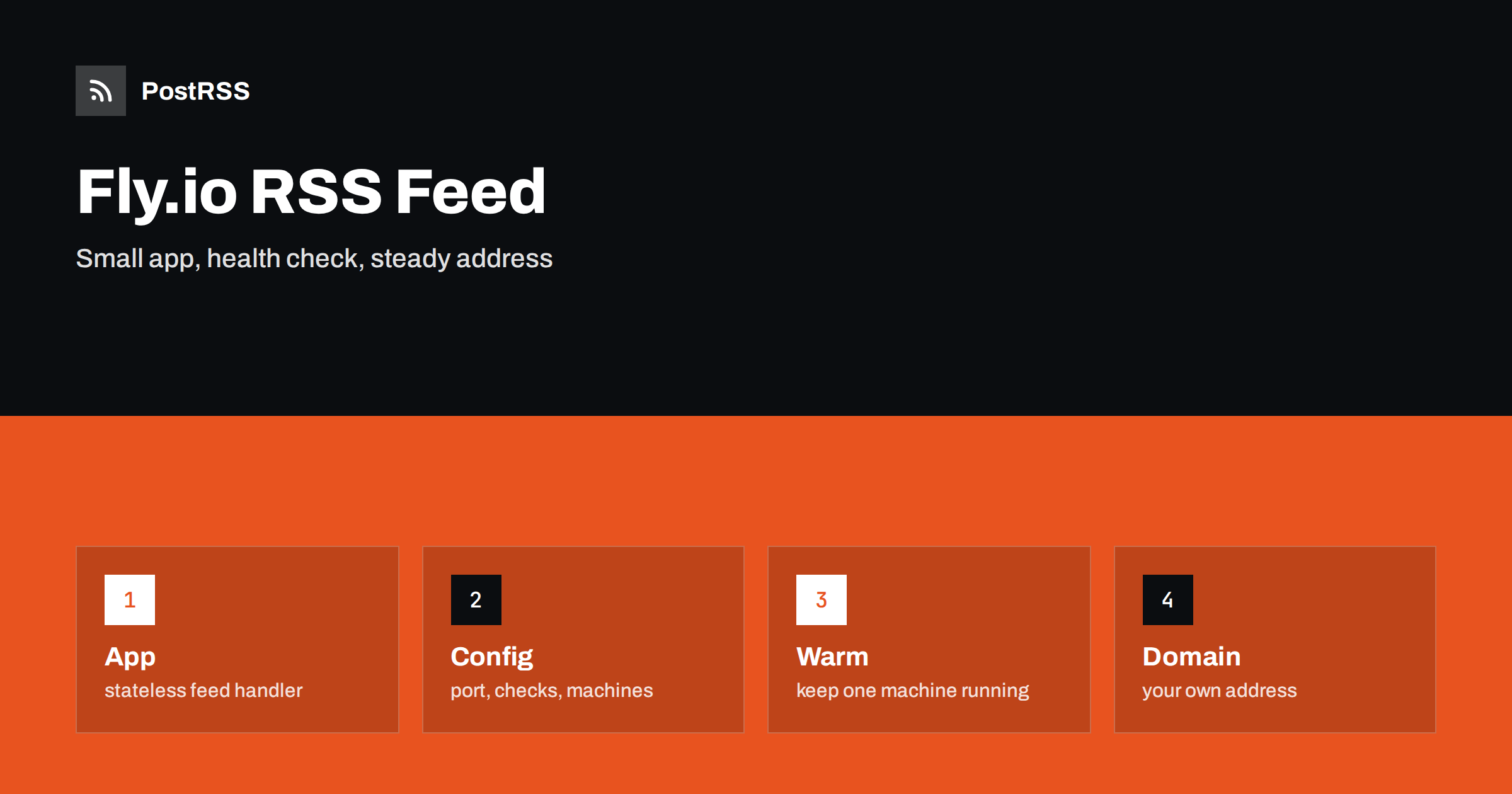
Short answer: To serve an RSS feed from Fly.io, package a small web app that builds the XML, describe it in a configuration file, deploy it with the command line tool and attach a custom domain with a certificate. Choose how many machines stay running, let others stop when idle, send the RSS content type with cache headers, keep secrets in the platform’s secret store and add a health check. The result is a feed with a stable address that tools such as PostRSS can read around the clock, and that costs very little when traffic is light.
Fly.io runs applications as small virtual machines placed close to your users. You write a normal web app, describe it in a short file, and a single command builds and deploys it. That is attractive for a job as modest as an RSS feed: a few routes, a database or an API behind them and a need to be reachable at all times. It also suits teams that have no server of their own and publish from a headless content system, a spreadsheet or a small database. This guide explains how to build a feed service that runs well on Fly.io, which settings matter for a document that tools fetch every few minutes, how to deal with machines that stop and start, and how to avoid the common mistakes. Commands and option names change over time, so check the current platform documentation for exact syntax.
A platform like this is a good fit when your content lives outside a classic web server. A static site may keep articles in files, but you want a dynamic feed that merges several sources. A product database may need a feed of new items. A community tool may need a feed of its latest posts. You could use a function on a serverless platform, but a small always-available app gives you any language and any library, and the same container runs on your laptop. It is less suitable if your site already runs on WordPress or another system that produces a feed on its own, because the built-in feed is simpler to keep correct.
The app needs one route. The example uses Python and the Flask library, but the structure is the same in any language: load the latest items, build the XML, escape every value and set the headers.
from datetime import datetime, timezone
from email.utils import format_datetime
from xml.sax.saxutils import escape
from flask import Flask, Response
from content import latest_posts

app = Flask(__name__)
SITE = "https://example.com"

@app.route("/feed.xml")
def feed():
    items = []
    for p in latest_posts(30):
        link = SITE + "/" + p["slug"] + "/"
        items.append(
            "<item><title>" + escape(p["title"]) + "</title>"
            "<link>" + escape(link) + "</link>"
            "<guid isPermaLink='true'>" + escape(link) + "</guid>"
            "<pubDate>" + format_datetime(p["published"]) + "</pubDate>"
            "<description>" + escape(p["summary"]) + "</description></item>"
        )
    xml = ("<?xml version='1.0' encoding='UTF-8'?><rss version='2.0'><channel>"
           "<title>Example blog</title><link>" + SITE + "</link>"
           "<description>News from Example</description>" + "".join(items) +
           "</channel></rss>")
    resp = Response(xml, mimetype="application/rss+xml")
    resp.headers["Content-Type"] = "application/rss+xml; charset=UTF-8"
    resp.headers["Cache-Control"] = "public, max-age=300"
    return resp

@app.route("/health")
def health():
    return "ok"
Two details matter. Every text value passes through the escape function, because one stray ampersand in a title makes the feed invalid. And a separate health route returns a trivial answer, which the platform can use to decide whether the machine is ready.
On Fly.io, an app is described in a small file in the project folder. The launch command can generate a first version for you, and you then edit it. The important parts for a feed service are the internal port, the health check and the rules for starting and stopping machines.
app = "example-feed"
primary_region = "ams"

[http_service]
  internal_port = 8080
  force_https = true
  auto_stop_machines = "stop"
  auto_start_machines = true
  min_machines_running = 1

  [[http_service.checks]]
    method = "GET"
    path = "/health"
    interval = "30s"
    timeout = "5s"
The region should be close to your content store and to most readers. The setting that forces HTTPS redirects plain requests to the secure address, which you want for any feed address that people paste into tools.
The deployment command builds the image from your Dockerfile or from a detected builder, pushes it and starts the machines. A short Dockerfile keeps builds quick: a small base image, production dependencies only and a start command that listens on the port from the configuration. After the first deployment the app receives an address under the platform’s domain. Open the feed address in a browser, check the content type with a command line client and paste the address into the W3C Feed Validation Service before you tell anyone about it.
To save money, the platform can stop machines that receive no traffic and start them again when a request arrives. The first request after a stop waits for the machine to boot. A feed that auto-posters check every minute or two rarely sleeps, but a feed checked less often will. Decide what you prefer. With a minimum of one machine running, the answer is always fast and the cost is small and constant. With zero, the cost drops but the first request after a quiet period is slow, and some clients give up after a few seconds. For a feed that matters, keep one machine running, and keep the app light so that a restart takes seconds.
The cache header in the example lets browsers and shared caches reuse the answer for a few minutes. If the content system is slow, add a short in-memory cache inside the app that refreshes after a minute, so many requests share one build. If you put a content delivery network in front, make the cache key the path alone, so that query strings added by tools do not create new copies. The principles are the same as in the guide to a Cloudflare Workers feed, and a comparable serverless design is described in the guide to an AWS Lambda feed.
Database passwords and API keys belong in the platform’s secret store, which exposes them as environment variables, and never in the image or the repository. Treat machines as temporary: do not write files to the local disk and expect them to remain, because a new deployment starts from the image. If the feed needs stored data, use a managed database, an object store or a volume that you attach deliberately. Keep in mind that a volume belongs to one machine and region, so a design with several machines should read from a shared database instead.
The default address is long and belongs to the platform. A feed address becomes part of your public presence, because it is stored in readers, in search tools and in the settings of every auto-poster. Add a domain or subdomain that you control, create the DNS records that the platform tells you to, and let it issue and renew the certificate. Then, if you ever move the app, you change where the domain points and the feed address stays the same. Use one canonical address in the link tags of your pages.
A feed is small, so one machine in one region is enough for most publishers. Choose the region nearest to your content store, because the slowest part of building a feed is usually the query, not the network to the reader. If your audience is spread across continents, you can add machines in other regions, but remember that each region must reach the data. A shared database in one place makes the distant machines wait for it, which may remove the advantage. A better design for a global audience is a single origin with a content delivery network in front, since the feed is cacheable and the same for everyone. Add a second machine in the same region if you want to keep the feed up during a deployment or a hardware problem, and let the platform route requests only to machines that pass the health check.
Each release is a chance to break something that tools have trusted for months. Keep the path of the feed exactly the same, keep the identifiers of items unchanged and keep the content type. Before you deploy, run the feed code against a copy of production data and compare the output with the live feed: the number of items, the order and the identifiers should match. After the deployment, fetch the new feed, validate it and confirm that the newest article is at the top. Use a rolling strategy so that old machines keep serving until new ones are healthy. If something goes wrong, roll back to the previous release and examine the difference calmly. A feed that changes its identifiers by mistake can cause readers and auto-posters to treat old articles as new ones.
Watch the logs and the metrics for request counts, errors and response time. Add an external uptime check that fetches the feed, verifies the status and the content type and alerts you when the content has not changed in an unusually long time. A feed can be reachable and still wrong: an empty channel, a stale date or a broken character all pass a simple status check. After each release, validate again, and keep a record of what changed.
PostRSS has been publishing RSS and Atom feeds to social networks since 2014. Paste the address of your feed, connect your accounts and choose how each post is built; PostRSS can check the feed as often as every minute and publishes each new item with its real image and link to the networks you select among its 66 supported networks. A feed that answers quickly and carries cache headers is cheap to check. Add UTM parameters to the posted links to see which network brings readers. See the PostRSS features page for the options and the pricing page for plan limits.
Fly.io can host a dependable RSS feed with very little code. Build the XML from stateless data, escape every value, send the RSS content type and cache headers, add a health check, keep at least one machine running if the feed matters, store secrets safely and attach a custom domain with a certificate. Monitor the result and validate after each release. Then connect the address to an auto-poster, so each new article reaches your audience on social networks without further work.
Yes. A small web app that returns XML with the RSS content type works well. Describe it in the configuration file, deploy it with the command line tool and attach your own domain.
It can, to save money, but the first request after a stop is slower. For an important feed, keep at least one machine running.
In the platform’s secret store, exposed to the app as environment variables. Never put them in the image or the repository.
The feed address is stored in readers and auto-posters. With your own domain you can move the app later without changing the address.
Yes. PostRSS reads any valid RSS or Atom address that is reachable without a login, wherever it is hosted.
What changed in the networks, what broke, and how to fix it before it costs you reach.
Створено Internet Solutions — командою PostRSS. Кожен продукт заощаджує ваш час по-своєму.
 English
 Lietuviškai
 Deutsch
 Français
 Русский
 Español
 Polski
 Italiano
 Українська
 Čeština
 Português
 日本語
 Latviešu valoda
 Eesti
 Magyar
 Bahasa Indonesia
 Türkçe
 हिन्दी
 Ελληνικά
 العربية
 ไทย
 Tiếng Việt
 Română
 Bahasa Melayu
 বাংলা