
Updated: September 23, 2026
If you’ve ever noticed that your auto-posted captions look strangely truncated, oddly formatted, or don’t match what you’d expect from your actual post content, the cause is often a mismatch between two different RSS fields that serve overlapping but distinct purposes: <description> та <content:encoded>. Understanding which one your PostRSS setup or any other RSS feed automation tool actually reads from is one of the more useful pieces of technical knowledge for troubleshooting caption quality.
This guide explains the difference between these two fields, why both exist in the same feed, and how to make sure your auto-posted captions are pulling from the field that actually reflects your intended content.
What <description> Is Meant to Contain
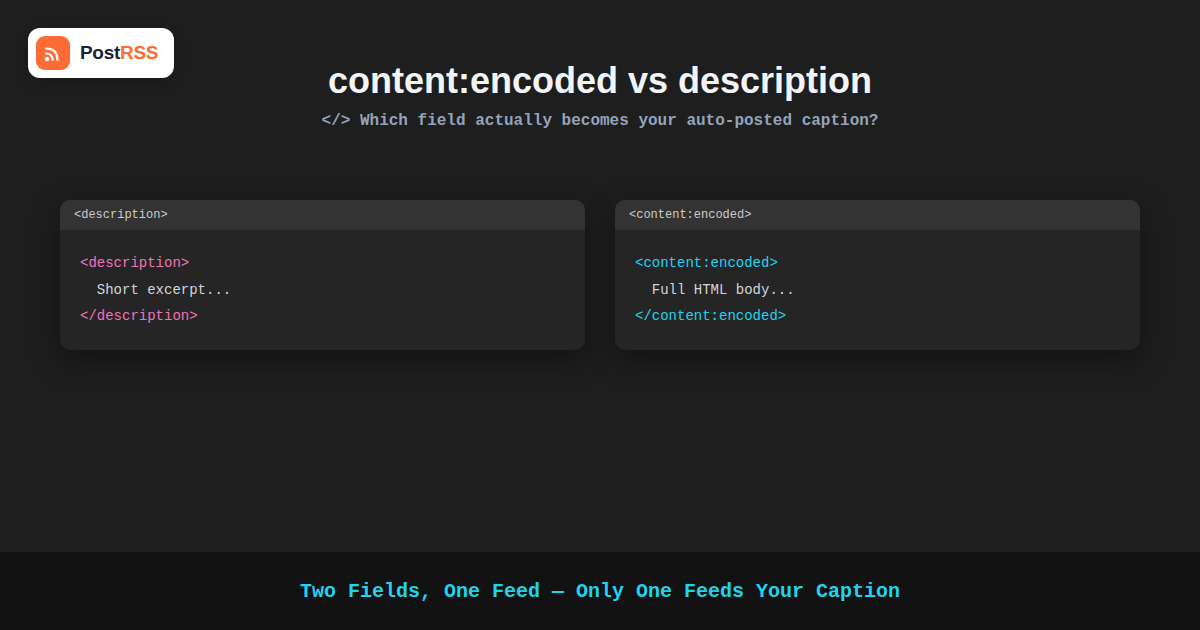
The <description> tag is part of the core RSS 2.0 specification, originally intended to hold a synopsis of an item — a short summary rather than the full content. In practice, how CMS platforms populate this field varies significantly: some populate it with a genuinely short excerpt, some populate it with the full post content, and some strip out most HTML formatting in the process, since the specification never strictly defined how much content or formatting this field should contain.
What <content:encoded> Is Meant to Contain
The <content:encoded> element comes from the separate Content Module extension to RSS, specifically designed to hold the full, richly formatted HTML content of an item, encoded so that markup like paragraphs, links, and images survives intact inside the XML structure. WordPress, for example, populates <content:encoded> with your post’s full rendered HTML content, while separately populating <description> with either an excerpt or the same full content, depending on your site’s configuration and whether you’ve set a custom excerpt.
Why Both Fields Exist in the Same Feed
This dual-field setup exists because different feed consumers historically wanted different things: a feed reader displaying a list of headlines with short previews benefits from a brief <description>, while a full-text reader or an aggregator trying to republish complete content benefits from <content:encoded>. Rather than forcing every use case through a single field, RSS’s extensibility allowed both to coexist, with consuming tools free to choose whichever field best fits their specific purpose.
Which Field Does RSS-to-Social Automation Actually Use?
This is where it matters practically. Most RSS-to-social automation tools, including PostRSS, are built to intelligently select the most appropriate field for generating a caption — typically preferring a genuine excerpt when one is available, since a full HTML article dumped directly into a social caption would be far too long and full of formatting that doesn’t translate to a social post anyway. When your feed’s <description> field contains a proper short excerpt, that’s usually what gets used as the basis for your caption. When <description> instead contains your entire post content because no custom excerpt was set, automation tools generally need to truncate it themselves to produce a reasonably sized caption, which can occasionally produce an oddly cut-off first sentence rather than a clean, purpose-written summary.
Why Setting a Custom Excerpt Matters More Than You’d Expect
This is the most actionable takeaway from understanding these two fields: if your CMS lets you set a custom excerpt separately from your full post content — as WordPress does — taking the extra few seconds to write one gives your auto-posting tool a clean, purpose-written summary to draw from, rather than an auto-truncated fragment of your full article. A custom excerpt written with the caption’s brevity in mind reads far better as a social post than an arbitrary character-count cutoff of your full introduction paragraph.
A Practical Example of the Difference
Consider a blog post that opens with: “There are a lot of misconceptions about how RSS automation actually works, and most of them come down to a basic misunderstanding of polling versus push-based updates, which we’ll unpack in detail below.” If no custom excerpt is set, an automation tool truncating this at, say, 140 characters might produce a caption ending mid-sentence: “There are a lot of misconceptions about how RSS automation actually works, and most of them come down to a basic…” A custom excerpt written specifically as a summary — “Most RSS automation misconceptions come down to one thing: confusing polling with push-based updates. Here’s the difference.” — produces a complete, purpose-built caption instead.
How Different CMS Platforms Handle This Differently
The relationship between these two fields isn’t identical across every content management system, which is worth knowing if you manage feeds from more than one platform. WordPress populates <content:encoded> with the full rendered post content and <description> with either the manually set excerpt or an auto-generated one if no excerpt exists. Some other platforms take a different approach, populating <description> with the full content and simply omitting <content:encoded> altogether, or vice versa. A small number of minimal or custom-built feed generators only implement the bare RSS 2.0 specification without the Content Module extension at all, meaning <content:encoded> won’t be present in the feed regardless of what the underlying CMS actually stores.
This variability is exactly why a well-built RSS-to-social automation tool needs to handle both fields intelligently rather than assuming a fixed structure, and why testing your own specific feed’s actual output is more reliable than assuming it behaves like a generic example from a tutorial.
Why This Matters More as Your Content Gets Longer
The practical impact of this distinction scales with how long your typical posts are. A short post of two or three paragraphs might not look dramatically different whether the automation tool truncates the full content or uses a dedicated excerpt, simply because there’s less content to cut awkwardly. A long-form post of two thousand words or more is a different story: without a proper excerpt, an automation tool truncating raw content might grab an introductory sentence that doesn’t actually represent what the post is about, especially if your writing style opens with a scene-setting anecdote before getting to the actual point.
For publishers who write long, detailed content — exactly the kind of content RSS feed automation is often used to promote — this makes the custom excerpt habit more valuable, not less, since the gap between “auto-truncated opening sentence” and “purpose-written summary” tends to widen as articles get longer and more nuanced in how they open.
A Quick Audit You Can Run on Your Own Feed
If you’re not sure whether your site’s current setup is producing clean captions or awkward truncations, a quick audit takes just a few minutes: pull up your last five to ten published posts, check whether each one has a custom excerpt set in your CMS, and separately check what your auto-posted captions for those same posts actually looked like on your social accounts. If the posts without a custom excerpt consistently produced weaker or more awkwardly cut-off captions compared to the ones with a custom excerpt, that’s a clear, concrete signal that the fix described in this guide will meaningfully improve your results going forward.
Comparison: description vs. content:encoded
| Field | Typical Content | Best Used For |
|---|---|---|
| <description> | Excerpt or full content, depending on CMS settings | Social captions, feed previews |
| <content:encoded> | Full rendered HTML content | Full-text readers, republishing tools |
| Custom excerpt (WordPress) | Manually written short summary | Best source for a clean auto-posted caption |
| Auto-generated excerpt | First N characters of content, often mid-sentence | Functional fallback, not ideal |
Where This Fits Into a Broader Feed Quality Checklist
Getting excerpts right is one piece of a larger picture of feed quality that affects how well any auto-posting setup performs, alongside things like accurate featured images, sensible category structure, and a reliable, uncached feed response. None of these individually make or break an automation setup, but together they determine whether your auto-posted content looks polished and intentional or slightly rough around the edges. Excerpts happen to be one of the easiest to fix, since it’s purely an editorial habit rather than a technical configuration change.
Checking What Your Own Feed Actually Contains
You can verify what your feed is currently populating by viewing its raw XML directly (most feed URLs display readable XML when visited in a browser) and looking for the <description> та <content:encoded> elements inside a sample <item>. If <description> contains your entire post rather than a short summary, that’s a sign it’s worth setting custom excerpts going forward, particularly for posts you plan to auto-post through RSS automation to social media.
Frequently Asked Questions
Does PostRSS use content:encoded or description for captions?
PostRSS is built to use whichever field provides the most appropriate, caption-length content, generally favoring a proper excerpt from <description> when one is available, since <content:encoded>‘s full HTML content isn’t suitable for direct use in a short social caption.
Why does my caption sometimes end mid-sentence?
This typically happens when <description> contains your full post content rather than a proper excerpt, requiring the automation tool to truncate it at a length appropriate for the platform, which can cut off in an awkward spot. Setting a custom excerpt avoids this.
How do I set a custom excerpt in WordPress?
WordPress includes an Excerpt field in the post editor (sometimes needing to be enabled via Screen Options if it’s hidden), where you can write a short summary separately from your full post content, which then populates the excerpt used in your feed’s description field.
Does content:encoded appear in every RSS feed?
No, it depends on whether the feed generator includes the Content Module namespace. Most major CMS platforms, including WordPress, do include it by default, but custom or minimal feed generators might only populate the basic <description> field.
Will fixing my excerpts retroactively improve old auto-posted content?
No, previously published posts have already been auto-posted with whatever caption was generated at the time. Setting better excerpts going forward improves captions for new content published after the change, not posts already shared.
Should I write a different excerpt for social media than for my feed’s preview?
Since your excerpt typically feeds both your site’s preview text and your auto-posted caption, it’s worth writing it with both uses in mind — concise enough to work well as a social caption, while still accurately representing the post for anyone seeing it as a preview on your own site.
Does this affect image extraction for auto-posted content too?
No, featured image extraction is typically handled separately from the description or content fields, usually pulling from a dedicated featured image field or the first image found in the post content, independent of which text field is used for the caption.
Is it worth writing excerpts for old posts that were already published?
It’s generally a lower priority than making sure new posts have good excerpts going forward, since the caption for a post is generated at the time it’s originally auto-posted. That said, if you plan to manually re-share an older post later, having a proper excerpt in place still benefits any future automation involving that content, such as an evergreen content recycling workflow.
Can a poorly worded excerpt hurt engagement even if it’s not truncated?
Yes — length is only one part of caption quality. An excerpt that’s grammatically complete but vague or generic will still underperform compared to one written specifically to make someone want to click through, regardless of whether it was auto-truncated or manually written. Truncation avoidance is a baseline fix, not a substitute for writing a genuinely compelling summary.
The Bottom Line
It’s a genuinely small piece of the RSS specification, easy to overlook entirely, but the difference between <description> та <content:encoded> is a small technical detail with an outsized practical effect on caption quality. Taking the extra step of writing a proper custom excerpt for each post gives your RSS automation a clean, purpose-built summary to work with, producing noticeably better auto-posted captions than relying on an automatically truncated fragment of your full article.
It’s a small habit with a disproportionate return: a few extra seconds spent writing a deliberate summary, applied consistently across every post, compounds into a noticeably more professional-looking social presence over time.
See PostRSS pricing and connect your feed to see how a well-written excerpt translates into a clean, professional auto-posted caption.