RSS у 66 соціальних мереж: Facebook, Instagram, X, LinkedIn, Telegram та інші Блог Партнерська програма Контакти
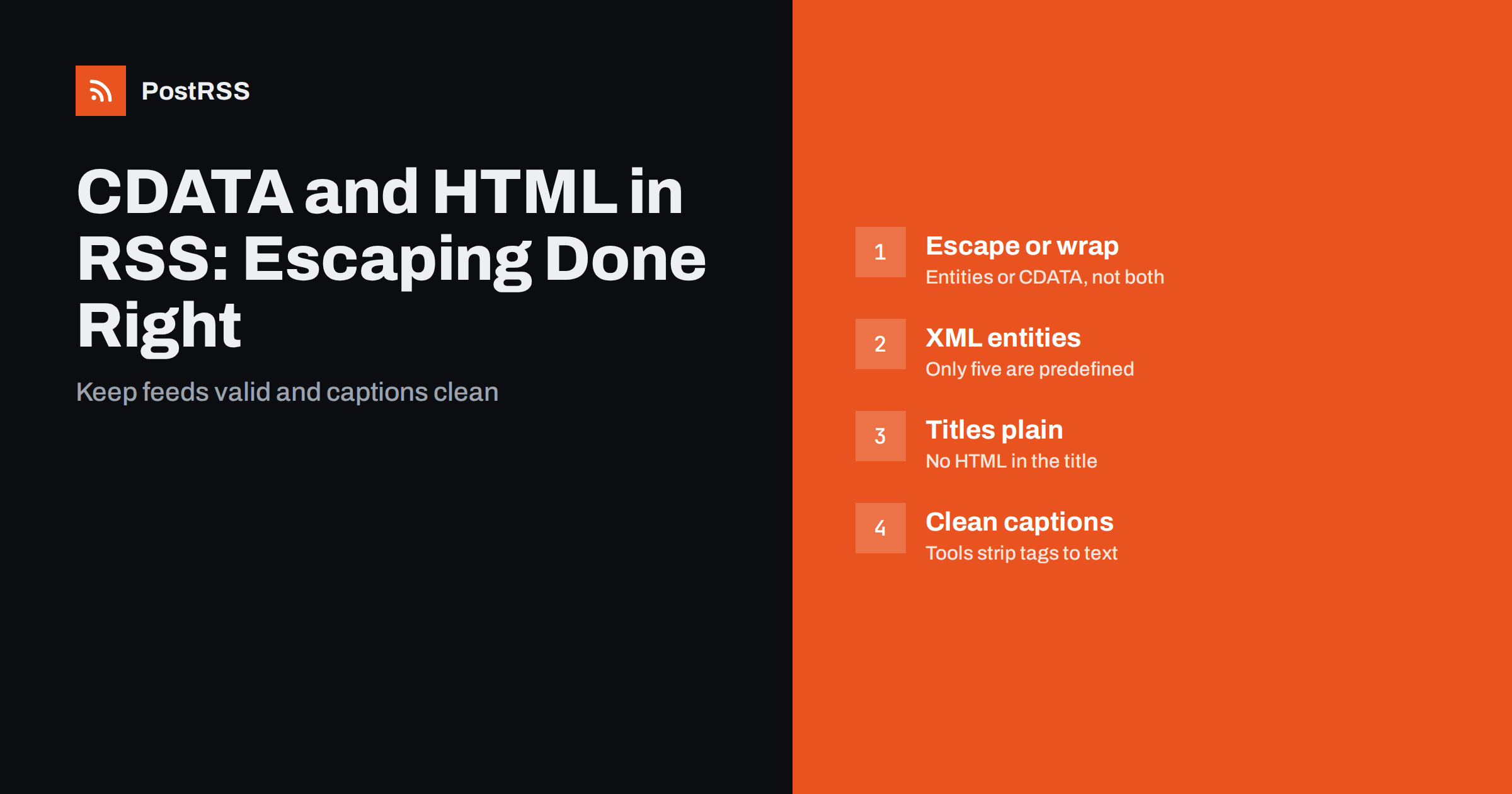
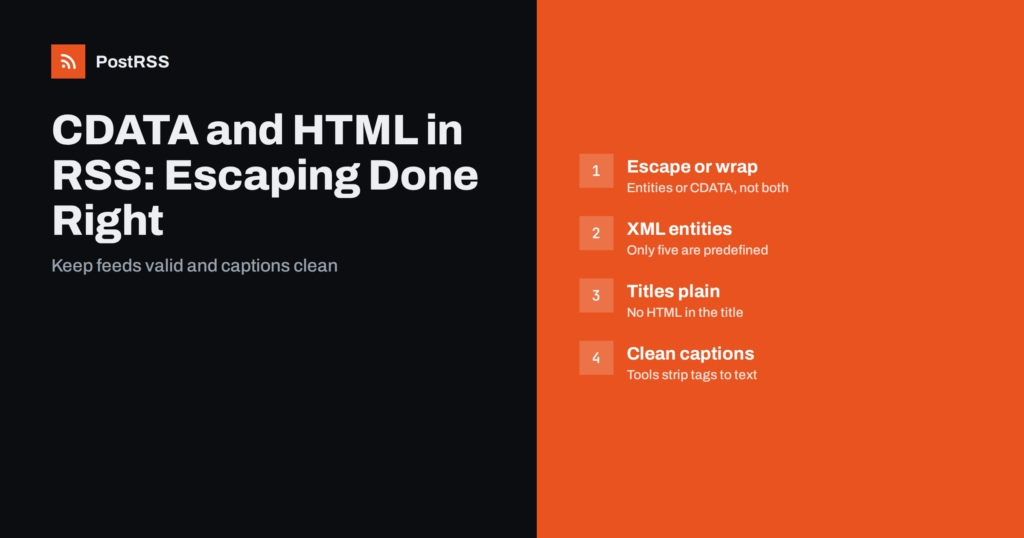
Short answer: HTML inside an RSS description або content:encoded element must be either entity-escaped (<p>) or wrapped in a <![CDATA[ ... ]]> section, never both. Use CDATA for readable templates, but split any literal ]]> inside it. Avoid HTML named entities such as outside CDATA, because XML only defines five, keep titles as plain text, and remember that auto-posting tools usually strip HTML to produce captions.
An RSS feed is an XML document, and HTML looks a lot like XML. If you drop raw HTML into an element, an XML parser tries to read your <p> та <img> tags as part of the feed’s own structure. Sometimes that happens to work, often it produces a malformed document, and even when it parses, readers and tools no longer know that those tags were meant to be HTML content rather than feed elements.
The RSS 2.0 specification says that the item description may contain entity-encoded HTML. In practice, there are two accepted ways to deliver HTML safely: escape the markup characters so the parser treats them as text, or wrap the whole HTML fragment in a CDATA section, which tells the parser “everything inside is character data, do not interpret it”. After parsing, both approaches give the reading software exactly the same string of HTML.
The same applies to Atom feeds and to any other XML format that carries HTML. The question is never whether to protect the HTML, only which of the two methods to use and how to apply it consistently.
Most content management systems handle this for you. Problems start with custom templates, feed plugins, headless CMS setups and hand-written generators, which is where the mistakes in this guide usually come from.
With escaping, every markup character in the HTML is replaced by an XML entity. The paragraph <p>Tools & tips</p> becomes:
<description><p>Tools &amp; tips</p></description>Look closely at the ampersand. In the original HTML it was already written as &, so after escaping for XML it becomes &amp;. That looks strange but is correct: the XML parser turns it back into &, and the HTML renderer turns that into a plain ampersand.
Advantages of escaping:
]]>.The disadvantage is readability: escaped HTML is hard for humans to read when debugging a feed.
With CDATA, the HTML stays as it is, wrapped in a special marker:
<description><![CDATA[<p>Tools & tips</p>]]></description>Inside the CDATA section, the parser does not interpret < або &, so the HTML passes through untouched. WordPress uses CDATA for descriptions and content:encoded in its default feed, which is why so many feeds look like this.
CDATA has one trap: the sequence ]]> ends the section. If your HTML happens to contain it, for example inside a code sample or a piece of inline script, the section ends early and the rest of the content becomes broken XML. The standard fix is to split the sequence across two CDATA sections: replace each ]]> with ]]]]><![CDATA[>. Good libraries do this automatically; hand-written templates rarely do.
Also note that CDATA does not change the character encoding. Invalid characters, such as certain control characters, are still invalid inside CDATA and will still break the feed.
These errors show up again and again in real feeds, and each has a recognisable symptom:
| Mistake | Symptom | Fix |
|---|---|---|
| Raw HTML without escaping or CDATA | Feed invalid, or tags appear as unknown elements | Escape the HTML or wrap it in CDATA |
| Escaping and CDATA together | Readers show literal <p> text | Use one method, not both |
| Escaping twice | Captions show &amp; or visible tags | Escape once, at the last step |
або © outside CDATA | Parser error: undefined entity | Use numeric entities or real characters |
Unescaped & in a title | Whole feed fails to parse | Write & in titles |
]]> inside CDATA | Feed breaks mid-item | Split the sequence |
The undefined entity problem deserves special attention. HTML defines hundreds of named entities, but XML predefines only five: &, <, >, " та '. A або — copied from HTML into escaped feed content is a fatal error for strict XML parsers. Use numeric references such as  , or simply the UTF-8 character itself.
The RSS title element is meant to be plain text. Many readers and tools display it literally, so HTML inside a title shows up as visible tags or gets stripped unpredictably. Put emphasis and links in the description, not the title.
Titles still need XML escaping. A headline such as “Salt & Pepper: 5 Kitchen Tips” must be written with & in the XML. Some CMS configurations escape titles twice, producing Salt &amp; Pepper in the feed and “Salt & Pepper” on social networks. If your automated posts show & in captions, double escaping in the title template is the usual cause. Our article on encoding issues and special characters covers the related problems with emoji and non-Latin scripts.
Quotation marks and apostrophes deserve a quick check too. Inside element text they do not need escaping, but some CMS setups convert them to typographic quotes and then to named entities such as ’. Outside CDATA, those named entities are undefined in XML and break the feed, which is another reason to output real UTF-8 characters instead.
RSS 2.0 has one text element per item, description. To carry the full article separately from a summary, many feeds add content:encoded from the RSS content module, declared with xmlns:content="http://purl.org/rss/1.0/modules/content/" on the root element. The usual pattern is:
description: a short summary or excerpt, plain text or light HTML.content:encoded: the full article HTML, in CDATA or escaped.Both follow the same escaping rules. For social auto-posting, the description usually matters more, because tools that build captions from the item text tend to use the summary. A full article in the description can produce captions that begin mid-sentence or include navigation text from the template. See content:encoded vs description for how different tools choose.
Social networks do not render HTML in posts. When an auto-posting tool builds a caption from a feed description, it typically:
& into characters.This works well when the HTML is clean. It works badly when the description contains image captions, share buttons, “Continue reading” links, inline styles or scripts, because their text ends up in the caption. Keep feed descriptions lean: a paragraph or two of real text, without template furniture. If your theme adds “The post X appeared first on Y” to feed items, as some SEO plugins do, consider whether that line should appear in social captions.
HTML in feeds often carries images and links, and both need attention:
src="/images/photo.jpg" has no base in a feed reader or an auto-posting tool, so the image breaks. Always include the scheme and domain.After any template change, open the raw feed, look at one item’s description, and run the feed through a validator. It takes two minutes and catches almost every problem described here.
If you are not sure whether a problem comes from the feed or from the tool that reads it, compare the raw XML with what a feed reader shows. If the reader displays the text correctly but a social caption does not, the issue is in how the tool builds captions; if both look wrong, fix the feed.
The most reliable way to avoid escaping bugs is to stop building XML with string concatenation. When you use a proper XML library, you set the element’s text to the HTML string and the library escapes it correctly, every time. A few practical rules for developers:
DOMDocument або XMLWriter; in Python, xml.etree.ElementTree or a feed library; in JavaScript, a feed package or a DOM serializer. They escape text nodes automatically.]]> with ]]]]><![CDATA[> before insertion, and do not escape the content otherwise. reaches the XML outside a CDATA section.]]>. If the feed validates with that post in it, your escaping is sound.These rules apply equally to Atom feeds, where HTML content is marked with type="html" and follows the same escaping logic.
PostRSS reads RSS 2.0 and Atom feeds, including items whose descriptions contain escaped HTML or CDATA. You can build each post from the item title, the item description, the page title or your own static text, nine combinations in total, so a feed with a noisy description can still produce clean captions by using the title alone. Images are taken from the feed item or from the page’s Open Graph tags. Clean, valid descriptions give the best results on every network. See the features page for the posting options and the pricing page for plans.
HTML in an RSS feed must be escaped or wrapped in CDATA, exactly once. Watch for the five-entity limit of XML, split any ]]> inside CDATA, keep titles as plain text with correctly escaped ampersands, use absolute URLs in embedded HTML and keep descriptions lean. A valid, clean description produces readable feed items and clean social captions at the same time.
Either is valid and both produce the same result after parsing. CDATA is easier to read in templates, while escaping handles every edge case automatically. Choose one and never combine them for the same content.
The HTML has been escaped twice, or escaped and then wrapped in CDATA. The reader decodes one layer and displays the second layer as text. Remove one of the two steps in your template.
XML defines only five named entities: amp, lt, gt, quot and apos. Other HTML entities are undefined in XML and cause a parse error outside CDATA. Use the numeric reference   or the actual character instead.
It is best not to. Titles are treated as plain text by most readers and auto-posting tools, so tags appear literally or are stripped. Keep formatting in the description and escape ampersands in titles.
The CDATA section ends at that point and the rest of the content becomes invalid XML. Split the sequence into two CDATA sections so that no single section contains it.
What changed in the networks, what broke, and how to fix it before it costs you reach.
Створено Internet Solutions — командою PostRSS. Кожен продукт заощаджує ваш час по-своєму.
 English
 Lietuviškai
 Deutsch
 Français
 Русский
 Español
 Polski
 Italiano
 Українська
 Čeština
 Português
 日本語
日本語 Latviešu valoda
 Eesti
Eesti Magyar
 Bahasa Indonesia
 Türkçe
 हिन्दी
 Ελληνικά
 العربية
 ไทย
ไทย Tiếng Việt
 Română
 Bahasa Melayu
 বাংলা
বাংলা