RSS у 66 соціальних мереж: Facebook, Instagram, X, LinkedIn, Telegram та інші Блог Партнерська програма Контакти
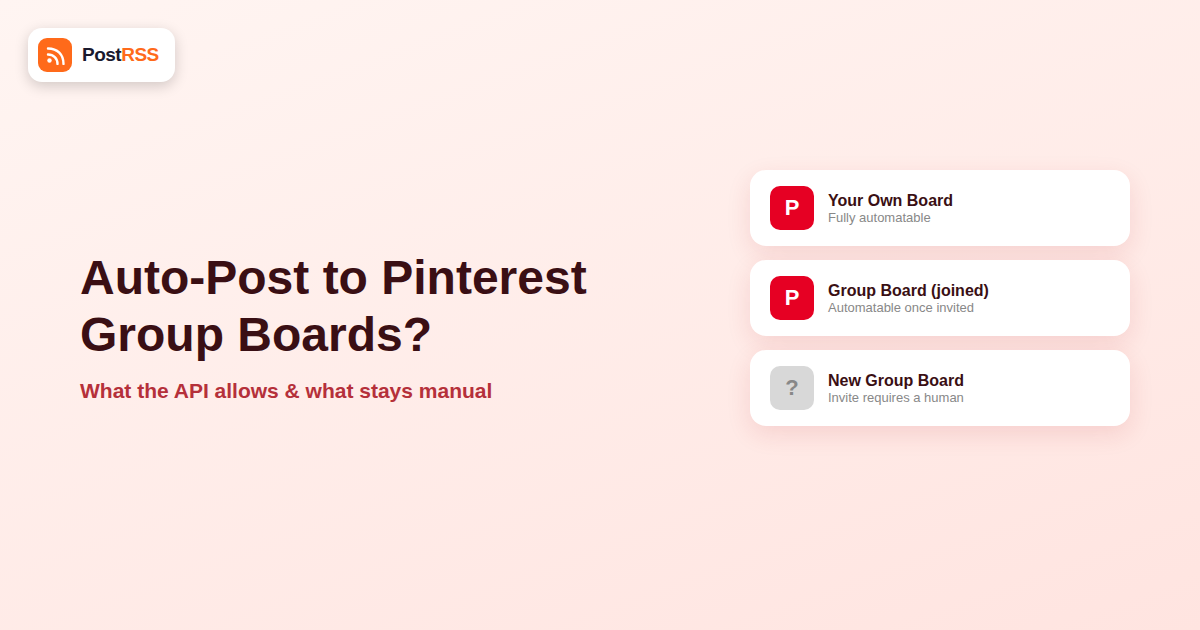
Group boards were, for years, one of Pinterest’s biggest traffic levers: a single pin, shared to a board with dozens of contributors and tens of thousands of followers, could reach an audience no individual account could match on its own. If you’re already auto-posting your RSS feed to Pinterest, the natural next question is whether that same automation can pin directly into a group board instead of just your own boards. The answer is more nuanced than a flat yes or no, and it depends on exactly which part of the group-board mechanism you’re trying to automate.
This guide breaks down what Pinterest’s API actually allows for group boards specifically, why it’s more restrictive than personal boards, and how to build a realistic auto-posting workflow around those limits.
A group board is a board owned by one Pinterest account that has invited other accounts as collaborators. Each collaborator can pin to that board as if it were their own, and the board’s followers see everyone’s contributions in one place. This made group boards a popular growth tactic in Pinterest’s earlier years, since a new account could borrow reach from an established board’s follower base by getting invited as a contributor. Our RSS to Pinterest page is the place to start if you are setting this up now.
Technically, from Pinterest’s API perspective, a group board is still just a board — it doesn’t have a separate object type. What changes is permissions: pinning to a board you don’t own requires that you’re an accepted collaborator on it, and Pinterest’s Business API access model has to account for whose credentials are actually doing the pinning.
Pinterest’s official API supports creating pins programmatically to boards a connected account owns or has legitimate collaborator access to. In principle, that means an automation tool authenticated as your account, with the right board permissions, could technically create a pin on a group board you’re a contributor on, the same way it creates pins on your own boards.
In practice, a few things narrow this considerably:
| Aspect | Personal board | Group board |
|---|---|---|
| Requires manual setup before automation | No — create the board once | Yes — must be invited and accepted as a collaborator first |
| API can create the pin | Yes | Yes, if you have collaborator access |
| Risk of being removed for automated behavior | None — it’s your own board | Real — board owners can and do remove automated-looking contributors |
| Audience reach per pin | Limited to your own followers | Potentially much larger, shared with all followers of the board |
| Long-term reliability | High | Depends entirely on the board owner’s tolerance and continued existence of the board |
It’s worth being upfront that group boards carry less weight in Pinterest’s ecosystem than they did several years ago. Pinterest’s own algorithm has shifted heavily toward ranking individual pin quality and relevance to a viewer’s interests, rather than rewarding board membership size. Pinterest has also publicly encouraged creators to focus on Idea Pins and fresh, original content rather than board-based distribution tactics. None of that makes group boards useless, but it does mean the upside of chasing group-board reach through automation is smaller than it was during their peak popularity.
| Signal | Good sign | Warning sign |
|---|---|---|
| Recent pin activity | Multiple new pins in the last week | No new pins in months |
| Save/repin rate on recent pins | Consistent saves across contributors | Pins with zero or near-zero engagement |
| Contributor count | A moderate, active group (10-50 contributors) | Hundreds of contributors with no moderation |
| Board description | Clear topic focus and posting guidelines | Vague or missing description, no rules |
| Owner responsiveness | Owner still posts or moderates recently | Owner’s own account looks inactive |
Running a quick check against this table before requesting access saves the wasted effort of getting accepted onto a board that won’t actually move any traffic — and it also reduces the odds of joining a board that’s already been flagged as spammy by Pinterest’s own systems, which can drag down how your pins there perform regardless of their quality.
This step can’t be skipped or automated — request access or get invited to boards relevant to your niche the normal way, through Pinterest’s interface.
Once collaborator access exists, an RSS auto-posting tool configured with board-level targeting can distribute new pins across both your own boards and any group boards you’re already a member of, following whatever schedule and cadence you set.
Because group board owners can remove contributors who look automated, it’s worth deliberately pacing pins to group boards more conservatively than to your own boards — for example, sending only your best-performing content types there rather than every single RSS item.
Group board membership can be revoked at any time by the owner, for any reason, without notice through the API. Periodically check that your account is still an active collaborator on boards you’re targeting, since a removed board will simply silently stop receiving new pins rather than throwing an obvious error.
Since joining has to happen manually, it’s worth being deliberate about which boards you spend that effort on. A few practical ways to identify candidates:
Once you’ve identified a shortlist, requesting access is usually as simple as messaging the board owner (many list contact instructions in the board description) or following the board and waiting for an invitation if the owner reviews followers periodically.
Group boards had their peak influence roughly between 2015 and 2019, when Pinterest’s ranking algorithm weighted board-level signals — follower count, pin frequency, board topic consistency — more heavily in determining reach. That created a genuine growth hack: join a handful of large, active group boards in your niche, and your pins would get distributed to tens of thousands of accounts that had never followed you directly.
Pinterest’s subsequent algorithm updates shifted ranking toward individual pin quality signals — click-through rate, save rate, and relevance to a specific searcher’s history — largely independent of which board a pin lives on. This was, in part, a direct response to group boards becoming spam magnets: with dozens of contributors and low moderation, many large group boards filled with low-quality, repetitive, or purely self-promotional pins, which degraded the experience for followers and made Pinterest’s own ranking systems discount board-level signals accordingly. That history is exactly why board owners today are more protective of contributor quality than they were a decade ago, and why automated-looking pinning patterns draw more scrutiny now than they used to.
No. Requesting or accepting an invitation to become a board collaborator is a manual action taken through Pinterest’s own account interface — no API exists for a third-party tool to initiate or accept that relationship.
It can, if the board owner actively monitors contributor activity and considers the pattern automated or low-quality. This is a board-by-board policy decision, not a Pinterest platform-wide rule, so tolerance varies significantly.
There’s no API flag for “automation-friendly.” The safest approach is starting conservatively on any group board, watching engagement and whether your pins stay up, and adjusting based on what you observe.
For some niches, yes, particularly recipe, home, and DIY content where certain long-running group boards retain large, active follower bases. For most other categories, Pinterest’s own algorithm changes have made individual pin quality and consistent fresh content a bigger driver of reach than board membership.
No, board creation and collaborator invitations are both actions that happen through Pinterest’s standard account interface, not through the public API in a way third-party posting tools can trigger.
The pin attempt to that board will simply fail silently or be dropped, since the API call requires valid permissions at the time it’s made. It won’t retroactively break your other automated destinations, but it’s worth periodically auditing your board list for stale access.
Given Pinterest’s public emphasis on Idea Pins and fresh original content in its ranking, most creators get better long-term reach investing in a mix of their own board pins and Idea-Pin-style content, treating group boards as a supplementary channel rather than the primary strategy.
Most creators get better results sending only their strongest content — the pins most likely to earn saves and clicks — to shared group boards, while letting the full RSS feed post to their own boards automatically. You can typically configure an automation tool to route by category or tag so only relevant items reach a niche-specific group board.
No, leaving a board is also a manual account action. What you can do is stop targeting that board in your automation configuration immediately, even before formally leaving it, so no further pins go there while you decide whether to exit.
You can auto-post to a Pinterest group board through an API-based tool, but only for boards where you’re already an accepted, human-approved collaborator — automation can’t get you that access, and it can’t guarantee a board owner won’t revoke it if your pinning pattern looks automated. Treat group boards as a secondary distribution layer on top of your own board strategy, paced conservatively, rather than the main channel your RSS automation depends on. Build your core pipeline around your own boards, where automation is fully reliable and permanent, and layer group boards on top opportunistically wherever access already exists, checking in periodically to confirm the boards you’re targeting are still active and that your contributor access hasn’t quietly lapsed.
What changed in the networks, what broke, and how to fix it before it costs you reach.
Створено Internet Solutions — командою PostRSS. Кожен продукт заощаджує ваш час по-своєму.
 English
 Lietuviškai
 Deutsch
 Français
 Русский
 Español
 Polski
 Italiano
 Українська
 Čeština
 Português
 日本語
日本語 Latviešu valoda
 Eesti
Eesti Magyar
 Bahasa Indonesia
 Türkçe
 हिन्दी
 Ελληνικά
 العربية
 ไทย
ไทย Tiếng Việt
 Română
 Bahasa Melayu
 বাংলা
বাংলা