RSS у 66 соціальних мереж: Facebook, Instagram, X, LinkedIn, Telegram та інші Блог Партнерська програма Контакти
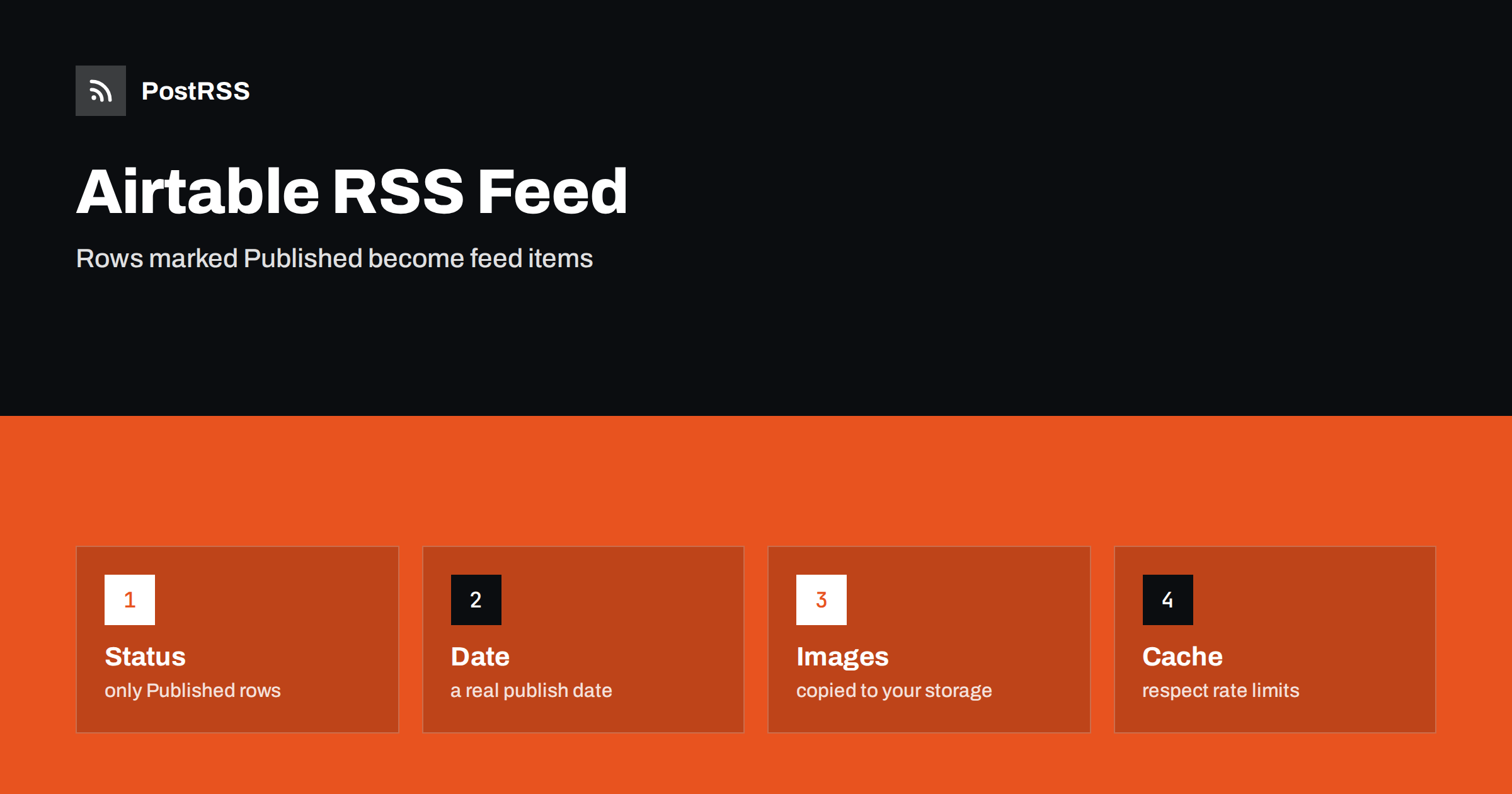
Short answer: Airtable cannot publish an RSS feed on its own, but its REST API can supply the rows. Read the rows of a table that are marked as published, sorted by a publication date column, with a personal access token kept on the server. Turn each row into an item with an absolute link, a stable identifier, a real date and a summary, escape the text, send the RSS content type and a cache validator, and test the live address. Then connect the address to an auto-poster, so that every row you mark as published is shared on your social channels.
Many small teams use Airtable as a light content calendar: one row per article, product or event, with columns for the title, the text, the status and the date. It is convenient, but a base is not a website, and it does not know what your page addresses look like. If you want social networks to follow the table, you need a small piece of code that reads the rows and writes them out as XML. This guide builds that code, explains which columns are needed and points out the traps that are specific to a spreadsheet-like database.
A feed item needs a title, a permanent address, a date and a summary. In a table, each of them should be a column of its own, so that the person who edits the row knows exactly what ends up in public.
| Feed element | Column in the table | Rule |
|---|---|---|
| Title | Title | Single line of plain text |
| Link and identifier | Public URL | Absolute, https, never changes |
| Publication date | Publish date | A date field filled in by hand, not a formula for today |
| Description | Summary | One or two complete sentences |
| Visibility | Status | A single select with a value such as Published |
Do not use the automatic creation time of the row as the item date. Rows are often created weeks before the text is ready, and a feed ordered by creation time would show them in the wrong order. A separate publish date column also gives editors a deliberate step: the item exists in the feed only when someone sets the status and the date. The causes and cures of repeated posts, which a careless date column can trigger, are covered in why a feed auto-posts the same article twice.
Create a personal access token that can only read records in the one base, and store it in an environment variable on the server. Never put it in code that runs in a browser, because anyone who opens the page could copy it and read your whole base.
// feed.js (server side, Node 18 or later)
const BASE = process.env.AIRTABLE_BASE_ID;
const TABLE = "Articles";

export async function loadRows() {
  const params = new URLSearchParams();
  params.set("maxRecords", "20");
  params.set("filterByFormula", "AND({Status} = 'Published', {Publish date} != '')");
  params.set("sort[0][field]", "Publish date");
  params.set("sort[0][direction]", "desc");
  const res = await fetch(
    `https://api.airtable.com/v0/${BASE}/${encodeURIComponent(TABLE)}?` + params,
    { headers: { Authorization: "Bearer " + process.env.AIRTABLE_TOKEN } }
  );
  if (!res.ok) throw new Error("Airtable returned " + res.status);
  const data = await res.json();
  return data.records.map((r) => r.fields);
}
The column names are case sensitive, and a renamed column breaks the formula without a warning, so keep the names stable and test after every change. The API paginates large answers and limits the number of requests per second for each base, so cache the result instead of calling it for every visitor of the feed. Check the current limits in the official documentation before you rely on any number. The same idea for other no-code and headless sources is discussed in auto-posting from Notion, Airtable or a headless CMS.
Text typed into a table can contain ampersands, angle brackets and quotation marks, and any of them can break an XML document. Escape every value before it goes into the template.
const SITE = "https://example.com";
const ENT = {
  "&": "&" + "amp;",
  "<": "&" + "lt;",
  ">": "&" + "gt;",
  '"': "&" + "quot;",
  "'": "&" + "apos;",
};
const esc = (s) => String(s ?? "").replace(/[&<>"']/g, (c) => ENT[c]);

export function render(rows) {
  const newest = rows.length ? new Date(rows[0]["Publish date"]) : new Date(0);
  const items = rows.map((f) => {
    const url = f["Public URL"];
    return `<item>
      <title>${esc(f["Title"])}</title>
      <link>${esc(url)}</link>
      <guid isPermaLink="true">${esc(url)}</guid>
      <pubDate>${new Date(f["Publish date"]).toUTCString()}</pubDate>
      <description>${esc(f["Summary"])}</description>
    </item>`;
  }).join("\n");
  return `<?xml version="1.0" encoding="UTF-8"?>
<rss version="2.0"><channel>
  <title>Example Journal</title>
  <link>${SITE}</link>
  <description>News and guides from Example Journal.</description>
  <lastBuildDate>${newest.toUTCString()}</lastBuildDate>
  ${items}
</channel></rss>`;
}
A date field without a time is read as midnight, which may be in the wrong time zone for your readers. If the exact hour matters, include the time in the column and say which time zone the team uses. The channel date comes from the newest row and not from the clock, so the file stays the same when nothing changed.
The handler sets the content type, a cache lifetime and a validator, and it answers with a 304 status when the client already holds the current version.
import { createHash } from "node:crypto";

let cache = { xml: "", at: 0 };

export async function handleFeed(req, res) {
  if (Date.now() - cache.at > 5 * 60 * 1000) {
    cache = { xml: render(await loadRows()), at: Date.now() };
  }
  const etag = '"' + createHash("sha1").update(cache.xml).digest("hex") + '"';
  res.setHeader("Content-Type", "application/rss+xml; charset=utf-8");
  res.setHeader("Cache-Control", "public, max-age=300");
  res.setHeader("ETag", etag);
  if (req.headers["if-none-match"] === etag) {
    res.statusCode = 304;
    return res.end();
  }
  res.end(cache.xml);
}
The in-memory copy keeps the number of API calls low, which protects the rate limit and makes the feed fast. The validator is a hash of the finished document, so it changes exactly when the content changes. The mechanism is explained in the guide to ETags and conditional requests.
Auto-posters build the best social posts from a feed that gives them a picture. A column of the attachment type returns addresses that point to Airtable’s own storage, and those addresses are temporary: after some time they stop working, so a feed that copies them would send broken images to social networks. Download the file when the row is published and save it on your own server or storage, then use that permanent address in the feed as an enclosure with a type and a length. This is a common cause of missing previews, which is described in what happens when an auto-posted image address returns 404.
A table often holds more than the public text: internal notes, prices that are not yet announced, names of authors and comments from reviewers. Request only the columns that the feed needs, by listing them in the request, so that private fields never enter the code that builds the feed. Never publish the whole record as JSON or dump every column into the description. The token should be scoped to one base and read access only, so that a leak would expose as little as possible. Treat the feed address like any public page: if a row must not be shared yet, its status must not be Published.
Airtable teams often add an approval step: a writer drafts the row, an editor reviews it and someone sets the status. The feed should reflect that workflow and nothing else. Keep the approval logic inside the table, with a status value that only editors can set, and let the code check one thing only: is the row published, and does it have a date. Avoid clever filters that depend on several columns, because a person who changes one of them by accident can make an item appear or vanish. A dedicated view for the feed is useful as a visual check, so that the team can see exactly which rows are public before the feed shows them to the world.
Rows change after publication. A corrected title or a better summary should show up in the feed, but it must not cause a second social post. That works as long as the address of the item stays the same, because auto-posters recognise items by their identifier. If a row is deleted or set back to draft, the item simply leaves the feed; the post that was already shared stays on the network, so remove it there by hand if it must go. Decide this rule in advance and write it down in the base, so that no editor is surprised by a feed that behaves differently from the table.
If the feed describes a real website, add a link element with the relation alternate and the RSS media type to the head of your pages, so that tools can find it, as explained in the guide to feed autodiscovery. Then test the deployed address from outside, because a local test says nothing about the hosting platform and the certificate in front of your application.
curl -i https://example.com/feed.xml
curl -i -H 'If-None-Match: "paste-the-etag-here"' https://example.com/feed.xmlA longer routine is in the feed validation guide, and a shorter one in debugging a feed with curl.
PostRSS has been publishing RSS and Atom feeds to social networks since 2014. Paste the address of your feed, connect your accounts and choose how each post is built from the title, the description or the page title. PostRSS checks the feed as often as every minute and shares each new entry, with its image and link, to the channels you choose among 66 supported networks, messengers, team chats and blogs, including LinkedIn, X, Bluesky, Mastodon and Telegram. Keyword filters, UTM parameters and posting windows let you tune each channel. See the PostRSS features page and the plan limits on the pricing page. More developer guides are under the Technical Guide tag.
An Airtable feed is a short handler that reads a table and writes XML, and it has to get the details right: a read-only token kept on the server, a status column and a real publish date, a public address for every row, escaped text, copied images, absolute links, the correct content type and a validator that lets clients skip unchanged files. Cache the result, test the live address with curl and a validator, then connect it to an auto-poster. After that, every row your team marks as published reaches your readers and your social channels without extra work.
No. Airtable stores records and offers an API, so you build the feed in your own code from the rows that the API returns.
A publish date column that your team fills in on purpose. The creation time of a row does not tell readers when the item went live.
Addresses of attachments are temporary. Copy each file to your own storage when the row is published and use that permanent address.
As rarely as your freshness needs allow. A cache of a few minutes keeps the feed fast and stays within the rate limit of the base.
Yes. PostRSS reads any valid RSS or Atom address that is reachable without a login. Paste the address, connect your channels and new rows are shared as soon as they appear.
What changed in the networks, what broke, and how to fix it before it costs you reach.
Створено Internet Solutions — командою PostRSS. Кожен продукт заощаджує ваш час по-своєму.
 English
 Lietuviškai
 Deutsch
 Français
 Русский
 Español
 Polski
 Italiano
 Українська
 Čeština
 Português
 日本語
日本語 Latviešu valoda
 Eesti
Eesti Magyar
 Bahasa Indonesia
 Türkçe
 हिन्दी
 Ελληνικά
 العربية
 ไทย
ไทย Tiếng Việt
 Română
 Bahasa Melayu
 বাংলা
বাংলা