RSS'den 66 sosyal ağa: Facebook, Instagram, X, LinkedIn, Telegram ve daha fazlası Blog Satış Ortaklığı İletişim
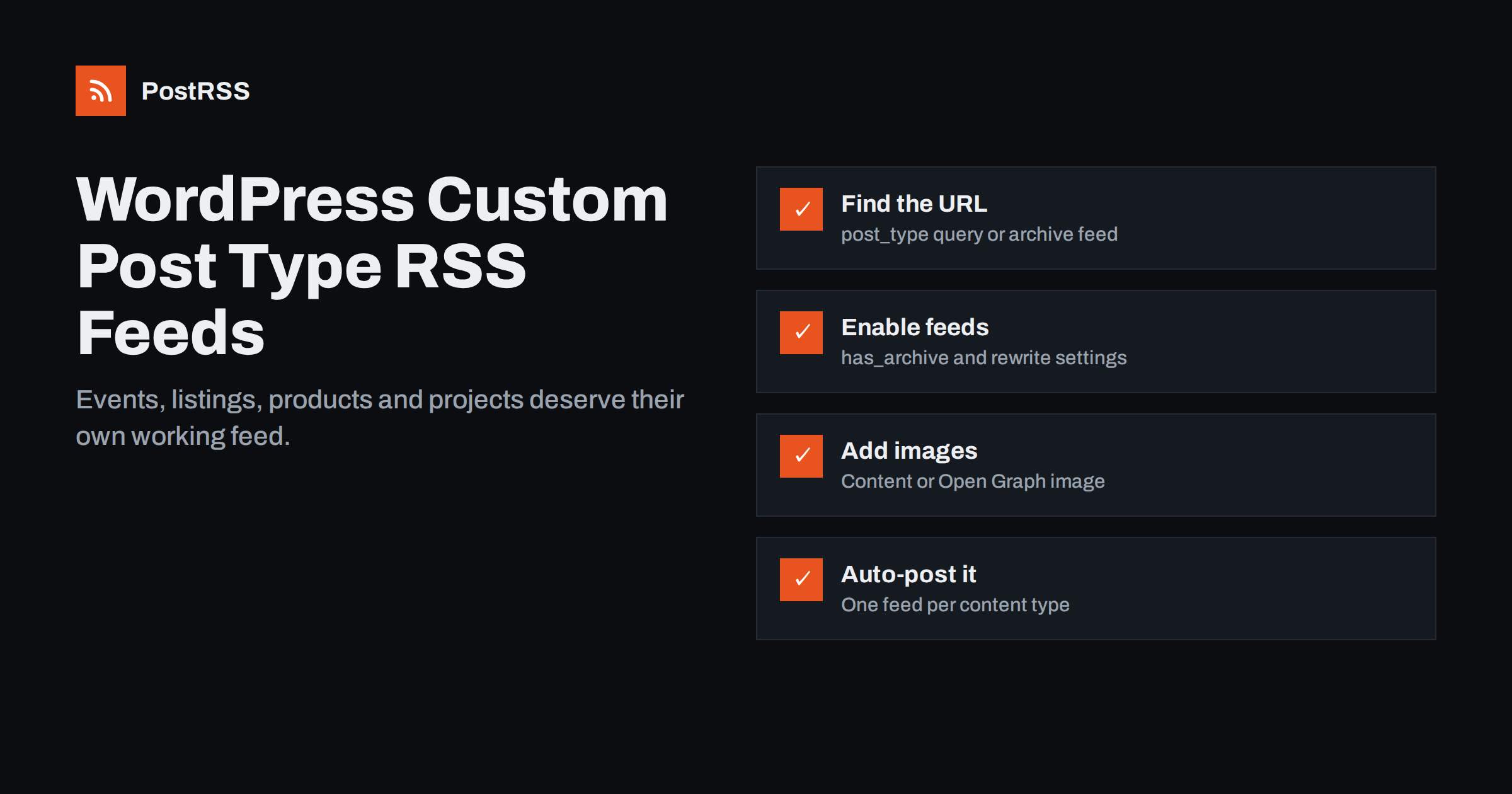
Short answer: WordPress custom post types, such as events, listings, projects or recipes, can have their own RSS feeds. The address is usually https://example.com/feed/?post_type=event, or https://example.com/events/feed/ when the post type has an archive. The main /feed/ only includes regular posts by default, which is why custom content often never reaches social media. Once you know the right feed URL and have checked that it shows titles, descriptions, links and images, you can auto-post each content type to its own channels.
WordPress started as a blogging platform with two main content types: posts and pages. Custom post types, introduced in WordPress 3.0, let developers add their own types of content with their own fields and templates. Today they are everywhere:
product.For many businesses, this custom content is exactly what they want to share: a new event, a new listing, a new vacancy. Yet it rarely appears in the site’s main RSS feed, so an auto-posting tool connected to /feed/ never sees it. The result is a social media presence that shows blog posts while the most commercially important content stays invisible.
WordPress offers several ways to reach a feed for a specific post type. Try them in this order and open each in a browser to see which one returns items:
/events/, its feed is usually at /events/feed/./feed/?post_type=event works on most sites for any public post type, even without an archive. Replace event with the post type’s internal name./event-category/concerts/feed/, which lets you post only one category of events.The internal name of the post type is not always what you see in the menu. A post type labelled “Projects” might be called portfolio veya jetpack-portfolio. You can usually find it in the address bar when editing an item in the admin area, where the URL contains post_type= followed by the name.
If you only need the regular blog feed, our guide on finding your WordPress blog RSS feed link covers that. For shop products specifically, see the WooCommerce product feed guide.
If the feed URL returns a 404 page, an empty channel or the wrong content, the cause is almost always in how the post type was registered. The key settings in register_post_type() are:
public: if it is false, the post type is not queryable on the front end and will not appear in feeds.publicly_queryable: must be true for the query parameter method to work.has_archive: must be true, or a slug, for an archive feed such as /events/feed/ to exist.rewrite with feeds: controls whether pretty feed URLs are created. By default it follows the has_archive value.supports: if the post type does not support the editor or excerpt, the feed may contain titles but empty descriptions.After changing registration settings, visit Settings, Permalinks and click Save without changing anything. That flushes the rewrite rules, which is often the missing step when a new feed URL returns a 404 error.
Other causes include security or caching plugins that block feeds, a setting in an SEO plugin that disables certain feeds, and page builders that store content in custom fields rather than the main content area, which leaves the feed description empty.
Sometimes you want one combined feed with blog posts and, for example, events. You can include custom post types in the main feed with a small code snippet in a site-specific plugin or the child theme’s functions.php file:
add_action( 'pre_get_posts', function ( $query ) {
    if ( $query->is_main_query() && $query->is_feed() && ! $query->get( 'post_type' ) ) {
        $query->set( 'post_type', array( 'post', 'event' ) );
    }
} );
The condition on post_type keeps specific feeds, such as /feed/?post_type=event, working as before. Test on a staging site first, and remember that changing the main feed also changes what existing subscribers and any connected tools receive.
In many cases, separate feeds are the better choice. They let you send events to one set of channels and blog posts to another, with different message formats and posting times. That flexibility is lost when everything is mixed into one feed.
The default WordPress feed includes the title, link, publication date, an excerpt in description and, if enabled, the full content in content:encoded. It does not include the featured image as a separate field. For custom post types, which often rely on a featured image and custom fields, that can mean the feed carries no picture and very little text.
Several approaches solve this:
og:image tag. If your SEO plugin outputs Open Graph tags for the custom post type, the right image usually travels with the post.media:content element.If you use Advanced Custom Fields, auto-posting content with ACF fields explains how to bring field values into the feed text.
Before connecting any automation, look at the raw feed and check each item for the following:
guid and a correct pubDate.link is a full URL to the item’s public page.description contains meaningful text, not an empty string or shortcodes.Event feeds deserve special attention. WordPress feeds are ordered by publication date, not by event date, so an event published today for next spring appears as the newest item today. That is usually what you want for announcements, but it surprises people who expect the feed to follow the event calendar. Running the feed through a validator catches structural issues; our list of RSS feed validators and debugging tools is a good starting point.
Most problems with custom post type feeds come from a handful of repeat mistakes. Checking for them saves a lot of debugging later:
?post_type=Projects will not work if the registered name is portfolio. Always use the internal name.After any change to plugins, themes or post type settings, open the feed again and confirm the newest item is the one you expect. It takes a minute and catches most breakages before your followers notice.
A few common setups show how useful separate feeds can be:
In each case, the content type decides the channel. That is much easier to manage with one feed per post type than with one mixed feed and complex filters.
PostRSS works with any RSS or Atom feed, so a custom post type feed can be added as a source just like a blog feed. It checks each source every 5 minutes, takes the image from the feed item or the page’s Open Graph tags, and posts to the networks you connect, with a message format you choose per target. You can add several feeds, one per post type or taxonomy, and use keyword filters for finer control. The official PostRSS WordPress plugin can also build the feed and create targets for you. See the features page for the full list of options.
Custom post types hold some of the most valuable content on many WordPress sites, but the main feed ignores them by default. Find the post type’s own feed with an archive URL or the post_type parameter, fix registration settings if it is missing, make sure images and text reach the feed, and connect each content type to the channels that suit it. Events, listings and vacancies then reach social media as reliably as blog posts.
Try /feed/?post_type=name, replacing name with the post type’s internal name. If the post type has an archive, /archive-slug/feed/ usually works too. Open the URL in a browser to confirm it returns items.
The main feed includes only regular posts by default. You can add custom post types with a small filter on the feed query, or use the post type’s own feed instead. Separate feeds are often easier to manage.
Usually the post type has no archive, feeds are disabled in its rewrite settings, or the rewrite rules were not flushed. Save the Permalinks settings page once and try the query parameter URL as an alternative.
The default WordPress feed does not include the featured image as a separate field. Add it with a plugin or filter, or rely on Open Graph tags, which many auto-posting tools read from the linked page.
Yes. Custom taxonomies have their own feeds, such as /event-category/concerts/feed/. Use that feed as the source, or apply keyword filters in your auto-posting tool.
What changed in the networks, what broke, and how to fix it before it costs you reach.
 English
 Lietuviškai
 Deutsch
 Français
 Русский
 Español
 Polski
 Italiano
 Українська
 Čeština
 Português
 日本語
日本語 Latviešu valoda
 Eesti
Eesti Magyar
 Bahasa Indonesia
 Türkçe
 हिन्दी
 Ελληνικά
 العربية
 ไทย
ไทย Tiếng Việt
 Română
 Bahasa Melayu
 বাংলা
বাংলা