RSS'den 66 sosyal ağa: Facebook, Instagram, X, LinkedIn, Telegram ve daha fazlası Blog Satış Ortaklığı İletişim
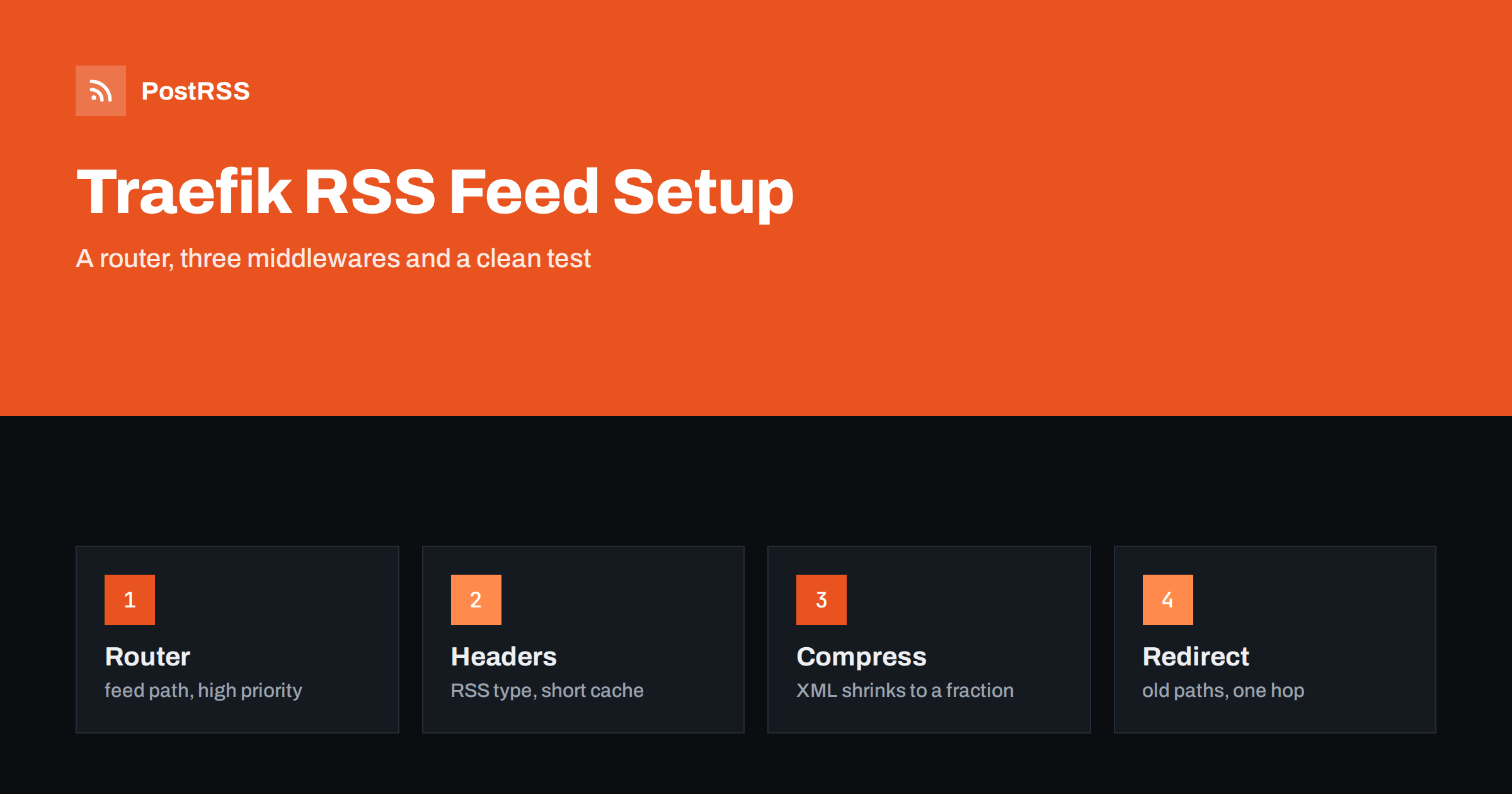
Short answer: Traefik can deliver an RSS feed reliably when you give the feed its own router and a short chain of middlewares. Match the feed path with a router rule, add a headers middleware for the RSS content type and a cache lifetime of a few minutes, enable the compress middleware, redirect old addresses with one rule and keep the feed outside any strict rate limit or bot filter. Then test the answer with curl and connect the address to an auto-poster so that every new article reaches your social channels.
Many small sites now run behind Traefik, because it discovers containers by itself and obtains certificates without manual work. That convenience has a side effect: the proxy sits between your application and every tool that fetches the feed, so a setting that is harmless for web pages can quietly break an RSS address. A compression rule that skips XML, a rate limit tuned for browsers or a redirect chain can make a feed work in your browser and fail in a feed reader or an auto-poster. This guide shows how to configure Traefik for a feed with Docker labels and with the file provider, how to check the result and what to avoid. The examples use Traefik version 3 syntax, so check the documentation of your version before you copy a line.
A router connects a request to a service, and its rule decides which requests it takes. For a feed it is helpful to create a router that matches the host and the exact path, so that you can attach middlewares to the feed without touching the rest of the site. The labels below belong to the container that serves the feed, for example your blog application.
services:
  blog:
    image: example/blog:latest
    labels:
      - "traefik.enable=true"
      - "traefik.http.routers.blog.rule=Host(`example.com`)"
      - "traefik.http.routers.blog.entrypoints=websecure"
      - "traefik.http.routers.blog.tls.certresolver=letsencrypt"
      - "traefik.http.routers.blog-feed.rule=Host(`example.com`) && Path(`/feed.xml`)"
      - "traefik.http.routers.blog-feed.entrypoints=websecure"
      - "traefik.http.routers.blog-feed.tls.certresolver=letsencrypt"
      - "traefik.http.routers.blog-feed.priority=100"
      - "traefik.http.routers.blog-feed.middlewares=feed-headers,feed-compress"
      - "traefik.http.services.blog.loadbalancer.server.port=3000"
Two routers point at the same service. The second has a more specific rule and an explicit priority, so that the feed request is always taken by it and not by the general router for the host. Without a priority, Traefik orders rules by their length, which usually works but is easy to forget when you rename a host. The middlewares are attached by name, and they are defined in the next section.
The headers middleware can add or replace response headers for the requests that pass through a router. For a feed there are two that matter: the content type and the cache lifetime.
      - "traefik.http.middlewares.feed-headers.headers.customresponseheaders.Content-Type=application/rss+xml; charset=utf-8"
      - "traefik.http.middlewares.feed-headers.headers.customresponseheaders.Cache-Control=public, max-age=300"
The first line is only needed when the application sends a vague type such as text/html or text/plain. If your application already sends the correct type, leave it alone, because the application knows best whether the document is RSS or Atom. A short lifetime of a few minutes lets caches and readers reuse the answer without hiding new posts for hours. The reasons are explained in why auto-posted content sometimes lags, and the type is discussed in the guide to the feed content type.
| Middleware | What it does for a feed | Typical setting |
|---|---|---|
| headers | Sets the content type and cache lifetime | RSS type and a few minutes |
| compress | Compresses the XML response | Default settings |
| redirectregex | Sends old feed paths to the final address | Permanent, one hop |
| ratelimit | Protects the application from bursts | Generous for the feed path |
| retry | Tries again after a network error | One or two attempts |
A feed is repetitive text and shrinks to a fraction of its size. Traefik compresses responses when the compress middleware is attached to the router, as long as the client announces that it accepts compressed data. Responses below a minimum size are left alone, and some content types can be excluded, so read the default values for your version and test the result instead of assuming it.
- "traefik.http.middlewares.feed-compress.compress=true"If your application already compresses its answers, do not compress twice. Traefik skips a response that already carries a content encoding header, but a mistake in the application or in another layer can lead to confusing results, so choose one place for compression and use it consistently. More background is in the feed compression guide.
Teams that do not use Docker labels can write the same configuration in a dynamic file. The structure is clear and easy to review in version control.
http:
  routers:
    blog-feed:
      rule: "Host(`example.com`) && Path(`/feed.xml`)"
      entryPoints: [websecure]
      priority: 100
      middlewares: [feed-headers, feed-compress]
      service: blog
      tls:
        certResolver: letsencrypt
  middlewares:
    feed-headers:
      headers:
        customResponseHeaders:
          Cache-Control: "public, max-age=300"
    feed-compress:
      compress: {}
  services:
    blog:
      loadBalancer:
        servers:
          - url: "http://blog:3000"
        healthCheck:
          path: /health
          interval: 30s
          timeout: 5s
The health check removes a failing server from rotation, which helps when you run more than one copy of the application. With a single copy, the feed simply returns an error until the application recovers, and an auto-poster will try again at its next check.
Keep one canonical address for the feed and use it in the link tags of your pages, in your notes and in the auto-poster. If older addresses must keep working, redirect them in one step to the final one. The redirectregex middleware does this with a single pattern.
      - "traefik.http.middlewares.feed-old.redirectregex.regex=^https://example.com/(rss|feed)/?$$"
      - "traefik.http.middlewares.feed-old.redirectregex.replacement=https://example.com/feed.xml"
      - "traefik.http.middlewares.feed-old.redirectregex.permanent=true"
Attach the middleware to a router that matches the old paths. Tools follow redirects, but every extra hop costs a request, and a chain of two or three is a common reason for a feed that fails in tools that do not follow many redirects. Redirecting plain HTTP to HTTPS is a separate matter and is usually handled at the entry point. The meaning of each status code is explained in the guide to feed status codes.
The open source proxy forwards each request to the application. It has no built-in response cache, so a burst of requests from many tools reaches your code every time. That is fine for a static file, but costly if the feed is built from a database on each request. There are three sensible answers: let the application keep a short cache and answer conditional requests with a 304 status, serve a static file that a script rewrites every few minutes, or put a content delivery network in front of the proxy. If you choose the last one, give the feed path its own cache rule and keep the lifetime short. The mechanism of conditional requests is described in the guide to ETags and conditional requests.
Two protections cause quiet feed outages. The first is the rate limit middleware. A limit that suits browsers can answer a polling tool with a 429 status, especially when several tools share one network address or when all requests arrive from a content delivery network and look like one visitor. If you use rate limiting, attach it to the general router and not to the feed router, or set a generous value for the feed path. When Traefik sits behind another proxy, configure the trusted forwarded headers carefully so that the limit sees the real client address and not the address of the proxy.
The second is bot filtering. Rules that block empty or unknown user agents, challenge requests from data centres or require cookies also block feed readers and auto-posters. Give the feed path an exception in every layer, including a firewall service in front of the proxy. If a tool reports that the feed is forbidden or unreachable, check these settings first. A related case is described in how a content delivery network blocks a feed.
Feed entries must contain absolute links that start with the public address of the site. Applications behind a proxy sometimes build these links from the internal address, such as http://blog:3000, or from the wrong scheme, so every item points to a page that readers cannot open. Make sure that Traefik sends the forwarded host and protocol headers and that the application is configured to trust them, or set the public base address in the application settings. After any change, fetch the feed and look at the link of the first item before you trust it.
Enable the access log in the static configuration and write it as JSON, which is easy to filter.
accessLog:
  format: json
  filters:
    statusCodes: ["200-599"]
Filter for the feed path and look at three things: the share of 304 answers, which should be high when validators work, the share of errors, which should be close to zero, and the interval between requests from the same client. A client that asks every few seconds is misconfigured, and a client that never appears may be blocked somewhere in front of Traefik.
curl -sI https://example.com/feed.xml
curl -sI -H 'Accept-Encoding: gzip' https://example.com/feed.xml
curl -sI -H 'If-None-Match: "paste-the-etag-here"' https://example.com/feed.xml
curl -sI https://example.com/rssA longer routine is in the feed validation guide, and a shorter one in debugging a feed with curl.
PostRSS has been publishing RSS and Atom feeds to social networks since 2014. Paste the address of your feed, connect your accounts and choose how each post is built from the title, the description or the page title. PostRSS checks the feed as often as every minute and shares each new entry, with its image and link, to the channels you choose among 66 supported networks, messengers, team chats and blogs, including LinkedIn, X, Bluesky, Mastodon and Telegram. Keyword filters, UTM parameters and posting windows let you tune each channel. See the PostRSS features page and the plan limits on the pricing page. More developer guides are under the Technical Guide tag.
Traefik makes it easy to publish a service, and a few extra lines make it a good home for a feed. Give the feed its own router with an explicit priority, set the RSS type and a short cache lifetime, compress the XML once, redirect old addresses straight to the final one, keep rate limits and bot rules away from the feed path and make sure that links in the items use the public address. Test the headers from outside and then connect the address to an auto-poster, so that every article you publish reaches your social channels without surprises.
Only if you add a headers middleware that sets it. If your application already sends application/rss+xml with a UTF-8 charset, leave the header alone.
No. Attach the compress middleware to the router and test the answer headers, because small responses and some content types may be skipped.
The open source proxy has no built-in response cache. Let the application keep a short cache, serve a static file or place a content delivery network in front.
Common causes are a rate limit, a bot filter, a long redirect chain or a wrong content type. Test with curl and read the access log.
Yes. PostRSS reads any valid RSS or Atom address that is reachable without a login. Paste the address, connect your channels and new articles are shared as soon as they appear.
What changed in the networks, what broke, and how to fix it before it costs you reach.
PostRSS'in arkasındaki ekip Internet Solutions tarafından geliştirildi. Her biri size farklı bir şekilde zaman kazandırır.
 English
 Lietuviškai
 Deutsch
 Français
 Русский
 Español
 Polski
 Italiano
 Українська
 Čeština
 Português
 日本語
 Latviešu valoda
 Eesti
 Magyar
 Bahasa Indonesia
 Türkçe
 हिन्दी
 Ελληνικά
 العربية
 ไทย
 Tiếng Việt
 Română
 Bahasa Melayu
 বাংলা