RSS'den 66 sosyal ağa: Facebook, Instagram, X, LinkedIn, Telegram ve daha fazlası Blog Satış Ortaklığı İletişim
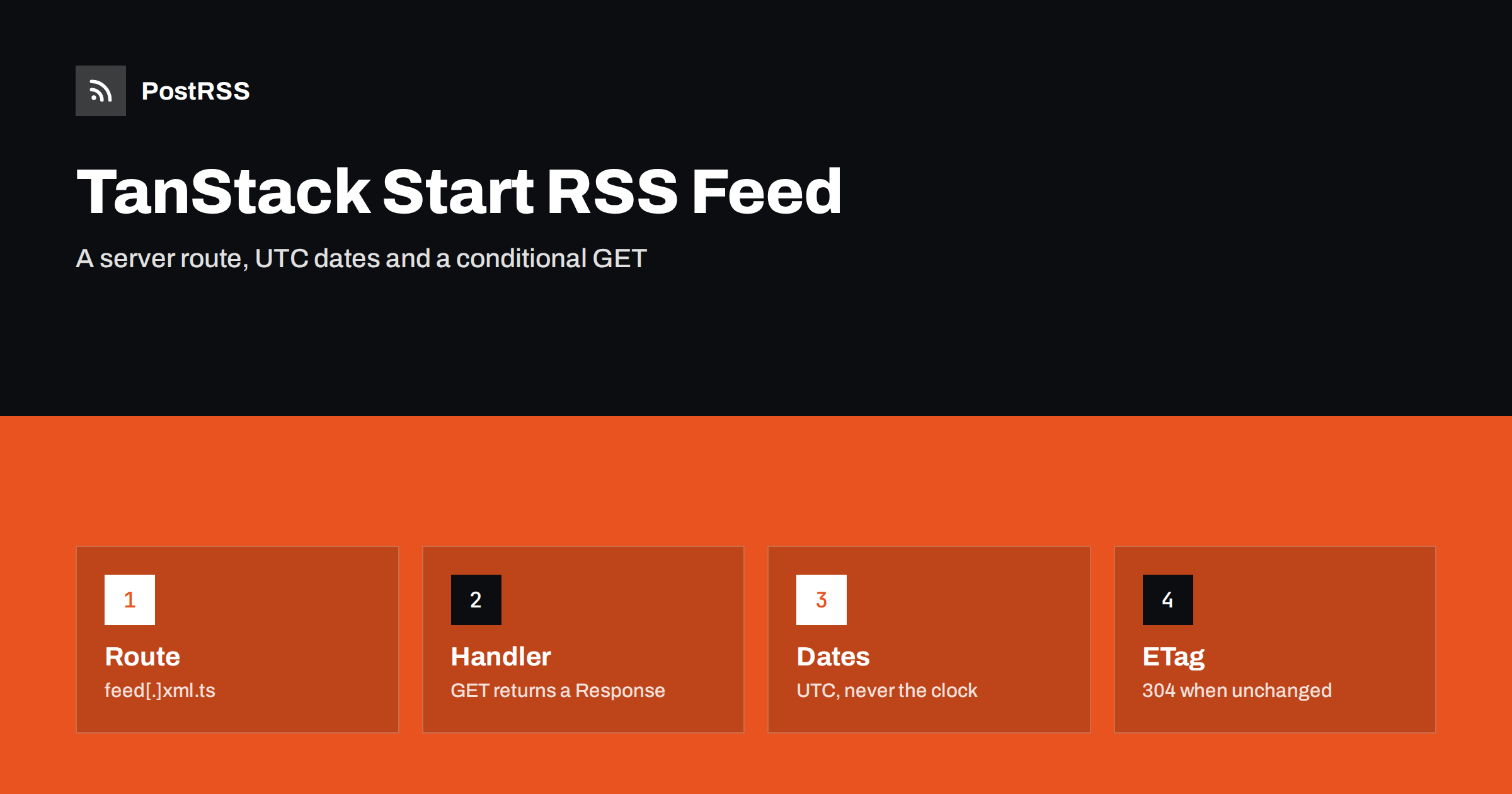
Short answer: To add an RSS feed to a TanStack Start application, create a server route file named feed[.]xml.ts in the routes folder with a GET handler, load your published posts on the server, build the document with the feed package so every value is escaped, and return a Response with the application/rss+xml content type. Use the publication date of each post, take the last build date from the newest post, hash the finished body into an ETag so repeat requests end in a 304, link the feed from the root route, test it with curl and a validator, and give the public address to an auto-poster so new posts are shared automatically.
TanStack Start is a full-stack React framework built on TanStack Router. It adds server-side rendering, server functions and, in current releases, server routes: files in the same routes folder as your pages that answer HTTP requests directly instead of rendering a component. That last feature is what a feed needs. A feed is not a page and has no React tree. It is a document in a different format, requested by readers, aggregators and auto-posters, and the framework should simply hand over the response you build. This guide shows a complete TanStack Start RSS feed with correct dates, stable identifiers and conditional requests, explains each decision and ends with the checks that keep the feed dependable once other systems rely on it.
A feed is worth adding whenever new items appear on a schedule you do not control: a blog, a changelog, a directory of listings or a library of guides. Readers who follow it in a feed reader get every item in order. Search engines and aggregators discover new pages faster. And an auto-poster such as PostRSS can share each new item on social networks the moment it is published, which turns a quiet publishing routine into a steady stream of visitors.
If your content lives in a CMS that already provides a feed, use that feed instead. Build the route yourself when the content comes from your own database, from markdown files or from an API without a ready-made feed. The same ideas are covered for other frameworks in the SvelteKit RSS feed guide, the Nuxt guide ve the Express guide.
TanStack Start has two server features, and it is easy to mix them up. A server function is a typed function that you call from your components and loaders; the framework turns the call into a request behind the scenes, and the shape of the URL is none of your business. A server route is an endpoint with a public address that you design: it receives a standard Request object and returns a standard Response. A feed is public and has to live at a stable address, so it must be a server route. Because the handler returns a Response, you control the status, the headers and the body, which is exactly what conditional requests need.
Server routes were added to TanStack Start after its first releases, so check the documentation for the version you use. If your project predates them, upgrade, or serve the feed from a small separate service. The examples below use the createFileRoute helper with a server option, which is the current way to declare handlers for HTTP methods.
Install the feed package, which writes valid RSS 2.0, Atom and JSON Feed from one description of your items, and escapes every value on the way out.
npm install feedThen create the data function. The example assumes a module that reads from a database, but markdown files, a headless CMS or an API work in the same way. The condition on the publication time matters: without it, a post scheduled for tomorrow would appear in the feed today, and an auto-poster would share it before it exists on the website.
// src/lib/posts.ts
export interface Post {
  slug: string;
  title: string;
  summary: string;
  publishedAt: Date;
}

export async function getPublishedPosts(limit = 20): Promise<Post[]> {
  const rows = await db.posts.findMany({
    where: { publishedAt: { lte: new Date() } },
    orderBy: { publishedAt: 'desc' },
    take: limit,
  });
  return rows.map((row) => ({ ...row, publishedAt: new Date(row.publishedAt) }));
}Create the file src/routes/feed[.]xml.ts. The brackets around the dot tell the router to treat it as a literal character, so the file is served at /feed.xml and not at a nested path called feed with an xml child. The router generates its route tree when you start the development server, and the new route appears in it automatically.
// src/routes/feed[.]xml.ts
import { createHash } from 'node:crypto';
import { createFileRoute } from '@tanstack/react-router';
import { Feed } from 'feed';
import { getPublishedPosts } from '~/lib/posts';

const SITE = 'https://example.com';

function etagMatches(header: string | null, etag: string): boolean {
  if (!header) return false;
  return header.split(',').some((token) => {
    const value = token.trim().replace(/^W[/]/, '');
    return value === '*' || value === etag;
  });
}

export const Route = createFileRoute('/feed.xml')({
  server: {
    handlers: {
      GET: async ({ request }) => {
        const posts = await getPublishedPosts(20);

        const feed = new Feed({
          title: 'Example Journal',
          description: 'News and guides from Example Journal.',
          id: SITE + '/',
          link: SITE + '/',
          language: 'en',
          copyright: 'Example Journal',
          updated: posts.length ? posts[0].publishedAt : new Date(0),
          feedLinks: { rss: SITE + '/feed.xml' },
        });

        for (const post of posts) {
          const url = SITE + '/blog/' + encodeURIComponent(post.slug) + '/';
          feed.addItem({
            title: post.title,
            id: url,
            link: url,
            description: post.summary,
            date: post.publishedAt,
          });
        }

        const body = feed.rss2();
        const etag = '"' + createHash('sha256').update(body).digest('hex').slice(0, 32) + '"';
        const headers = { ETag: etag, 'Cache-Control': 'public, max-age=300' };

        if (etagMatches(request.headers.get('If-None-Match'), etag)) {
          return new Response(null, { status: 304, headers });
        }
        return new Response(body, {
          status: 200,
          headers: { ...headers, 'Content-Type': 'application/rss+xml; charset=utf-8' },
        });
      },
    },
  },
});
Open /feed.xml in the browser during development. You should see the XML, and the response should carry the content type, the ETag and the cache header. The feed package also produces Atom and JSON Feed from the same object, with feed.atom1() and feed.json1(), so you can add feed.atom and feed.json routes later with a few lines.
Auto-posters, readers and search engines request a feed often, and almost always nothing has changed. A validator lets them ask a cheap question: has the document changed since the version I hold? The handler hashes the finished body, quotes the hash as an entity tag and compares it with the If-None-Match header. A match produces a 304 response with no body, which saves bandwidth for both sides and keeps your server calm.
The hash is computed from the body, which brings one rule: the body must not change unless the content changes. That is why the updated date comes from the newest post and not from the clock. If you passed the current time to the feed, the hash would change on every request, no client would ever receive a 304 and the validator would be useless. The same applies to any value generated at request time. A compressing proxy may turn a strong tag into a weak one, which is why the comparison strips the W/ prefix.
| Feed element | Source | Rule |
|---|---|---|
| title | Post title | Plain text, escaped by the library |
| link | Public address of the page | Absolute, with https, returning 200 directly |
| guid | Same address, or a stored identifier | Never changes after publication |
| pubDate | Publication date | A real date, never the current time |
| description | Short summary | One or two sentences of plain text |
| lastBuildDate | Newest post date | Changes only when content changes |
The identifier is the most important decision. An auto-poster remembers which items it has already shared by their GUID. If the value changes when someone edits a slug or republishes an article, the same story is shared again. If you may rename slugs, store a separate permanent identifier and pass it as the id of each item.
Declare the feed in the head of your root route, so browsers, feed readers and tools can find it from any page. In TanStack Start, the head option of a route can return a list of links, and the ones in the root route apply everywhere.
// src/routes/__root.tsx (excerpt)
export const Route = createRootRoute({
  head: () => ({
    links: [
      {
        rel: 'alternate',
        type: 'application/rss+xml',
        title: 'Example Journal',
        href: '/feed.xml',
      },
    ],
  }),
  component: RootComponent,
});
With that in place, a visitor or an auto-poster that only knows your home page can locate the feed itself. The details are in the guide to feed autodiscovery.
The Cache-Control header in the example lets shared caches keep the response for five minutes, and the ETag lets everyone revalidate cheaply after that. If you place a content delivery network in front of the application, keep the lifetime short so a new post does not wait long for its turn. A feed that lags behind the website by an hour defeats the purpose of automation. For the background, read how auto-posting tools use ETags and conditional requests ve what 301, 304, 404 and 500 mean for auto-posting.
TanStack Start builds with Vite and deploys through Nitro-style presets to Node servers, serverless platforms and edge runtimes. A server route runs at request time on any of them, so the feed is always as fresh as your data. If you prerender your site into static files, remember that a prerendered feed only changes when you rebuild, so either trigger a rebuild whenever you publish or keep the route dynamic. Open the deployed address after the first release, because a path that works in development can behave differently on the host, and make sure no firewall rule or bot challenge in front of the site blocks unknown clients from reading the feed.
A few minutes of testing prevents days of confusion later. Check the running site from the outside:
curl -i https://example.com/feed.xml and confirm a 200 status, the right content type and an ETag header.There is a longer checklist in the feed validation guide and a short curl routine in the guide to debugging a feed with curl.
PostRSS has been publishing RSS and Atom feeds to social networks since 2014. Paste the address of your feed route, connect your accounts and choose how each post is built from the title, the description or the page title. PostRSS checks the feed as often as every minute and shares each new item, with its image and link, to the channels you choose among 66 supported networks, messengers, team chats and blogs, including LinkedIn, X, Bluesky, Mastodon and Telegram. Keyword filters, UTM parameters and posting windows let you tune each channel, and webhooks connect PostRSS to your own systems. See the PostRSS features page and the plan limits on the pricing page. More developer guides are under the Technical Guide tag.
TanStack Start needs only a server route, a data function and a feed library to serve a dependable RSS feed: select published posts dated in the past, let the library escape every value, use a stable GUID, take the updated date from the newest post and return the result as a Response with the right content type. Add a hash-based ETag so repeat requests end in a 304, declare the feed in the root route, test it with curl and a validator, keep the address unchanged and connect it to an auto-poster. After that, every post you publish can reach your social channels automatically.
No. TanStack Start has no feed support, but a server route can return any XML you build, and a library such as feed produces valid RSS, Atom and JSON Feed from one object.
Name it feed[.]xml.ts inside the routes folder and declare the route with the path /feed.xml. The brackets make the dot a literal character, so the address is exactly /feed.xml.
Most often the body changes between requests, for example because the updated date is the current time. Take that date from the newest post and the hash stays the same until the content changes.
No, because a server function has a generated address meant for your own components. A feed needs a stable public address, which a server route provides.
Yes. PostRSS reads any valid RSS or Atom address that is reachable without a login. Paste the address, connect your channels and new items are shared as soon as they appear.
What changed in the networks, what broke, and how to fix it before it costs you reach.
PostRSS'in arkasındaki ekip Internet Solutions tarafından geliştirildi. Her biri size farklı bir şekilde zaman kazandırır.
 English
 Lietuviškai
 Deutsch
 Français
 Русский
 Español
 Polski
 Italiano
 Українська
 Čeština
 Português
 日本語
日本語 Latviešu valoda
 Eesti
Eesti Magyar
 Bahasa Indonesia
 Türkçe
 हिन्दी
 Ελληνικά
 العربية
 ไทย
ไทย Tiếng Việt
 Română
 Bahasa Melayu
 বাংলা
বাংলা