RSS'den 66 sosyal ağa: Facebook, Instagram, X, LinkedIn, Telegram ve daha fazlası Blog Satış Ortaklığı İletişim
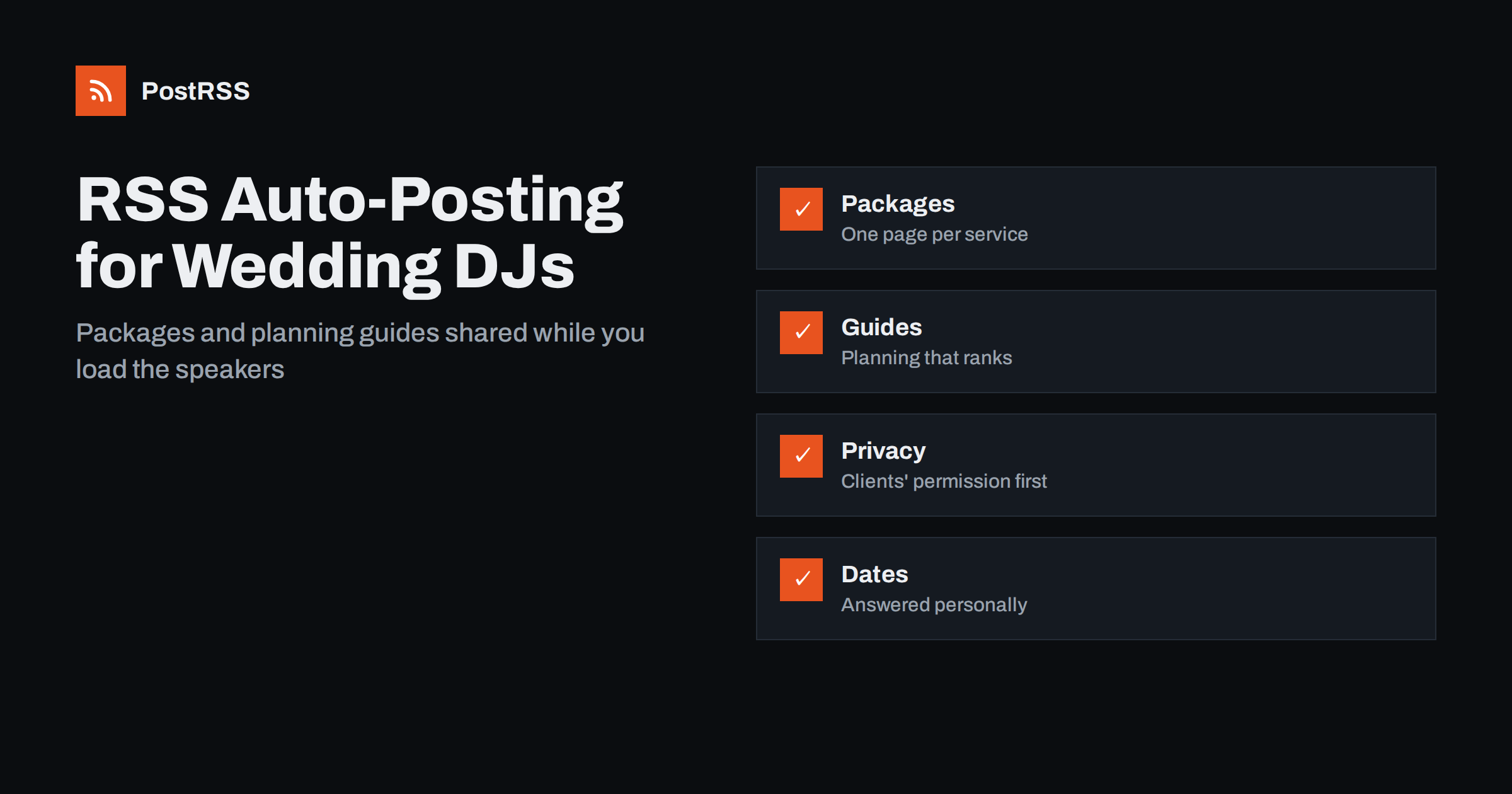
Short answer: RSS auto-posting lets wedding DJs, bands and event entertainers share new packages, sample sets, planning guides, venue partnerships and real event highlights on social media automatically. Publish each item as a page on your website, let an auto-poster read the RSS feed, and it appears on your Facebook Page, Pinterest boards, Telegram channel and other channels with its link and image. Couples and planners see fresh, useful content while you are loading speakers on a Saturday afternoon, and booking calendars and client details stay out of the feed.
Entertainers are chosen on trust and taste. A couple who is planning a wedding wants to know what the music will feel like, how the evening will flow, whether the person behind the decks will listen to their wishes and how to avoid the embarrassing moments they have seen at other parties. Corporate planners ask similar questions with different words. They compare websites, watch clips, read reviews and pick the entertainer who looks organised and calm. The best DJs and performers are busiest exactly when clients are most active, on weekends and in the season, so updating social networks by hand falls to the bottom of the list. A website can hold a short page for every package, every planning guide, every venue partnership and every event story, and automation can carry those pages to the networks where couples and planners look. This guide explains how to set it up and where privacy, music rights and fairness to clients need a human decision.
A DJ or entertainment company has a steady stream of things people want to know:
Each of these can be a short page on your own website. When the page is published, the feed announces it. You write it once, in a place that you own, and the automation spreads it to the networks where couples and planners spend time. Pages on your site also appear in search results when someone looks for a wedding DJ in your area, which social posts alone do not achieve.
Most entertainer websites run on platforms that publish feeds without extra work:
/feed/ and a feed for every category, such as /category/planning-guides/feed/. If you are unsure of the address, see how to find your WordPress feed link.Use categories to separate the audiences: packages, planning guides, venues, event highlights and news. Each category has its own feed, and each feed can go to the channel where it works best; planning guides to Pinterest, venue pages and highlights to the Facebook Page, wedding fair announcements to every channel. Routing by category is explained in category filtering for auto-posting.
| Content | Automate? | Notes |
|---|---|---|
| Packages and service descriptions | Yes | One page per service, with what is included and how to enquire |
| Planning guides and genre guides | Yes | Evergreen pages that bring couples in from search |
| Venue pages | Yes | Practical notes, written with the venue’s agreement |
| Event highlights | Yes, after review | Only with the client’s written permission and no private details |
| Availability and booking dates | By hand | A date can be taken in an hour; answer personally |
| Quotes, contracts, complaints and special requests | By hand | A person answers, clearly and kindly |
A simple rule: if it is general information on a finished page of your website, automate it. If it concerns one date, one client or one contract, handle it personally.
Evergreen content is where an independent entertainer can outperform agencies. A page on building a wedding day music timeline, another on choosing songs for the first dance, a guide to do-not-play lists, a checklist for the sound check and a short explanation of how long a ceremony usually lasts all answer questions that couples type into search engines months before the date. These pages show your experience without a sales pitch, and each one is easy to share again as part of a content calendar. Write in plain words, give real examples and avoid claims that sound like promises about how a party will feel. Ask a recently married friend to read each guide before you publish it.
Keep file sizes reasonable so pages load quickly on a phone; see image optimization for RSS auto-posting. If a network shows the wrong picture, check the Open Graph tags of the page as described in why auto-posted links show the wrong image.
A page about a venue you know well is useful to couples, to the venue and to you. Describe the room honestly: where the booth fits, how many hours the sound limit allows, where the power outlets are, how long loading takes and what the acoustics do to a speech. Add a photograph of the room set up for a party, and a link to the venue’s own page. Venue managers often share such pages with couples who have booked them, which puts your name in front of exactly the right audience. Ask the venue to check the page before it goes live, and update it when the rules or the layout change.
The same website can serve companies, schools and families that plan birthdays, anniversaries and holiday parties. Give each type of event its own page, with the questions that planner asks: how many guests, how long, what kind of music, how the equipment is delivered and what the room needs. A corporate planner wants to know about insurance, punctuality and quiet professionalism, while a parent planning a birthday wants to know that the playlist will be suitable for children. Use plain words, avoid promises about how an event will feel and link every page to a clear enquiry form. The feed then carries each page to the channels where those planners spend time.
Most entertainers do best with Pinterest and a Facebook Page, plus LinkedIn if they work with companies. Add others only if you can keep them active.
/feed/, and check that it lists recent items.PostRSS has been automating RSS posting since 2014. It checks your website feeds as often as every minute and publishes each package, planning guide and venue page, with its real image and link, to the channels you connect, from Facebook Pages and Pinterest boards to LinkedIn, Telegram and many more among its 66 supported networks. You can choose how each post is built, filter items by keywords, add UTM parameters and post only within chosen hours or at exact times in your time zone. See the PostRSS features page for everything it does and the pricing page for plan limits. More ideas for local businesses are under the Local Business tag.
A wedding DJ or event entertainer is chosen on trust, and the busiest weekends leave no time for social networks. RSS auto-posting shares each package, planning guide, venue page and event highlight automatically on Pinterest, your Facebook Page, LinkedIn and other channels, on time and with the right image. Give every service and guide its own page, protect client privacy, respect music rights, quote reviews accurately, keep prices and dates on the page, route content by category and handle availability, quotes and special requests personally.
Yes. If your website has a news or blog section, its RSS feed can be connected to an auto-poster that shares each new page on Pinterest, your Facebook Page and other channels. Availability and anything about a particular client should still be handled personally.
Packages, planning guides, genre and playlist guides, venue pages, event highlights and news. Each item should have its own page on your website so the feed can share it.
Only with the client’s written permission and without private details. Music rights can also apply to recordings, and the rules differ by country, so check what is required before you post.
Answer them personally. A date can be taken within hours, so a scheduled post about availability would quickly become wrong.
Pinterest suits planning guides that couples save for months, a Facebook Page reaches couples and local planners, and LinkedIn helps with corporate events.
What changed in the networks, what broke, and how to fix it before it costs you reach.
PostRSS'in arkasındaki ekip Internet Solutions tarafından geliştirildi. Her biri size farklı bir şekilde zaman kazandırır.
 English
 Lietuviškai
 Deutsch
 Français
 Русский
 Español
 Polski
 Italiano
 Українська
 Čeština
 Português
 日本語
日本語 Latviešu valoda
 Eesti
Eesti Magyar
 Bahasa Indonesia
 Türkçe
 हिन्दी
 Ελληνικά
 العربية
 ไทย
ไทย Tiếng Việt
 Română
 Bahasa Melayu
 বাংলা
বাংলা