RSS'den 66 sosyal ağa: Facebook, Instagram, X, LinkedIn, Telegram ve daha fazlası Blog Satış Ortaklığı İletişim
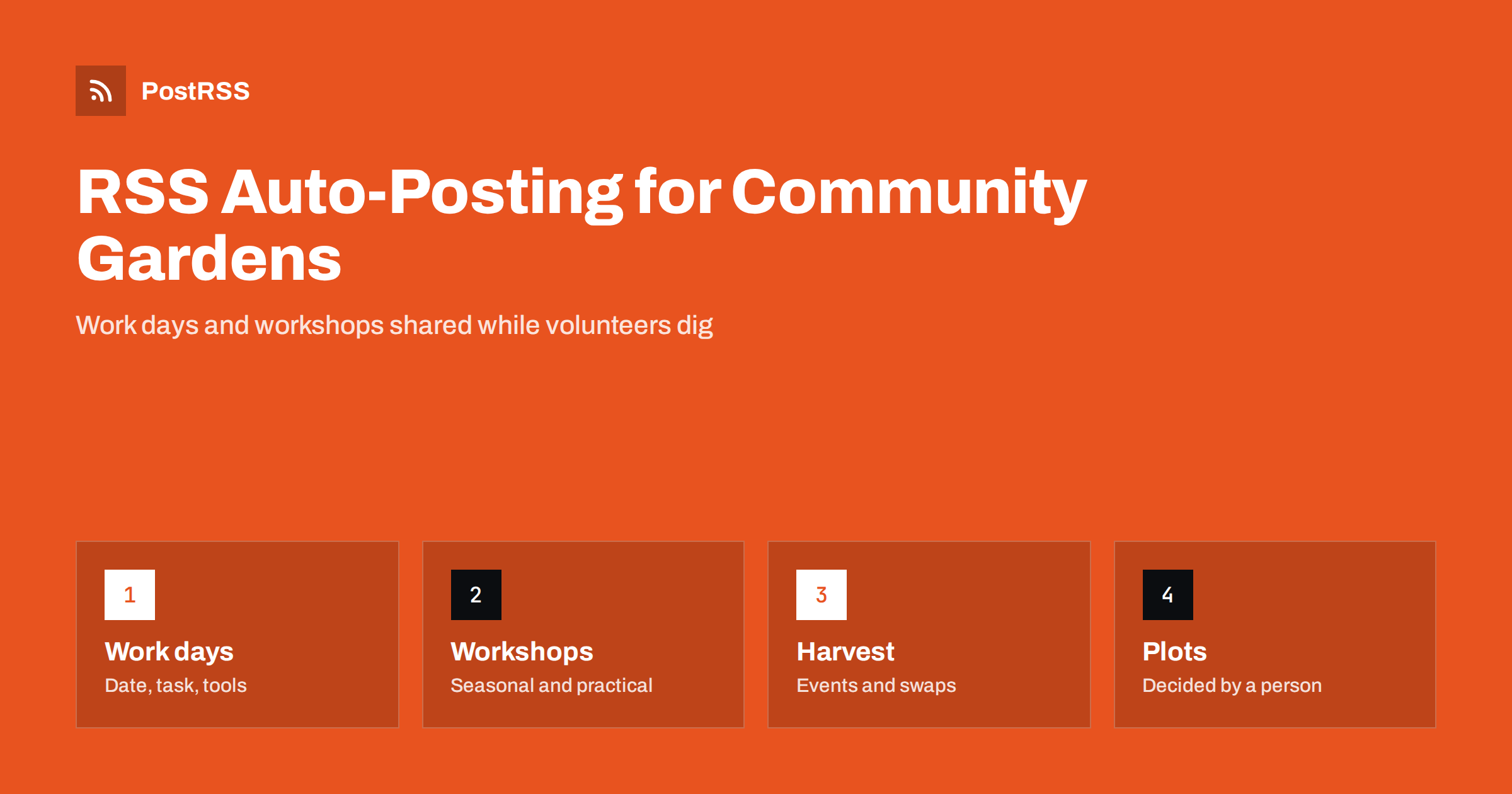
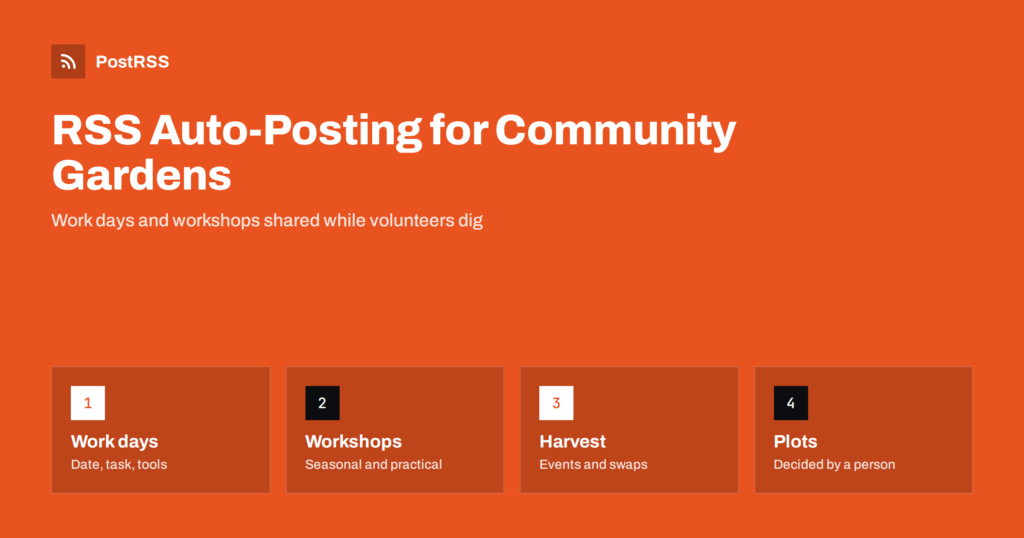
Short answer: RSS auto-posting lets community gardens and allotment societies share work days, plot news, workshops, seed swaps and harvest events on social media automatically. Publish each item as a page on your website, let an auto-poster read the RSS feed, and it appears on your Facebook Page, Pinterest boards, Telegram channel and other channels with its link and image. Neighbours hear about Saturday’s planting day without a volunteer retyping it with muddy hands, while plot allocations, waiting list decisions and member questions stay with the people who run the site.
A community garden or an allotment society is run by people who give their spare time. The treasurer, the site coordinator and the volunteers who open the gate are out on the plot, often in all weathers, and the evening brings the paperwork. Yet the success of the garden depends on a steady flow of people: new members for the waiting list, helpers for the work day, neighbours who come to the harvest festival, schools that visit in spring and funders who want to see what the money achieved. A website with a short page for every event, workshop and update solves most of the problem, because automation can carry those pages to the networks where neighbours look for things to do. This guide explains how to set it up and where site rules, safety and fairness need a human decision.
A garden has more to say than most people expect, and most of it follows the seasons:
Each of these can be a short page on your own website. When the page is published, the feed announces it. You write it once, in a place you own, and the automation spreads it across the networks where neighbours spend time. A page on your site also appears in search results when someone looks for an allotment or a community garden near them, which a social post alone does not achieve.
Most small organisations use a website platform that publishes feeds without extra work:
/feed/ and one for every category, such as /category/work-days/feed/. If you are unsure of the address, see how to find your WordPress feed link.Use categories to separate the audiences: work days, workshops, plot news and fundraising. Each category has its own feed, and each feed can go to the channel where it works best; work days to the Facebook Page, growing guides to Pinterest and fundraising to LinkedIn. Routing by category is explained in category filtering for auto-posting.
| Content | Automate? | Notes |
|---|---|---|
| Work days and volunteer sessions | Yes | One page per session or series, with date, task, tools and how to sign up |
| Workshops, swaps and festivals | Yes | One page per event, with place, time, places left and access information |
| Growing guides | Yes | Evergreen pages that keep bringing in visitors, especially from Pinterest |
| Funding news and thank-you notes | Yes | Name donors only with their agreement |
| Plot allocation and waiting list decisions | By hand | These affect individuals and must be handled fairly and privately |
| Disputes, rule breaches and safety incidents | No | A committee member responds, directly and discreetly |
A simple rule: if it is general information on a finished page of your website, automate it. If it concerns one member, one plot or a problem on the site, handle it personally and privately.
A good work day page answers the questions a newcomer asks before turning up. Where is the gate, and how do I find it? What time do we start and finish, and can I come for an hour? What will we be doing, and do I need experience? What tools and gloves are provided, and what should I wear and bring? Is there a toilet, tea and a place to sit? Are children welcome, and who must supervise them? What happens if it rains? Give each recurring session its own page, so that the address stays the same, and list the next dates at the top. After a session, add a short report with a photograph, because people who see what was achieved are more likely to join the next one.
Plots are a scarce resource, and clear information prevents arguments. Publish the rules once on a permanent page and link to it from every relevant announcement.
Growing guides are where a garden can compete with much larger websites. A page on what to sow in each month, a guide to making compost, a short article on saving tomato seed and a seasonal checklist for the plot all answer questions that people type into search engines. Pinterest is especially strong for this kind of content, because gardeners save guides and return to them, so a page that is shared once can bring visitors for months. Write from your own experience and the conditions of your site, mention your climate zone, add a clear photograph and update the guide each year rather than creating a new page, so that it keeps its place in search results. Members love to see their advice used, so credit contributors with their agreement.
Keep file sizes reasonable so pages load quickly on a phone; see image optimization for RSS auto-posting. If a network shows the wrong picture, check the Open Graph tags of the page as described in why auto-posted links show the wrong image.
Most gardens do best with a Facebook Page and Pinterest, and add a Telegram channel for volunteers. Two active channels beat five forgotten ones.
/feed/, and check that it lists recent items.PostRSS has been automating RSS posting since 2014. It checks your website feeds as often as every minute and publishes each new work day, workshop and guide, with its real image and link, to the channels you connect, from Facebook Pages and Pinterest boards to Telegram, LinkedIn and many more among its 66 supported networks. You can choose how each post is built, filter items by keywords, add UTM parameters and post only within chosen hours or at exact times in your time zone. See the PostRSS features page for everything it does and the pricing page for plan limits. More ideas for local organisations are under the Community Growth tag.
A community garden or allotment society has seasons full of things worth sharing and volunteers with little time to share them. RSS auto-posting announces each new work day, workshop, swap and guide automatically on your Facebook Page, Pinterest boards and other channels, on time and with the right image. Give every event its own page, publish site and plot rules once, keep plot allocations and waiting list decisions personal, claim only what your policies support, ask before showing people, keep prices and dates on one page and handle disputes and safety incidents directly.
Yes. If your website has an events or news section, its RSS feed can be connected to an auto-poster that shares each new page on your Facebook Page, Pinterest boards and other channels. Plot decisions and member issues should still be handled by people.
Work days, workshops, seed swaps, harvest events, growing guides, funding news and site updates. Each item should have its own page on your website so the feed can share it.
No. Allocation and waiting list information concerns individuals. Publish the rules and the process, and communicate decisions directly and privately.
Only if your site policy and your members’ practice support it. Otherwise describe your policy plainly, for example how pesticides and fertilisers are handled, and avoid unproven claims.
A Facebook Page reaches neighbours and families, and Pinterest is the strongest home for growing guides, because people save pins and return to them each season.
What changed in the networks, what broke, and how to fix it before it costs you reach.
PostRSS'in arkasındaki ekip Internet Solutions tarafından geliştirildi. Her biri size farklı bir şekilde zaman kazandırır.
 English
 Lietuviškai
 Deutsch
 Français
 Русский
 Español
 Polski
 Italiano
 Українська
 Čeština
 Português
 日本語
日本語 Latviešu valoda
 Eesti
Eesti Magyar
 Bahasa Indonesia
 Türkçe
 हिन्दी
 Ελληνικά
 العربية
 ไทย
ไทย Tiếng Việt
 Română
 Bahasa Melayu
 বাংলা
বাংলা