RSS'den 66 sosyal ağa: Facebook, Instagram, X, LinkedIn, Telegram ve daha fazlası Blog Satış Ortaklığı İletişim
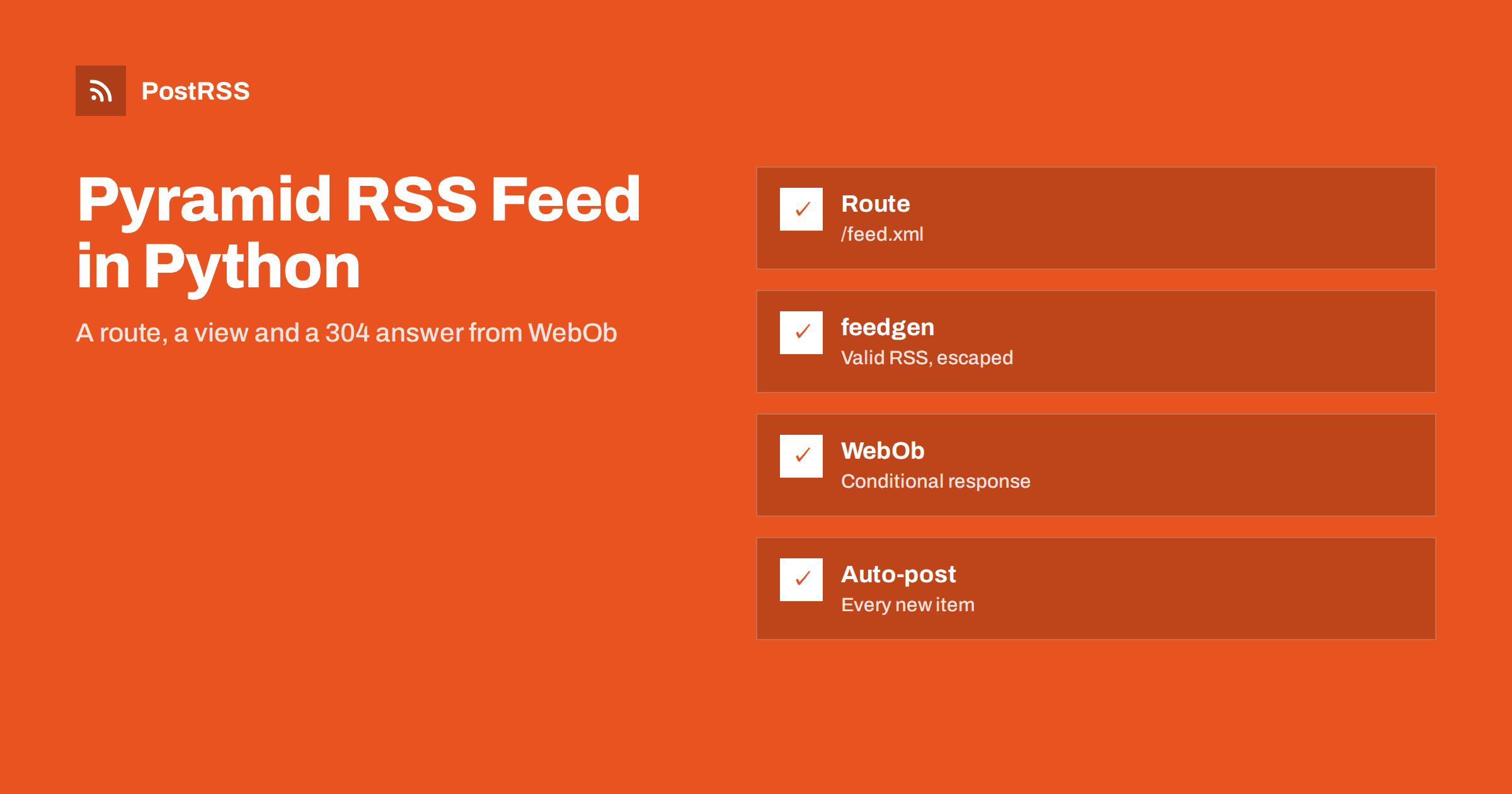
Short answer: To serve an RSS feed from a Pyramid application, register a route for /feed.xml, add a view that loads the newest published rows, build the document with the feedgen library so every value is escaped, use timezone-aware UTC dates and return a Response with the application/rss+xml content type. Set an ETag derived from the body and turn on conditional responses, so WebOb answers a matching If-None-Match header with a 304. Take the last build date from the newest item and not from the clock, test the view with WebTest, curl and a validator, then give the public address to an auto-poster.
Pyramid is the flexible, well-tested Python web framework that scales from a single file to a large application. It is a favourite for content-heavy sites, internal portals and APIs that need explicit configuration, a clear routing model and a reliable response object. Sooner or later such a project publishes something that people want to follow: articles, release notes, events, listings or offers. A feed is the standard way to let readers, aggregators and auto-posters watch that content without an account or an API key. Pyramid has no feed support of its own and needs none, because its response class, borrowed from WebOb, already knows about entity tags and conditional requests. This guide builds a complete Pyramid RSS feed with a route, a view, stable identifiers, correct dates and automatic 304 answers, explains each decision and ends with the checks that keep the feed dependable once other systems rely on it.
A feed is worth adding whenever new items appear on a schedule you do not control: a changelog that grows with every release, a directory of listings, a news section or a library of guides. Readers who follow it in a feed reader get every item in order. Search engines and aggregators discover new pages faster. And an auto-poster such as PostRSS can share each new item on social networks the moment it is published, which turns a quiet publishing routine into a steady stream of visitors.
If your content already lives in a blog or a CMS, use the feed that system provides instead; see how to find your WordPress feed link. If you work with another Python framework, the same ideas are covered in the Flask RSS feed guide ve the Django syndication guide. Build the view yourself when the content is in your own database and no ready-made feed exists.
Create a virtual environment and install Pyramid, the feedgen library that writes valid RSS and Atom documents, and WebTest for the tests. The example reads from SQLite in the standard library, so nothing else is needed.
python -m venv .venv
source .venv/bin/activate
pip install pyramid feedgen webtest pytest
Assume a table named articles with the columns slug, title, summary, image_url, image_bytes, image_type and published_at. The last column holds a UTC unix timestamp, which keeps comparisons simple and avoids time zone surprises. Items scheduled for the future simply have a timestamp that has not arrived yet.
The program below defines the query, builds the document once per request and returns a response that carries a strong validator. The condition on the publication time matters: without it, an item scheduled for tomorrow would appear in the feed today, and an auto-poster would share it before it exists on the website.
import hashlib
import os
import sqlite3
from datetime import datetime, timezone
from wsgiref.simple_server import make_server

from feedgen.feed import FeedGenerator
from pyramid.config import Configurator
from pyramid.response import Response
from pyramid.view import view_config

SITE = os.environ.get("SITE_URL", "https://example.com")
DB_PATH = os.environ.get("DB_PATH", "site.db")


def utc(timestamp: int) -> datetime:
    return datetime.fromtimestamp(timestamp, tz=timezone.utc)


def load_items(db_path: str, limit: int = 20):
    now = int(datetime.now(timezone.utc).timestamp())
    conn = sqlite3.connect(db_path)
    conn.row_factory = sqlite3.Row
    try:
        return conn.execute(
            "SELECT slug, title, summary, image_url, image_bytes, image_type, published_at "
            "FROM articles WHERE published_at <= ? ORDER BY published_at DESC LIMIT ?",
            (now, limit),
        ).fetchall()
    finally:
        conn.close()


def build_feed(rows) -> bytes:
    fg = FeedGenerator()
    fg.title("Example Journal")
    fg.link(href=SITE + "/", rel="alternate")
    fg.link(href=SITE + "/feed.xml", rel="self", type="application/rss+xml")
    fg.description("News and guides from Example Journal.")
    fg.language("en")
    newest = rows[0]["published_at"] if rows else 0
    fg.lastBuildDate(utc(newest))

    for row in rows:
        url = f"{SITE}/articles/{row['slug']}/"
        entry = fg.add_entry(order="append")
        entry.id(url)
        entry.guid(url, permalink=True)
        entry.title(row["title"])
        entry.link(href=url)
        entry.description(row["summary"])
        entry.pubDate(utc(row["published_at"]))
        if row["image_url"]:
            entry.enclosure(
                row["image_url"],
                str(row["image_bytes"] or 0),
                row["image_type"] or "image/jpeg",
            )
    return fg.rss_str(pretty=False)


@view_config(route_name="feed", request_method=("GET", "HEAD"))
def feed(request):
    rows = load_items(request.registry.settings["db_path"])
    body = build_feed(rows)
    response = Response(
        body=body,
        content_type="application/rss+xml",
        charset="utf-8",
        conditional_response=True,
    )
    response.etag = hashlib.sha256(body).hexdigest()[:32]
    response.last_modified = utc(rows[0]["published_at"] if rows else 0)
    response.cache_control.public = True
    response.cache_control.max_age = 300
    return response


def make_app():
    with Configurator(settings={"db_path": DB_PATH}) as config:
        config.add_route("feed", "/feed.xml")
        config.scan()
        return config.make_wsgi_app()


if __name__ == "__main__":
    make_server("0.0.0.0", 8000, make_app()).serve_forever()
Save it as app.py and start it with python app.py for development, or serve the WSGI application with a production server such as Gunicorn or Waitress. The view accepts GET and HEAD, which is what some validators and monitoring tools use first.
Auto-posters, readers and search engines request a feed often, and almost always nothing has changed. A validator lets them ask a cheap question: has the document changed since the version I hold? In many frameworks you compare the If-None-Match header yourself. In Pyramid you do not have to. The response class is built on WebOb, and when conditional_response is true and an ETag or a Last-Modified value is present, the response compares them with the request headers while it is sent. A match turns the answer into a 304 with no body, which saves bandwidth for both sides and keeps your server calm. The same mechanism understands weak tags and the wildcard, so none of that code belongs in your view.
The tag is computed from the body, which brings one rule: the body must not change unless the content changes. That is why the example takes the last build date from the newest item and not from the clock. If you wrote the current time into that element, the hash would change on every request, no client would ever receive a 304 and the validator would be useless. The same rule applies to any value generated at request time, such as a random identifier.
| Feed element | Source | Rule |
|---|---|---|
| title | Article title | Plain text, escaped by the library |
| link | Public address of the page | Absolute, with https, returning 200 directly |
| guid | Same address, or a stored identifier | Never changes after publication |
| pubDate | Publication timestamp | Aware UTC datetime, never the current time |
| description | Short summary | One or two sentences of plain text |
| enclosure | Featured image | Address, size in bytes and media type |
The identifier is the most important decision. An auto-poster remembers which items it has already shared by their GUID. If the value changes when someone edits a slug or republishes an article, the same story is shared again. If you may rename slugs, store a separate permanent identifier in the database and pass it to the guid method with permalink set to false.
RSS dates follow RFC 822, with English abbreviations for days and months. The feedgen library writes them for you from aware datetime objects and refuses naive ones, which prevents the most common date bug. The timestamp comes from the database as an integer, is converted with an explicit UTC zone and is never formatted with the local zone of the server. Mixing in local time is the most common cause of feeds whose items appear hours late or early in readers.
The example keeps everything in one file so you can see the whole picture. In a larger project, put the query in a model module, the document builder in a service module and the view in a views package, and register the route in the configuration function where the other routes live. Keep the route name stable, because other code may use it to generate the feed address with request.route_url. If your project has a global security policy, give the feed view the permission that allows anyone to read it; an auto-poster has no login.
The Cache-Control header in the example lets shared caches keep the response for five minutes, and the ETag lets everyone revalidate cheaply after that. If you place a content delivery network in front of the application, keep the lifetime short so a new item does not wait long for its turn. A feed that lags behind the website by an hour defeats the purpose of automation. For the background, read how auto-posting tools use ETags and conditional requests ve what 301, 304, 404 and 500 mean for auto-posting.
A few minutes of testing prevents days of confusion later. Start with an automated test that proves the conditional logic, using WebTest, which wraps a WSGI application without a real server.
from webtest import TestApp
from app import make_app


def test_feed_supports_conditional_requests():
    client = TestApp(make_app())
    first = client.get("/feed.xml", status=200)
    assert first.content_type == "application/rss+xml"
    etag = first.headers["ETag"]
    second = client.get("/feed.xml", headers={"If-None-Match": etag}, status=304)
    assert second.body == b""
Then check the running service from the outside:
curl -i https://example.com/feed.xml and confirm a 200 status, the right content type and an ETag header.There is a longer checklist in the feed validation guide and a short curl routine in the guide to debugging a feed with curl.
Run the application with a WSGI server such as Gunicorn or Waitress behind a reverse proxy that terminates HTTPS, and make sure the proxy passes the real host and scheme so that absolute links are correct. Keep the site address in configuration, as the example does with an environment variable, so a staging copy never publishes production links. Add a health route that does not touch the database and monitor the feed route separately, because a feed can fail while the home page still works. If the route sits behind a login or a firewall rule for unknown clients, an auto-poster will not reach it; the feed must be public.
PostRSS has been publishing RSS and Atom feeds to social networks since 2014. Paste the address of your feed route, connect your accounts and choose how each post is built from the title, the description or the page title. PostRSS checks the feed as often as every minute and shares each new item, with its image and link, to the channels you choose among 66 supported networks, messengers, team chats and blogs, including LinkedIn, X, Bluesky, Mastodon and Telegram. Keyword filters, UTM parameters and posting windows let you tune each channel, and webhooks connect PostRSS to your own systems. See the PostRSS features page and the plan limits on the pricing page. More developer guides are under the Technical Guide tag.
Pyramid needs only a route, a view and a feed library to serve a dependable RSS feed: select published items dated in the past, let the library escape every value, use a stable GUID, attach UTC to every date, derive the last build date from the newest item and send the result with the right content type. Set an ETag and turn on conditional responses so repeat requests end in a 304 without extra code. Test the view with WebTest, curl and a validator, keep the address unchanged and connect it to an auto-poster. After that, every item you publish can reach your social channels automatically.
No. Pyramid has no feed support, but a library such as feedgen produces valid RSS and Atom from a few method calls, and the view returns the bytes with the application/rss+xml content type.
No. When the response has an ETag and conditional_response is true, WebOb compares the request headers and sends a 304 for you.
Most often the body changes between requests, for example because the last build date is the current time, or conditional_response is missing. Take the date from the newest item and the hash stays the same until the content changes.
Between ten and twenty of the newest published items is enough. An auto-poster only needs recent items, and a smaller file is faster to download and parse.
Yes. PostRSS reads any valid RSS or Atom address that is reachable without a login. Paste the address, connect your channels and new items are shared as soon as they appear.
What changed in the networks, what broke, and how to fix it before it costs you reach.
PostRSS'in arkasındaki ekip Internet Solutions tarafından geliştirildi. Her biri size farklı bir şekilde zaman kazandırır.
 English
 Lietuviškai
 Deutsch
 Français
 Русский
 Español
 Polski
 Italiano
 Українська
 Čeština
 Português
 日本語
日本語 Latviešu valoda
 Eesti
Eesti Magyar
 Bahasa Indonesia
 Türkçe
 हिन्दी
 Ελληνικά
 العربية
 ไทย
ไทย Tiếng Việt
 Română
 Bahasa Melayu
 বাংলা
বাংলা