RSS'den 66 sosyal ağa: Facebook, Instagram, X, LinkedIn, Telegram ve daha fazlası Blog Satış Ortaklığı İletişim
eBay sellers running a real storefront — not just the occasional listing — often want new items to announce themselves on Facebook, X, and Pinterest the moment they go live, the same way a new blog post triggers a social share on a typical content site. The obvious question is whether eBay actually exposes a usable RSS feed of your store’s listings to make this possible, and if so, what auto-posting looks like in practice once you have it. This guide covers exactly what eBay does and doesn’t support here, the step-by-step setup process, common feed issues sellers run into, and the realistic workaround for sellers who want their listings distributed automatically regardless of account type.
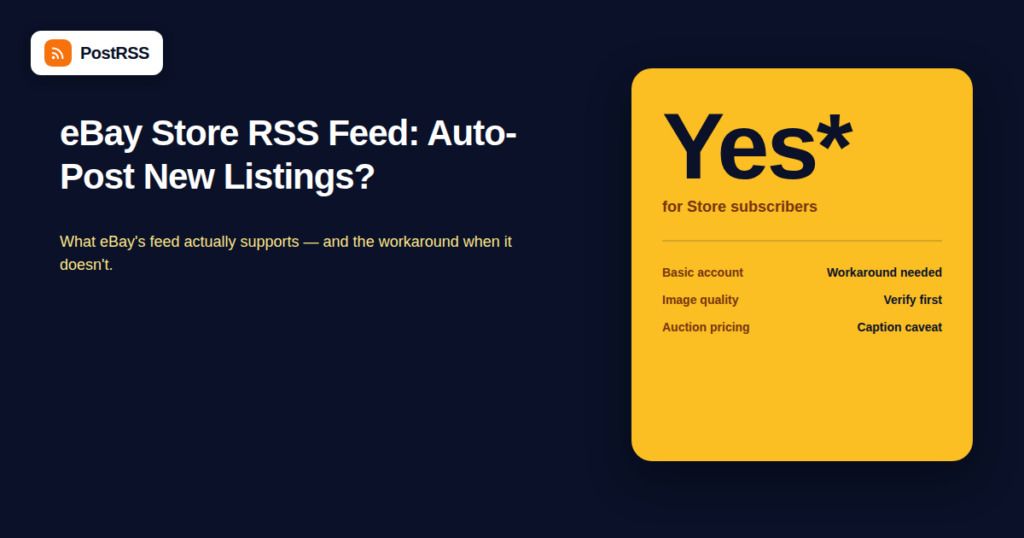
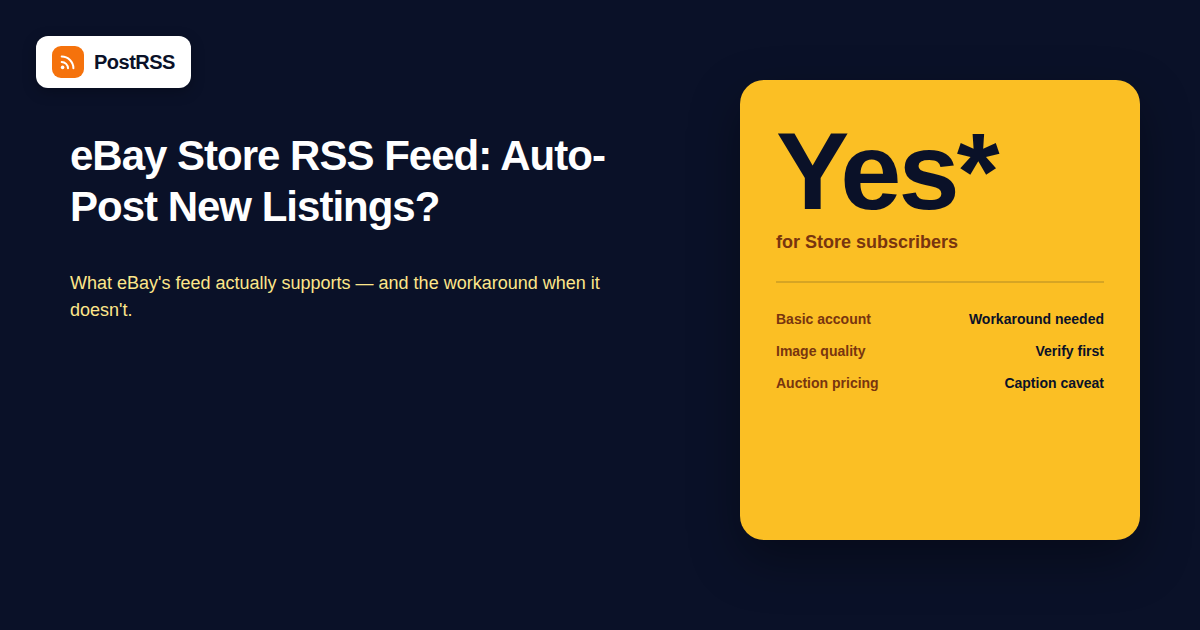
Yes, with a caveat. eBay Stores subscribers (sellers on a Store subscription plan, not just a basic seller account) get access to RSS feeds for their store categories and search results, generated through eBay’s own feed URL structure. The feed typically follows a pattern based on your store name and category, and returns active listings in standard RSS format that most RSS akışı readers and auto-posting tools can parse.
The caveat: this feed reflects active listings at the time it’s polled, not strictly “new listing” events in the way a blog’s RSS feed cleanly reflects new posts. Because eBay listings are inherently temporary (they end when sold, expire, or get relisted), the feed behaves a bit differently than a typical content RSS feed, and auto-posting tools need to handle “new item appeared in the feed” as the trigger rather than relying on a permanent, stable post URL the way a blog post has.
For eBay Store subscribers, the feed is generally accessible by:
If no RSS link is visible anywhere on the page, eBay’s feed availability has shifted over time by seller account type and region, and some sellers report needing to construct the feed URL directly using eBay’s documented feed parameters rather than finding a clickable link on the page itself. Because eBay periodically changes this exposure without much advance notice to sellers, it’s worth verifying the feed loads and returns your current listings before wiring it into any automation workflow.
Sellers without a Store subscription don’t get the same category-level RSS feed, but there are a couple of workarounds:
| Approach | Nasıl Çalışır? | Limitation |
|---|---|---|
| Saved search RSS feed | eBay’s search results pages for a specific seller (?_ssn=yourusername) can sometimes be piped through an RSS-generation service | Less reliable than a native feed; depends on eBay’s page structure staying consistent |
| Manual cross-listing to a blog or catalog page | Mirror each new eBay listing to a WordPress post or simple catalog page that generates its own clean RSS feed | Requires manual (or semi-automated) duplication of listing data |
| Third-party inventory/listing tools with their own feed export | Multi-channel listing tools (used by sellers who cross-post to eBay, Etsy, and their own site) often generate a unified feed from their own system | Requires already using one of these tools as part of your listing workflow |
Once a usable feed exists, the practical question is what makes a good auto-posted listing announcement. eBay listing feeds typically include title, price, a link, and a thumbnail image — enough for a basic but functional social post. A few things worth checking before relying on it:
| Platform | Native RSS for New Listings/Products | Auto-Posting Feasibility |
|---|---|---|
| eBay (Store subscription) | Yes, category/search-based | Workable, with feed-quality caveats above |
| eBay (Basic account) | Limited/inconsistent | Requires a workaround (see table above) |
| Shopify | Yes, native product feed | Strong — clean, purpose-built feed structure |
| WooCommerce | Yes, via product category feeds | Strong — same reliability as any WordPress category feed |
| Etsy | Limited native feed support | Similar workaround pattern to basic eBay accounts |
For sellers running a real storefront with dozens or hundreds of active listings, manually sharing every new item to social media doesn’t scale — and inconsistent manual posting means many listings get zero social exposure at all simply because nobody remembered to share them. Automated distribution turns “new listing → social post” into a background process that happens for every item, not just the ones a seller has time to personally promote that day, which is exactly the gap that causes a large share of inventory to get zero social exposure in practice. This matters most for sellers where social media automation genuinely drives incremental traffic — collectibles, vintage goods, and niche categories where a dedicated social following actively watches for new inventory.
Sellers who want the most reliable auto-posting setup, without depending on eBay’s feed structure staying consistent over time, often mirror each new listing to a simple catalog page on their own website (or a WordPress custom post type) at the same time it’s listed on eBay. That mirrored page generates a clean, fully-controlled RSS feed — the same reliability as a blog post feed — that can be auto-posted with full control over image size, caption formatting, and posting cadence, independent of anything eBay changes on their end. This adds a small amount of manual (or scripted) duplication work upfront but removes the single biggest risk of building automation directly on top of a third-party feed you don’t control.
| Symptom | Likely Cause | Fix |
|---|---|---|
| Feed returns no items | No active listings match the category/search the feed is based on | Verify the feed URL’s category or search parameters match your actual live inventory |
| Social post shows a broken or missing image | eBay’s listing thumbnail URL wasn’t captured correctly in the feed | Check the raw feed XML for the actual image URL field and confirm it resolves in a browser |
| Auction price shown in caption looks outdated | Caption generated at posting time; bid price has since changed | Consider excluding live price from the caption template for auction-style listings specifically |
| Duplicate posts for the same listing | Listing was relisted or renewed, creating what looks like a “new” feed entry | Check whether your auto-posting tool can de-duplicate based on the underlying item ID rather than the feed entry timestamp |
Not strictly, but it makes the process significantly more reliable — Store subscribers get native category and search-based RSS feeds, while basic sellers need to rely on less consistent workarounds.
Technically yes, but the caption content should account for the difference — an auction listing’s “price” changes as bids come in, so a caption generated once at posting time may show an outdated bid amount by the time someone clicks through.
No, auto-posting tools generally don’t retroactively delete or update a previously published social post when the underlying listing status changes; the original post stays live even after the item is gone, which is worth factoring into expectations for evergreen versus time-sensitive listings.
If your feed is category or search-based, you can create a separate feed for just the category or price range you want distributed, and only connect that specific feed to your auto-posting tool rather than your full inventory feed.
eBay does have its own developer APIs, but the specific ability to trigger a third-party social auto-post directly from a new listing event (rather than through a polled RSS feed) depends on whether a given auto-posting tool has built a direct eBay API integration, which is less common than standard RSS-based polling.
The return scales with volume — a seller with 5-10 listings may get more value from simply sharing each one manually, while a seller with dozens of active or frequently rotating listings benefits much more from automating the process entirely, since the manual alternative becomes a real recurring time cost at that scale.
Load the raw feed URL directly in a browser first and confirm it returns current listings with working image and link URLs, then connect it to a test or private social channel before pointing it at your main public storefront accounts.
Yes, provided each store has its own distinguishable feed URL — running each store’s feed through its own separate auto-posting connection keeps the branding and posting cadence appropriate to each individual storefront rather than merging everything into one undifferentiated stream.
Yes, generally — Pinterest tends to perform well for visually distinctive items like vintage goods, home decor, and collectibles, while X and Facebook work reasonably well as a general-purpose distribution channel for a broader range of listing types. Matching platform to inventory type tends to outperform blasting every listing to every channel uniformly.
eBay does support RSS feeds for Store subscribers, making basic auto-posting of new listings realistic, though with more caveats around image quality and listing volatility than a typical blog feed. Sellers who want the most dependable long-term setup are often better served mirroring listings to a self-controlled feed rather than depending entirely on eBay’s own feed structure staying consistent from one platform update to the next. Either way, once a reliable feed exists, connecting it to an auto-posting workflow turns listing promotion from a manual chore into something that happens for every item automatically, without a seller needing to remember to share each one by hand.
What changed in the networks, what broke, and how to fix it before it costs you reach.
PostRSS'in arkasındaki ekip Internet Solutions tarafından geliştirildi. Her biri size farklı bir şekilde zaman kazandırır.
 English
 Lietuviškai
 Deutsch
 Français
 Русский
 Español
 Polski
 Italiano
 Українська
 Čeština
 Português
 日本語
日本語 Latviešu valoda
 Eesti
Eesti Magyar
 Bahasa Indonesia
 Türkçe
 हिन्दी
 Ελληνικά
 العربية
 ไทย
ไทย Tiếng Việt
 Română
 Bahasa Melayu
 বাংলা
বাংলা