RSS'den 66 sosyal ağa: Facebook, Instagram, X, LinkedIn, Telegram ve daha fazlası Blog Satış Ortaklığı İletişim
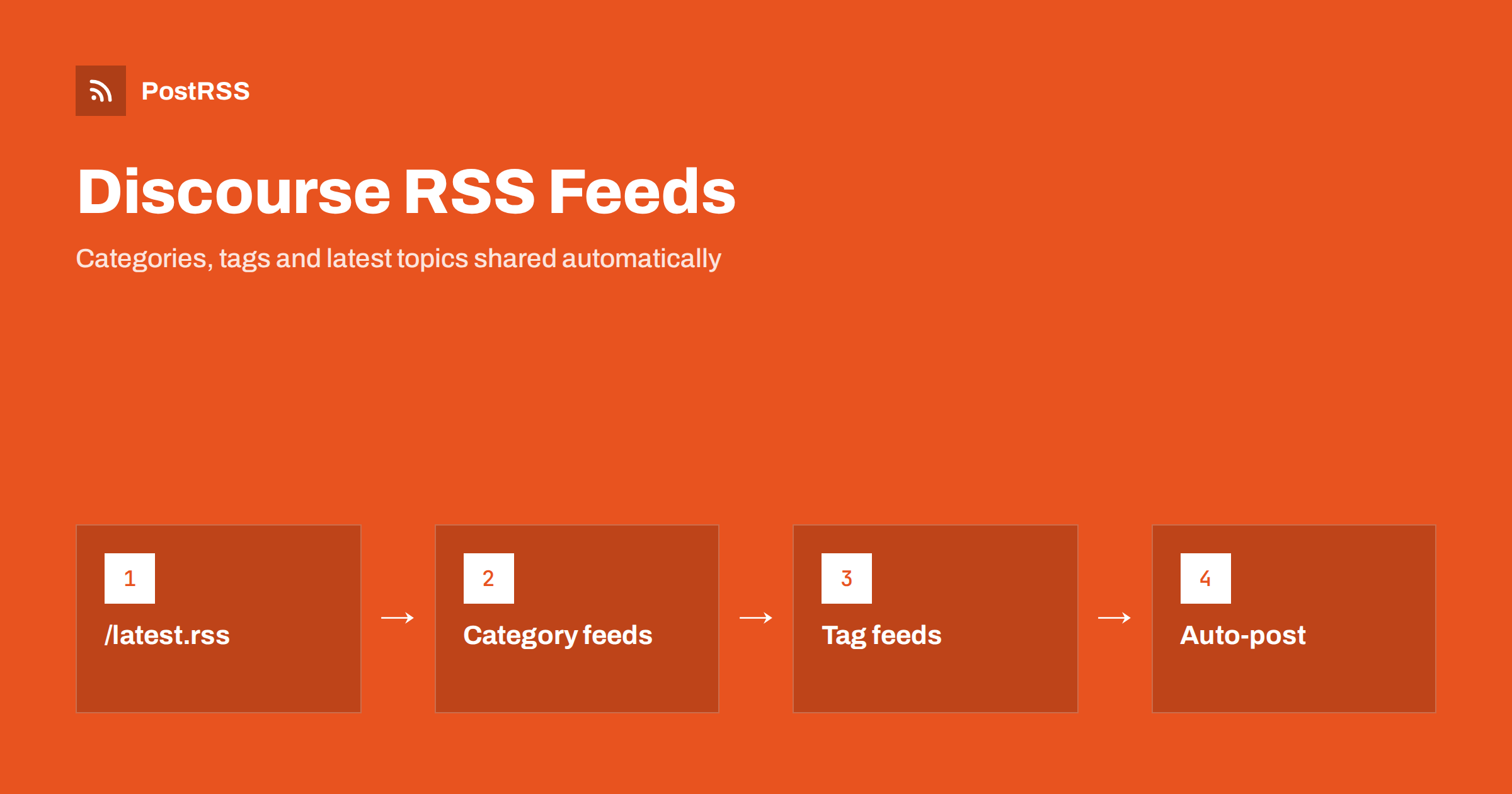
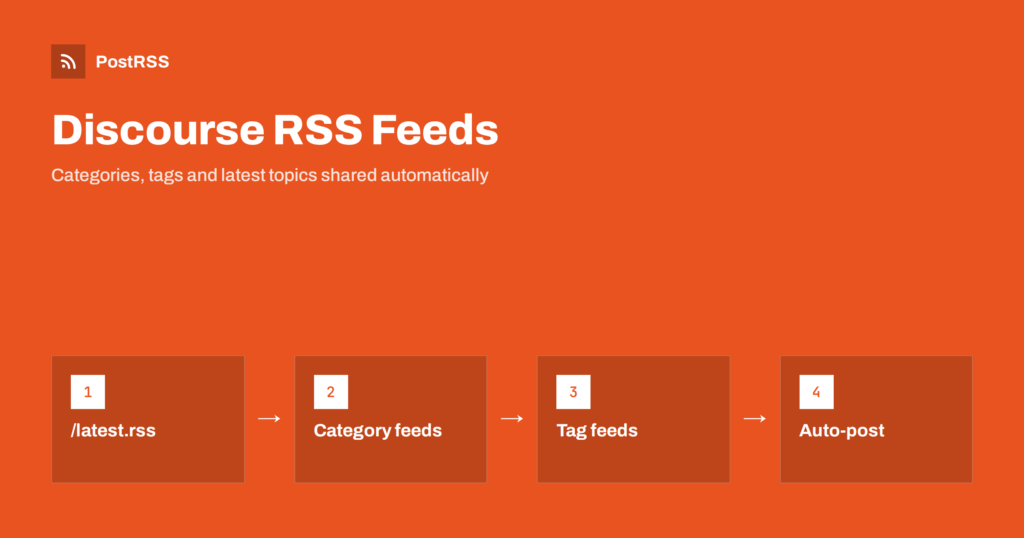
Short answer: Every public Discourse forum already publishes RSS feeds. Add .rss to a list address, such as /latest.rss for all new topics, /c/announcements/5.rss for one category or /tag/release.rss for one tag, and paste that address into an auto-poster. Each new topic can then be shared on social networks, messengers and team chats automatically. Choose the narrowest feed that fits, usually an announcements category, so replies and small talk never reach your public channels.
Discourse is open-source forum software used for customer communities, product support, open-source projects and clubs. A busy forum produces useful news: release announcements, event invitations, new guides, answers that solve common problems and featured member projects. Most of it stays inside the forum, where only members see it. Because Discourse builds feeds automatically, bringing the best topics to the networks where your audience already spends time needs no code and no plugin. This guide explains which feed addresses exist, how to choose between them, what the items contain, and how to avoid the common mistakes.
Discourse generates a feed for most list pages. The pattern is simple: take the address of a list page and add .rss to it. The most useful addresses are:
| Feed address | What it contains | Best for |
|---|---|---|
/latest.rss | The most recently active topics of the whole forum | Small forums with a single audience |
/c/category-name/ID.rss | Topics of one category | Announcements, releases, events |
/tag/tag-name.rss | Topics that carry one tag | Cross-category themes such as a product name |
/top.rss | Top topics for a period | Weekly highlights |
/posts.rss | The latest individual posts, including replies | Moderation monitoring, not public channels |
You can check an address by opening it in a browser while logged out. If the browser shows XML or offers to download a file, the feed works. The category number is visible in the address of the category page, for example /c/announcements/5; add .rss after the number.
The most common mistake is to connect /latest.rss and let everything flow out. A forum contains support questions, off-topic chat, bug reports and personal posts, and none of it was written for a public audience. Social followers do not want to read a stranger’s installation problem.
Better options:
social to any topic worth sharing, and the tag feed collects them across categories. This is the most flexible method because the choice is made by a person, topic by topic.Each item represents a topic. It has the topic title, a link to the topic, a publication date, the author, the category and a description. The description contains the first post of the topic as HTML. That has consequences for social posts:
The feed shows topics in the order of recent activity, so an old topic that receives a reply may move up. A poster that remembers which items it has already shared will not repeat them; how this works is explained in how auto-posting tools prevent duplicate posts. Still, test with a reply on an old topic, so you know how your feed behaves.
Feeds follow the same permissions as the forum. Anonymous visitors see only public categories, so a private category never appears in a public feed. Two settings change what is possible:
Never share content that members posted in a members-only space. Even in a public category, check the rules of your community: authors should know that announcements, showcases and tagged topics may be shared on social media.
A forum is a community, and its members trust you with their posts, names and sometimes their problems. When you turn topics into public posts, apply a few rules:
An announcement should not reach thousands of followers with a typo in the title or a missing image. A feed publishes a topic as soon as it exists, and an auto-poster reads the feed within minutes. Two habits prevent embarrassing posts:
If you need exact timing, such as an announcement that must appear at nine o’clock on launch day, prepare the topic in advance and move it just before the time, or use posting windows in the auto-poster so shares go out only during chosen hours. Planning around launches is covered in scheduling auto-posts around an embargo or press release date.
Discourse also offers webhooks, which send an event to another system whenever something happens, and a full API for reading and writing content. They are powerful, but they need a developer, a receiving service and ongoing maintenance. For the simple job of sharing selected topics, a feed is usually enough: it needs no keys, it works with any RSS-capable tool and it follows the forum’s own permissions. Choose webhooks or the API when you need immediate reactions, replies or user events. The differences between feeds, webhooks and polling are explained in RSS vs webhooks vs API polling.
If you also want release or status news in a team chat, RSS to Google Chat, Mattermost, Webex and Zulip shows how a feed becomes chat notifications.
A topic in an announcements category is the source text of a social post, so a little discipline pays off:
Communities also benefit from content arriving in the forum. Many teams publish every new blog article as a topic in an announcements category, so members can discuss it where they already are. PostRSS can publish to Discourse as a target as well, so the same blog feed can feed your social networks and your forum at once. Keep the two directions apart: do not connect a forum feed back into the forum, or the same topic will circulate in a loop.
PostRSS has been publishing RSS and Atom feeds to social networks since 2014. Paste a Discourse category or tag feed, connect your accounts and choose how each post is built from the title, the description or the page title. PostRSS checks the feed as often as every minute and shares each new topic, with its image and link, to the channels you choose among 66 supported networks, messengers, team chats and blogs, including Facebook Pages, LinkedIn, Telegram, Discord and Mastodon. Keyword filters let you include or exclude topics by words in the title or description, UTM parameters track visits, and posting windows control the timing. See the PostRSS features page and the plan limits on the pricing page. More community ideas are under the Community Growth tag.
A Discourse forum already has the feeds you need: add .rss to a category, tag or list address. Pick the narrowest source, usually an announcements category or a tag that staff set by hand, write topic titles for outsiders, respect members’ privacy and test how the feed behaves when old topics receive replies. Then connect the address to an auto-poster and let every selected topic reach your audience on the networks they use.
Yes. Add .rss to most list addresses, for example latest.rss, a category address with its number or a tag address. The feed contains the topics of that list with their title, link, date and first post.
Open the category page and add .rss to the end of its address, after the category number. Open the result while logged out to confirm that anonymous visitors can read it.
Yes. Give those topics a tag, or move them into a dedicated category, and connect the tag or category feed. Staff then decide which topics are shared simply by tagging them.
Not from a category or tag feed, which lists topics. The posts feed does include replies, so avoid it for public channels.
External services cannot read a forum that requires login. Make a public announcements category and connect its feed, or share the content through another public page.
What changed in the networks, what broke, and how to fix it before it costs you reach.
PostRSS'in arkasındaki ekip Internet Solutions tarafından geliştirildi. Her biri size farklı bir şekilde zaman kazandırır.
 English
 Lietuviškai
 Deutsch
 Français
 Русский
 Español
 Polski
 Italiano
 Українська
 Čeština
 Português
 日本語
日本語 Latviešu valoda
 Eesti
Eesti Magyar
 Bahasa Indonesia
 Türkçe
 हिन्दी
 Ελληνικά
 العربية
 ไทย
ไทย Tiếng Việt
 Română
 Bahasa Melayu
 বাংলা
বাংলা