RSS'den 66 sosyal ağa: Facebook, Instagram, X, LinkedIn, Telegram ve daha fazlası Blog Satış Ortaklığı İletişim
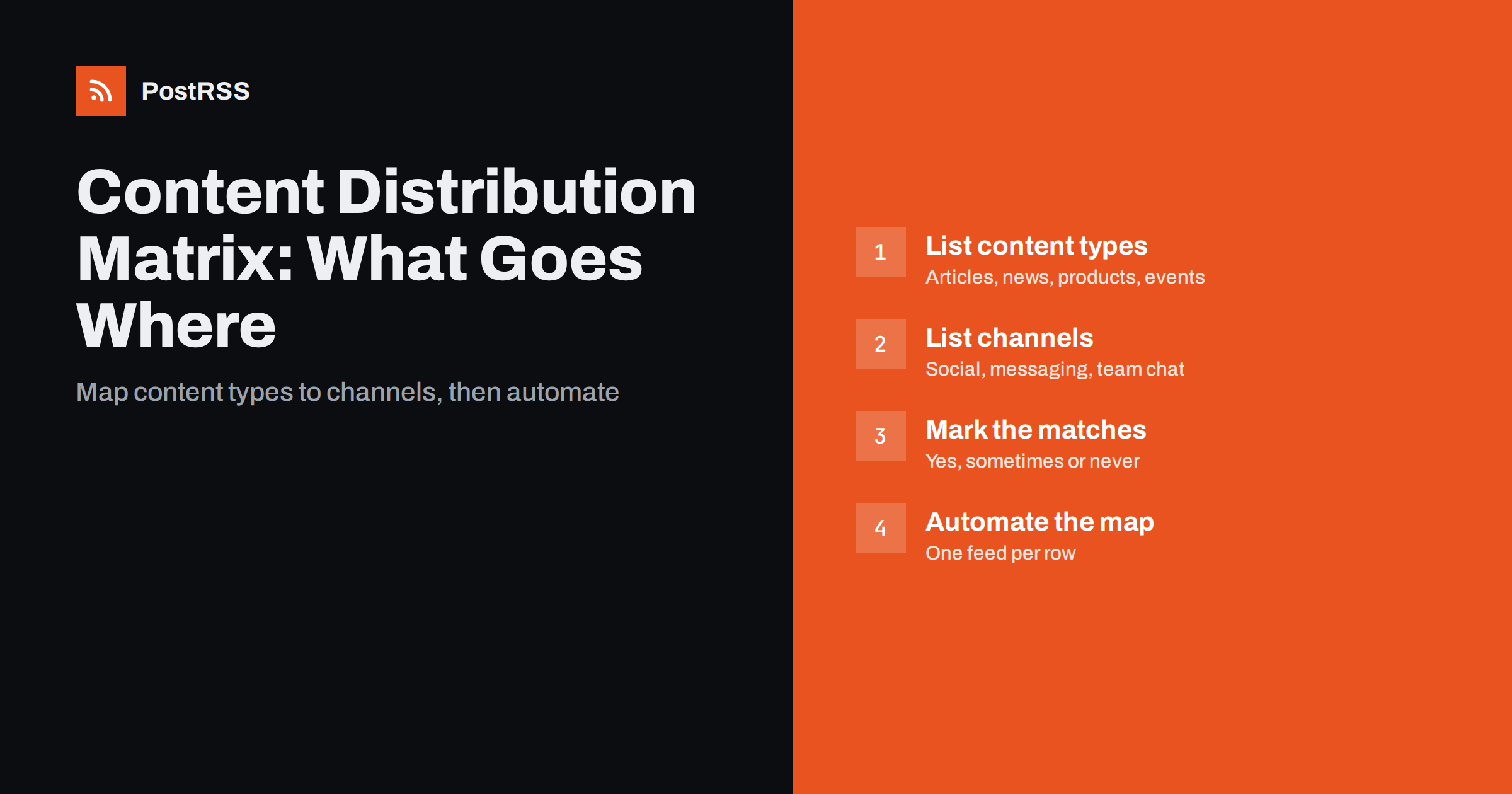
Short answer: A content distribution matrix is a simple table with your content types as rows and your channels as columns, where each cell says whether that type of content goes to that channel. Building one takes an hour, prevents both over-posting and forgotten channels, and translates directly into automation: each row becomes a feed or a category, and each “yes” becomes a connection between that feed and a channel.
When businesses first automate social media, the natural setup is one feed connected to every account. Every new blog post, product, event and announcement goes to Facebook, LinkedIn, X, Pinterest, Telegram and the team chat. At first this feels efficient. Over time, problems appear. LinkedIn followers see posts about weekend opening hours. Pinterest receives text-only announcements that make no sense on a visual board. The Telegram channel for loyal customers gets the same generic posts as everyone else, and the team chat is flooded with things staff do not need.
The opposite problem is just as common: manual distribution, where each post goes wherever the person publishing it happens to remember. Important news reaches one channel and not another, and nobody can say which content goes where.
A distribution matrix solves both. It is a decision you make once, deliberately, about what belongs on each channel. After that, automation simply follows the map.
The matrix is also a communication tool. When a colleague asks why an announcement did not appear on LinkedIn, or a manager wants to know where job openings are published, the answer is on one page. New team members understand the system in minutes, and changes are discussed as changes to the plan rather than as one-off exceptions.
Start by listing the kinds of content you actually publish, or plan to publish regularly. Be specific; “blog posts” is often too broad. A typical small business or publisher might have:
Six to ten types is typical. If you have more, group similar ones. The list should match how your website is organised, because each type will need its own category or feed later.
For each type, note roughly how often it appears. Frequency affects channel choices: a type that appears ten times a week, such as product updates in a busy shop, can overwhelm a channel that suits a weekly rhythm, while a type that appears twice a year, such as company milestones, can safely go almost everywhere.
Next, list every channel you publish to, and write one line about who is there and what they expect:
The audience description matters more than the network name. Two businesses on the same network may have completely different followers.
If you are unsure what a channel’s audience wants, look at your last twenty posts there and note which ones received replies, clicks or shares. The pattern is usually obvious: a LinkedIn page where only industry commentary gets engagement, or a Facebook Page where practical notices outperform everything else. Let that evidence shape the columns.
Now combine the two lists in a table. For each cell, decide: yes (always send), sometimes (only selected items), or no. Here is an example for a small B2B service business:
| Content type | X / Bluesky | Telegram | Ekip sohbeti | |||
|---|---|---|---|---|---|---|
| How-to guides | Yes | Yes | Yes | Yes | Yes | Yes |
| Industry commentary | No | Yes | Yes | No | Sometimes | Yes |
| Company news | Yes | Yes | Yes | No | Yes | Yes |
| Offers | Yes | No | Sometimes | No | Yes | Yes |
| Events | Yes | Yes | Yes | No | Yes | Yes |
| Case studies | Sometimes | Yes | Yes | Sometimes | No | Yes |
| Job openings | Yes | Yes | No | No | No | Yes |
| Practical notices | Yes | No | Yes | No | Yes | Yes |
A few patterns show up in almost every matrix. Team chat usually receives everything, because staff need to know what customers see. Pinterest receives only visual, evergreen content. LinkedIn skips purely local or promotional items. Messaging channels, where people opted in, get the most time-sensitive items.
Other kinds of organisations produce very different matrices. A news publisher might send every article to X and Telegram but only analysis pieces to LinkedIn. An online shop might send new products to Pinterest and Facebook, offers only to its messaging channel and nothing product-related to LinkedIn. A non-profit might send events and volunteer calls everywhere but keep fundraising reports for its newsletter and LinkedIn. There is no universal right answer; the point is to decide deliberately.
The matrix becomes automation through your website structure. The simplest method is categories:
/category/category-slug/feed/.Our guides to filtering feeds by category ve routing categories to social accounts show the details.
If your platform cannot create category feeds, or your content lives in several systems, you can still follow the matrix. Many tools accept several separate feeds, such as a blog feed, a shop’s product feed, a podcast feed and a YouTube channel feed. In that case each source system is a row, and the same connection logic applies.
Category-based routing has one classic trap: a post in two categories may appear in two feeds, and if both feeds go to the same channel, it gets posted twice. Three ways to prevent this:
Gaps are the opposite problem: content that fits no category and therefore goes nowhere. Keep a general “News” category as a safe default, and review uncategorised posts monthly.
Test the routing before relying on it. Publish a short test post in each category, or check the most recent items in each category feed, and confirm that each one would reach exactly the channels your matrix says it should.
Routing decides where content goes; formatting decides how it looks there. With automation, you usually control this per connection rather than per post:
Write these choices into the matrix document as notes under each column. Together, the table and the notes form a complete, one-page distribution policy.
Resist the urge to customise every post by hand once the matrix is in place. The strength of the approach is that decisions are made once, at the level of content types and channels. If a single important announcement deserves special treatment, add a personal post on top of the automated one rather than changing the rules.
A matrix is not permanent. Review it every quarter with a few questions:
Because the matrix maps directly to feeds and connections, changes are quick: move a category feed from one channel to another, and the next post follows the new rule.
Keep a short change log at the bottom of the document: the date, what changed and why. After a year, it shows how your audience and channels have evolved, and it prevents the same experiment from being repeated because nobody remembered the outcome.
PostRSS lets you connect each feed to the targets you choose, so each row of your matrix becomes a feed and each “yes” becomes a target. It checks feeds every 5 minutes, supports 66 networks from Facebook Pages, LinkedIn and X to Telegram, Pinterest and team chats such as Google Chat and Mattermost, plus webhooks for Slack and Microsoft Teams. Keyword filters handle the “sometimes” cells, each target can have its own post format and hashtags from categories, UTM parameters measure results, and paid plans add posting windows. See the features page and the pricing page.
A content distribution matrix replaces guesswork with a one-page plan: content types down the side, channels across the top, and a clear decision in every cell. Map each row to a category feed, connect each feed to its channels, handle exceptions with filters, and review the matrix quarterly. Automation then sends every post exactly where it belongs.
Start with a rough version today using the channels and content you already have. An imperfect matrix that everyone follows is far more useful than a perfect one that never leaves a draft.
It is a table that lists your content types as rows and your channels as columns, with a decision in each cell about whether that content goes to that channel. It turns distribution from habit into a clear, shared plan.
Create a website category for each content type, use each category’s RSS feed as a source, and connect each feed only to the channels marked yes. Use keyword filters for items that should go to a channel only sometimes.
Usually because a post belongs to two categories whose feeds are both connected to that channel. Give each post one primary routing category or connect a single feed per channel.
In most organisations, yes. Staff are often asked about anything customers see, so sending all public content to an internal channel keeps everyone informed at the same moment.
Review it quarterly and whenever you add a new content type or channel. Use engagement and traffic data to move cells between yes, sometimes and no.
What changed in the networks, what broke, and how to fix it before it costs you reach.
PostRSS'in arkasındaki ekip Internet Solutions tarafından geliştirildi. Her biri size farklı bir şekilde zaman kazandırır.
 English
 Lietuviškai
 Deutsch
 Français
 Русский
 Español
 Polski
 Italiano
 Українська
 Čeština
 Português
 日本語
日本語 Latviešu valoda
 Eesti
Eesti Magyar
 Bahasa Indonesia
 Türkçe
 हिन्दी
 Ελληνικά
 العربية
 ไทย
ไทย Tiếng Việt
 Română
 Bahasa Melayu
 বাংলা
বাংলা