RSS ไปยังโซเชียลเน็ตเวิร์ก 66 แห่ง: Facebook, Instagram, X, LinkedIn, Telegram และอื่นๆ บล็อก พันธมิตร (Affiliate) ติดต่อเรา
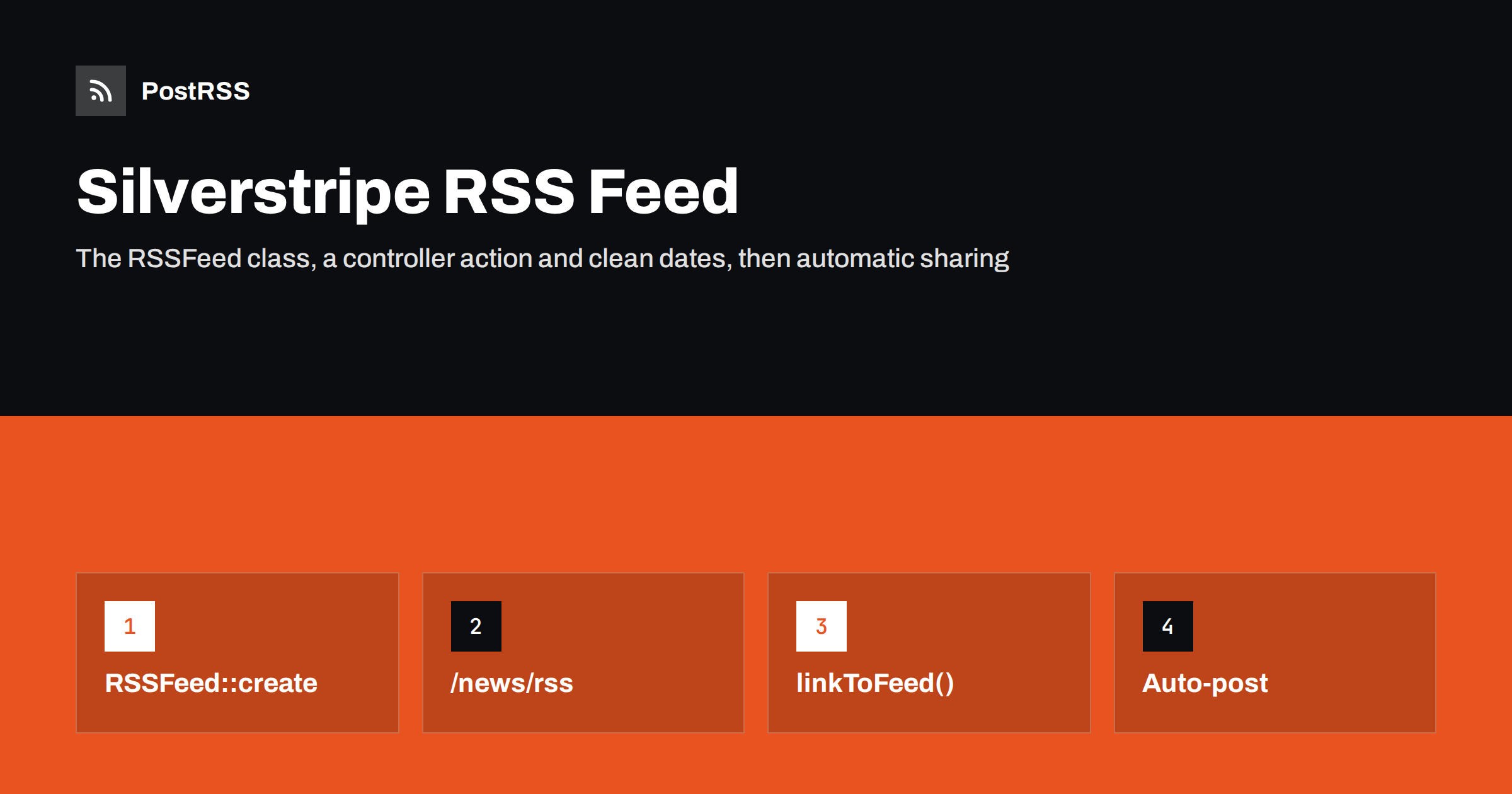
Short answer: Silverstripe CMS includes an RSSFeed class, so a Silverstripe RSS feed needs only a controller action. Add an allowed rss action to the page controller that lists your articles, build an RSSFeed from a sorted list of published pages, return outputToBrowser(), and call RSSFeed::linkToFeed() so the feed can be discovered. Sort by a real publication date rather than the last edit, check that links and images are absolute, and then connect the feed to an auto-poster so every new page is shared on social media automatically.
Silverstripe is an open-source PHP CMS and framework that is especially common in New Zealand, Australia and the public sector, and it powers many government, university and agency sites. It has had RSS support in the framework for a long time, but the support is a building block rather than a ready-made feed. You decide which pages appear and where the feed lives. This guide covers the built-in class, a complete controller example, the blog module, dates, images, custom templates, access control and caching, and the checks to run before automation reads the feed.
The framework provides SilverStripe\Control\RSS\RSSFeed. You pass it a list of objects, usually pages, and it renders RSS 2.0 with a template, sends the correct content type and supports conditional requests through last-modified and ETag values. Each object in the list becomes an item: its title, its description field and its absolute link.
Two things are not automatic:
If you use the official blog module, it already includes feed support for blog posts, as described later. Everything else, such as a news section built from your own page types, uses the pattern below.
Assume a NewsHolder page with NewsArticle children. In the holder’s controller:
<?php

use SilverStripe\Control\RSS\RSSFeed;
use PageController;

class NewsHolderController extends PageController
{
    private static $allowed_actions = ['rss'];

    protected function init()
    {
        parent::init();
        RSSFeed::linkToFeed($this->Link('rss'), 'Example news');
    }

    public function rss()
    {
        $rss = RSSFeed::create(
            $this->LatestArticles(),
            $this->Link('rss'),
            'Example news',
            'News and articles from Example',
            'Title',
            'Summary'
        );
        return $rss->outputToBrowser();
    }

    public function LatestArticles()
    {
        return NewsArticle::get()
            ->filter('ParentID', $this->ID)
            ->sort('PublishDate', 'DESC')
            ->limit(20);
    }
}
The feed is now available at the holder’s URL plus /rss, for example /news/rss. Run a dev/build and flush the cache after adding the code, as with any controller change.
The constructor arguments are the list, the feed link, the feed title, the description, the name of the field used for item titles and the name of the field used for item descriptions. The default description field is Content, the full page body. Passing a dedicated Summary field, as above, usually gives better results, for reasons explained below.
The Silverstripe documentation’s own example sorts by LastEdited, which suits a list of recently updated pages. For news and articles it is the wrong choice. Every time an editor fixes a typo in an old article, LastEdited changes, the article jumps to the top of the feed and automation tools may treat it as new.
Add a date field to the article type instead and let editors set it:
class NewsArticle extends Page
{
    private static $db = [
        'PublishDate' => 'Datetime',
        'Summary' => 'Text',
    ];

    private static $has_one = [
        'FeaturedImage' => Image::class,
    ];

    private static $owns = ['FeaturedImage'];
}
$owns makes sure the image is published together with the page, so the image URL in the feed is never a draft file that visitors cannot open. If you prefer not to add a field, Created is a reasonable fallback because it does not change on edits, but it records when the page was created in the CMS, not when it went live. Date pitfalls are explained in pubDate vs lastBuildDate.
Silverstripe page types are versioned. On the public site, queries such as NewsArticle::get() read the live stage, so draft and unpublished pages do not appear in the feed for ordinary visitors. Test it anyway: create a draft article with an obvious title, open the feed in a private window and confirm it is missing.
Pages can also be restricted with the Who can view this page setting. The feed query does not check those permissions on its own. If some articles are for logged-in members only, filter them out:
return NewsArticle::get()
    ->filter(['ParentID' => $this->ID, 'CanViewType' => ['Anyone', 'Inherit']])
    ->sort('PublishDate', 'DESC')
    ->limit(20);
With inherited permissions, also make sure the holder itself is public. Anything that reaches the feed can be shared by automation within minutes, so a private page in the feed is a real leak, not a cosmetic problem.
Each item’s link comes from the page’s AbsoluteLink(), which includes your domain. That depends on Silverstripe knowing its base URL. Behind a proxy, a load balancer or a CDN, set the SS_BASE_URL environment variable to your public https address, and configure trusted proxies so the scheme is detected correctly. Otherwise links may point to an internal host or to plain http.
Descriptions need a second look. If you use the Content field, the description contains the full HTML body, with internal links and images that may be relative, plus shortcodes resolved into markup. Readers and auto-posters see that HTML out of context. A plain Summary field avoids these problems and is exactly what you want at the start of a social post. If you need the full text for feed readers, check the output carefully and convert relative URLs to absolute ones; the symptoms are described in relative URLs in RSS feeds.
The default feed template does not include an image element, and social posts with a good picture perform much better than plain links. Override the template for your feed:
$rss = RSSFeed::create($this->LatestArticles(), $this->Link('rss'),
    'Example news', 'News and articles from Example', 'Title', 'Summary');
$rss->setTemplate('NewsRSSFeed');
return $rss->outputToBrowser();
Create themes/yourtheme/templates/NewsRSSFeed.ss starting from a copy of the framework’s own RSS template, so you keep its channel elements, and inside the entry loop add an enclosure and your own date:
<pubDate>$PublishDate.Rfc822</pubDate>
<% if $FeaturedImage %>
<enclosure url="$FeaturedImage.Fill(1200,630).AbsoluteURL"
           type="image/jpeg" length="0" />
<% end_if %>
The entries in the loop pass unknown properties through to the original page, so fields such as PublishDate และ FeaturedImage are available. Rfc822 formats the date the way RSS expects, and AbsoluteURL gives the full address of the resized image. Also output an og:image tag on the article page itself, because many networks build their preview card from the page. More on image choice is in how to control which image gets auto-posted.
| Feed element | Silverstripe source | Recommendation |
|---|---|---|
| Feed URL | Holder controller action | /news/rss, kept permanent |
| Item link | AbsoluteLink() | Set SS_BASE_URL to the https domain |
| Description | Field named in the constructor | A plain Summary field |
| Date and order | Your sort field | PublishDate, not LastEdited |
| Image | Custom template | Enclosure with an absolute URL |
| Visibility | Live stage and CanViewType | Only public, published pages |
Sites that use the silverstripe/blog module get feed support for blog posts without writing a controller. The blog’s page answers at its own URL plus /rss, and the module adds the autodiscovery link to the blog pages. Depending on the module version, category and tag listings can have their own feeds as well, which is useful for sending each topic to a different social account. Open your blog’s URL with /rss appended, and do the same on a category page, to see what your version provides.
The same checks apply as for a custom feed: confirm the order, the dates, absolute links and whether images are included. If the blog feed lacks an image, a template override along the lines of the previous section solves it. Topic feeds and how to use them are explained in category filtering for auto-posting.
RSSFeed supports conditional requests: pass last-modified and ETag values to the constructor and the framework can answer with 304 Not Modified when nothing has changed, which saves bandwidth for frequent pollers. Keep any full-page caching of the feed short, a few minutes at most, so new articles reach automation quickly.
If you use static publishing to serve pages as files, make sure the feed URL is regenerated when an article is published, not only the article and its holder. A static feed that is not refreshed looks to automation tools like a blog that has stopped publishing.
Multi-site setups with the subsites module, and multilingual sites with a module such as Fluent, should have one feed per site or language. The holder-based pattern gives you that automatically when each site or locale has its own holder page. Connect each feed to the social accounts for that audience; see how to automate multi-language content across social media.
Before connecting automation, check the feed as an outsider:
/news/rss in a private browser window. It must load without logging in and must not show draft or restricted pages.application/rss+xml content type with a tool like curl.The RSSFeed class and controller actions are described in the Silverstripe developer documentation; choose the pages for your major version.
PostRSS has been publishing RSS and Atom feeds to social networks since 2014. Paste the address of your Silverstripe feed, or several section and category feeds, connect your accounts and choose how each post is built from the title, the description or the page title. PostRSS checks the feed as often as every minute and shares new articles, with their image and link, to the channels you choose among 66 supported networks, messengers, team chats and blogs, from Facebook Pages, LinkedIn and X to Mastodon, Bluesky, Telegram and Microsoft Viva Engage. Keyword filters, UTM parameters, hashtags from categories and posting windows let you adjust each channel. See the PostRSS features page and the plan limits on the pricing page. More developer guides are under the Technical Guide tag.
A Silverstripe RSS feed is the built-in RSSFeed class plus an rss action on the page that lists your articles. Select published, public pages, sort them by a real publication date, use a plain summary for descriptions, set the base URL so links are absolute and add images with a small template override. Call linkToFeed() for autodiscovery, keep the cache short, validate once, and every new article can be shared on social media automatically.
It has a built-in RSSFeed class but no site-wide feed URL. You expose a feed by adding an rss action to a page controller, while the blog module adds feeds for blog posts.
With the official blog module, add /rss to the address of the blog page. Depending on the module version, category and tag pages can also have their own feeds.
The feed is probably sorted by LastEdited, which changes on every edit. Sort by a dedicated publication date field, or by Created, so edits do not reorder the feed.
Use setTemplate with a custom feed template and add an enclosure element that outputs the absolute URL of the page image. Also add an og:image tag to the article page.
Silverstripe cannot detect its public address behind a proxy. Set SS_BASE_URL to your https domain and configure trusted proxies so absolute links are correct.
What changed in the networks, what broke, and how to fix it before it costs you reach.
พัฒนาโดย Internet Solutions ทีมผู้สร้าง PostRSS แต่ละผลิตภัณฑ์ช่วยประหยัดเวลาของคุณในแบบที่ต่างกัน
 English
 Lietuviškai
 Deutsch
 Français
 Русский
 Español
 Polski
 Italiano
 Українська
 Čeština
 Português
 日本語
日本語 Latviešu valoda
 Eesti
Eesti Magyar
 Bahasa Indonesia
 Türkçe
 हिन्दी
 Ελληνικά
 العربية
 ไทย
ไทย Tiếng Việt
 Română
 Bahasa Melayu
 বাংলা
বাংলা