RSS ไปยังโซเชียลเน็ตเวิร์ก 66 แห่ง: Facebook, Instagram, X, LinkedIn, Telegram และอื่นๆ บล็อก พันธมิตร (Affiliate) ติดต่อเรา
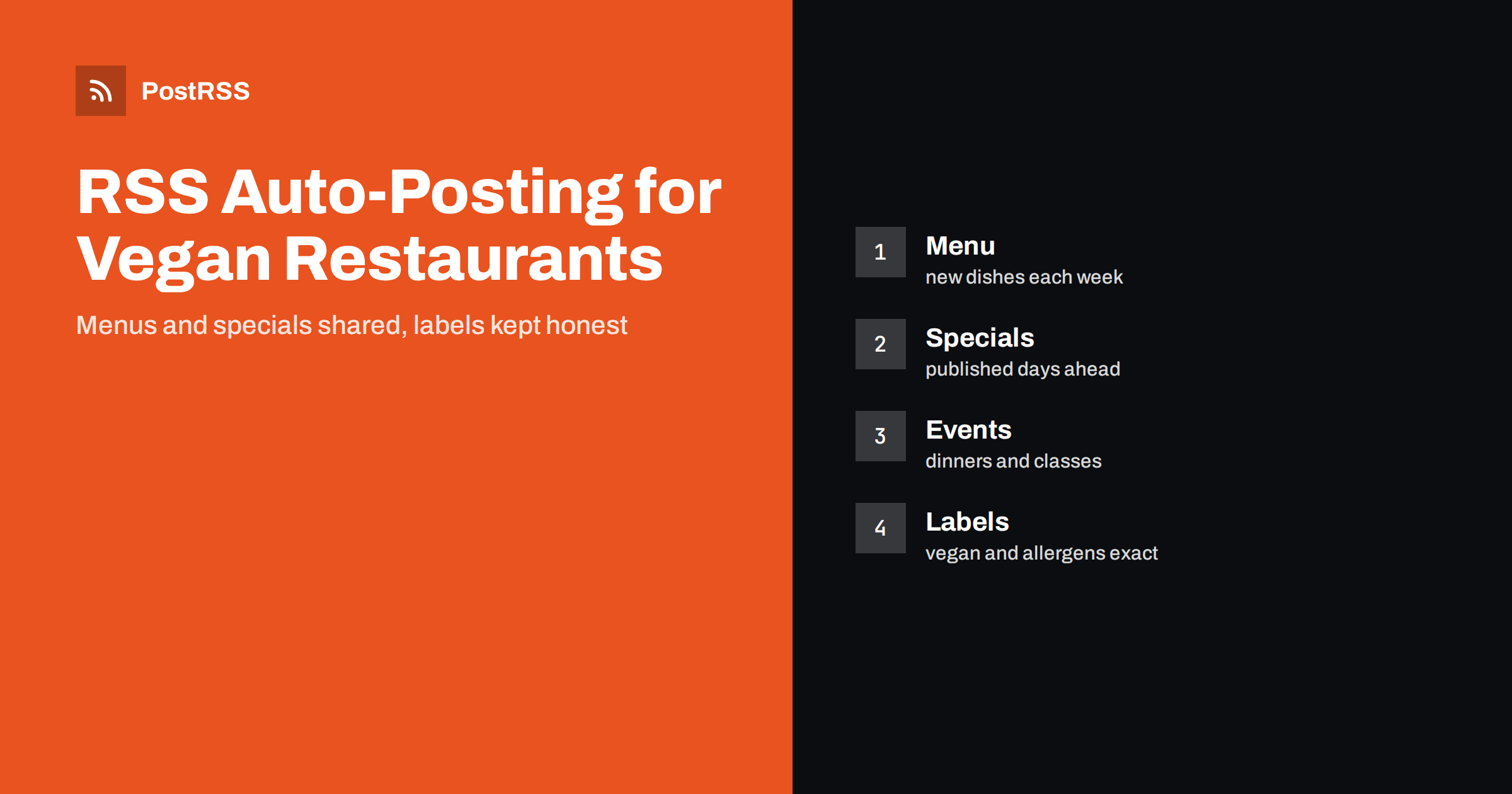
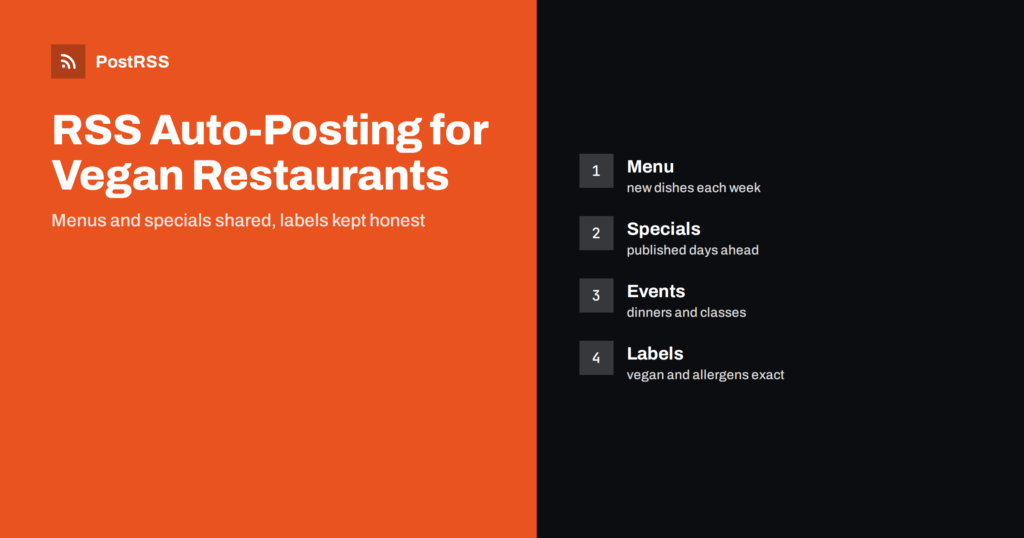
Short answer: RSS auto-posting lets vegan and plant-based restaurants and cafes share menu changes, seasonal dishes, events, supplier stories and opening hours on social media automatically. Publish each item as a page on your website, let an auto-poster read the RSS feed, and every new page appears on your Facebook Page, Telegram channel and other networks with its link and image. Diners see what is on the menu this week without anyone retyping it, while allergen details, booking questions and sold-out notices stay under careful human control.
A plant-based kitchen changes often. The soup follows the market, the weekend brunch gets a new special and the dessert depends on what the pastry cook found. The people who run the place are in the kitchen and at the counter, and the social accounts are updated in the quiet hour between lunch and dinner, if at all. Yet the audience is exactly the kind that follows food closely: people who check a menu before they choose a restaurant, who ask whether a dish is really vegan and who share a good find with friends. A feed can keep your website and your social channels current without extra typing. This guide explains what to publish, how to connect your website to an auto-poster and which rules protect your guests and your reputation.
The advice fits many kinds of plant-based food business:
Each has a website with a menu and, ideally, a news or blog section where updates can be listed. That section becomes the single source for every other channel.
Most of what happens in the kitchen can be turned into a short page:
Each page is written once and appears on your website, where it can be found by someone who searches for vegan food in your town. The feed then announces it automatically.
Many restaurants already use a system that creates feeds:
/feed/ and one for every category, such as /category/specials/feed/. If you are unsure of the address, see how to find your WordPress feed link.Use categories to separate topics: menu, specials, events, suppliers and jobs. Each category has its own feed, and each feed can go to the channel where it works best; specials and events to the Facebook Page, supplier stories to a more curious audience, hiring pages to LinkedIn. Routing by category is explained in category filtering for auto-posting. For a broader view of restaurant content see how restaurants automate menu and event updates.
| Content | Automate? | Notes |
|---|---|---|
| Weekly menu and new dishes | Yes | One page per menu, with a short description of each dish |
| Specials and holiday menus | Yes | Publish a few days ahead and remove when over |
| Events and classes | Yes | Date, price, number of places and how to book |
| Supplier and recipe stories | Yes | Ask the supplier before naming them |
| Allergen questions and special diets | No | Answer each guest directly and carefully |
| Sold-out notices and sudden closures | Not alone | Update the main page and the phone message first |
A simple rule: if it is general information that helps many people and sits on a finished page of your website, automate it. If it concerns one guest’s allergy, one booking or a sudden change that people must hear immediately, it needs a human channel.
Guests who choose a plant-based restaurant often do so for ethical, health or allergy reasons, and they care about accuracy. Use the word vegan only when it is true for the whole dish, including the sauce, the bread, the sugar and the wine, and say so clearly when a dish contains honey, eggs or dairy. Do not claim that a kitchen is free from an allergen unless it truly is: a plant-based menu can still contain nuts, soy, gluten, sesame and other common allergens, and a shared kitchen can cause cross-contact. Link every menu page to the place where you list allergens, and ask guests with serious allergies to speak to staff before they order. The rules for allergen information and food claims differ from country to country, so follow your local regulations. These points are general guidance, not legal advice.
The reader of a menu page decides in seconds. Start with the name of the dish and one line that says what it is, then the main ingredients and a note on the usual allergens. Use words that describe taste and texture instead of generic praise, such as smoked, crisp, creamy or charred. Show a photograph of the real dish, in natural light, instead of a stock image, and keep the same style so that your feed looks like one place. Give prices only if you can keep them current. Put the day and the date at the top of event and special pages, and state the opening hours of the kitchen, which may differ from the hours of the bar or the shop.
Plant-based cooking follows the seasons, and a menu page ages quickly. A post about the pumpkin soup that is still visible in March confuses guests and may send them to a dish that no longer exists. Give every menu page a clear date range in the title or the first line, publish the next one before the current one ends and unpublish the old one when it is over. Keep one permanent page for dishes that always stay on the menu, and use short dated pages for the specials. This keeps your website tidy, saves time and makes sure that nobody arrives for a dish that is gone.
Feeds are excellent for information that is planned, and unsuitable for information that is urgent. If the kitchen closes early, a supplier fails to deliver or a power cut stops the evening service, do not rely on an automated post. Update the opening hours on the main page, the map listing and the phone message, tell guests with reservations directly and use social channels as an additional notice. You can still publish a short page that the feed shares, but treat it as an extra, not as the notice itself.
Ticketed events are a valuable extra for a plant-based kitchen, because they bring in guests who might not come for an ordinary dinner. Give each event its own page with the date, the menu, the price, the number of places and the way to book, and say plainly what happens if the event is full. Publish it three to four weeks ahead, add a reminder in the last week and unpublish the page once the event has taken place, with a short recap that shows photographs and thanks the guests. A recap is the best advertisement for the next event, and it costs only a few minutes.
Most restaurants do best with a Facebook Page, a good website and an email list that use the same pages. Two active channels beat five forgotten ones.
/feed/, and check that it lists recent items.PostRSS has been automating RSS posting since 2014. It checks your website feeds as often as every minute and publishes each new page, with its real image and link, to the channels you connect, from Facebook Pages and Telegram to LinkedIn, Bluesky, Mastodon and many more among its 66 supported networks. You can choose how each post is built, filter items by keywords, add UTM parameters and post only within chosen hours or at exact times in your time zone. See the PostRSS features page for everything it does and the pricing page for plan limits. More ideas for local businesses are under the Local Business tag.
A plant-based restaurant changes its menu often and runs on a small team. RSS auto-posting shares each new menu page, special and event automatically on your Facebook Page and other channels. Describe dishes honestly, use the word vegan only when it is true, handle allergen questions personally, retire old menu pages, keep urgent notices in direct channels, route content by category and let your team spend the day in the kitchen.
Yes. If your website has a news or menu section, its RSS feed can be connected to an auto-poster that shares each new page on your Facebook Page and other channels. Allergen questions should still be answered by people.
New dishes, specials, events, supplier stories and hiring pages. Show your own photographs, and publish menus a few days ahead.
Only if you can guarantee it, including the risk of cross-contact. Many plant-based dishes contain nuts, soy, gluten or sesame, so list the allergens and ask guests with serious allergies to speak to staff.
Update the main page and the phone message first, and tell guests with reservations directly. A feed can share a short notice, but it should not be the only one.
Yes. PostRSS reads any valid RSS or Atom address that is reachable without a login. Paste the address, connect your channels and new pages are shared as soon as they appear.
What changed in the networks, what broke, and how to fix it before it costs you reach.
พัฒนาโดย Internet Solutions ทีมผู้สร้าง PostRSS แต่ละผลิตภัณฑ์ช่วยประหยัดเวลาของคุณในแบบที่ต่างกัน
 English
 Lietuviškai
 Deutsch
 Français
 Русский
 Español
 Polski
 Italiano
 Українська
 Čeština
 Português
 日本語
日本語 Latviešu valoda
 Eesti
Eesti Magyar
 Bahasa Indonesia
 Türkçe
 हिन्दी
 Ελληνικά
 العربية
 ไทย
ไทย Tiếng Việt
 Română
 Bahasa Melayu
 বাংলা
বাংলা