RSS ไปยังโซเชียลเน็ตเวิร์ก 66 แห่ง: Facebook, Instagram, X, LinkedIn, Telegram และอื่นๆ บล็อก พันธมิตร (Affiliate) ติดต่อเรา
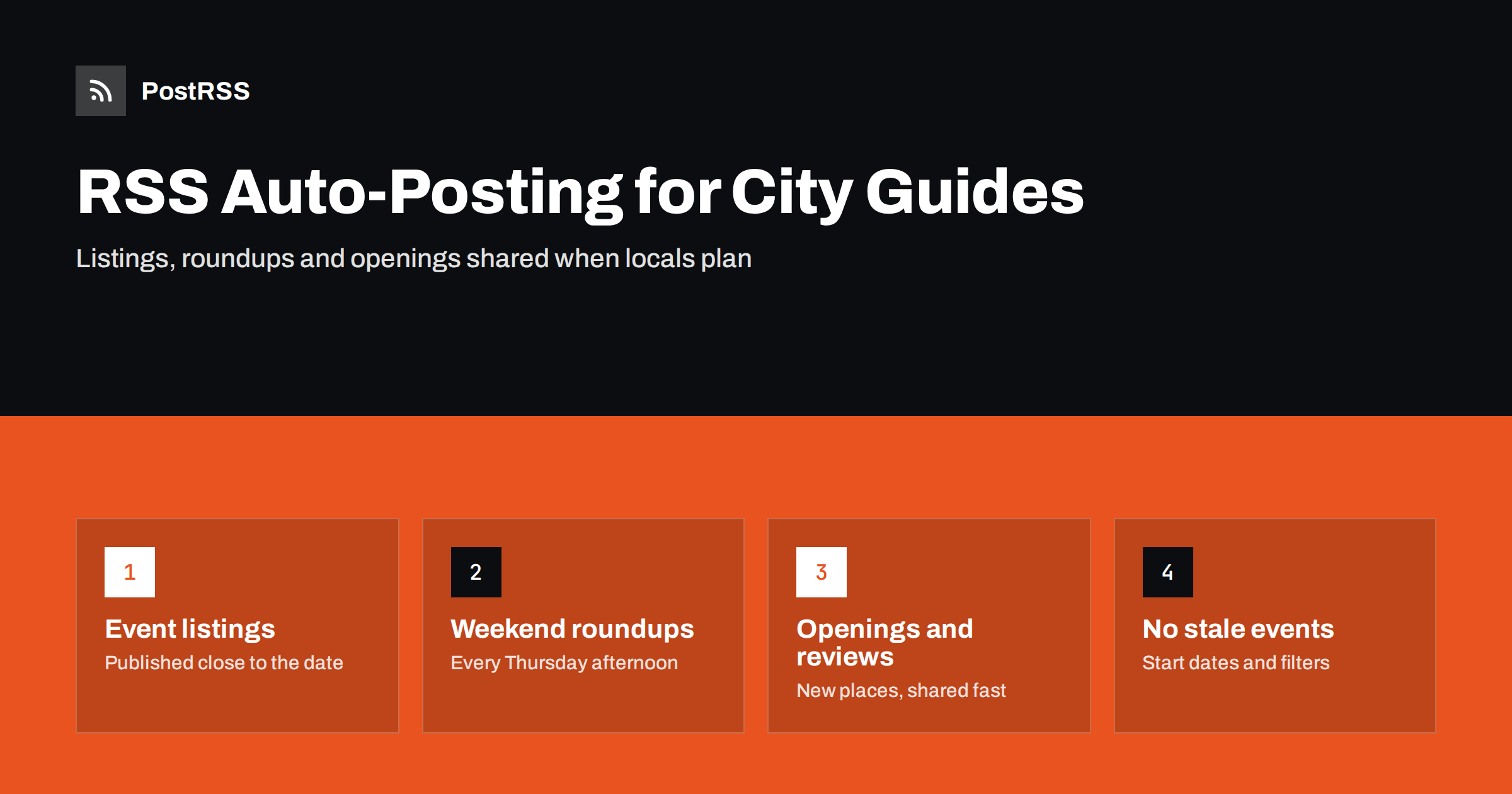
Short answer: RSS auto-posting lets city guides, what’s-on sites and local listings magazines share every new event listing, weekend roundup, restaurant opening, review and neighbourhood guide automatically. Publish the item on your website, and an auto-poster reads the site’s RSS feed and posts it to your Facebook Page, X, Threads, Bluesky, Telegram, Viber and other channels with its image and link, at the times locals plan their evenings and weekends. Editors spend less time copying links and more time finding the things that make a city guide worth following.
A good city guide is a habit for its readers. People open it on a Thursday to plan the weekend, check it before booking a table and share its lists with friends visiting from elsewhere. That habit increasingly forms on social media and messengers, where locals follow a handful of accounts that tell them what is happening. The challenge is volume: a busy what’s-on site may publish dozens of listings a week, plus reviews, openings and roundups, with a small editorial team. This guide explains how to build an automated social presence around your website, how to handle event feeds and expired listings, how to time posts for the weekend rhythm and how to keep sponsored content honest.
Local listings content has a short life and a predictable rhythm. A concert listing is useful until the night of the concert; a weekend roundup is useful from Thursday to Sunday. If a post goes out late, its value is mostly gone. Automation gives a city guide three practical advantages:
The website remains the product. Advertising, sponsorships, newsletters and partnerships are sold on the strength of its traffic, so every automated post should lead readers back there.
Most city guides run on WordPress or a similar system, which publishes a main feed at /feed/ and one per category and tag. Typical categories that make useful feeds are:
Separate feeds let you send family events to a parents’ channel, nightlife to younger audiences and openings to every account. Category filtering is explained in how to filter your RSS feed by category before auto-posting.
Event feeds have one quirk that every city guide should understand. An RSS feed is ordered by when an item was published, not by when the event takes place. If you add a festival listing four months in advance, the auto-poster shares it on the day you add it, not the week before the festival. That is fine for big events people need to plan, but most listings are more useful closer to the date.
There are three good ways to handle this:
Calendar subscriptions use a different format, iCal, which follows event dates; the differences are explained in iCal vs RSS for event distribution. Adding event structured data, described in Google’s event structured data guide and based on the schema.org Event type, also helps search engines show your listings with dates.
The weekend roundup is the most valuable recurring content a city guide publishes. Readers look for it, share it with friends and come back to it during the weekend. A simple weekly rhythm works well:
Schedule each piece on the website, and let the feed share it as soon as it goes live. For channels where timing matters most, the auto-poster can also post at exact times on chosen days, so the roundup always appears when your readers start planning. More on timing is in auto-posting only during chosen hours.
Nothing damages trust in a city guide faster than an event that has already happened or a restaurant that has closed. Automation can make this worse if old content is shared at the wrong time, so build a few safeguards:
On a busy social feed, the image decides whether a listing is noticed. Use images you have the right to use: photos supplied by venues and promoters for press use, your own photography from reviews and openings, or designed graphics for roundups. A consistent template for weekend roundups, with the date and the city guide’s logo, builds recognition over time. Make sure the featured image is set for every item, because that is the picture networks show. If the wrong image appears, see why auto-posted links show the wrong image.
Choose two or three channels where your readers actually are, and add more once the system runs smoothly.
A guide covering several cities, or several neighbourhoods of a large city, can give each area its own category and its own feed. Each feed then goes to the matching accounts, for example a separate Facebook Page or Telegram channel per city, so readers only see what is near them. One feed can also go to several accounts with different settings, as described in auto-posting the same content to multiple Facebook Pages. Guides aimed at visitors as well as residents may publish key content in more than one language; each language section has its own feed and can feed its own channels.
Many city guides earn money from sponsored listings, featured placements and partnerships. Automated posts carry your editorial voice to every channel, so the label must travel with them. Put a clear sponsored or partner label in the title or the first line of the summary, not only in a badge on the page, because the title and summary become the social post. Advertising disclosure rules apply in most countries, and readers notice when paid content is disguised. Keep reviews independent, and say so on your website. Honest labelling protects the trust that makes the guide valuable to advertisers in the first place.
PostRSS has been automating RSS posting since 2014. It checks your site’s feeds on the schedule you set, as often as every minute on Enterprise plans, and publishes each new listing, roundup, opening or guide, with its image and link, to the channels you connect, from Facebook Pages, Threads, X and Bluesky to Telegram, Viber, Mastodon and Pinterest, among its 66 supported networks. You can choose the post format, filter items by keywords, set the date to start posting from, limit the number of posts per update, add UTM parameters and post only within chosen hours or at exact times on chosen days in your time zone. One feed can go to several accounts, each with its own settings. See the PostRSS features page for the full list and the pricing page for plan limits. More local media guides are collected under the Community News tag.
City guides and what’s-on sites already publish what locals want to know: events, roundups, openings, reviews and guides. RSS auto-posting shares each item on every channel at the moment readers plan their week and weekend, with accurate details and a link back to the site. Time event listings close to the date, lead with roundups, never share past events, label sponsored content clearly and keep the local voice that makes people follow you.
Yes. Event listings, weekend roundups, openings, reviews and guides published on the website can be shared automatically from its RSS feeds to Facebook, Threads, X, Bluesky, Telegram, Viber and other channels.
RSS feeds follow publication dates, not event dates. Schedule listings to publish closer to the event, or rely on weekly and weekend roundups that collect events at the right time.
Set the start date for each source so only new items are posted, never import an old event backlog to social channels, and mark cancellations clearly on the listing page.
Facebook Pages remain strong for local events, Threads, X and Bluesky suit quick news and roundups, Telegram and Viber channels reach people on their phones, and Pinterest works for evergreen guides that visitors save.
Put a clear sponsored or partner label in the title or the first line of the summary. Those fields become the social post, so the label travels to every channel together with the link.
What changed in the networks, what broke, and how to fix it before it costs you reach.
พัฒนาโดย Internet Solutions ทีมผู้สร้าง PostRSS แต่ละผลิตภัณฑ์ช่วยประหยัดเวลาของคุณในแบบที่ต่างกัน
 English
 Lietuviškai
 Deutsch
 Français
 Русский
 Español
 Polski
 Italiano
 Українська
 Čeština
 Português
 日本語
日本語 Latviešu valoda
 Eesti
Eesti Magyar
 Bahasa Indonesia
 Türkçe
 हिन्दी
 Ελληνικά
 العربية
 ไทย
ไทย Tiếng Việt
 Română
 Bahasa Melayu
 বাংলা
বাংলা