RSS ไปยังโซเชียลเน็ตเวิร์ก 66 แห่ง: Facebook, Instagram, X, LinkedIn, Telegram และอื่นๆ บล็อก พันธมิตร (Affiliate) ติดต่อเรา
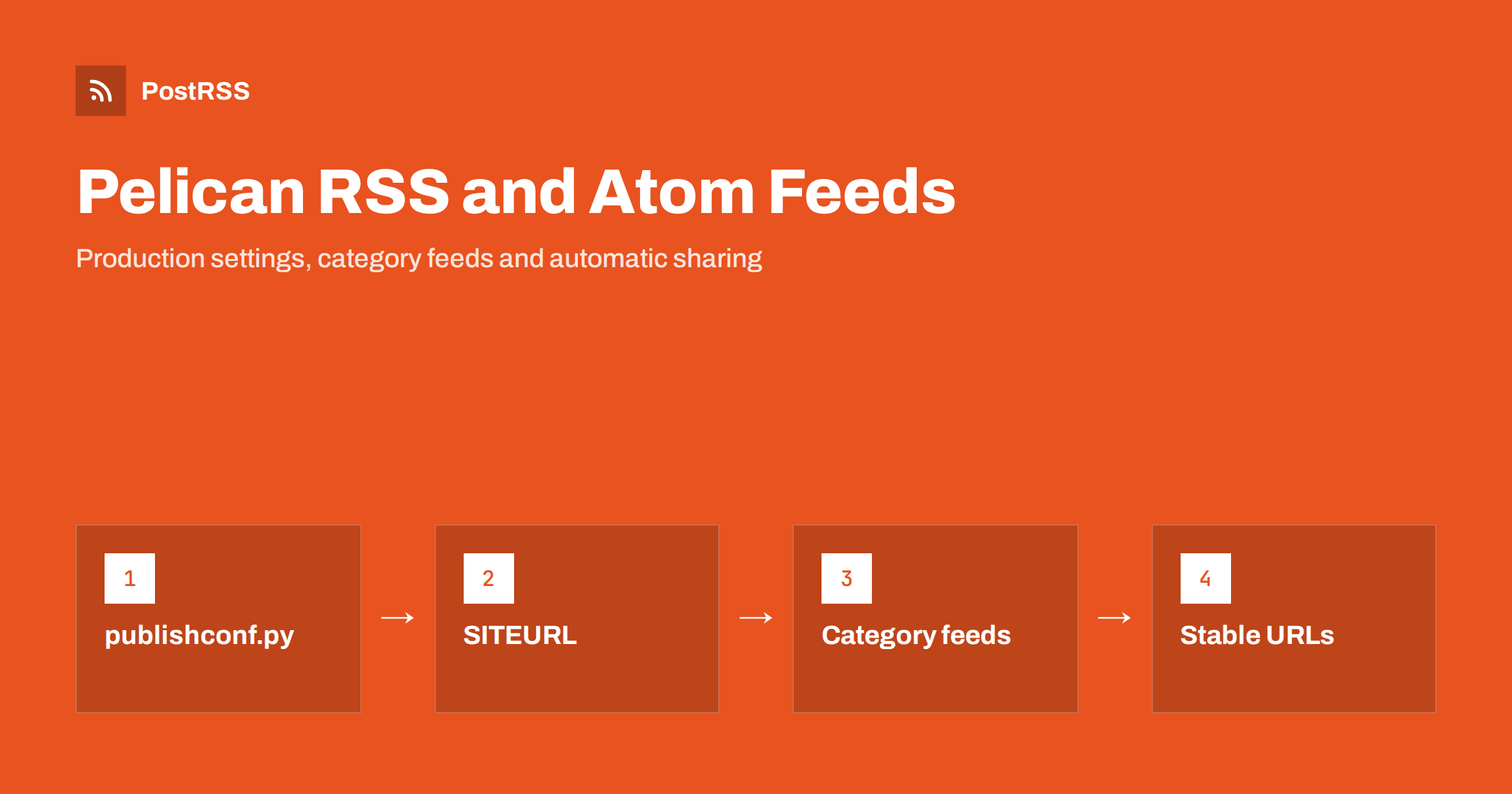
Short answer: Pelican generates Atom and RSS feeds through settings, not plugins. Set SITEURL to your public https address, keep RELATIVE_URLS = False for production, and define feed paths such as FEED_ALL_RSS = "feeds/all.rss.xml" และ FEED_ALL_ATOM = "feeds/all.atom.xml". Build with publishconf.py, which is where the quickstart enables feeds, and the feeds appear in the output folder. Point an RSS auto-poster at one of them and every new article is shared automatically.
Pelican is a Python static site generator used for personal blogs, developer journals, conference sites and project news. It turns Markdown or reStructuredText into plain HTML files, which makes sites fast, cheap to host and easy to keep in Git. Pelican’s feed support is built in and flexible: site-wide feeds, per-category and per-tag feeds, author feeds and translation feeds are all one setting away. The flexibility is also why Pelican feeds are often misconfigured. This guide explains the settings that matter, the traps that produce missing feeds or broken links, and how to use the result for automatic social sharing.
The most common question about Pelican feeds is “why is there no feed?”. The answer is in the two configuration files that pelican-quickstart creates:
pelicanconf.py is meant for development. It sets the feed settings to None, because feeds are rarely useful while you preview the site locally, and it usually allows relative URLs.publishconf.py imports pelicanconf.py and overrides settings for production. This is where the quickstart enables feeds, sets RELATIVE_URLS = False and expects a real SITEURL.If you build the live site with pelican content หรือ make html, Pelican uses the development settings and generates no feeds. Build production with make publish, or explicitly with pelican content -s publishconf.py. In CI pipelines for GitHub Pages, Netlify or Cloudflare Pages, check the build command for exactly this.
A practical production configuration in publishconf.py looks like this:
from pelicanconf import *

SITEURL = "https://blog.example.com"
RELATIVE_URLS = False

FEED_ALL_ATOM = "feeds/all.atom.xml"
FEED_ALL_RSS = "feeds/all.rss.xml"
CATEGORY_FEED_ATOM = "feeds/{slug}.atom.xml"
CATEGORY_FEED_RSS = "feeds/{slug}.rss.xml"
TAG_FEED_RSS = "feeds/tag-{slug}.rss.xml"

FEED_MAX_ITEMS = 20
RSS_FEED_SUMMARY_ONLY = True
What each line does:
SITEURL is the base for every absolute link in the feeds. Without it, links cannot be absolute.RELATIVE_URLS = False ensures pages and feeds use full URLs. Relative links in feeds break readers and auto-posters.FEED_ALL_ATOM และ FEED_ALL_RSS create site-wide feeds of all articles, including translations.CATEGORY_FEED_* และ TAG_FEED_* create one feed per category or tag, with {slug} replaced by its name.FEED_MAX_ITEMS limits the number of items, which keeps the feed small.RSS_FEED_SUMMARY_ONLY decides whether RSS items contain the summary or the full article.Pelican also offers FEED_ATOM และ FEED_RSS for feeds of the main language only, AUTHOR_FEED_* for author feeds and TRANSLATION_FEED_* for per-language feeds. All feed settings are documented in the Pelican settings reference.
Pelican’s quickstart enables Atom by default. Atom is a well-defined format and every serious reader supports it. RSS 2.0 is the format that the widest range of tools understands, including many social posting services and older integrations. Since Pelican can generate both at no cost, it is sensible to enable both and give tools the RSS feed unless they prefer Atom.
Whichever you pick, choose once and keep the address. Changing the feed URL later means updating every reader, every integration and every auto-poster that uses it. If you want more background on formats, see whether the feed format matters for auto-posting.
Feed links are built from FEED_DOMAIN, which defaults to SITEURL. Typical mistakes:
SITEURL left empty, as in the development file, so feeds contain relative links;SITEURL with http while the site is served over https, so every shared link goes through a redirect or a warning;SITEURL, which produces double slashes in links;https://user.github.io instead of https://user.github.io/project.After building, open output/feeds/all.rss.xml and check the first item’s link. It should open the article in a browser exactly as visitors see it. Problems with relative links are explained in relative URLs in RSS feeds.
Pelican reads each article’s date from its metadata, for example Date: 2026-10-10 13:30. Three settings decide how dates appear in the feed:
TIMEZONE must be set, for example "Europe/London". Without it, Pelican warns and dates may be interpreted in the build machine’s zone, which on CI servers is usually UTC.DEFAULT_DATE can take dates from file modification times when metadata is missing. That is risky in CI, where checkouts reset file times; prefer explicit dates in metadata.WITH_FUTURE_DATES controls whether articles dated in the future are published. Set it to False if you write articles in advance, and rebuild regularly, for example with a scheduled CI job, so each article appears when its date arrives.Articles with Status: draft are written to the drafts folder and are not included in feeds. The feed writer formats dates correctly for each format; problems usually come from wrong source dates. For common errors, see RSS date format errors.
With RSS_FEED_SUMMARY_ONLY = True, RSS items carry the article summary. Pelican takes it from the Summary metadata if present, or otherwise generates one from the beginning of the article, cut after SUMMARY_MAX_LENGTH words. A written summary is better: it becomes the text of many social posts, and an automatic one may start with an image caption or a code block.
Title: Speeding up our test suite by 40 percent
Date: 2026-10-10 13:30
Category: Engineering
Tags: python, testing
Summary: How we cut test time by running slow tests in parallel and caching fixtures.
Full-content feeds are convenient for readers, while summaries keep social posts short and bring visitors to your site. More on the trade-off is in full-text vs excerpt RSS feeds.
Pelican’s built-in feeds focus on text. Social networks still need an image, and most auto-posters find one in two places: the feed item itself, or the article page’s Open Graph tags. For a static site, the page tags are usually the easiest route:
og:image, or add it to your theme’s base template;Image: images/test-suite.jpg, and let the template turn it into an absolute og:image URL;Plugins from the Pelican plugins collection can add images or extra elements to feeds if you need them in the XML itself. If networks show the wrong picture, read why auto-posted links show the wrong image.
Pelican’s per-category and per-tag feeds are one of its best features for automation. A personal blog might send the Engineering category to LinkedIn and Mastodon, the Travel category to Pinterest and Facebook, and the Releases tag to a Discord server. No filtering logic is needed in the posting tool; each feed already contains exactly the right articles.
Keep category and tag names consistent. Python และ python become the same slug, but Py และ Python do not, and you end up with feeds that are half empty. Decide on a short list of categories and stick to it. For routing ideas, see category filtering for auto-posting.
Feed readers and auto-posters remember items by their ID, which in Pelican feeds is based on the article URL. The URL comes from ARTICLE_URL และ ARTICLE_SAVE_AS. If you change those patterns, for example from {date:%Y}/{slug}.html to {slug}/, every article gets a new URL and a new ID, and tools may treat your whole archive as new.
Choose a URL pattern early and keep it. If you must change it, create redirects for the old URLs and be aware that subscribers may see old articles again. The same applies when moving to a new domain. More detail is in why a feed auto-posts the same article twice.
Most Pelican themes add autodiscovery links to the page head automatically when feed settings are enabled. Check a page’s source for a <link rel="alternate"> element with your feed address. If it is missing, add it to the theme’s base template:
<link rel="alternate" type="application/rss+xml"
      title="{{ SITENAME }}" href="{{ FEED_DOMAIN }}/{{ FEED_ALL_RSS }}">
A visible “RSS” link in the footer or sidebar also helps human subscribers. See การค้นหา RSS feed อัตโนมัติ (autodiscovery) for details.
| Symptom | Cause | Fix |
|---|---|---|
| No feeds in the output | Built with pelicanconf.py | Build with make publish หรือ -s publishconf.py |
| Relative links in the feed | Empty SITEURL หรือ RELATIVE_URLS = True | Set the public URL and disable relative URLs |
| Links missing the subfolder | SITEURL without the project path | Include the full path |
| Dates off by hours | No TIMEZONE or file-based dates | Set the time zone and explicit dates |
| Future article published early | WITH_FUTURE_DATES left on | Set it to False and rebuild on schedule |
| Archive reshared | Changed ARTICLE_URL pattern | Keep URLs stable; add redirects |
After deploying, open the feed, check that the newest article is first and that links work, and run it through the W3C Feed Validation Service. Then connect it to an auto-poster. Because a static site only changes when you build it, remember that a new article reaches social networks only after the deploy finishes and the tool’s next check.
PostRSS has been publishing RSS and Atom feeds to social networks since 2014. Paste the address of your Pelican feed, or several category feeds, connect your accounts and choose the post format. PostRSS checks the feeds as often as every minute and shares each new article, with its image and link, to the networks you choose among 66 supported networks, messengers, team chats and blogs, including Mastodon, Bluesky, LinkedIn, Telegram, Discord and DEV. Keyword filters, UTM parameters and hashtags from categories are available too. See the PostRSS features page and the plan limits on the pricing page. More developer guides are under the Technical Guide tag.
Pelican has excellent built-in feeds, but they appear only with production settings. Set SITEURL, disable relative URLs, enable the Atom and RSS feeds you need, and build with publishconf.py. Set a time zone, write summaries, keep article URLs stable and use category feeds for routing. Then every article you publish can reach your social channels automatically.
The quickstart’s pelicanconf.py disables feeds for local development. Feeds are enabled in publishconf.py, so build production with make publish or with the publishconf.py settings file.
It is wherever the feed settings say, commonly feeds/all.atom.xml and, if enabled, feeds/all.rss.xml under your site URL. Category and tag feeds follow the patterns you define.
Pelican can generate both at once. Atom is enabled by default, and RSS 2.0 is supported by the widest range of tools, so enabling both and giving tools the RSS feed is a safe choice.
Set WITH_FUTURE_DATES to False and rebuild the site regularly, for example with a scheduled CI job. Each article then appears in the feed only once its date has passed.
Yes. Once the feed is live, an RSS auto-poster such as PostRSS can watch it, or individual category feeds, and share every new article with the networks you connect.
What changed in the networks, what broke, and how to fix it before it costs you reach.
พัฒนาโดย Internet Solutions ทีมผู้สร้าง PostRSS แต่ละผลิตภัณฑ์ช่วยประหยัดเวลาของคุณในแบบที่ต่างกัน
 English
 Lietuviškai
 Deutsch
 Français
 Русский
 Español
 Polski
 Italiano
 Українська
 Čeština
 Português
 日本語
日本語 Latviešu valoda
 Eesti
Eesti Magyar
 Bahasa Indonesia
 Türkçe
 हिन्दी
 Ελληνικά
 العربية
 ไทย
ไทย Tiếng Việt
 Română
 Bahasa Melayu
 বাংলা
বাংলা