RSS ไปยังโซเชียลเน็ตเวิร์ก 66 แห่ง: Facebook, Instagram, X, LinkedIn, Telegram และอื่นๆ บล็อก พันธมิตร (Affiliate) ติดต่อเรา
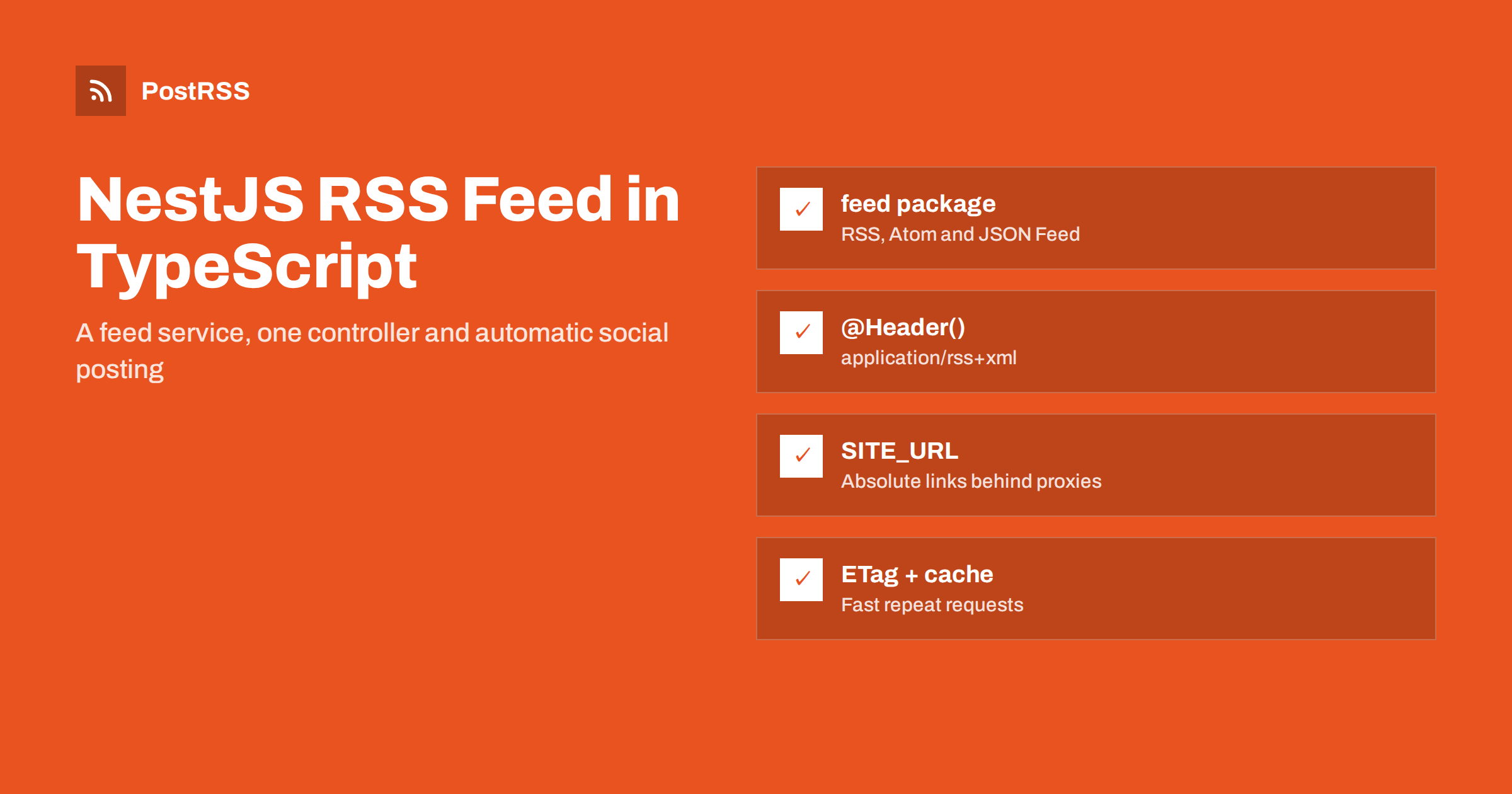
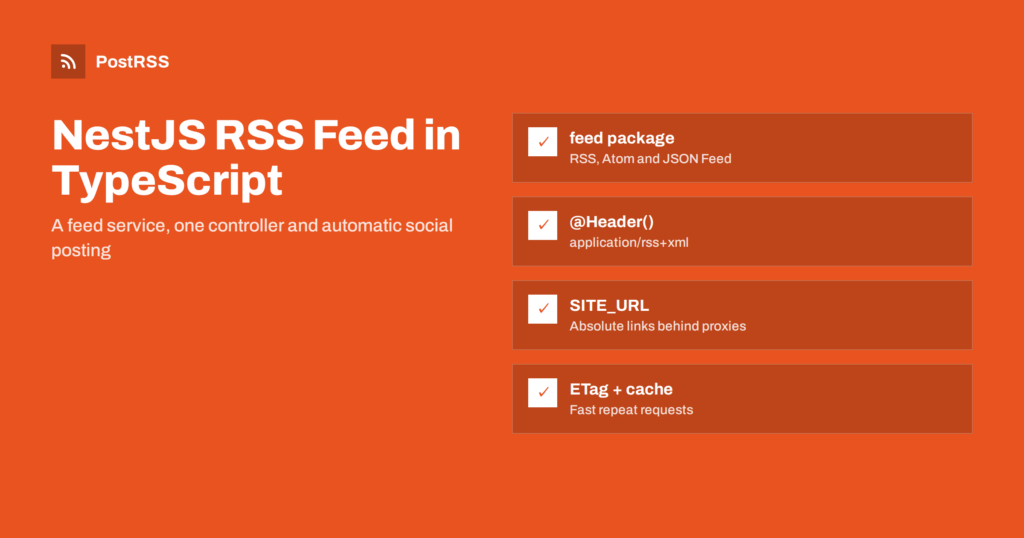
Short answer: NestJS has no feed module of its own, but a NestJS RSS feed is a single controller method. Load the latest published posts through your service, build the XML with the feed package, set the Content-Type header to application/rss+xml with the @Header() decorator and return the string. Use a fixed site URL for absolute links, cache the response for a few minutes, and the feed is ready for readers and for automatic social posting.
NestJS is a common choice for TypeScript back ends: content APIs behind React or Vue front ends, company portals, marketplaces and blogs built on a custom data model. Because Nest is designed around JSON APIs, the RSS feed is easy to overlook. Yet a feed is still the simplest way to tell the outside world “something new was published”, and it is the input almost every syndication and auto-posting tool expects. This guide walks through a clean implementation, the details that most often break feeds in Nest projects, and how to use the feed for social sharing.
A feed that works for readers, aggregators and automation tools has a short list of requirements:
guid;Images and categories are optional, but they decide how each shared post looks, so we will add them after the basics work. For a refresher on the elements, see what guid and pubDate actually do.
Building XML by string concatenation is the fastest way to ship a broken feed: one ampersand in a title and the whole document fails to parse. The feed package on npm generates RSS 2.0, Atom 1.0 and JSON Feed from one object and handles escaping for you:
npm install feed
It is written in TypeScript and ships its own types, so it fits naturally into a Nest project.
Keep the feed logic in a service, so the controller stays thin and the code is easy to test. The example uses TypeORM, but the same idea works with Prisma, Mongoose or any repository you already have.
import { Injectable } from '@nestjs/common';
import { ConfigService } from '@nestjs/config';
import { InjectRepository } from '@nestjs/typeorm';
import { Repository } from 'typeorm';
import { Feed } from 'feed';
import { Post } from './post.entity';

@Injectable()
export class FeedService {
  constructor(
    @InjectRepository(Post) private readonly posts: Repository<Post>,
    private readonly config: ConfigService,
  ) {}

  async buildRss(): Promise<string> {
    const site = this.config.getOrThrow<string>('SITE_URL'); // https://example.com
    const items = await this.posts.find({
      where: { published: true },
      order: { publishedAt: 'DESC' },
      take: 30,
    });

    const feed = new Feed({
      title: 'Example Blog',
      description: 'New articles from Example Blog',
      id: site + '/',
      link: site + '/',
      language: 'en',
      copyright: 'Example Ltd',
      updated: items[0]?.updatedAt ?? new Date(),
      feedLinks: { rss: site + '/feed.xml' },
    });

    for (const p of items) {
      const url = site + '/blog/' + p.slug;
      feed.addItem({
        title: p.title,
        id: url,
        link: url,
        description: p.summary,
        date: p.publishedAt,
        image: p.coverUrl ?? undefined,
        category: p.tags.map((name) => ({ name })),
      });
    }
    return feed.rss2();
  }
}
Note the id field: the package uses it as the item guid. Choose it once and never change it. Switching from numeric IDs to URLs, or from one domain to another, makes every tool that reads the feed treat all items as new; our guide on duplicate guid fixes explains why.
The controller exposes the route and sets the headers. Without an explicit content type, Nest’s Express adapter sends a returned string as text/html, which some readers and validators reject.
import { Controller, Get, Header } from '@nestjs/common';
import { FeedService } from './feed.service';

@Controller()
export class FeedController {
  constructor(private readonly feed: FeedService) {}

  @Get('feed.xml')
  @Header('Content-Type', 'application/rss+xml; charset=utf-8')
  @Header('Cache-Control', 'public, max-age=300')
  rss(): Promise<string> {
    return this.feed.buildRss();
  }
}
Register both classes in a FeedModule, import TypeOrmModule.forFeature([Post]) and the config module, and the endpoint is live. If your app uses a global prefix such as /api, exclude the feed route from it, because a public feed is easier to find at /feed.xml than at /api/feed.xml.
Every link in an RSS feed must be absolute. The example above uses a SITE_URL setting instead of reading the host from the request, and that is deliberate. A Nest app usually runs behind Nginx, a load balancer or a platform router, and the request it receives may say http://localhost:3000. Building links from that produces internal addresses or plain HTTP links in the feed.
If you do want request-based URLs, tell Express to trust the proxy:
const app = await NestFactory.create<NestExpressApplication>(AppModule);
app.set('trust proxy', 1);
Then req.protocol และ req.hostname reflect the forwarded headers. Still, a fixed setting is more predictable in tests, queues and scheduled jobs. Check the live feed once: the first <link> should match the address visitors see. Relative links are a classic cause of broken shared posts, as explained in relative URLs in RSS feeds.
The feed package formats dates in the RFC 822 style that RSS requires, as long as you pass real Date objects. Problems usually come from upstream:
new Date(value) first.description short and plain. If you want full HTML, put it in the content field, which becomes content:encoded.More examples of what breaks are in RFC 822 pubDate errors และ feed encoding issues.
Feeds are polled frequently. Rebuilding the XML from the database for every request is wasteful, especially once several readers and tools subscribe.
Cache-Control header above lets CDNs and proxies reuse the response for five minutes. Avoid hour-long caches: they delay every downstream reader and auto-poster.304 Not Modified when the client’s If-None-Match matches. With the Fastify adapter you need the @fastify/etag plugin for the same behaviour.CacheModule from @nestjs/cache-manager, and clear it when a post is published. Check the TTL unit for your version; recent versions use milliseconds.Caching too aggressively is a common reason why auto-posts lag behind publishing; see RSS feed caching explained.
If you publish several topics, one more route gives you a feed per category: @Get('category/:slug/feed.xml'). Reuse the same service with a filter, and throw NotFoundException for unknown categories so a mistyped feed address fails loudly instead of returning an empty feed.
Your front end should also advertise the feed. Add this to the HTML head of your pages:
<link rel="alternate" type="application/rss+xml"
      title="Example Blog" href="https://example.com/feed.xml">
Browsers, readers and many tools look for that tag to discover the feed from any page.
An end-to-end test with Supertest catches regressions in headers and structure:
it('serves a valid RSS feed', async () => {
  const res = await request(app.getHttpServer()).get('/feed.xml').expect(200);
  expect(res.headers['content-type']).toContain('application/rss+xml');
  expect(res.text).toContain('<rss version="2.0"');
  expect(res.text).toContain('<link>https://');
});
Then run the deployed feed through the W3C Feed Validation Service once. The NestJS controllers documentation covers the @Header() decorator and response handling in more detail.
| Symptom | Cause | Fix |
|---|---|---|
| Feed served as text/html | No content type set | @Header('Content-Type', 'application/rss+xml') |
| Feed wrapped in JSON quotes | Returning an object or using a JSON interceptor | Return the XML string; exclude the route from global interceptors |
| Links point to localhost | URLs built from the internal request | Fixed SITE_URL หรือ trust proxy |
| Feed at /api/feed.xml | Global prefix applied | Exclude the route from the prefix |
| All items reposted after a release | Changed item IDs | Keep guid values permanent |
| Readers update hours late | Long CDN cache | Short max-age, purge on publish |
Global response interceptors deserve a second look. Many Nest projects wrap every response in an envelope such as { data: ... }. Applied to the feed, that turns valid XML into a JSON object. Skip the interceptor for this controller.
With a valid feed, you could write a queue worker that calls each network’s API when a post is published. In practice, every network has its own authentication, token refresh, rate limits and media rules, and they change regularly. That is a lot of code to maintain for something that is not your product. An RSS auto-poster reads the feed you already serve and publishes new items for you.
PostRSS has been turning RSS and Atom feeds into social posts since 2014. You paste the feed address, connect accounts and choose what each post contains. It checks the feed as often as every minute and publishes each new item, with its real image and link, to any of 66 supported networks, messengers, team chats and blogs. You can build posts from the title, description or static text, add UTM parameters, filter by keywords, turn categories into hashtags and set posting windows. For developers there is a REST API v1 and outgoing webhooks. Details are on the PostRSS features page, and plan limits are on the pricing page. More developer guides are under the Technical Guide tag.
A NestJS RSS feed is a small service and one controller method: query recent published posts, build the XML with the feed package, set the RSS content type, and cache the result briefly. Use a fixed site URL, keep item IDs permanent, keep the route out of global prefixes and interceptors, and validate it once. After that, the feed can drive automatic sharing of everything you publish.
No. NestJS does not include a feed generator. You add a controller route that returns XML, usually built with the feed package from npm, which also produces Atom and JSON Feed from the same data.
When a controller returns a string, the Express adapter sends it as HTML unless you set a content type. Add the Header decorator with application/rss+xml to the route and the feed is served correctly.
A fixed site URL setting is the most reliable option, because the request inside a container often shows an internal host. If you prefer request-based URLs, enable trust proxy so forwarded headers are respected.
Keep each item’s ID, which becomes the guid, permanent. Changing the ID scheme or the domain makes readers and auto-posters see every item as new.
Yes. Once the feed is public and valid, an RSS auto-poster such as PostRSS can read it and publish new items to the networks you connect, with no extra code in your NestJS application.
What changed in the networks, what broke, and how to fix it before it costs you reach.
พัฒนาโดย Internet Solutions ทีมผู้สร้าง PostRSS แต่ละผลิตภัณฑ์ช่วยประหยัดเวลาของคุณในแบบที่ต่างกัน
 English
 Lietuviškai
 Deutsch
 Français
 Русский
 Español
 Polski
 Italiano
 Українська
 Čeština
 Português
 日本語
日本語 Latviešu valoda
 Eesti
Eesti Magyar
 Bahasa Indonesia
 Türkçe
 हिन्दी
 Ελληνικά
 العربية
 ไทย
ไทย Tiếng Việt
 Română
 Bahasa Melayu
 বাংলা
বাংলা