RSS ไปยังโซเชียลเน็ตเวิร์ก 66 แห่ง: Facebook, Instagram, X, LinkedIn, Telegram และอื่นๆ บล็อก พันธมิตร (Affiliate) ติดต่อเรา
Amazon’s Influencer Program has turned curating product recommendations into a real income stream for a lot of creators, and the natural next question is whether new picks can flow out to social media automatically the way a blog’s RSS feed does. The honest answer starts with a limitation worth knowing upfront: Amazon doesn’t publish an RSS feed for Storefronts or Idea Lists at all. The good news is there’s still a legitimate, reliable way to get the same result — it just runs through a different piece of infrastructure than the Storefront itself, and it turns out to be more durable than a direct Amazon integration would have been anyway.
No. Unlike Etsy, which publishes a standard shop RSS feed for new listings, Amazon doesn’t expose any native feed, export, or webhook for a Storefront’s product list or an Idea List’s contents. The only tools that extract this data programmatically today are third-party scrapers that read the public Storefront page directly — not anything Amazon itself provides or supports. That distinction matters for the same reasons it’s mattered elsewhere on this site: a scraper reading an unofficial, unpublished page structure can break the moment Amazon changes its page layout, and using one against your own affiliate storefront sits in murkier territory relative to Amazon Associates’ operating agreement than a feed the platform actually intends for external use.
Etsy shops, WooCommerce stores, and Shopify sites all expose a product feed specifically because their business model benefits from that content circulating off-platform — more external links pointing back at a listing generally helps the seller and, by extension, the platform. Amazon’s Influencer Program works differently: the Storefront is designed as a destination Amazon wants to keep traffic flowing toward, not a content source Amazon wants syndicated elsewhere on its own terms. Building and maintaining an official feed for this purpose would work directly against that incentive, which likely explains why one has never been part of the program despite creators asking for it for years, and there’s no public indication that’s likely to change any time soon.
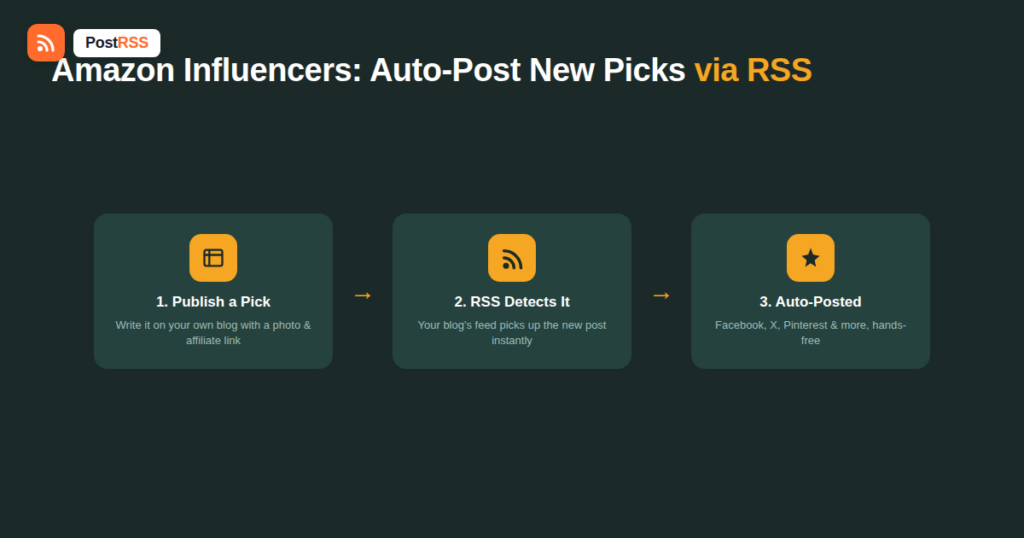
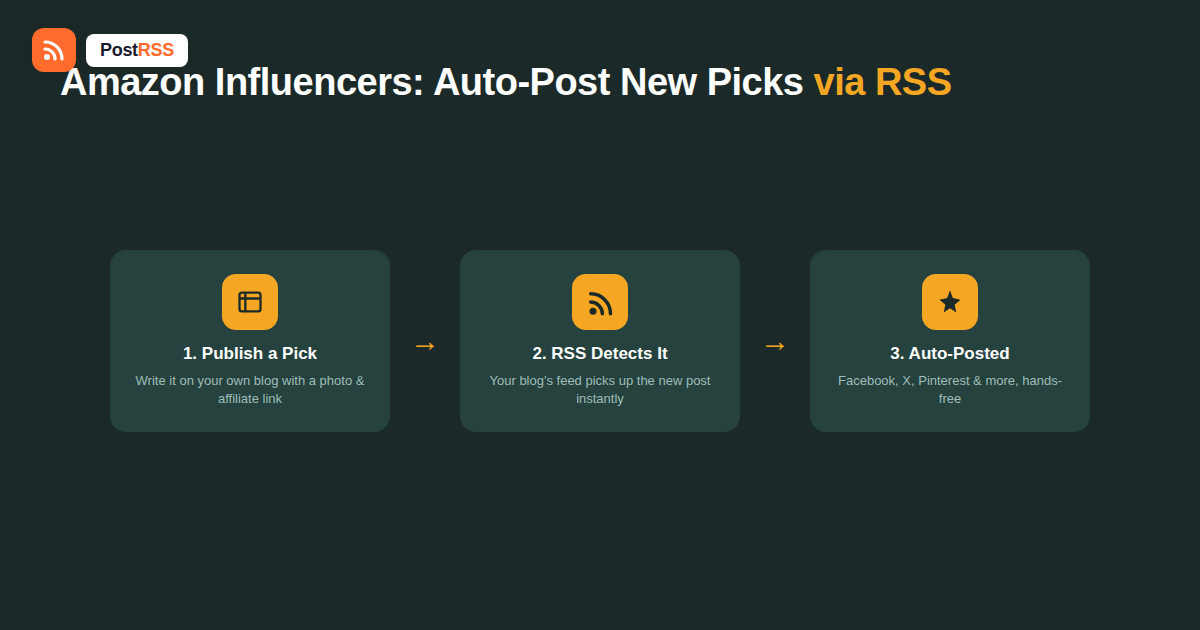
Nearly every successful Amazon influencer already does something that solves this problem as a side effect: they maintain their own content hub — a blog, a link-in-bio page, or a dedicated “shop my picks” section on their own site — where they write about new recommendations before or alongside adding them to their Amazon Storefront. That content hub, being a normal website, has a standard RSS feed like any other. Each new “pick” post becomes a feed item the moment it’s published, which is exactly the trigger an RSS auto-posting tool needs — no scraping, no unofficial workaround, and no tension with Amazon’s own terms, since you’re automating your own website’s content, not extracting data from Amazon’s platform.
The structure that works best for this is simple and repeatable: a short post — a few sentences to a couple of paragraphs — covering one product or a small curated group, a product photo, your actual take on why it’s worth buying, and your Amazon affiliate link. Published as a real post on your own site, it does double duty: it’s genuinely useful, indexable content for search and your existing audience, and it’s the trigger event your RSS automation needs to push the recommendation out everywhere else.
It’s worth placing Amazon’s situation next to the two other major e-commerce platforms creators and sellers commonly ask about in the same breath. Etsy publishes a standard shop RSS feed that lists new listings directly, which is exactly why Etsy sellers can auto-post new products to social media with no workaround needed at all. eBay sits closer to Amazon’s position — it doesn’t offer a comparable native feed for new listings either, which is why eBay sellers face the same fundamental question Amazon influencers do. The pattern across all three comes down to a platform’s own incentives: Etsy benefits from listings circulating externally and built a feed to encourage it, while Amazon and eBay’s marketplace models don’t create the same incentive, so neither has shipped the equivalent feature despite years of seller and creator demand.
A content hub built specifically to support this workflow doesn’t need to be complicated, but a little structure pays off as your catalog of picks grows:
If new “pick” posts aren’t showing up as automated social posts, check a few Amazon-influencer-specific culprits before assuming the automation tool itself is broken:
Of the platforms available, Pinterest tends to be the strongest fit for this specific content type. Pinterest’s audience actively searches with purchase intent, and a well-photographed product recommendation has a much longer functional lifespan there than the same post does on a fast-scrolling feed like X — a single pin can keep driving clicks back to your affiliate link for months after the original post. Any Amazon influencer building out this workflow is generally best served by prioritizing Pinterest connectivity even if their broader social presence leans elsewhere. Facebook and X still play a useful role for reaching an existing, already-engaged following quickly, but the compounding, search-driven traffic that makes affiliate content genuinely profitable over time tends to come disproportionately from Pinterest once a large enough library of pins has accumulated.
| Approach | Official feed exists? | Reliability | Terms-of-service risk |
|---|---|---|---|
| Direct Amazon Storefront/Idea List feed | No — doesn’t exist | N/A | N/A |
| Scraping your own Storefront page | No, unofficial workaround | Low — breaks on page layout changes | Real risk, murky relative to the Associates agreement |
| Your own blog/content hub’s RSS feed | Yes, standard feature of any website | High — the same reliable mechanism used across the web | None — you’re automating your own content |
Beyond the reliability problems, scraping-based Storefront automation carries a real compliance risk specific to Amazon Associates: the operating agreement places restrictions on how affiliate links and product data can be used and displayed, and running an unofficial scraper against your own storefront to auto-generate posts sits in territory that hasn’t been clearly blessed by Amazon. Since a fully compliant, reliable alternative already exists — your own site’s RSS feed — there’s little reason to take on that risk for a workflow that a blog-first approach solves cleanly anyway. Losing Associates Program access over an automation shortcut would cost far more than the small amount of manual effort it was meant to save in the first place.
No, Amazon doesn’t provide a native feed, export, or API for this specifically — the only tools that extract it are unofficial third-party scrapers reading the public page directly.
Not through any official mechanism, since there’s no feed or webhook Amazon exposes for a Storefront; the reliable path is publishing picks on your own site first and automating from that feed instead.
It sits in a genuinely unclear area relative to the Amazon Associates operating agreement, and given that a compliant alternative exists, it’s generally not worth the risk for a routine content workflow.
Yes, since there’s no feed connecting your blog back to Amazon — adding the product to your Storefront or Idea List stays a quick manual step alongside publishing your blog post.
Pinterest tends to perform best for this content type specifically, since its audience searches with purchase intent and individual pins keep driving traffic long after the original post.
You’ll need one, since the whole mechanism depends on your own site’s RSS feed as the trigger — a simple blog or a basic content hub is enough, and it doesn’t need to be elaborate to serve this purpose.
No, the affiliate link is just part of the post content like any other link, and RSS auto-posting tools carry it through to the resulting social post the same way they would any other URL in your feed.
Only if you specifically want different product categories going to different social accounts — for most creators, a single feed covering all picks, connected to all your active platforms, is simpler to maintain and works just as well.
Neither platform’s core marketplace model creates a strong incentive to help listings circulate off-platform the way Etsy’s does, which is the most likely reason neither has shipped a native product feed despite years of seller demand for one.
Amazon doesn’t give Storefront or Idea List creators a native RSS feed, and the unofficial scraper-based alternatives carry real reliability and compliance risk that isn’t worth taking on. The workflow that actually holds up is publishing new picks on your own blog or content hub first, letting that site’s standard RSS feed drive automatic posts to Facebook, X, Pinterest, LinkedIn, VKontakte and any of the other networks you connect, and adding each product to your Amazon Storefront as a quick manual step alongside it. Connect that feed to PostRSS once, and every new recommendation you write about starts working across your social accounts automatically, with your Amazon Storefront staying exactly as easy to update as it’s always been. It’s a small amount of upfront setup for a workflow that otherwise stays reliable for as long as you keep publishing new picks.
What changed in the networks, what broke, and how to fix it before it costs you reach.
พัฒนาโดย Internet Solutions ทีมผู้สร้าง PostRSS แต่ละผลิตภัณฑ์ช่วยประหยัดเวลาของคุณในแบบที่ต่างกัน
 English
 Lietuviškai
 Deutsch
 Français
 Русский
 Español
 Polski
 Italiano
 Українська
 Čeština
 Português
 日本語
日本語 Latviešu valoda
 Eesti
Eesti Magyar
 Bahasa Indonesia
 Türkçe
 हिन्दी
 Ελληνικά
 العربية
 ไทย
ไทย Tiếng Việt
 Română
 Bahasa Melayu
 বাংলা
বাংলা