RSS ไปยังโซเชียลเน็ตเวิร์ก 66 แห่ง: Facebook, Instagram, X, LinkedIn, Telegram และอื่นๆ บล็อก พันธมิตร (Affiliate) ติดต่อเรา
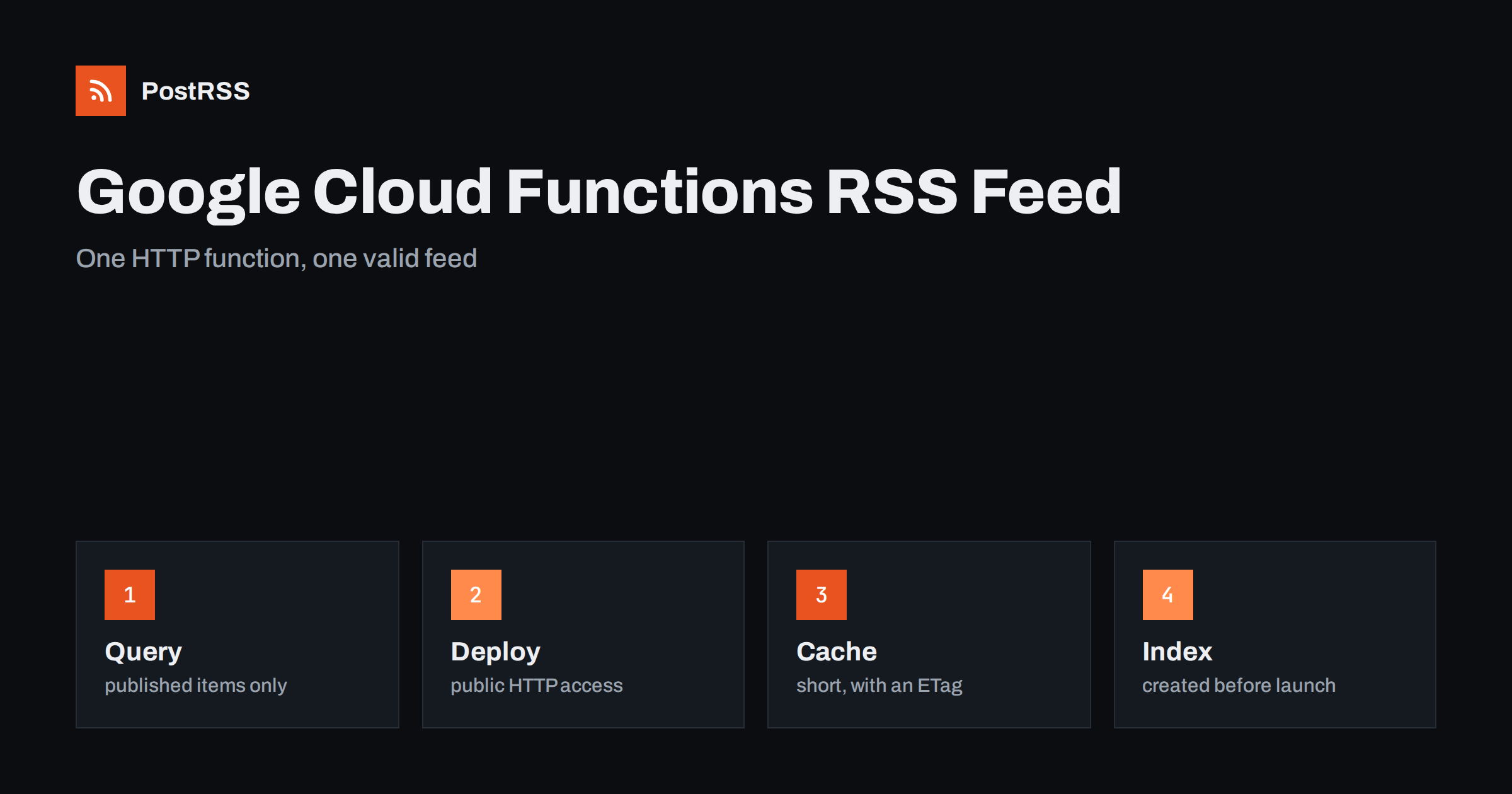
Short answer: You can serve an RSS feed from a Google Cloud function with about sixty lines of Node.js. Write an HTTP function that reads your newest published items from a database such as Firestore, builds the XML with escaped text, absolute links and real dates, returns the RSS content type with cache headers and an ETag, and deploy it with public access so that feed readers can call it. Test the live address with curl and a validator, then connect it to an auto-poster, so that every new item is shared on your social channels.
Google Cloud offers functions as a service: you upload a small piece of code, Google runs it when a request arrives and you pay for what is used. The product has been renamed and reorganised over the years, and the current generation runs on the same platform as Cloud Run, so the console and the documentation may show either name. The idea is the same for a feed. You do not need a web server, a framework or a content management system. You need a function that answers one address with XML. This guide builds that function, explains the choices that make it reliable and ends with a test routine.
A function suits a feed in several situations. Your content lives in a database or a headless service and there is no website that could produce a feed. Your website is a static site and you want a dynamic list of items, such as releases or events, without rebuilding the whole site. Or you simply want a small, separate service that does one job and can be replaced without touching anything else. A function is less suitable if your content already sits in a system that can produce a feed natively, because the simplest feed is the one that already exists. In that case follow the guide to finding your WordPress feed link or the equivalent for your platform.
A feed item needs a title, a permanent address, a date and a summary. In a Firestore collection of articles, each document can hold exactly those fields.
| Feed element | Field in the document | Rule |
|---|---|---|
| Title | title | Plain text, no markup |
| Link and identifier | url | Absolute, https, never changes |
| Publication date | publishedAt | A timestamp set once, when the item goes live |
| Description | summary | One or two complete sentences |
| Visibility | published | A boolean that editors set on purpose |
Set the publication date once and never overwrite it when the document is edited. An item whose date changes with every edit moves to the top of the feed and makes an auto-poster share it again. The causes and cures of repeated posts are covered in why a feed auto-posts the same article twice.
The Functions Framework for Node.js lets you register an HTTP handler by name. The handler below queries the newest published documents, builds the XML and answers the request.
// index.js
const functions = require("@google-cloud/functions-framework");
const { Firestore } = require("@google-cloud/firestore");
const { createHash } = require("node:crypto");

const db = new Firestore();
const SITE = "https://example.com";

const ENT = {
  "&": "&" + "amp;",
  "<": "&" + "lt;",
  ">": "&" + "gt;",
  '"': "&" + "quot;",
  "'": "&" + "apos;",
};
const esc = (s) => String(s ?? "").replace(/[&<>"']/g, (c) => ENT[c]);

functions.http("feed", async (req, res) => {
  const snap = await db.collection("articles")
    .where("published", "==", true)
    .orderBy("publishedAt", "desc")
    .limit(20)
    .get();
  const rows = snap.docs.map((d) => d.data());
  const newest = rows.length ? rows[0].publishedAt.toDate() : new Date(0);

  const items = rows.map((r) => `<item>
      <title>${esc(r.title)}</title>
      <link>${esc(r.url)}</link>
      <guid isPermaLink="true">${esc(r.url)}</guid>
      <pubDate>${r.publishedAt.toDate().toUTCString()}</pubDate>
      <description>${esc(r.summary)}</description>
    </item>`).join("\n");

  const xml = `<?xml version="1.0" encoding="UTF-8"?>
<rss version="2.0"><channel>
  <title>Example Journal</title>
  <link>${SITE}</link>
  <description>News and guides from Example Journal.</description>
  <lastBuildDate>${newest.toUTCString()}</lastBuildDate>
  ${items}
</channel></rss>`;

  const etag = '"' + createHash("sha1").update(xml).digest("hex") + '"';
  res.set({
    "Content-Type": "application/rss+xml; charset=utf-8",
    "Cache-Control": "public, max-age=300",
    ETag: etag,
  });
  if (req.get("if-none-match") === etag) return res.status(304).end();
  res.status(200).send(xml);
});
A query that combines an equality filter on one field with an ordering on another needs a composite index in Firestore, and the first request without it fails with an error that contains a link for creating the index. Create the index before you go live. Package names and function signatures change over time, so check them in the current documentation. The date of the channel comes from the newest item and not from the clock, so that the file does not change when nothing was published, and the validator is a hash of the finished document. The mechanism is explained in the guide to ETags and conditional requests.
A feed is read by tools that cannot sign in, so the function must accept unauthenticated requests. That is a deliberate choice, and it is safe only because the function returns public data and holds no secrets in its output.
gcloud functions deploy feed \
  --gen2 \
  --runtime nodejs22 \
  --region europe-west1 \
  --source . \
  --entry-point feed \
  --trigger-http \
  --allow-unauthenticated
Choose a region close to your database and to most of your readers, and use a runtime that is currently supported. The deployment prints the address of the function. That address is stable, but it is long and tied to the platform, so many teams put their own domain in front of it, for example through a load balancer or a rewrite on a hosting service, so that the feed can move later without changing the address that auto-posters know. The same idea for other platforms is described in the Firebase functions guide, the AWS Lambda guide และ the Azure functions guide.
A function that has not been called for a while starts a new instance, and the first request can take a second or more. Feed readers and auto-posters are patient, but they do not wait forever, as explained in the guide to feed timeouts. Keep the function light: create the database client outside the handler so that warm instances reuse it, ask for only twenty items and avoid heavy libraries. Set a request timeout that is long enough for a slow database call, and consider a minimum number of instances only if your feed is read very often, because that setting has a cost. Check the current pricing and quotas of the platform before you rely on any number, and set a budget alert so that a mistake cannot become a surprise bill.
Every request runs your code and queries your database. An auto-poster may check the feed every minute, and a popular feed may be read by many tools, so cache the result. The simplest way is a variable outside the handler that stores the last XML and the time it was built, and reuses it for a few minutes. A shared cache, such as a content delivery network in front of the function, is better still, and the cache headers above already tell it how long to keep the answer. Keep the lifetime short, a few minutes, because a long cache delays every social post.
If the cache is short, you do not need to refresh anything. If you prefer a longer cache, clear it when content changes. Cloud functions can also listen for database changes: a function that runs when an article document is written can reset the cached copy or write a ready-made XML file to storage. Start with the simple approach, a short cache and a direct query, and add complexity only when you can measure that it helps. A stale feed delays every social post, and an over-engineered one is harder to repair at night.
The function needs permission to read the database, and nothing more. Give it its own service account with read access to the one collection, and never reuse an account that can write or administer the project. If the function calls an external API with a key, keep the key in the platform’s secret manager and not in the source code or in an environment variable that is committed to a repository. The feed itself should never include private fields: request only the fields that the feed needs, and keep drafts out by the published flag. Check the output once with a draft document to be sure that it stays out.
Test the deployed address from outside, because a local test says nothing about the platform and the headers it adds.
curl -i https://europe-west1-example-project.cloudfunctions.net/feed
curl -i -H 'If-None-Match: "paste-the-etag-here"' https://europe-west1-example-project.cloudfunctions.net/feedA longer routine is in the feed validation guide, and a shorter one in debugging a feed with curl.
PostRSS has been publishing RSS and Atom feeds to social networks since 2014. Paste the address of your feed, connect your accounts and choose how each post is built from the title, the description or the page title. PostRSS checks the feed as often as every minute and shares each new entry, with its image and link, to the channels you choose among 66 supported networks, messengers, team chats and blogs, including LinkedIn, X, Bluesky, Mastodon and Telegram. Keyword filters, UTM parameters and posting windows let you tune each channel. See the PostRSS features page and the plan limits on the pricing page. More developer guides are under the Technical Guide tag.
A Google Cloud function is a small and lightweight way to serve a feed, and it has to get the details right: a query that returns only published items, a date that is set once, escaped text, absolute links, the correct content type, a validator that lets clients skip unchanged files, a short cache, public access for the function and a narrow service account. Test the live address with curl and a validator, then connect it to an auto-poster. After that, every item you publish reaches your readers and your social channels without extra work.
Yes. An HTTP function can return any text, including XML, as long as it sets the right content type and allows public access.
The function probably requires authentication. A public feed needs a function that accepts unauthenticated requests, and it should return only public data.
Create clients outside the handler, ask for a small number of items, cache the result for a few minutes and send cache headers with a validator.
It is a good idea. A feed address that you control can move to another platform later without breaking the connection to auto-posters.
Yes. PostRSS reads any valid RSS or Atom address that is reachable without a login. Paste the address, connect your channels and new items are shared as soon as they appear.
What changed in the networks, what broke, and how to fix it before it costs you reach.
พัฒนาโดย Internet Solutions ทีมผู้สร้าง PostRSS แต่ละผลิตภัณฑ์ช่วยประหยัดเวลาของคุณในแบบที่ต่างกัน
 English
 Lietuviškai
 Deutsch
 Français
 Русский
 Español
 Polski
 Italiano
 Українська
 Čeština
 Português
 日本語
日本語 Latviešu valoda
 Eesti
Eesti Magyar
 Bahasa Indonesia
 Türkçe
 हिन्दी
 Ελληνικά
 العربية
 ไทย
ไทย Tiếng Việt
 Română
 Bahasa Melayu
 বাংলা
বাংলা