RSS ke 66 rangkaian sosial: Facebook, Instagram, X, LinkedIn, Telegram dan banyak lagi Blog Afiliasi Hubungi Kami
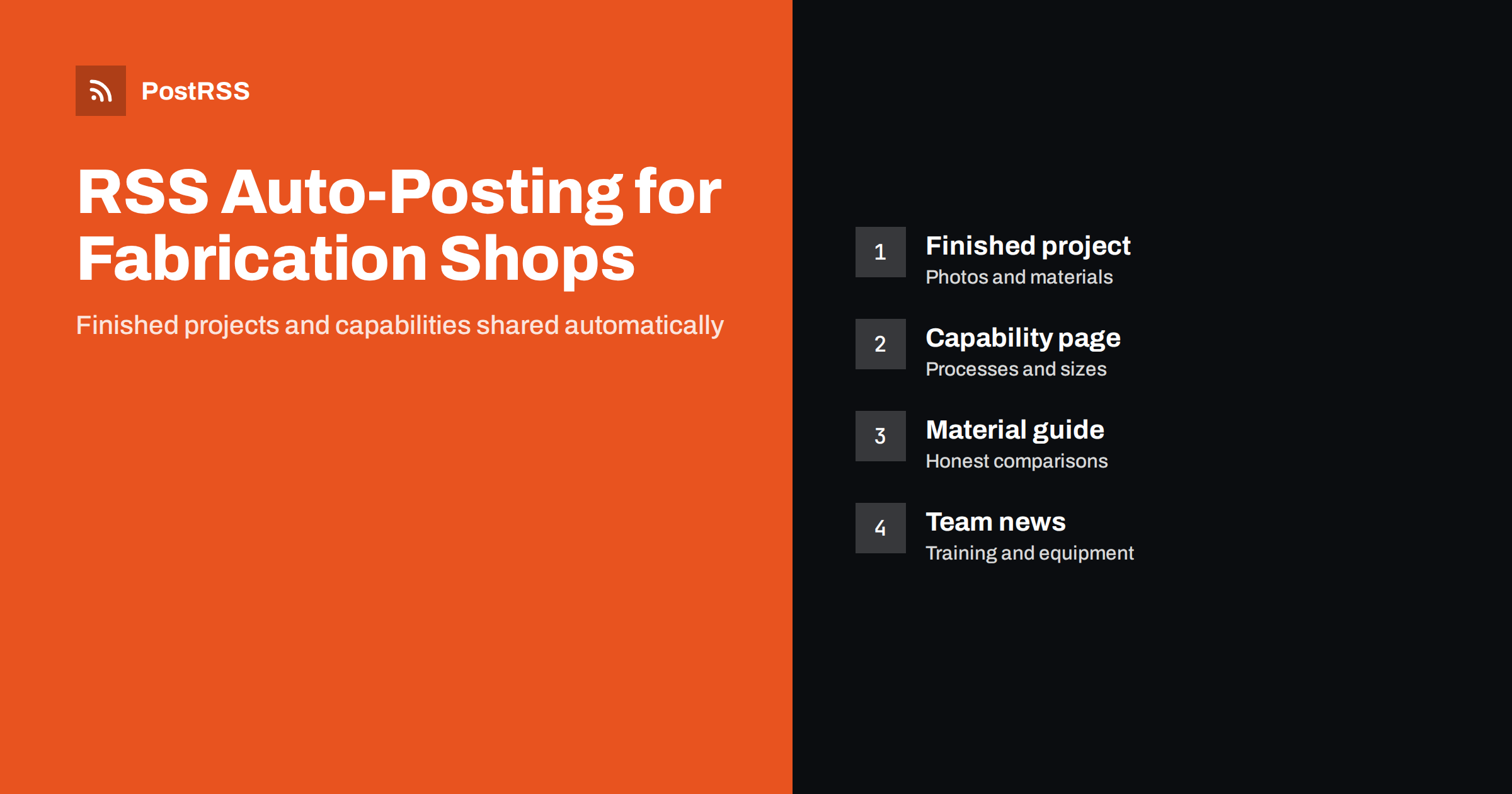
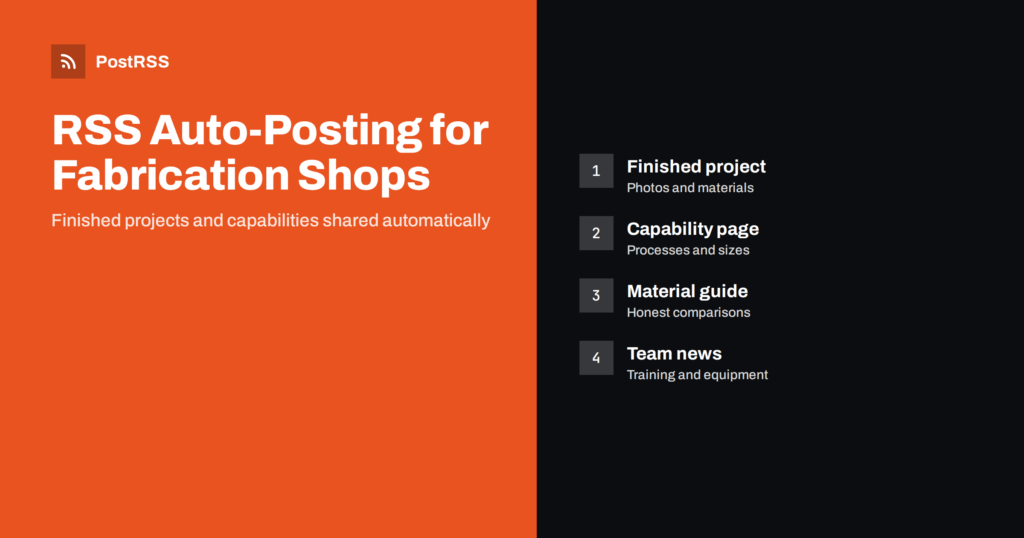
Short answer: RSS auto-posting lets welding and metal fabrication shops share finished projects, capability updates, material guides and team news on social media automatically. Publish each project or guide as a page on your website, let an auto-poster read the RSS feed, and it appears on LinkedIn, your Facebook Page and other channels with its photographs and link. Architects, builders, engineers and local customers who are looking for a fabricator see your work while the shop floor keeps producing.
Fabrication shops are hard to find unless you already know one. A builder needs a staircase balustrade, a farmer needs a gate, a manufacturer needs brackets in small runs, and each of them asks around, searches online and looks at examples. Shops produce striking work every week, but the photographs stay on a phone and the website has not changed in years, because the people who could write about it are at the machines. Because a website can hold a short page for each finished project and each guide, automation can carry them to the networks without adding another job. This guide explains how to set it up and where accuracy, customer confidentiality and safety must stay in human hands.
A welding and fabrication business creates valuable content on every job, if it is written down in the right place:
Each of these can be a short page on your own website. When the page is published, the feed announces it. You write it once, in a place that you own, and the automation spreads it to the networks where buyers and specifiers spend time. Pages on your site also appear in search results when someone looks for a fabricator nearby, which social posts alone do not achieve.
Most small business websites run on platforms that publish feeds without extra work:
/feed/ and a feed for every category, such as /category/projects/feed/. If you are unsure of the address, see how to find your WordPress feed link.Use categories to separate the audiences: finished projects, capabilities, guides and company news. Each category has its own feed, and each feed can go to the channel where it works best. Routing by category is explained in category filtering for auto-posting.
| Content | Automate? | Notes |
|---|---|---|
| Finished projects | Yes | Publish only with the customer’s agreement |
| Capability and equipment pages | Yes | Evergreen pages that buyers keep checking |
| Material and finish guides | Yes | Honest comparisons that attract searches |
| Apprenticeships and team news | Yes | State training and certifications exactly |
| Customer drawings and confidential work | Never | Protect the customer’s design and contract |
| Quotes, delays and complaints | By hand | Speak to the customer directly |
A simple rule: if it is a finished page on your website, automate it. If it concerns one customer’s drawing, price or problem, handle it personally.
A project page is your best advertisement. For each completed job, write a short page with a clear title, the type of product, the material, the processes used and, in general terms, the size and the time the work took. Describe what the customer needed and what made the job interesting, such as a curved rail, a difficult site, a tight tolerance or a very short deadline, because solving a problem shows skill. Add a handful of photographs: the finished product, a close-up of a weld or joint, and, if the customer agrees, the product in place. Ask for permission before you publish, and note it in the job file. Never publish a customer’s drawing or a design that belongs to them. A steady flow of project pages shows that the shop is busy and careful, and the feed shares each page without extra effort.
Buyers often choose between several shops by reading what each can do. Write one clear page for each process: cutting, bending, welding, machining, finishing and assembly. List the materials and thicknesses you handle, the largest and smallest pieces you can produce, the standards or quality systems you work to, and the kinds of order you accept, from one-off repairs to repeat batches. State only what is true today, and update the page when equipment changes. Add a photograph of the machine or the work area. When you buy new equipment, publish a short page explaining what it allows you to do for customers, and the feed announces it. These pages are rarely shared widely, but they are read carefully by the people who decide where to send work.
Customers ask the same questions again and again: whether stainless steel is worth the extra cost for a garden gate, how aluminium differs from steel for a trailer, what galvanising does, how long a powder coat lasts, why a weld is ground or left visible. Write one page for each question, with a small comparison of options and the trade-offs of each, including maintenance. Be balanced. A fabricator who explains that galvanised steel resists corrosion well but cannot always be welded after coating, and that each finish has limits, earns more trust than one who praises a single solution. Avoid specific lifetimes and guarantees unless the supplier or the standard states them and you cite the source. These evergreen guides attract visitors from search engines for years, and the feed shares each one once when it appears.
Many customers have never ordered custom metalwork and do not know what to prepare. A page that walks through the stages helps: the first conversation, what drawings or measurements to bring, how the quote is prepared, what happens if the design changes, how long fabrication and finishing take in general terms, how delivery or installation is arranged and how the work is inspected. Explain who is responsible for what, such as measurements on site, permits for structural elements and foundations. Avoid promising exact dates, because material deliveries and finishing queues change the schedule, and use phrases such as typically a few weeks. A clear process page reduces the number of questions that arrive during the project.
Rules for fabrication, structural work and advertising differ by country and sometimes by region, so check the requirements that apply to you. Accurate, modest statements protect the business if there is ever a dispute.
Keep file sizes reasonable so pages load quickly; see image optimization for RSS auto-posting. If a network shows the wrong picture, check the Open Graph tags of the page as described in why auto-posted links show the wrong image.
Most fabrication shops do best with LinkedIn and a Facebook Page. Add others only if you can keep them active.
/feed/, and check that it lists recent items.PostRSS has been automating RSS posting since 2014. It checks your website feeds as often as every minute and publishes each project, guide and notice, with its real image and link, to the channels you connect, from LinkedIn and Facebook Pages to Pinterest, Telegram, Bluesky and many more among its 66 supported networks. You can choose how each post is built, filter items by keywords, add UTM parameters and post only within chosen hours or at exact times in your time zone. See the PostRSS features page for everything it does and the pricing page for plan limits. More ideas for small businesses are under the Local Business tag.
Welding and metal fabrication shops already create the best marketing material there is: finished work. RSS auto-posting shares each project, capability update and guide automatically on LinkedIn, Facebook and your other channels, on time and with the right image, while the shop keeps producing. Give every project its own page with the customer’s permission, keep customer drawings and confidential work out of public posts, describe capabilities and certifications exactly, publish material and finish guides that compare options honestly, explain how a custom order works without promising dates, route content by category and handle quotes, delays and complaints personally.
Yes. If your website has a projects or news section, its RSS feed can be connected to an auto-poster that shares each new page on LinkedIn, your Facebook Page and other channels. Quotes, delays and complaints are still best handled personally.
Finished projects, capability and equipment updates, material and finish guides, explanations of how an order works, apprenticeships and company news. Each item should have its own page on your website so the feed can share it.
Only with the customer’s agreement. Ask before you publish photographs, leave out addresses and drawings that belong to the customer, and note the permission in the job file.
LinkedIn reaches engineers, builders and buyers, and a Facebook Page reaches local customers. Most shops do well with those two channels, and Pinterest suits gates and garden structures.
One page for each finished project, guide or announcement is enough for most businesses. Prepare pages in advance and schedule them on your website so the feed keeps posting during busy weeks on the shop floor.
What changed in the networks, what broke, and how to fix it before it costs you reach.
Dibina oleh Internet Solutions, pasukan di sebalik PostRSS. Setiap produk menjimatkan masa anda dengan cara tersendiri.
 English
 Lietuviškai
 Deutsch
 Français
 Русский
 Español
 Polski
 Italiano
 Українська
 Čeština
 Português
 日本語
日本語 Latviešu valoda
 Eesti
Eesti Magyar
 Bahasa Indonesia
 Türkçe
 हिन्दी
 Ελληνικά
 العربية
 ไทย
ไทย Tiếng Việt
 Română
 Bahasa Melayu
 বাংলা
বাংলা