RSS ke 66 rangkaian sosial: Facebook, Instagram, X, LinkedIn, Telegram dan banyak lagi Blog Afiliasi Hubungi Kami
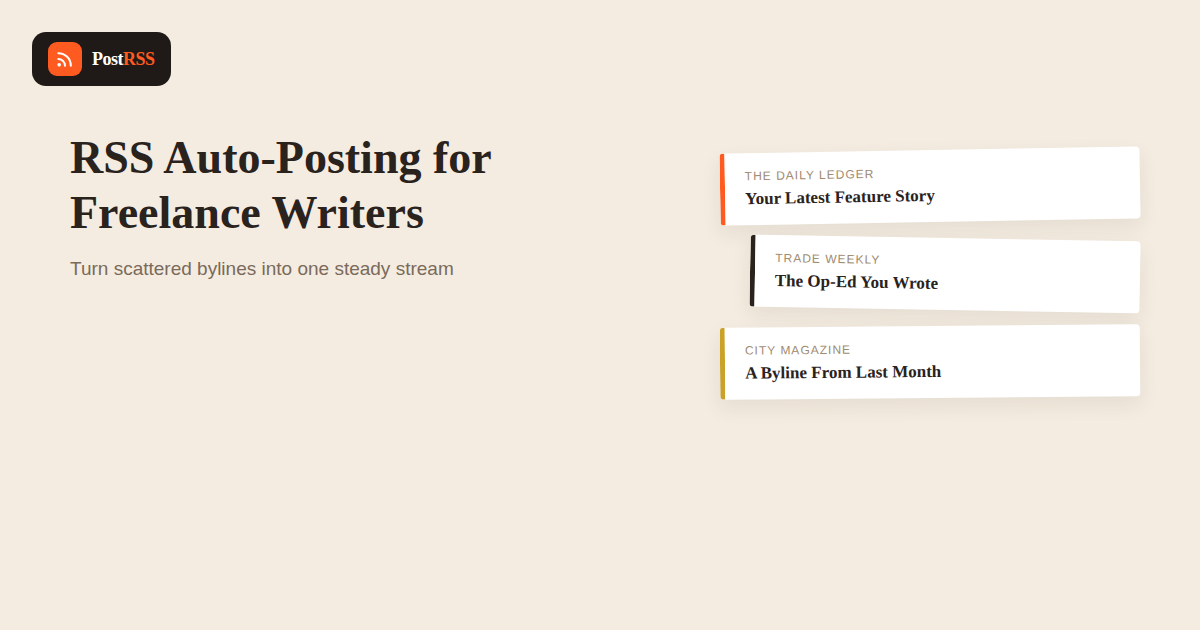
As a freelance writer, your published work is your resume, your portfolio, and your best marketing material all at once — but it’s scattered across other people’s websites, under other people’s bylines pages, and easy for a prospective client to miss entirely. Setting up RSS-based automation around your own writing gives that scattered body of work a single, consistent public presence, without turning content promotion into a second job on top of the writing itself. It’s a small piece of infrastructure that pays off precisely because it runs in the background while you focus on the actual writing and pitching that pays the bills.
This is a structural problem, not a discipline problem, which is an important distinction. Even highly organized freelancers struggle to promote their work consistently, because the natural workflow of freelance writing — pitch, write, revise, invoice, move to the next assignment — has no built-in step for “go announce this everywhere it now needs to be seen.” That step has to be deliberately added, and the version of it that survives busy weeks is the one that requires the least ongoing effort from you personally.
Unlike a business promoting its own blog, a freelance writer’s published output is spread across client publications, contributor platforms, and the occasional personal project — none of which you control, and most of which won’t help you promote it. The fix isn’t trying to automate posting on every client’s site; it’s making sure there’s one place that reliably aggregates links to everything you publish, which can then feed your own automated distribution.
A few practical ways to create that single aggregation point, roughly in order of effort:
The specific tool matters less than the habit: every time a piece goes live somewhere, it gets logged in the one place your automation is watching.
| Content | Automate? | Reasoning |
|---|---|---|
| New published clip announcements | Yes | Predictable, repeatable, exactly what a “clips” feed is for |
| Availability for new work / open for pitches | Sometimes | Works as an occasional scheduled post, not a constant automated stream |
| Writing tips or process content | Yes, if produced regularly | Builds authority the same way it does for any content creator |
| Pitching and client outreach | No | Needs to be personal and specific to each editor or client |
| Rate negotiations or client-specific details | No | Private, and inappropriate for any public or automated channel |
A freelancer’s next client is very often someone who saw a piece of past work and reached out cold, which makes consistent visibility of your portfolio directly tied to your income in a way that’s less true for most other small businesses. Yet promotion is exactly the task freelancers most reliably skip, because there’s no employer requiring it and no immediate deadline attached to it the way there is for the writing itself. Automating the distribution side removes the one part of the promotion habit that was purely mechanical, leaving only the much smaller task of logging each new piece in your clips feed.
Writers who cover distinctly different subjects — say, technology under one byline and personal essays under another — often benefit from separate feeds and separate social accounts rather than merging everything into one stream. Mixing a deeply technical trade publication clip with a personal essay in the same automated feed can confuse both audiences. If this applies to you, it’s worth maintaining two lightweight “clips” sources rather than forcing a single feed to serve two different professional identities.
Writers who also maintain their own blog or newsletter alongside client work have a natural advantage here, since that publication already produces a real RSS feed capable of carrying more than just clip announcements. Original commentary, writing process breakdowns, or industry analysis published on your own site can flow through the same automated pipeline as your clips, effectively giving you two content streams from one piece of infrastructure: announcements of where your work appears, and original thinking that builds authority independent of any single publication. This kind of layered approach to content marketing tends to compound over time in a way that clip announcements alone don’t, since original writing under your own name is what eventually turns “a writer who’s published in good places” into “a recognized voice on this topic.”
Some freelance writers solve the visibility problem differently, by building a following directly on a newsletter platform like Substack rather than aggregating links to work published elsewhere. Both approaches are valid and not mutually exclusive — a Substack-style newsletter can itself be the “single source feed” this guide describes, with its own RSS output feeding your social automation, while still linking out to client work published on other outlets. The distinction that matters is less about which platform you use and more about making sure whichever one you pick has a genuine, working feed behind it, since that feed is what the rest of this workflow depends on.
Most freelancers who make this sustainable settle into a rhythm of logging each new clip within a day or two of publication — not necessarily the moment it goes live, but close enough that the automated announcement still feels timely. On top of that automated baseline, a periodic manual post — sharing a personal reflection on a story, a behind-the-scenes note on reporting it, or simply reposting with added commentary — keeps the account from feeling purely mechanical. The automation guarantees the floor; the manual posts are what make the account feel like a person rather than a feed.
This is the most common breakdown point. Attaching the habit to something you already do — like the moment you send an invoice for a piece, or the moment a client shares the published link — tends to work better than relying on remembering it as a standalone task.
This usually comes down to how you’re titling entries in your source feed. Writing “New Byline: [Piece Title] in [Publication]” as the entry title, rather than just the article’s original headline, gives the automation more useful text to work with.
Consider whether your feed entries need publication-specific framing rather than splitting into separate feeds — most audiences don’t mind seeing a writer’s byline across multiple outlets in the same industry, as long as each entry is clear about where the piece ran.
Vary the entry titles in your source feed rather than using the same template every time — a caption built from “New piece: [headline] in [outlet]” every single time will feel repetitive even though the underlying links are genuinely different each time.
Yes — at lower frequency, automation matters even more, since it’s easy to let a rare publication slip by without promotion when there’s no established habit attached to it.
LinkedIn tends to be one of the highest-value channels for freelance writers, since editors, PR contacts, and potential clients are disproportionately likely to be active there compared to some other social platforms.
It’s better used sparingly. A pitch link in every single automated post starts to read as a sales pitch rather than a portfolio update, which can undercut the credibility the clips themselves are building.
Some publications have policies about how freelancers promote bylined work, so it’s worth checking your contract or asking before assuming unrestricted promotional rights, especially for exclusive or embargoed pieces.
The difference is entirely about consistency — manual sharing works fine when things are quiet, but it’s exactly the habit that disappears during a busy reporting week, which is when automation keeps working regardless.
It’s still worth it if you also do any direct client work or want to build a personal reputation beyond the platform, since agency-sourced work rarely does much to build your own independent visibility.
A personal site isn’t strictly required, but it helps — without one, your “single source feed” ends up being a newsletter or portfolio tool instead, which works fine, though a personal site under your own domain also gives you more control over how your clips are presented and searched for later.
Most writers can get a basic version running in an afternoon: creating the clips page or newsletter archive, confirming it produces a valid feed, and connecting two or three social accounts. The ongoing maintenance afterward is just the habit of logging new work as it publishes.
It generally doesn’t matter much either way, though some writers prefer to let the publication’s own social accounts share a piece first as a courtesy, then follow with their own post shortly after. Neither order tends to meaningfully affect how the piece performs overall.
Yes, indirectly — an editor or client who sees a consistent, professional public presence around your published work is getting a passive reminder of your output every time it crosses their feed, which can matter as much for repeat assignments as any direct pitch does.
For a freelance writer, the hardest part of self-promotion was never wanting people to see your work — it’s the mechanical task of remembering to share it everywhere, every time, on top of an already full workload. Building one simple “clips” feed and automating its distribution turns that recurring chore into something that happens by default, so the only thing left to remember is logging the piece once, which is a much smaller ask than manually re-posting across three or four platforms every time you publish.
What changed in the networks, what broke, and how to fix it before it costs you reach.
Dibina oleh Internet Solutions, pasukan di sebalik PostRSS. Setiap produk menjimatkan masa anda dengan cara tersendiri.
 English
 Lietuviškai
 Deutsch
 Français
 Русский
 Español
 Polski
 Italiano
 Українська
 Čeština
 Português
 日本語
日本語 Latviešu valoda
 Eesti
Eesti Magyar
 Bahasa Indonesia
 Türkçe
 हिन्दी
 Ελληνικά
 العربية
 ไทย
ไทย Tiếng Việt
 Română
 Bahasa Melayu
 বাংলা
বাংলা