RSS ke 66 rangkaian sosial: Facebook, Instagram, X, LinkedIn, Telegram dan banyak lagi Blog Afiliasi Hubungi Kami
Short answer: RSS auto-posting lets flea markets, swap meets and antique fairs share market dates, vendor sign-ups, parking and entry details, weather notices and featured sellers on social media automatically. Publish each item as a page on your website, let an auto-poster read the RSS feed, and every new page appears on your Facebook Page, Telegram channel and other networks with its link and image. Shoppers and sellers see when the next market is open without anyone retyping it, while vendor payments, stall allocations and last-minute weather decisions stay under human control.
A flea market is a business built on a calendar and on trust. Shoppers need to know which Sunday the market is on, where to park and whether it is still going ahead after a night of rain. Sellers need to know when booking opens, how much a stall costs and what they may sell. The organizer, usually a small team or a single person, answers the same questions again and again in comments and messages. Most of those questions can be answered once, on a page, and the page can be shared automatically. This guide explains what to publish, how to connect your website to an auto-poster and which limits keep the market safe and fair.
The advice fits many kinds of market organizer:
Each has a calendar of dated events and a website, or at least a page on a club or council site, where those events can be listed. That page becomes the source for every other channel.
Most of what a market does can be turned into a short page:
Each page is written once and appears on your website, where it can be found by someone who searches for a market near them. The feed then announces it automatically.
Many organizers already use a system that creates feeds:
/feed/ and one for every category, such as /category/market-days/feed/. If you are unsure of the address, see how to find your WordPress feed link.Use categories to separate audiences: market days, sellers, shoppers, recaps and jobs. Each category has its own feed, and each feed can go to the channel where it works best; market days and recaps to the Facebook Page, seller information to a sellers’ channel, hiring pages to LinkedIn. Routing by category is explained in category filtering for auto-posting.
| Content | Automate? | Notes |
|---|---|---|
| Market dates and opening hours | Yes | Date, time, address, entry fee and parking on every page |
| Seller information and booking rules | Yes | Describe prices in words and keep them current |
| Recaps and featured sellers | Yes | Ask the sellers before naming them |
| Stall allocation and payments | No | Handle each seller personally |
| Disputes and complaints | No | Reply privately and fairly |
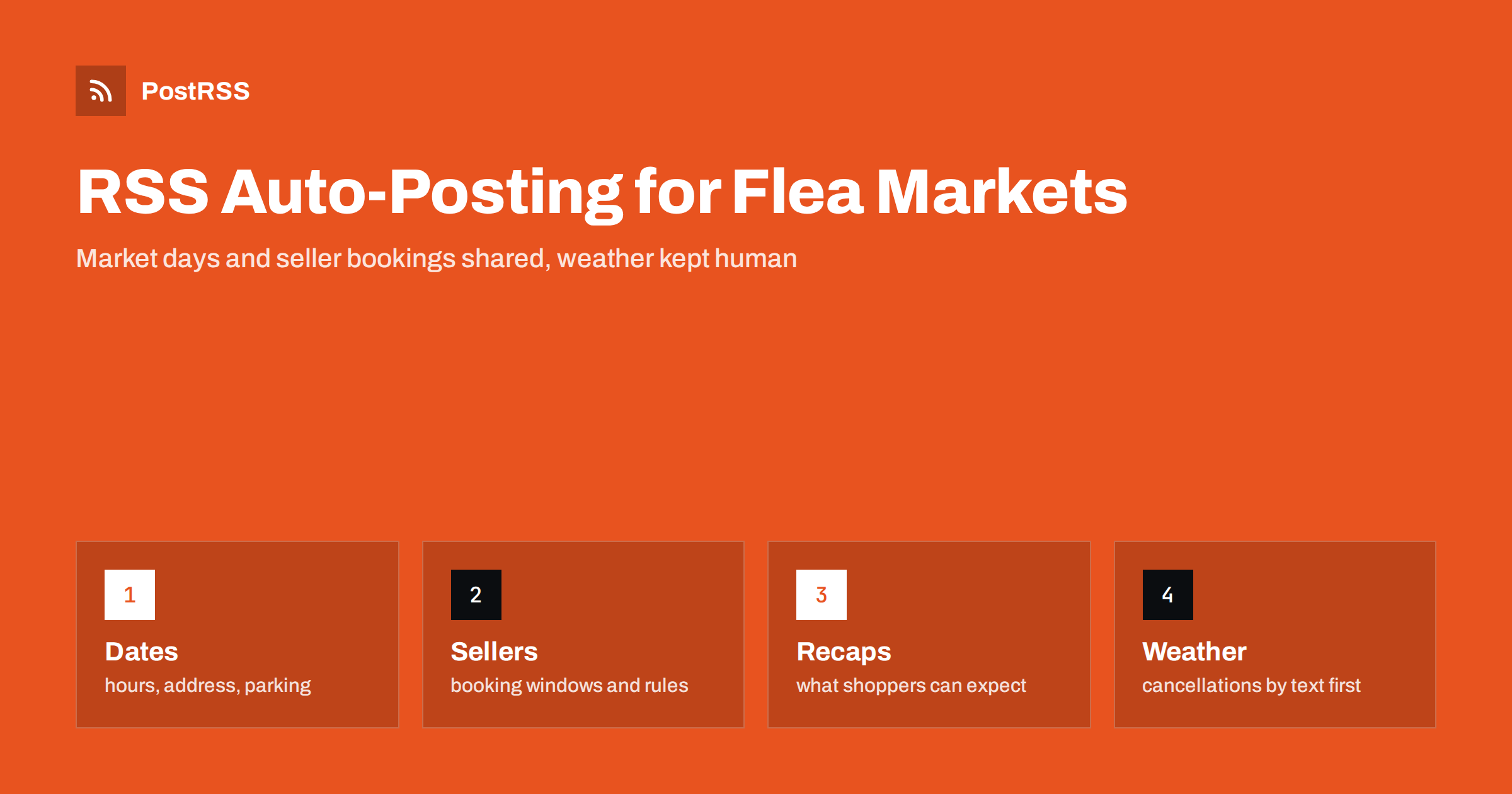
| Weather cancellations and safety notices | Not alone | Text and a banner at the gate must come first |
A simple rule: if it is general information that helps many people and sits on a finished page of your website, automate it. If it concerns one seller, one payment or a sudden change that people must hear immediately, it needs a human channel.
Outdoor markets live and die by the weather, and the decision to open or cancel often comes at dawn. A feed is excellent for planned information and unsuitable for this kind of message. Decide in advance who makes the call, at what time and how it is announced: a pinned post on the main page, a message to registered sellers, a banner on the website and a recorded phone message. Publish a short page with the decision, because search engines and the feed can carry it, but treat it as an extra. A shopper who drives an hour to an empty field will remember the experience far longer than any missed post, so double-check that the notice is on the main page before you rely on automation.
A market is also a community of sellers, and fairness is part of its reputation. Publish the rules in one permanent page: how stalls are allocated, what categories are allowed, whether new goods may be sold next to second-hand items, how electricity and tables are handled and what the refund policy is. Keep a separate dated page for each booking window, so that sellers know when it opens and closes. Do not announce stall allocations or waiting lists in a feed, and do not name a seller in a complaint. Rules for trading, safety and the sale of certain goods differ from place to place, so follow your local regulations and your insurer. These points are general guidance, not legal advice.
Many visitors come from outside the neighbourhood, and they decide on the day. Put the facts at the top of every page: the date, the opening hours, the address and the entry fee, in that order. Add a line about parking and public transport, and say whether dogs are welcome, whether there is shelter if it rains and whether cards are accepted by sellers. Use a strong photograph of your own market, with people and stalls, instead of a stock picture. Spell out the day and the month and give times in the local time zone. A page that answers what, when, where and how much without scrolling is a page that people share.
Many markets repeat every week or month, so the page for the next market day must replace the page for the last one without confusing people. Keep one permanent page for the market itself, with the usual schedule, the address and the rules, and write a short dated page for every edition. After the market, publish a recap, and unpublish or update the announcement. A feed that keeps announcing last month’s market looks careless, and a search engine that finds three conflicting dates will show none of them. This approach also helps sellers, who can find the next booking date in the same place every time.
Many markets attract visitors with more than stalls: a coffee truck, a band, a children’s corner or a vintage car display. Give each extra a short page, because shoppers who see a reason to stay longer also spend more, and sellers value a market that draws a crowd. Ask partners to share the page on their own accounts, and mention them by name in the text so that they have a reason to do it. Remember that each extra has its own rules, such as food hygiene, music licences and insurance, so check them before you announce anything.
Most markets do best with a Facebook Page and a simple email list that uses the same pages. Two active channels beat five forgotten ones.
/feed/, and check that it lists recent items.PostRSS has been automating RSS posting since 2014. It checks your website feeds as often as every minute and publishes each new page, with its real image and link, to the channels you connect, from Facebook Pages and Telegram to LinkedIn, Bluesky, Mastodon and many more among its 66 supported networks. You can choose how each post is built, filter items by keywords, add UTM parameters and post only within chosen hours or at exact times in your time zone. See the PostRSS features page for everything it does and the pricing page for plan limits. More ideas for local businesses are under the Local Business tag.
A flea market depends on a clear calendar, a fair set of rules and trust from both shoppers and sellers. RSS auto-posting shares each new market page, booking window and recap automatically on your Facebook Page and other channels. Give every edition a complete page with the date, hours, address, fee and parking, keep one permanent page for rules, handle payments and complaints personally, treat weather decisions as a job for people and let your team spend market day among the stalls.
Yes. If your website has a news or events section, its RSS feed can be connected to an auto-poster that shares each new page on your Facebook Page and other channels. Weather cancellations should also go out by text and a banner.
Market dates and hours, parking and entry information, seller booking windows, featured categories and recaps. Keep stall allocation and payments out of public posts.
Use a pinned post, a text message to sellers, a banner on the website and a recorded phone message. A feed can share a confirmation page, but it should not be the only notice.
Yes, for featured sellers who have agreed. Never name a seller in a complaint or a dispute.
Yes. PostRSS reads any valid RSS or Atom address that is reachable without a login. Paste the address, connect your channels and new pages are shared as soon as they appear.
What changed in the networks, what broke, and how to fix it before it costs you reach.
Dibina oleh Internet Solutions, pasukan di sebalik PostRSS. Setiap produk menjimatkan masa anda dengan cara tersendiri.
 English
 Lietuviškai
 Deutsch
 Français
 Русский
 Español
 Polski
 Italiano
 Українська
 Čeština
 Português
 日本語
日本語 Latviešu valoda
 Eesti
Eesti Magyar
 Bahasa Indonesia
 Türkçe
 हिन्दी
 Ελληνικά
 العربية
 ไทย
ไทย Tiếng Việt
 Română
 Bahasa Melayu
 বাংলা
বাংলা