RSS ke 66 rangkaian sosial: Facebook, Instagram, X, LinkedIn, Telegram dan banyak lagi Blog Afiliasi Hubungi Kami
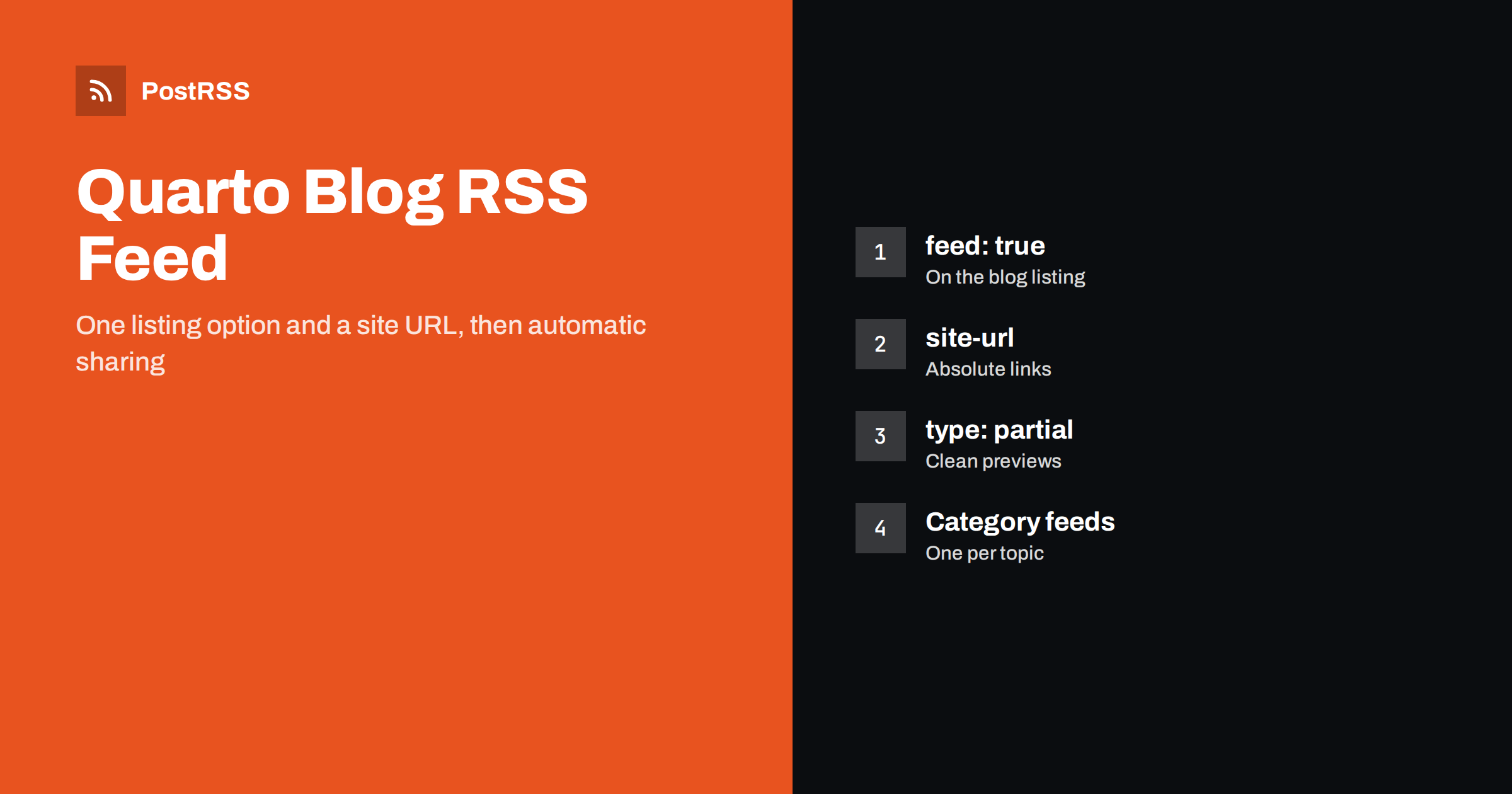
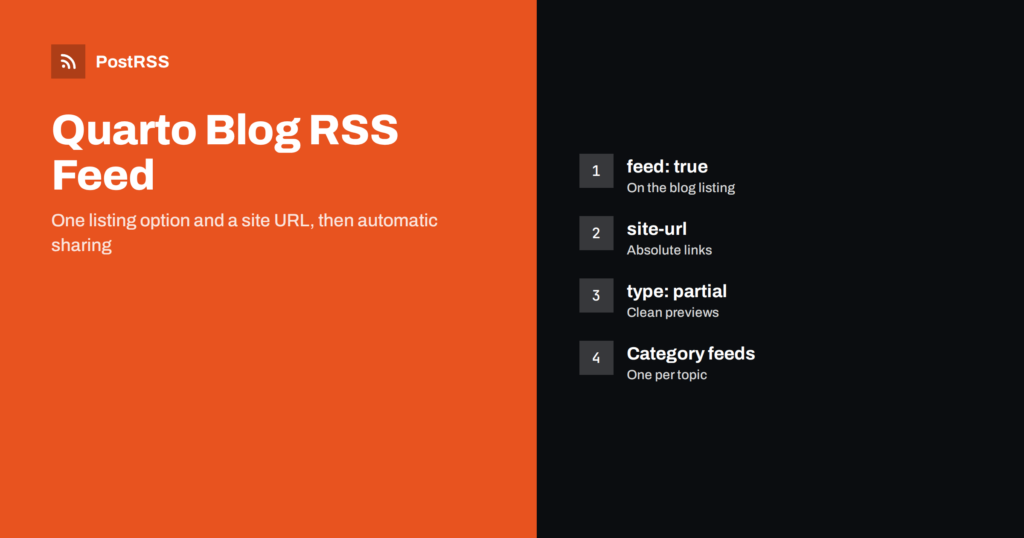
Short answer: A Quarto blog RSS feed is one setting away. Add feed: true to the listing on your blog page, set site-url in _quarto.yml, and render the site. Quarto writes the feed next to the listing page, so index.qmd produces index.xml, and it adds the autodiscovery link to the page head for you. Choose how much content each item carries, add category feeds if you need them, and connect the feed to an auto-poster so every new post is shared on social media automatically.
Quarto is popular with data scientists, researchers, educators and technical writers who publish notebooks, analyses and tutorials in R, Python and Julia. Its blogs are static websites, which makes them fast and cheap to host, but it also means nothing announces a new post unless you do it. The RSS feed solves that: readers can subscribe, aggregators can include you, and auto-posting tools can share each post on your social channels. This guide explains how the Quarto feed works, every option that matters, and the mistakes that stop a feed from working.
Not by default, but the feature is built in. Feeds in Quarto belong to listings, the pages that show a list of documents, such as the index of a blog. When you enable a feed on a listing, Quarto generates an RSS file during rendering. There is no plugin to install and no template to write.
If you created your site with the blog template (quarto create project blog), the listing page already exists, and in many versions of the template the feed is already switched on. Check your index.qmd before adding anything.
Open the page that lists your posts, usually index.qmd at the root of the site or blog.qmd, and add the feed option to its listing:
---
title: "Example Blog"
listing:
  contents: posts
  sort: "date desc"
  type: default
  categories: true
  feed: true
---
The contents field points to the folder with your posts, and sort: "date desc" keeps the newest post first. When you render, Quarto creates the feed with the same name as the listing file: index.qmd becomes index.xml, and blog.qmd becomes blog.xml. The feed address is therefore https://example.com/index.xml for a blog at the site root.
Feeds need absolute links, and Quarto can only write them if it knows your domain. Generating feeds requires site-url in the project file:
# _quarto.yml
project:
  type: website

website:
  title: "Example Blog"
  site-url: "https://example.com"
  description: "Data analysis, tutorials and notes"
Use the exact public address with https, and include the path if the site lives in a subfolder, for example on GitHub Pages under a repository name. A wrong or missing value produces broken links in every item, and auto-posters will share those broken links exactly as written. The general problem is described in relative URLs in RSS feeds.
Instead of true, you can pass options to the feed key:
listing:
  contents: posts
  sort: "date desc"
  feed:
    items: 20
    type: partial
    title: "Example Blog"
    description: "New posts on data analysis and tutorials"
    language: en
categories: [python, r, visualization]| Option | Default | What it does |
|---|---|---|
| items | 20 | Number of posts in the feed |
| type | full | full, partial or metadata content |
| title | Site title | Feed title shown in readers |
| description | Page or site description | Feed description |
| image | Page or site image | Feed image |
| language | Omitted | Language code of the feed |
| categories | None | Extra feed for each listed category |
These are documented in the Quarto listings documentation, which is worth checking after upgrades because options are occasionally added.
The type option decides how much of each post goes into the feed. full, the default, includes the entire rendered document. partial includes the description if there is one, otherwise the first paragraph. metadata includes only the title, description and other front matter fields.
For Quarto blogs, partial is often the best choice. Full content of a computational post can be very large, with tables, code output and plots, and feed readers do not run your interactive widgets. A clear description gives a much better preview on social networks, which show only the first sentences anyway. Write a description in the front matter of every post:
---
title: "Forecasting energy demand with gradient boosting"
description: "A step-by-step model with feature engineering, validation and error analysis."
date: 2026-10-13
categories: [python, forecasting]
image: cover.png
---
The trade-offs are explained in more detail in full-text vs excerpt RSS feeds.
Quarto reads each post’s date from the date field in the front matter and writes it into the feed. Use the ISO format shown above, 2026-10-13, which cannot be misread. Avoid special values that change on every render, such as a date set to the current day or last modified, for blog posts: if the date changes each time you render, old posts can look new to feed consumers and may be shared again. More on date problems is in RSS date format and RFC 822 errors.
Unfinished posts should stay out of the feed. Mark them with draft: true in the front matter; current Quarto versions leave drafts out of listings and feeds in the published site. Rendering a single draft locally for preview is fine, but always check the feed file before you publish, because anything that appears in it may be shared by an auto-poster within minutes.
Posts with a strong image get more attention on social networks. Quarto chooses an item’s image from the image field, or discovers one automatically: an image with the class preview-image, a file whose name starts with feature, cover or thumbnail, or the first image in the document. For plot-heavy posts, the automatic choice is often a chart axis or a small figure, so set image explicitly to a picture that works as a preview.
Many networks build previews from Open Graph tags on the page rather than from the feed. Turn them on in the project file:
website:
  open-graph: true
  twitter-card: true
With these options, Quarto adds the title, description and image to each page’s head. If the wrong picture still appears, see how to control which image gets auto-posted.
The categories option of the feed generates a separate feed for each category you list, in addition to the main feed. This is useful when your posts cover distinct topics. Python tutorials can go to a developer community, research notes to an academic account, and announcements to LinkedIn. After rendering, look in the output folder, usually _site, to see the exact file names Quarto created for each category feed, and use those addresses. Routing topics to accounts is explained in category filtering for auto-posting.
Keep category names stable. Renaming a category changes its feed address, and any service connected to the old address stops receiving posts.
Computational posts run code when they are rendered. On larger blogs, the freeze option keeps earlier results so old posts are not re-executed on every build:
execute:
  freeze: auto
This matters for the feed too: a full re-render with changed outputs can change content, but GUIDs and dates should stay the same, so posts are not shared twice. If you ever see an old post shared again, read why a feed auto-posts the same article twice.
Publish as usual, for example with quarto publish to GitHub Pages, Netlify or Quarto Pub, or through a CI workflow. The feed file is part of the rendered site and is uploaded with it. If you use a CDN, keep the cache time for the XML file short, so new posts become visible quickly; see why auto-posts are delayed by caching.
Quarto already adds an autodiscovery link to the head of the listing page when the feed is enabled, so browsers, feed readers and auto-posting tools can find it from that page. Human readers need a visible link too. The usual place is the navigation bar, where an RSS icon takes one line of configuration:
website:
  navbar:
    right:
      - icon: rss
        href: index.xml
If your blog lives in a subfolder, point the link to that listing’s XML file instead. Mention the feed on your about page as well, especially if your readers are researchers or students who follow many sources in a feed reader. Why discoverability matters is explained in Penemuan automatik suapan RSS.
Quarto sites often contain more than a blog: a course site may have lecture notes, assignments and announcements, and a lab website may have news, publications and talks. Each listing page can have its own feed. Give each listing a separate file, such as news.qmd dan talks.qmd, enable feed on each, and you get news.xml dan talks.xml. Separate feeds let you send announcements to students, publications to an academic account and news to the department’s social channels, without mixing audiences. Choose the file names carefully, because they become permanent feed addresses.
site-url is missing, or the feed option is on a page without a listing.site-url lacks the subfolder path used by your host.partial or reduce items.image field, so the first figure was chosen.After any change, check the feed with the W3C Feed Validation Service.
PostRSS has been publishing RSS and Atom feeds to social networks since 2014. Paste the address of your Quarto feed, or several category feeds, connect your accounts and choose the post format. PostRSS checks the feeds as often as every minute and shares each new post, with its image and link, to the networks you choose among 66 supported networks, messengers, team chats and blogs, including Mastodon, Bluesky, LinkedIn, Telegram, Discord and DEV. Keyword filters, UTM parameters, hashtags from categories and posting windows let you tailor each channel. See the PostRSS features page and the plan limits on the pricing page. More developer guides are under the Technical Guide tag.
A Quarto blog RSS feed needs only feed: true on the listing and a correct site-url. Choose partial content for clean previews, write a description and set an image for every post, use stable ISO dates, keep drafts out and add category feeds for distinct topics. Validate the result, publish it with your site, and every new analysis or tutorial can be shared on social media automatically.
Next to the listing page, with the same name and an xml extension. A listing in index.qmd produces index.xml, so a blog at the site root has its feed at /index.xml.
Quarto needs site-url in _quarto.yml to build feeds, and the feed option must be set on a page that has a listing. Render the whole site after adding both.
Full content is the default, but partial content is often better for computational posts. It uses the description or first paragraph and gives cleaner previews on social networks.
Yes. List the category names in the categories option of the feed, and Quarto generates a separate feed for each one in addition to the main feed.
Set the image field in the post front matter. Without it, Quarto picks an image automatically, which may be a chart rather than a good preview picture.
What changed in the networks, what broke, and how to fix it before it costs you reach.
Dibina oleh Internet Solutions, pasukan di sebalik PostRSS. Setiap produk menjimatkan masa anda dengan cara tersendiri.
 English
 Lietuviškai
 Deutsch
 Français
 Русский
 Español
 Polski
 Italiano
 Українська
 Čeština
 Português
 日本語
日本語 Latviešu valoda
 Eesti
Eesti Magyar
 Bahasa Indonesia
 Türkçe
 हिन्दी
 Ελληνικά
 العربية
 ไทย
ไทย Tiếng Việt
 Română
 Bahasa Melayu
 বাংলা
বাংলা