RSS ke 66 rangkaian sosial: Facebook, Instagram, X, LinkedIn, Telegram dan banyak lagi Blog Afiliasi Hubungi Kami
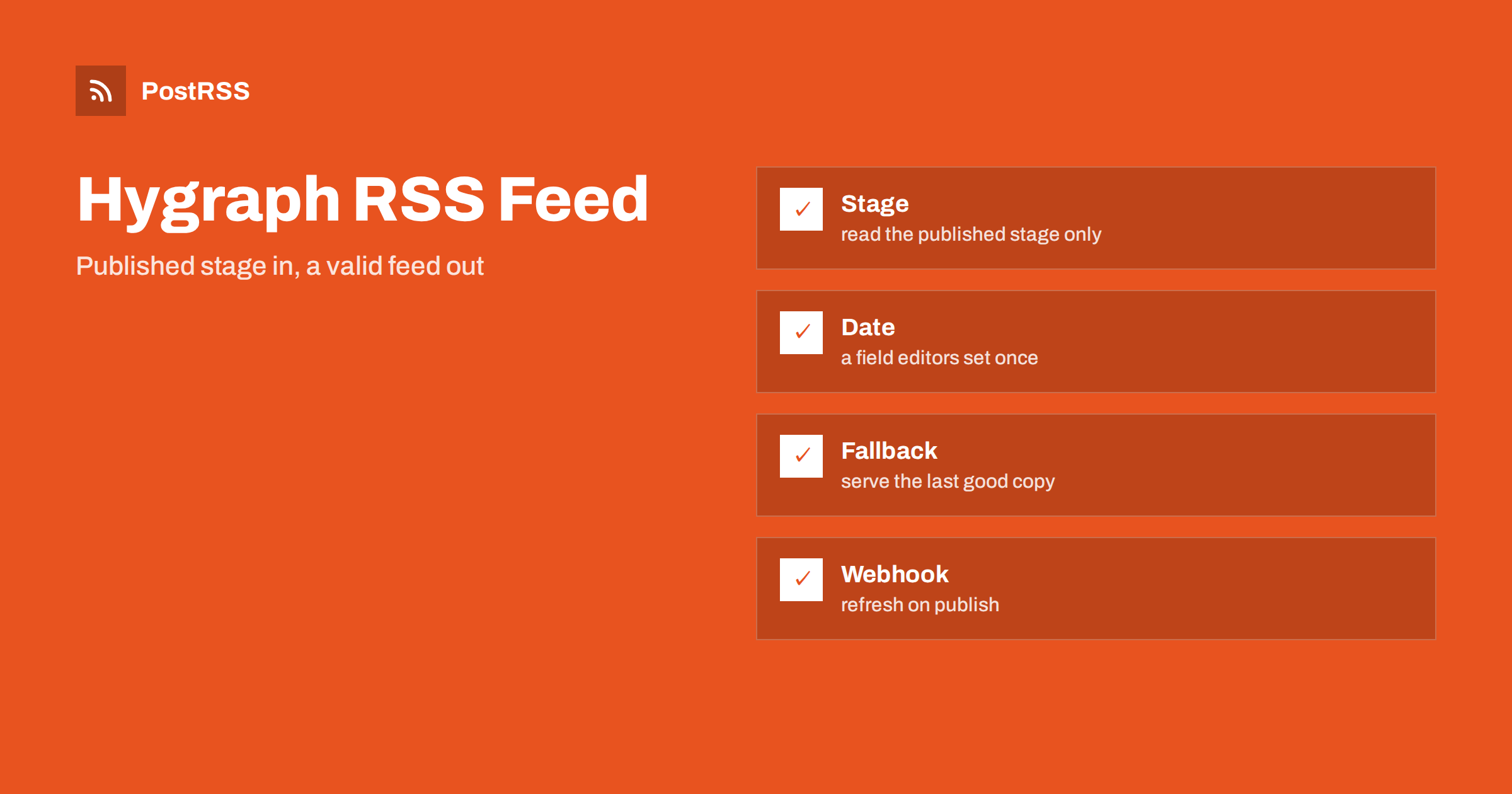
Short answer: Hygraph does not publish an RSS feed for your website, but its GraphQL Content API returns everything a feed needs. Request the newest entries from the published stage, order them by a publication date field that your editors set on purpose, map each entry to an item with an absolute link, a stable identifier and a summary, escape the text, return the RSS content type and a cache validator, and test the live address. Refresh the feed with a webhook when editors publish, and connect the address to an auto-poster so that every new entry is shared on your social channels.
Hygraph is a headless content platform that is built around GraphQL and a federated approach to content. Editors create entries in a visual interface, and developers read them through an endpoint and render them in any front end. As with every headless system, nothing inside it knows the addresses of your pages, so a feed has to be written in your own code, from the API answer. It must use the same slugs and the same dates as the website. This guide shows a query, a template, the response headers and a test routine, and it explains a few choices that are specific to Hygraph, such as stages and system fields.
Hygraph keeps content in stages. A draft entry lives in one stage, and a published entry is copied to another, usually called the published stage. A public feed must read from the published stage only, and the query can say so explicitly instead of relying on a default. The platform also adds system fields to every entry, such as the creation time, the time of the last update and the time of publication.
The system fields are convenient, but they describe what the platform did and not what the editor meant. If an entry is published again after a correction, the time of publication may change, depending on how your project works. A feed that used it would move the item to the top and make an auto-poster share the article again. For that reason, add a date field to the model, fill it in once when the article goes live and use it for the feed. The causes and cures of repeated posts are covered in why a feed auto-posts the same article twice.
| Feed element | Source in Hygraph | Rule |
|---|---|---|
| Title | a single-line text field | Plain text, no markup |
| Link and identifier | a slug field and your site address | Absolute, https, never changes |
| Publication date | a date field of your own | Set once by the editor |
| Description | a summary field | One or two complete sentences |
| Image | an asset field | Absolute address with a type |
The Content API accepts a POST request to the endpoint of your project. If you allow public read access for published content, no token is needed, but many teams prefer a permanent token with read access only, kept on the server. The endpoint address is shown in the project settings.
// feed.js (server side, Node 18 or later)
const SITE = "https://example.com";

const QUERY = `
  query Feed {
    articles(stage: PUBLISHED, orderBy: publishDate_DESC, first: 20) {
      title
      slug
      summary
      publishDate
    }
  }`;

export async function loadArticles() {
  const res = await fetch(process.env.HYGRAPH_ENDPOINT, {
    method: "POST",
    headers: {
      "Content-Type": "application/json",
      Authorization: "Bearer " + process.env.HYGRAPH_TOKEN,
    },
    body: JSON.stringify({ query: QUERY }),
  });
  if (!res.ok) throw new Error("Hygraph returned " + res.status);
  const json = await res.json();
  if (json.errors) throw new Error(JSON.stringify(json.errors));
  return json.data.articles;
}
The model name, the field names and the ordering value follow from your own schema, so check them in the API playground of your project before you copy anything. The approach for other headless systems is described in the Contentful feed guide dan the Strapi feed guide.
Text from a content system can contain ampersands, angle brackets and quotation marks, and any of them can break an XML document. Escape every value before it goes into the template.
const ENT = {
  "&": "&" + "amp;",
  "<": "&" + "lt;",
  ">": "&" + "gt;",
  '"': "&" + "quot;",
  "'": "&" + "apos;",
};
const esc = (s) => String(s ?? "").replace(/[&<>"']/g, (c) => ENT[c]);

export function render(articles) {
  const newest = articles.length ? new Date(articles[0].publishDate) : new Date(0);
  const items = articles.map((a) => {
    const url = `${SITE}/blog/${a.slug}/`;
    return `<item>
      <title>${esc(a.title)}</title>
      <link>${esc(url)}</link>
      <guid isPermaLink="true">${esc(url)}</guid>
      <pubDate>${new Date(a.publishDate).toUTCString()}</pubDate>
      <description>${esc(a.summary)}</description>
    </item>`;
  }).join("\n");
  return `<?xml version="1.0" encoding="UTF-8"?>
<rss version="2.0"><channel>
  <title>Example Journal</title>
  <link>${SITE}</link>
  <description>News and guides from Example Journal.</description>
  <lastBuildDate>${newest.toUTCString()}</lastBuildDate>
  ${items}
</channel></rss>`;
}
The channel date comes from the newest article and not from the clock, so that the file does not change when nothing was published. The identifier of each item is its permanent address, built from a fixed constant so that every link is absolute. If your website builds addresses with a routing function, call the same function here, so that the feed and the pages cannot disagree about a slug.
The handler sets the content type, a cache lifetime and a validator, and it answers with a 304 status when the client already holds the current version.
import { createHash } from "node:crypto";

export async function handleFeed(req, res) {
  const xml = render(await loadArticles());
  const etag = '"' + createHash("sha1").update(xml).digest("hex") + '"';
  res.setHeader("Content-Type", "application/rss+xml; charset=utf-8");
  res.setHeader("Cache-Control", "public, max-age=300");
  res.setHeader("ETag", etag);
  if (req.headers["if-none-match"] === etag) {
    res.statusCode = 304;
    return res.end();
  }
  res.statusCode = 200;
  res.end(xml);
}
The validator is a hash of the finished document, so it changes exactly when the content changes. A 304 answer saves bandwidth for you and for every tool that polls the feed. The mechanism is explained in the guide to ETags and conditional requests, and the status codes in the guide to feed status codes.
Hygraph can call a webhook when an entry is published or unpublished. Point it at an endpoint of your site that clears the cached feed, or triggers a rebuild, and a new article appears within seconds. Keep a short cache lifetime as a safety net, because a webhook can fail without anyone noticing. If your project uses localization, pass the locale to the query and build one feed per language, each with its own address and its own channel. A feed that mixes translations makes an auto-poster share the same story in several languages one after the other, and readers will call it spam. See the guide to multilingual feeds for more on this.
Many Hygraph projects connect articles to authors, categories and other models through references. A feed does not need them, and including them makes the query heavier and the template more fragile. Ask only for the fields of the article itself, and add a category reference only if you want to build a separate feed for each category. Permissions deserve attention too. A token that can read only the published stage of one model is enough for a feed, and a token with write access has no place in a public service. If the token leaks, you can revoke it and issue a new one without touching the content.
Auto-posters build the best social posts from a feed that gives them a short summary and a picture. Do not put rich text fields into the description. Those fields are meant for rendering pages, and converting them is a separate task. A short plain summary written for the purpose is better for readers and safer for social posts. If an entry has a cover image, add it as an enclosure with an absolute address, a type and a length. Hygraph assets have public addresses, and an asset transformation can resize them, so ask for a width that suits social networks. Text arrives as Unicode and the response declares UTF-8, but control characters that XML forbids can still come from pasted content. See why special characters and emoji break feeds.
A GraphQL request can return a 200 status and still contain an errors list instead of data. The handler above checks for it and throws, which is right, but think about what the feed does next. If the API is unavailable for a minute, the best answer is the last good copy of the feed, not an empty document. An empty feed is valid XML, and an auto-poster that reads it may conclude that nothing has changed, while a cache may keep it for hours. Store the last successful XML in memory or in a file and serve it with a short lifetime while the problem lasts.
Request the route locally, then test the deployed address from outside, because a local test says nothing about the hosting platform and the certificate in front of your application.
curl -i http://localhost:3000/feed.xml
curl -i https://example.com/feed.xml
curl -i -H 'If-None-Match: "paste-the-etag-here"' https://example.com/feed.xmlA longer routine is in the feed validation guide, and a shorter one in debugging a feed with curl.
PostRSS has been publishing RSS and Atom feeds to social networks since 2014. Paste the address of your feed, connect your accounts and choose how each post is built from the title, the description or the page title. PostRSS checks the feed as often as every minute and shares each new entry, with its image and link, to the channels you choose among 66 supported networks, messengers, team chats and blogs, including LinkedIn, X, Bluesky, Mastodon and Telegram. Keyword filters, UTM parameters and posting windows let you tune each channel. See the PostRSS features page and the plan limits on the pricing page. More developer guides are under the Technical Guide tag.
A Hygraph feed is a short handler in your own code, and it has to get the details right: the published stage, a publication date field that editors set once, a required summary, slugs that match your page addresses, escaped text, absolute links, the correct content type and a validator that lets clients skip unchanged files. Refresh it with a webhook, test the live address with curl and a validator, then connect it to an auto-poster. After that, every article your editors publish reaches your readers and your social channels without extra work.
No. Hygraph delivers content through its GraphQL API, so you build the feed in your own code from the entries that the API returns.
A date field that your editors fill in once when the article goes live. System dates describe what the platform did, and they can change when an entry is published again.
The published stage. A public feed must never read drafts, so name the stage in the query instead of relying on a default.
Set up a webhook for publish events that clears the cached feed or triggers a rebuild, and keep a short cache lifetime as a safety net.
Yes. PostRSS reads any valid RSS or Atom address that is reachable without a login. Paste the address, connect your channels and new articles are shared as soon as they appear.
What changed in the networks, what broke, and how to fix it before it costs you reach.
Dibina oleh Internet Solutions, pasukan di sebalik PostRSS. Setiap produk menjimatkan masa anda dengan cara tersendiri.
 English
 Lietuviškai
 Deutsch
 Français
 Русский
 Español
 Polski
 Italiano
 Українська
 Čeština
 Português
 日本語
 Latviešu valoda
 Eesti
 Magyar
 Bahasa Indonesia
 Türkçe
 हिन्दी
 Ελληνικά
 العربية
 ไทย
 Tiếng Việt
 Română
 Bahasa Melayu
 বাংলা