RSS to 66 social networks: Facebook, Instagram, X, LinkedIn, Telegram and more Blog Afiliasi Hubungi Kami
Updated: 2026-09-28
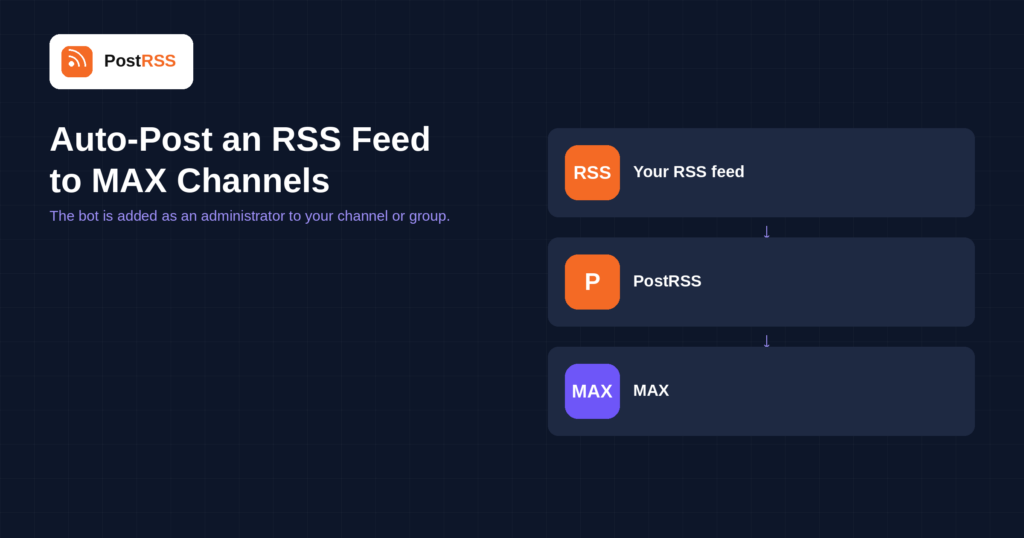
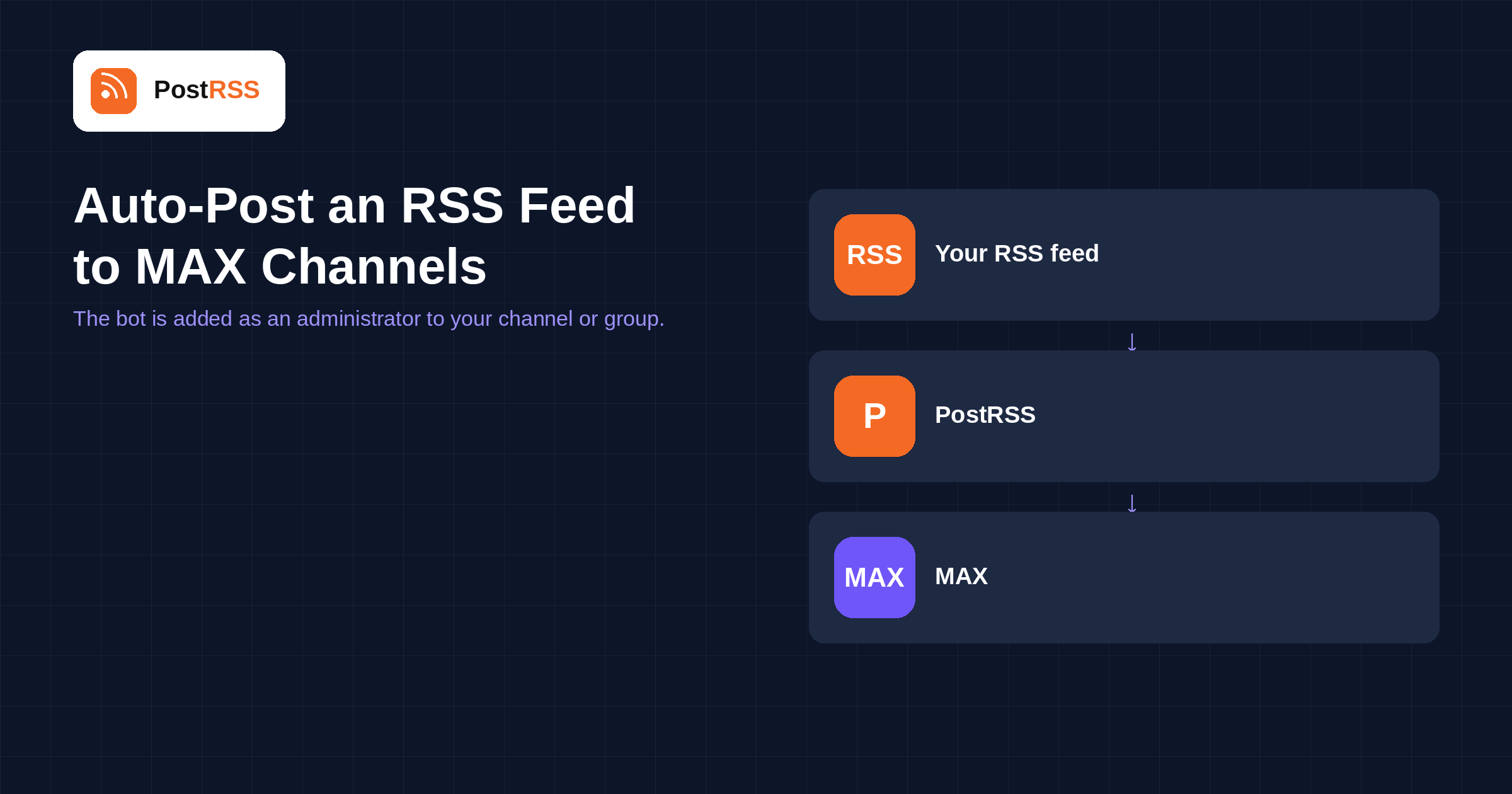
Short answer: create a bot on the MAX platform for partners, add it as an administrator to your channel or group, and paste the bot token and chat ID into PostRSS under Accounts → Add new MAX account. Then open Sasaran → Add feed, choose MAX in Target settings and add your feed under Add source (Type = RSS feed, Link = your feed address). Each new item is posted with its title, link and picture, with the image uploaded to MAX. Under MAX rules, bots can only be created by a Russian legal entity, individual entrepreneur or self-employed person. MAX is included from the Professional plan.
MAX is a Russian messaging platform with channels and group chats, and it works the way most bot-based messengers do: you register a bot, give it rights in the chat, and it posts on your behalf. This guide is the long version; the auto-post RSS to MAX page has the short one.
This is the first thing to establish, because it decides whether the rest of the setup is possible at all.
Under MAX's own rules, a bot can be created only by a Russian legal entity, an individual entrepreneur or a self-employed person. That is a platform requirement, not a PostRSS one, and no tool can work around it.
The practical consequence is that PostRSS posts through your own bot rather than through a shared one. You register the bot under whichever of those statuses applies to you, and PostRSS uses its token. If none of them applies, MAX is not a destination you can use, and it is better to know that before setting anything else up.
Two values go into PostRSS. The bot token comes from the MAX platform for partners when you create the bot. The chat ID identifies the channel or group the posts should land in.
Between creating the bot and posting, there is one step people forget: the bot has to be added as an administrator to that channel or group. A bot that is merely a member cannot publish, and the symptom is silence rather than an error.
Each new feed item is posted with its title, link and picture. The image is uploaded to MAX rather than hot-linked, which means it keeps working even if the picture moves on your own site.
As always, the image has to be in the feed for that to happen. A feed that shows a featured image on the page but omits it from the XML produces posts with a title and a link and nothing else.
MAX sits in the same category as the other messenger destinations PostRSS supports: a channel with subscribers who opted in, no ranking algorithm, and a bot doing the posting. If you already run a Telegram channel, the shape will be familiar and the audience will not overlap much.
The practical caveat is the account requirement above. Unlike Telegram, Viber or the Iranian messengers, bot creation on MAX is restricted, which means the platform is available to some publishers and simply not to others. That is worth settling first rather than discovering it at step three.
For a publisher who does qualify, the marginal cost of adding MAX to an existing feed is one Target and two values, and it is on the same plan as the rest.
PostRSS publishes items that appear in the feed after the Target starts running. It does not import the back catalogue — the alternative would be a destination flooded with years of archive on its first day.
When a channel goes quiet, the feed is usually the cause. Open its URL in a browser first.
MAX is included from the Professional plan. Each destination you connect counts as one Target, and your plan decides how many Targets and how many posts a month you get. An annual subscription is cheaper than paying monthly. Current limits per tier are on the pricing page, and the full lineup of 66 networks is on the supported networks page. The MAX page has the short version of the setup.
No. Under MAX's rules a bot can be created only by a Russian legal entity, an individual entrepreneur or a self-employed person. That is a platform requirement and no tool can work around it.
No. You register your own bot and PostRSS posts through it using your token, which is also why the account status above matters.
The chat ID of the channel or group, and the bot has to be added there as an administrator. A bot that is only a member cannot post.
Yes, when the feed item carries one. The image is uploaded to MAX and attached with the title and link.
PostRSS checks each feed every 5 minutes on standard plans and every minute on Enterprise.
No. Only items appearing after the Target starts running are posted.
The Professional plan.
MAX is a bot-based destination with one prerequisite that decides everything: bot creation is limited to a Russian legal entity, individual entrepreneur or self-employed person. If that applies to you, register the bot, make it an administrator of the channel, paste the token and chat ID, and the feed runs itself. It is included from the Professional plan.
What changed in the networks, what broke, and how to fix it before it costs you reach.
 English
 Lietuviškai
 Deutsch
 Français
 Русский
 Español
 Polski
 Italiano
 Українська
 Čeština
 Português
 日本語
日本語 Latviešu valoda
 Eesti
Eesti Magyar
 Bahasa Indonesia
 Türkçe
 हिन्दी
 Ελληνικά
 العربية
 ไทย
ไทย Tiếng Việt
 Română
 Bahasa Melayu
 বাংলা
বাংলা