RSS ke 66 rangkaian sosial: Facebook, Instagram, X, LinkedIn, Telegram dan banyak lagi Blog Afiliasi Hubungi Kami
Kick has grown into a genuine alternative to Twitch for live streamers, and plenty of creators running a website, blog, or show-notes page want their go-live moments to trigger automatic posts the same way a new blog article does. This guide covers exactly what Kick’s platform supports for automated announcements in 2026, how it compares to Twitch’s setup, and the RSS-driven workflow that actually works today.
The question matters more for live platforms than for almost any other content type covered in this series, because the value of a stream announcement decays fast. A blog post can sit relevant for weeks; a “we’re live now” message is only useful for the handful of minutes right after it’s true. That’s the lens to apply to everything below — the goal isn’t just “can this be automated,” but “can it be automated fast enough to matter.”
Before diving into the API specifics, it’s worth setting expectations correctly: nothing here requires reverse-engineering Kick’s app or storing your login credentials with a third party, both of which are common — and risky — shortcuts used by unofficial tools on platforms that lack good API support. Kick’s approach, while narrower than some platforms, is at least built on an official, documented foundation.
Yes, but it’s newer and narrower than Twitch’s. Kick launched a public API in 2024 that includes webhook events for stream status changes — specifically, events that fire when a channel goes live and when it ends. That’s the piece that matters for automation: rather than an RSS feed pulling from Kick, a webhook pushes a real-time notification the moment a broadcaster starts streaming.
What Kick’s API does not provide is a way for third-party tools to post arbitrary content into the Kick platform itself — there’s no “auto-post my blog to Kick chat” or “auto-post my RSS feed as a Kick post” endpoint, because Kick’s chat and channel feed aren’t designed as a publishing destination for outside content. The API is built around stream lifecycle events (going live, ending, follows) rather than general content distribution.
| Capability | Twitch | Kick |
|---|---|---|
| Webhook/API notification on going live | Yes (EventSub) | Yes (webhooks) |
| Third-party posting into platform chat/feed | Limited (bot accounts, not general RSS) | Not supported |
| Native RSS feed of stream activity | No native feed | No native feed |
| Best automation direction | Stream event → external social post | Stream event → external social post |
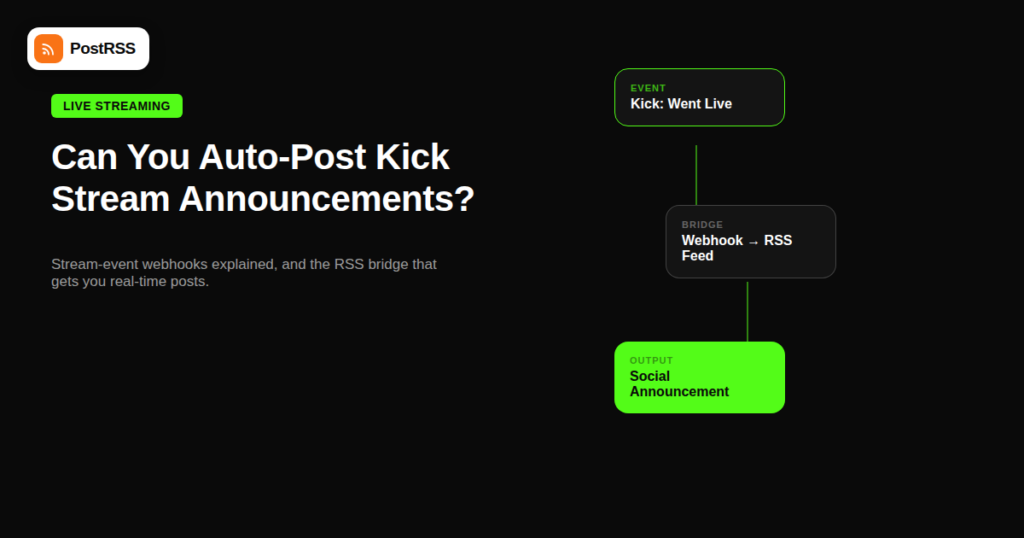
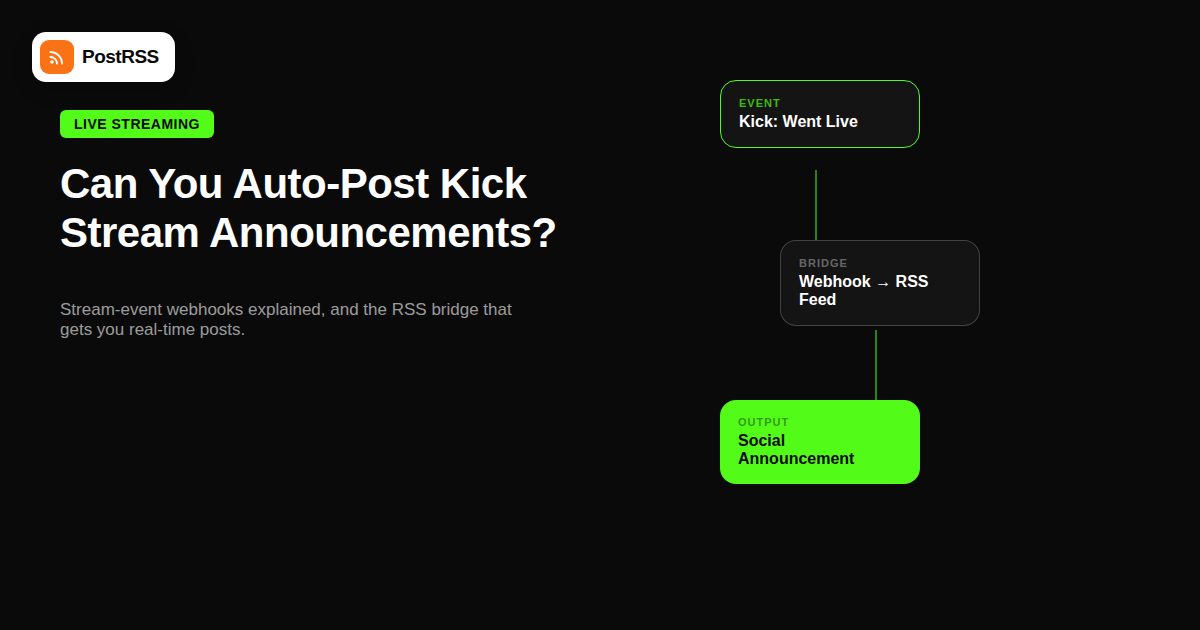
Since neither Kick nor Twitch expose a way to auto-post external content into the platform itself, the realistic and genuinely useful automation runs the other direction: using the “going live” signal to trigger posts everywhere else your audience already follows you. There are two practical ways to build this with an RSS-based setup:
Both approaches land in the same place: the moment you go live on Kick, a post automatically appears on Facebook, X, LinkedIn, or wherever else you’ve connected, driving viewers to your stream in real time rather than after the fact.
Kick’s growth over the past few years has come largely from creators who split their audience across multiple platforms, streaming to Kick and Twitch simultaneously or migrating audiences between the two. That multi-platform reality is exactly why treating stream announcements as an RSS automation problem — rather than a platform-specific one-off integration — pays off: the same underlying pipeline that already distributes your blog and podcast content can absorb a new live-event source without requiring a completely separate toolchain.
Timing is the entire value proposition here. A blog post auto-posted an hour late barely matters — the content is still just as relevant. A stream announcement posted an hour after you’ve already gone live has lost most of its value, since the audience it’s trying to reach needed to see it in the first place ten minutes, not sixty minutes, after you started. This is why the webhook-based approach (near-instant) is meaningfully better than a polling-based RSS check every 15-30 minutes for this specific use case, even though polling works fine for most other RSS automation scenarios.
It helps to understand the mechanics, since “bridge the webhook into a feed” can sound more complicated than it is. A webhook is simply an HTTP request that Kick’s servers send to a URL you register, the instant a qualifying event happens — in this case, a channel transitioning from offline to live. A bridge tool sits at that URL, receives the request, and does one of two things: it either immediately fires an onward action (like posting directly to a specific network), or it appends the event to a small, auto-generated RSS/Atom feed that updates in real time.
The second approach — generating a feed — is what makes this compatible with existing webhook-driven automation infrastructure. Instead of building a one-off Kick-specific integration, you’re feeding Kick’s live events into the same pipeline that already handles your blog, podcast, and YouTube channel, which means one tool manages your entire distribution calendar rather than a patchwork of platform-specific scripts.
Response time matters here more than almost anywhere else in RSS automation. Because a webhook push is triggered instantly by Kick’s own servers, the resulting feed update — and therefore your social post — can go out within seconds of your stream starting, rather than waiting for the next scheduled poll of a traditional feed, which might run every 15 to 30 minutes.
Once a stream ends, Kick keeps a video-on-demand (VOD) archive, and clips can be created from stream highlights. Neither of these currently has a public RSS feed or a broadly-supported auto-posting API from Kick’s side, so the same pattern applies: treat the “stream ended” or “new VOD available” webhook event as your trigger, and let your existing social auto-posting handle the distribution once you’ve converted that event into a feed-compatible format.
| Symptom | Likely Cause | Fix |
|---|---|---|
| Announcement never fires | Webhook not registered or bridge tool misconfigured | Re-verify the webhook subscription in Kick’s developer settings |
| Announcement fires but is delayed 20+ minutes | Using feed-polling instead of webhook push | Switch to a webhook-based bridge rather than a polling interval |
| Duplicate posts on every stream | Bridge tool re-triggers on stream title changes mid-broadcast | Filter the bridge to only fire on the initial “went live” event |
| Post appears but link is broken | Channel URL not correctly templated in the bridge | Confirm the channel slug is inserted correctly into the caption template |
Streamers running both platforms simultaneously (common during a Kick/Twitch multistream setup) often ask whether they need two entirely separate automation pipelines. In practice, most webhook-to-RSS bridge tools can watch both platforms and merge their “went live” events into a single combined feed, so one auto-posting configuration can announce either platform’s stream without duplicating your social media setup. The caption template just needs a conditional field for which platform triggered the event, so your audience knows exactly where to click.
No. Kick doesn’t provide a public API endpoint for posting external content into a channel’s feed or chat, so this isn’t currently possible through any ToS-compliant tool.
Yes — Kick’s API includes webhook events for stream status changes, which is the mechanism most “going live” announcement automations rely on.
Very similar. Both platforms lack a way to post content in, but both support webhook-based “going live” events that can drive an outbound social announcement automation.
PostRSS and similar RSS-to-social tools focus on distributing content to networks like Facebook, X, LinkedIn, and Pinterest from a feed; posting into Kick itself isn’t possible because Kick doesn’t expose that capability to any third party.
A direct webhook-to-social integration will always be faster than a feed-polling approach, but converting the webhook into a feed your existing RSS auto-posting tool already monitors is the most practical option if you don’t want to manage separate tooling per platform.
Basic stream-status webhook access is generally available to registered developers regardless of partner tier, though specific rate limits and event types can vary — check Kick’s current developer documentation for your account level.
If you stream infrequently, a manual post takes barely more effort than checking whether an automation fired correctly, so the setup cost may not be worth it — automation pays off most for streamers with a regular, predictable schedule.
Kick’s developer platform generally requires registering an application and channel before webhook events become available, similar to most platform developer programs, though the exact approval process can change — check current documentation before building a production integration.
Depending on how your bridge tool is configured, a quick restart can trigger a second “went live” event and a duplicate announcement. Most bridge tools offer a cooldown window (for example, suppressing repeat events within 10-15 minutes) specifically to handle this case, so check for that setting if duplicate posts become a problem.
Yes, if your bridge tool passes through Kick’s stream metadata (title, category) into the feed item, which most do — your auto-posting tool can then use that field in the caption template so each announcement reflects what you’re actually playing or discussing that session.
Yes — webhook-based announcements trigger on the actual “went live” event rather than a fixed schedule, so irregular streaming times don’t cause any missed or mistimed posts the way a rigid content calendar might.
You can’t auto-post your RSS feed directly into Kick in 2026, but you can reliably automate the far more valuable direction: turning your “went live” moment into an instant announcement across every other platform your audience follows. Bridge Kick’s webhook events into a feed your auto-posting tool can read, and you get real-time stream promotion without manually posting the same announcement across four or five networks every time you start streaming. Treat the stream itself as just another content source feeding the same distribution pipeline you already use for blog posts and videos, and the marginal effort of adding Kick to your setup stays close to zero.
What changed in the networks, what broke, and how to fix it before it costs you reach.
Dibina oleh Internet Solutions, pasukan di sebalik PostRSS. Setiap produk menjimatkan masa anda dengan cara tersendiri.
 English
 Lietuviškai
 Deutsch
 Français
 Русский
 Español
 Polski
 Italiano
 Українська
 Čeština
 Português
 日本語
日本語 Latviešu valoda
 Eesti
Eesti Magyar
 Bahasa Indonesia
 Türkçe
 हिन्दी
 Ελληνικά
 العربية
 ไทย
ไทย Tiếng Việt
 Română
 Bahasa Melayu
 বাংলা
বাংলা